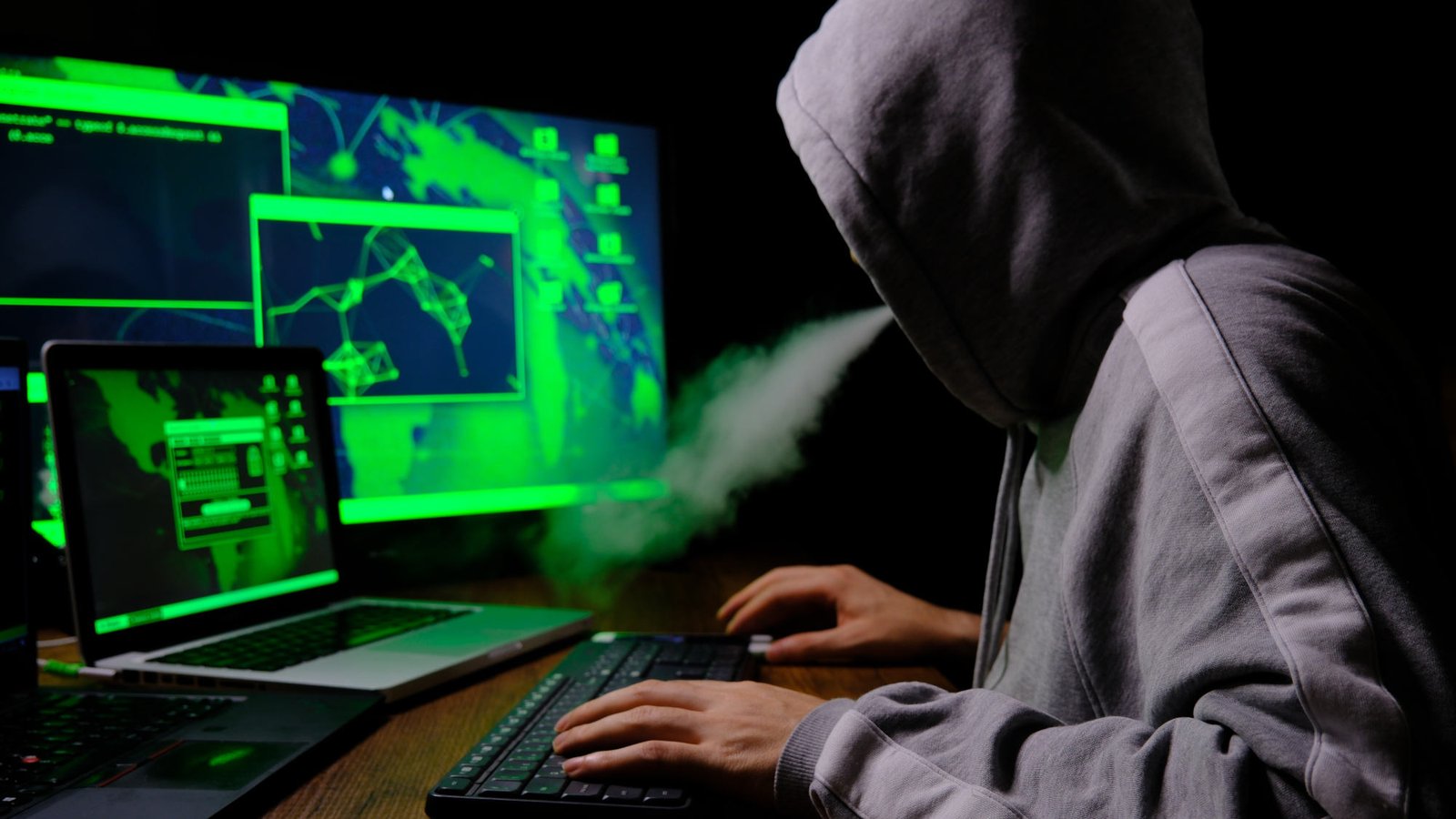
Time and again, hackers infect other people’s computers as well as routers or other network devices in order to misuse them for their botnet. What’s a botnet, you ask? Simply put, it’s a collection of computers and other devices that have been infected with malware. From such a botnet, cybercriminals launch attacks on websites or servers. For example, DDoS attacks or they send spam and phishing emails.
The owners of the hijacked computers and network devices are unaware of this unless they check the traffic coming from their machines. However, this requires experience in using network analysis tools such as Wireshark or Nmap. But there is an easier way that doesn’t require any prior technical knowledge.
The security company GreyNoise has provided a free online tool called GreyNoise IP Check on its website, with which you can immediately check whether your network’s IP is connected to a botnet. The check takes barely a second, and you will immediately know whether there are hijacked or remotely controlled computers or other network devices in your network. You don’t have to log in to use it, and you don’t even have to enter an email address.
According to Bleepingcomputer, three classifications are possible:
- Clean: No malicious scanning activity has been detected.
- Malicious/Suspicious: The IP address has shown scanning activity. Users should check the devices in their network.
- General corporate service: The IP address belongs to a VPN, a corporate network, or a cloud provider, and the scan activity is normal for these environments.
Restriction: Of course, the result only applies to the current IP address of your computer. However, this changes regularly for private users (albeit after different periods of time), unless they have a fixed IP address, which is the exception for private users.
If the classification is malicious/suspicious, you should immediately scan all of your computers with an up-to-date virus scanner. The manufacturer writes: “The tool shows you when the activity was first and last observed, what types of scanning behavior were detected and advises you of the next steps.”
Install the latest available firmware on all network-enabled devices (including smart TVs or network cameras, etc.) to close any newly discovered security gaps. Next, change all access data/passwords on the affected devices and switch off remote access functions if you do not need them.
More information on the free GreyNoise IP Check scan tool is available from the manufacturer here.
This articles is written by : Nermeen Nabil Khear Abdelmalak
All rights reserved to : USAGOLDMIES . www.usagoldmines.com
You can Enjoy surfing our website categories and read more content in many fields you may like .
Why USAGoldMines ?
USAGoldMines is a comprehensive website offering the latest in financial, crypto, and technical news. With specialized sections for each category, it provides readers with up-to-date market insights, investment trends, and technological advancements, making it a valuable resource for investors and enthusiasts in the fast-paced financial world.