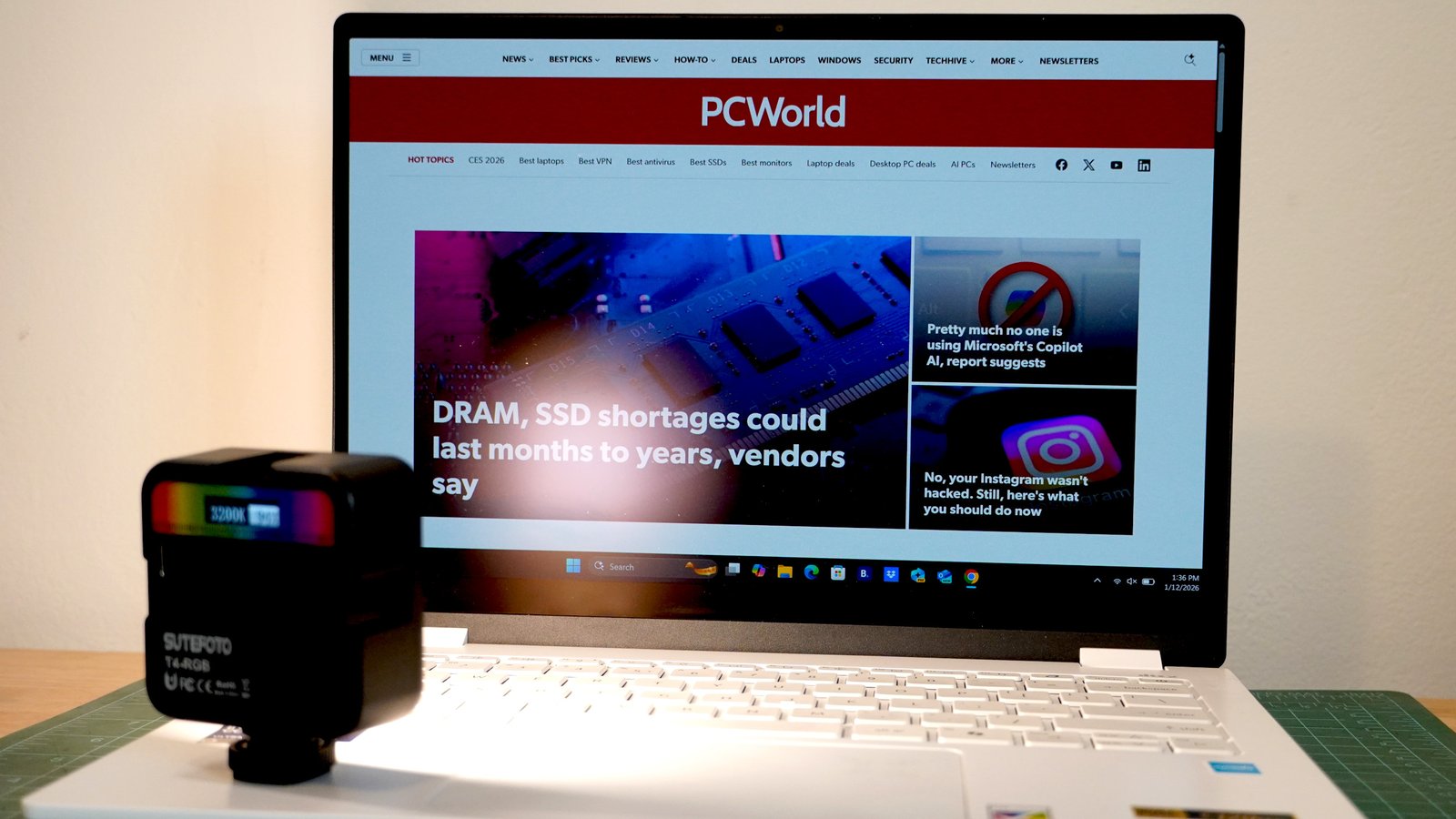
There’s a lot that separates a good display from a bad one, and plenty more to separate a good one from an exceptional one. Color gamut, brightness, contrast, pixel density, pixel response time, and refresh rate all play big roles, but ultimately the most important factor is how well the screen can display images and how easy it is for you to see it.
After testing the Acer Swift Edge 14 AI, which is the first laptop to incorporate Corning’s Gorilla Matte Pro display treatment, I’ve seen the light. I now want every laptop to have this tech and I dread testing any laptop that doesn’t have this tech. It nails the “easy to see” equation and allows the best qualities of a display to shine—literally.
Matte versus glossy screens
There’s a lot of debate about what’s best for display quality. Some say that a glossy screen allows the purest transmission of light from the display to your eyeballs. I can’t argue with that. But enjoying that pure transmission requires an ideal environment setup to minimize the glare and reflections that end up on such glossy displays.
Anti-glare finishes on screens can make reflections darker, and matte finishes can diffuse light that’s hitting the screen, so reflected light sources are less distracting. Traditionally, though, these anti-glare and matte options have reduced contrast (undesirable on high-quality OLED displays) and introduced sparkle to the light emitting from the display.
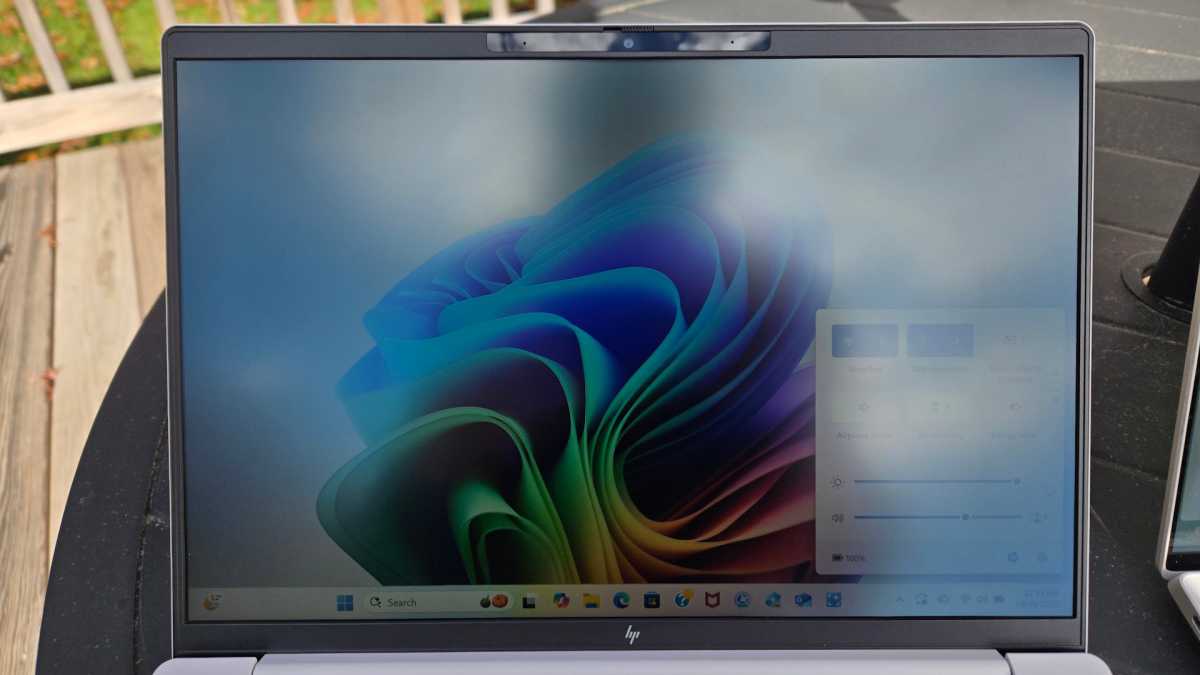
Chris Hoffman / Foundry
Corning describes this sparkle as a “grainy or even greasy” appearance to the screen. And having put matte screen protectors on a host of devices from my phone to my laptop, I can see exactly that sort of graininess and greasiness sometimes. But the trade-off is that I don’t see my mirror image or bright lights reflected on my displays.
For some of us, that trade-off is worth it. It’s why my colleague Chris Hoffman now prefers matte over OLED in his laptop screens.
The Gorilla Matte Pro difference
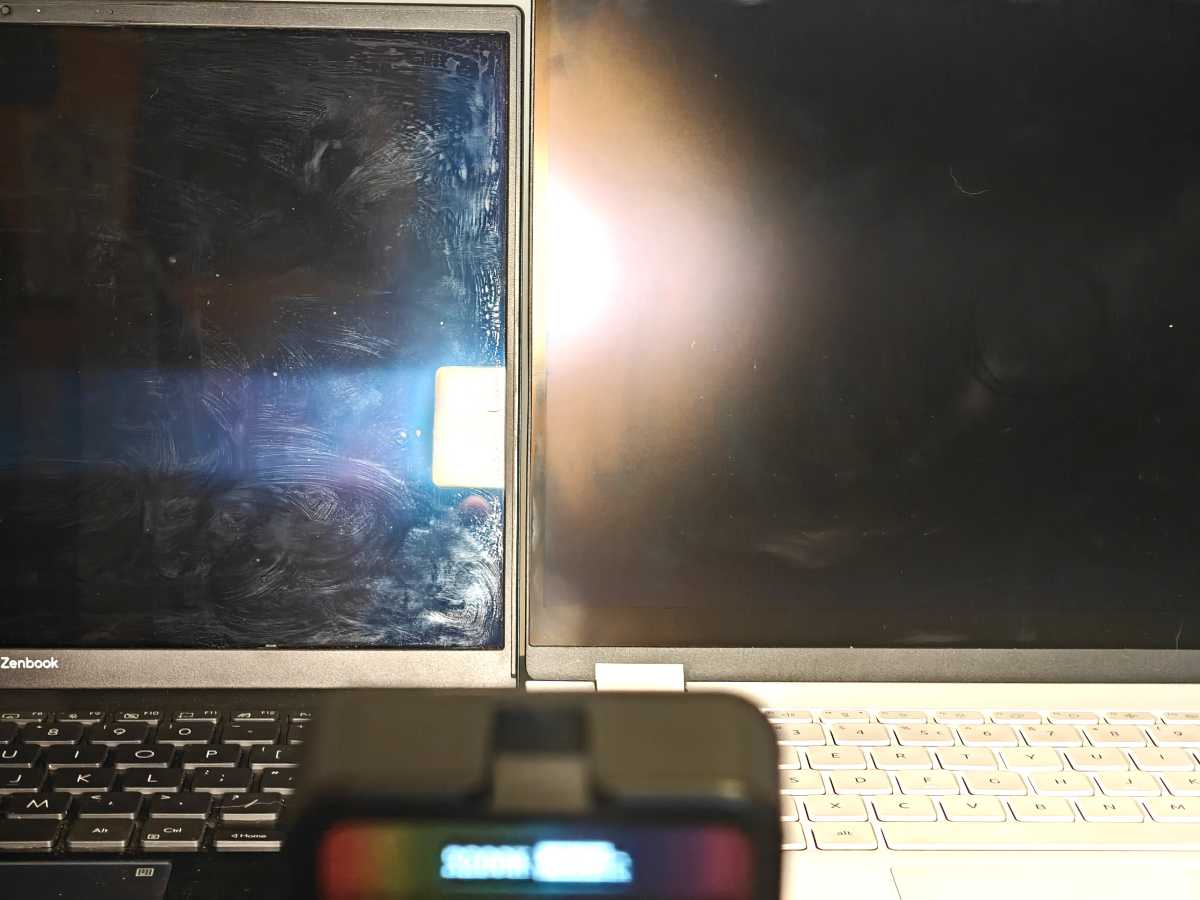
Mark Knapp / Foundry
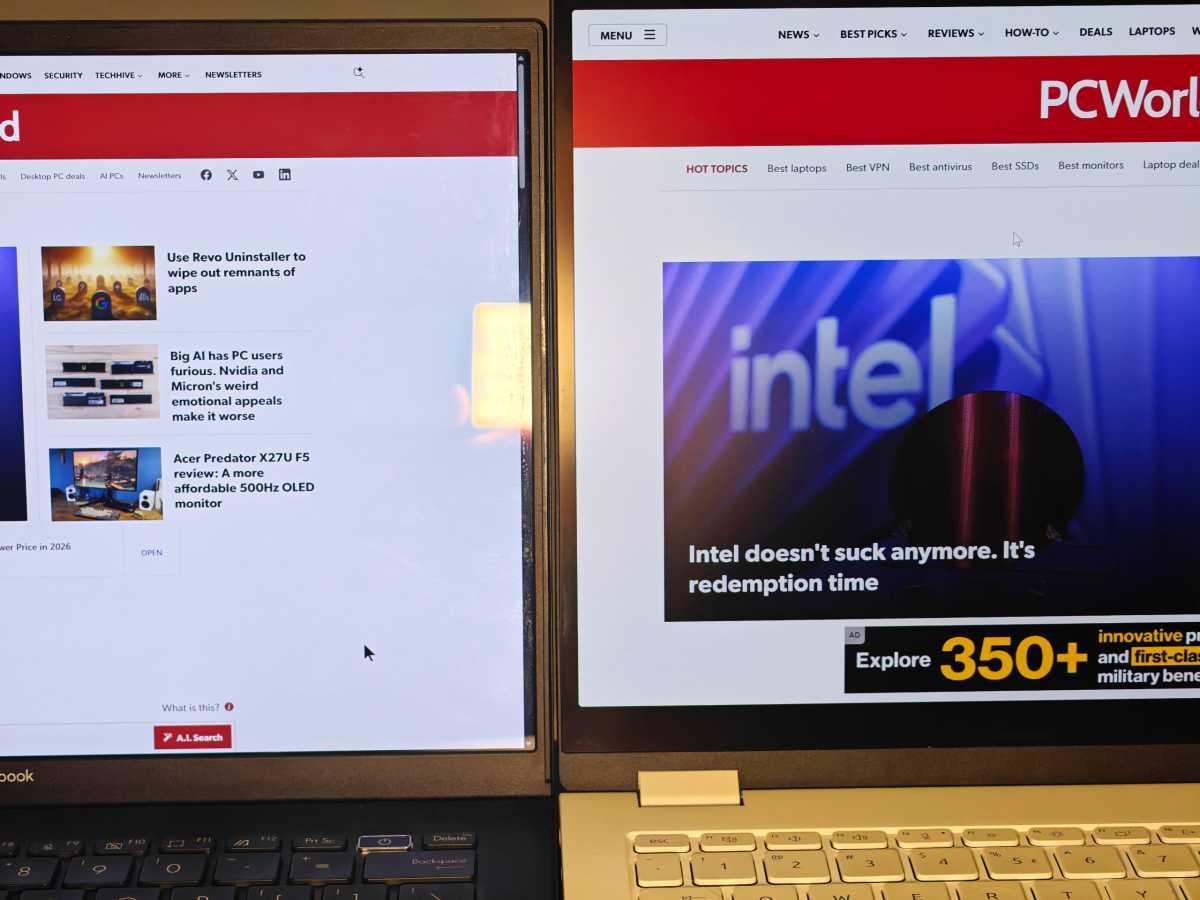
Mark Knapp / Foundry
Why it matters
I love OLED displays on my laptops. Between their color and contrast, they look phenomenal—in the right conditions. But I take laptops all over the place, and unless I’m at home, I usually don’t have control over ambient lighting, overhead lights, environmental brightness, etc.
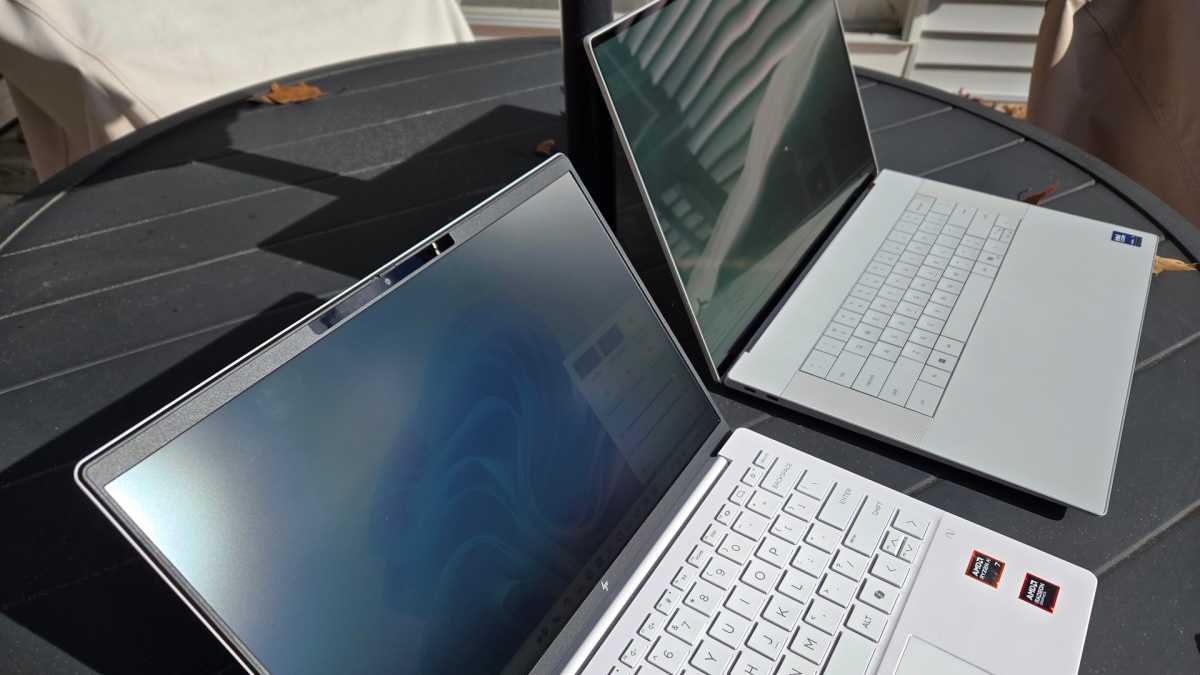
When it’s too bright or there’s a strong light hitting my screen, I have to crank the brightness of that glossy OLED display to continue using it comfortably. It’s a similar issue if I want to sit in front of a window and have a decent view while I work. The light pouring in through the window will light me up and then all I see is my reflection on the screen, unless I crank up the display’s brightness in turn.
Chris Hoffman / Foundry
That increased brightness comes with a huge tax on the laptop’s power usage and battery life. A laptop that might’ve run all day could last just a few hours with its display brightness amped up. Good luck doing work on a lovely patio in the middle of summer.
This Gorilla Matte Pro finish sidesteps those issues. I can work in front of windows. I can go outside (though I’d still avoid angling it up towards the sky for the best experience). And even in challenging conditions, I can keep the brightness level low while still clearly seeing what’s on screen, which helps extend battery life much farther. That’s huge.
It’s little surprise that more high-end devices—for example, Samsung’s Galaxy S25 Ultra, Apple’s iPhone 17, and the MacBook Pro—are offering similar glare-fighting features and that Corning’s Gorilla Matte Pro won a CES innovation award this year.
This tech simply lets wonderful displays look their best more of the time in wider circumstances. As someone who loves a great-looking screen, I now want Gorilla Matte Pro on all of them.
Further reading: The good, bad, and ugly of OLED laptops
This articles is written by : Nermeen Nabil Khear Abdelmalak
All rights reserved to : USAGOLDMIES . www.usagoldmines.com
You can Enjoy surfing our website categories and read more content in many fields you may like .
Why USAGoldMines ?
USAGoldMines is a comprehensive website offering the latest in financial, crypto, and technical news. With specialized sections for each category, it provides readers with up-to-date market insights, investment trends, and technological advancements, making it a valuable resource for investors and enthusiasts in the fast-paced financial world.