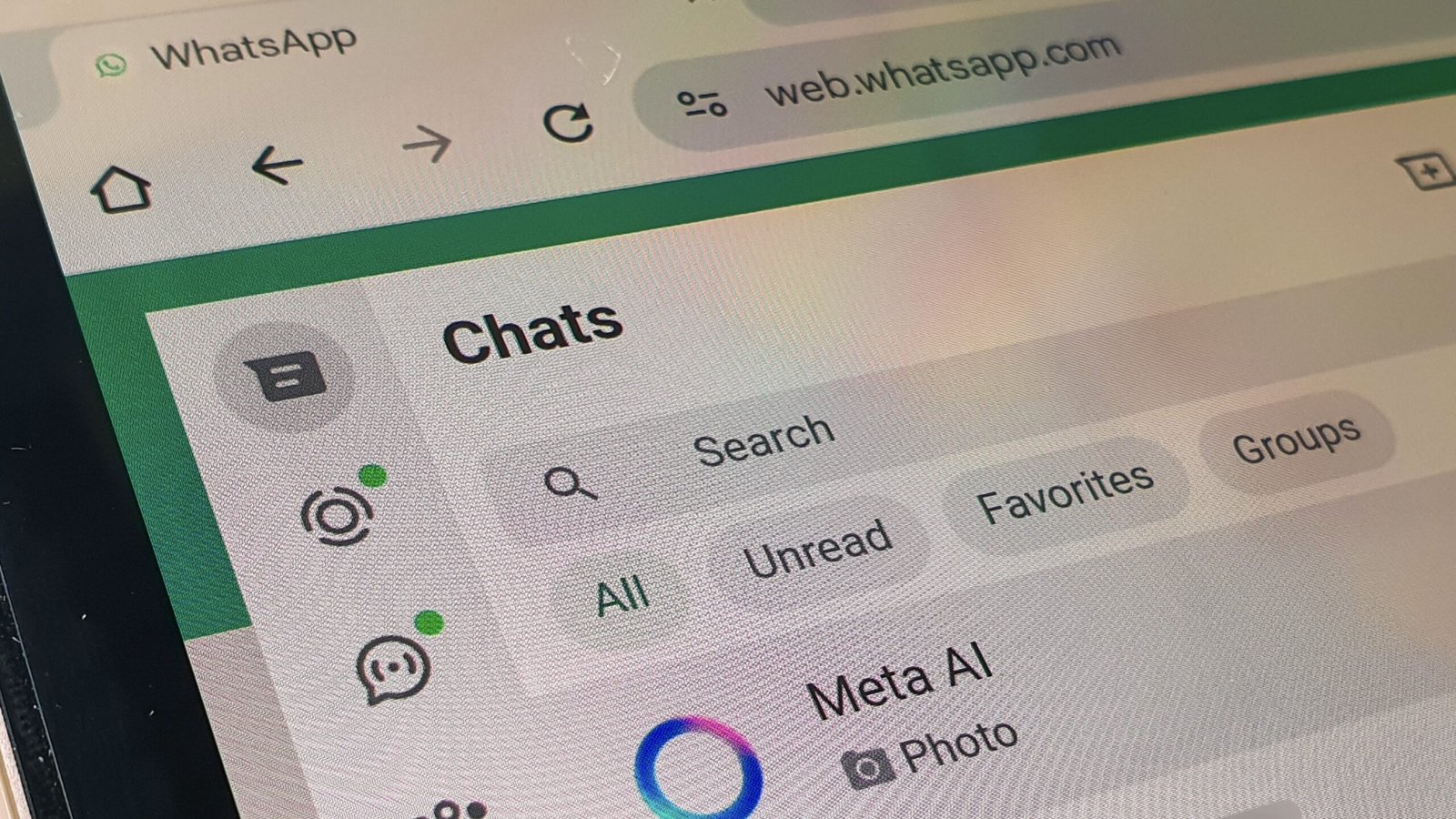
While there are a lot of chat apps out there, WhatsApp is the undeniable leader of the pack. The app has over three billion monthly active users, constantly messaging and calling one another across the globe. However, currently those calls are all happening over the mobile app, or maybe the desktop app. Though WhatsApp does have a web app, the service has never supported audio or video calls outside of its downloadable apps—until now.
You can now make calls from the WhatsApp web app
According to WABetaInfo, WhatsApp is slowly rolling out audio and video calls to its web app. At launch, the functionality is coming to individual chats with users who elect to enroll in the WhatsApp web app’s beta, but the company plans to roll out the feature to all web app users over the coming weeks.
WABetaInfo notes that voice and audio calls work about the same as they do in the WhatsApp desktop app. When you open an individual chat in the web app, you’ll now see a video call icon at the top. Click this, and you’ll find two options: one to place a voice call, and one to place a video call. These calls are still end-to-end encrypted, as they are on WhatsApp’s desktop and mobile apps, meaning only the users who are a part of the calls can hear what’s being said. In addition, the web app’s video call client supports Screen Share, so you can share a live stream of your computer’s screen to another WhatsApp contact.
WhatsApp is also reportedly working on group chat calls for web app users, as well. While that feature won’t roll out alongside individual calls, when it does launch, you’ll be able to join group chats with up to 32 people.
If you tend to use the WhatsApp desktop or mobile apps, this might not seem like huge news—but it is pretty substantial for a few subsets of WhatsApp users. One, of course, is the user base that just prefers using WhatsApp in their computer’s web browser—but the other is Linux users. WhatsApp doesn’t actually offer a version of its desktop app for Linux, so those users have to use the web app if they want to run WhatsApp on their computers. That means they’ve never before been able to place calls without pulling out a mobile device.
How to sign up for the WhatsApp web app beta
This feature will soon roll out to all web app users, but until then, you need to be running the WhatsApp web app beta in order to try it.
Luckily, it’s pretty easy to get up and running. To start, open the web app, then head to the settings menu, choose “Help,” then choose the “Join beta” option. This will immediately switch you over to the beta version of the web app. (You should see a “Beta” label on your screen.) Now that you’re running the beta, should you find the option to place calls in individual chats.
This articles is written by : Nermeen Nabil Khear Abdelmalak
All rights reserved to : USAGOLDMIES . www.usagoldmines.com
You can Enjoy surfing our website categories and read more content in many fields you may like .
Why USAGoldMines ?
USAGoldMines is a comprehensive website offering the latest in financial, crypto, and technical news. With specialized sections for each category, it provides readers with up-to-date market insights, investment trends, and technological advancements, making it a valuable resource for investors and enthusiasts in the fast-paced financial world.