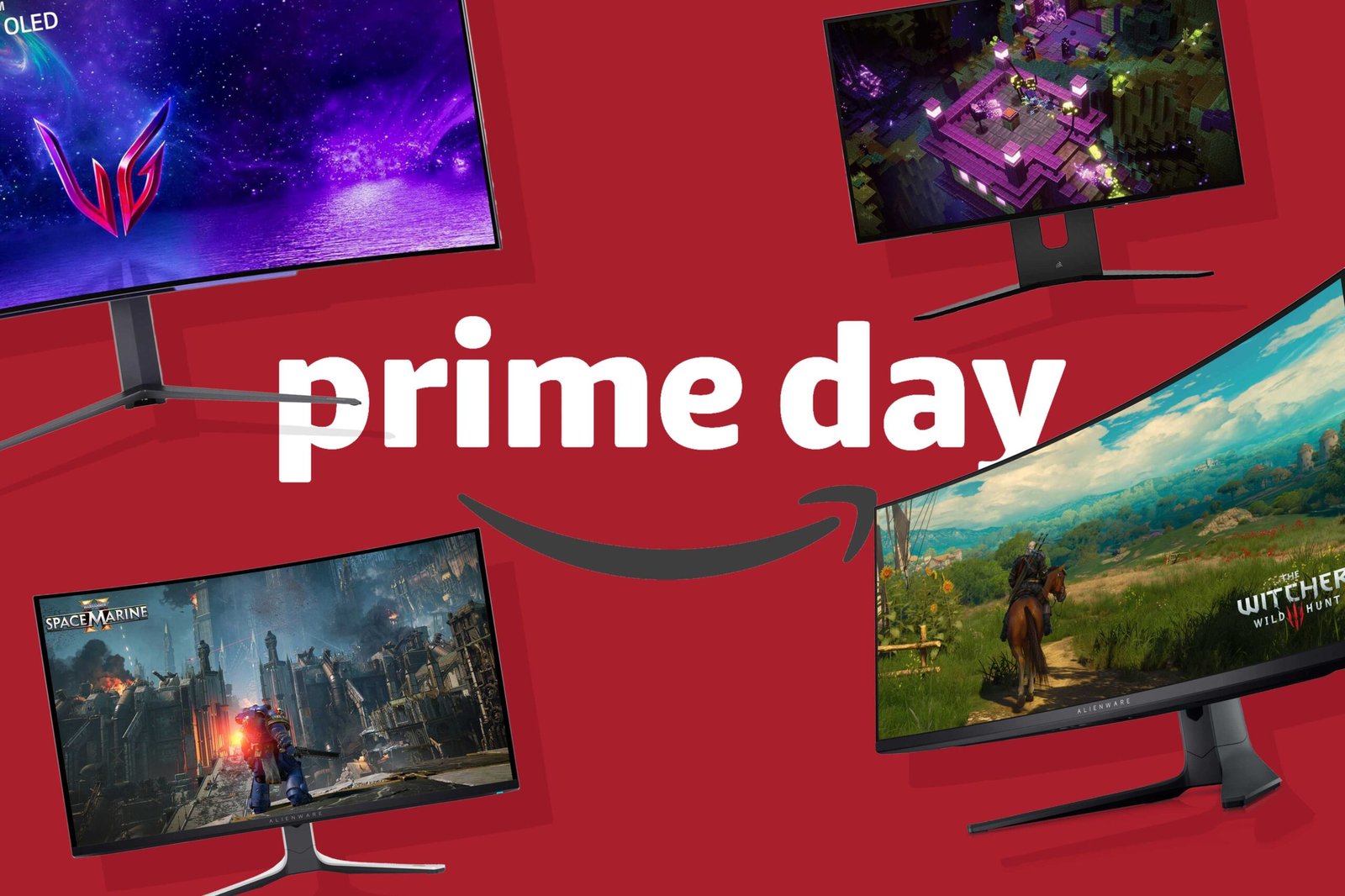
One of the easiest ways to enhance your PC experience is to get a better monitor. It doesn’t require any upgrades for your desktop or laptop (which is good, since they’re all insanely expensive right now), and it shines up the primary way you interact with almost everything: the visuals. Even better, the prices of luxurious models with high resolutions, frame rates, and features like OLED panels have consistently fallen over the year. Now it’s time to take action.
Amazon’s latest Prime Day deal extravaganza is almost here for people looking to score a new display for cheap, kicking off on October 6th. (Here’s how to get Amazon Prime for free so you can get in on the deep, deep discounts.) We’re already starting to see steep sales surface in the lead-up to the big event.
To find deals on Prime Day or other sale days, when prices are often (ahem) less than straightforward, we compare monitors based on their specifications, available reviews, and of course, the value versus the general market. For Amazon in particular we avoid “whitebox” brands, whose after-sale support may be lacking. We also check price history to make sure the sale is actually a sale.
This year we’re focusing on OLED gaming monitors, as that’s a popular choice both for first-time buyers and those who are looking to upgrade an existing setup. On the non-gaming side of things, USB-C monitors are popular upgrades for laptop owners looking to expand their productivity or simplify a work layout.
Deals at a glance
- Best budget OLED monitor deal: Alienware 27-inch 1440p 240Hz — $350 base price
- Best OLED gaming monitor deal: LG 34-inch 1440p 240Hz — $699.99 ($600 off)
- Best gigantic OLED gaming monitor deal: Samsung Odyssey G9 49-inch — $796 ($504 off)
- Best office monitor deal: Asus ZenScreen USB-C 4K monitor — $329.99 ($70 off)
- Best budget office monitor deal: BenQ 24-inch USB-C — $94.99 ($35 off)
- Best portable monitor deal: MNN 15.6-inch USB-C monitor — $49.99 (list price)
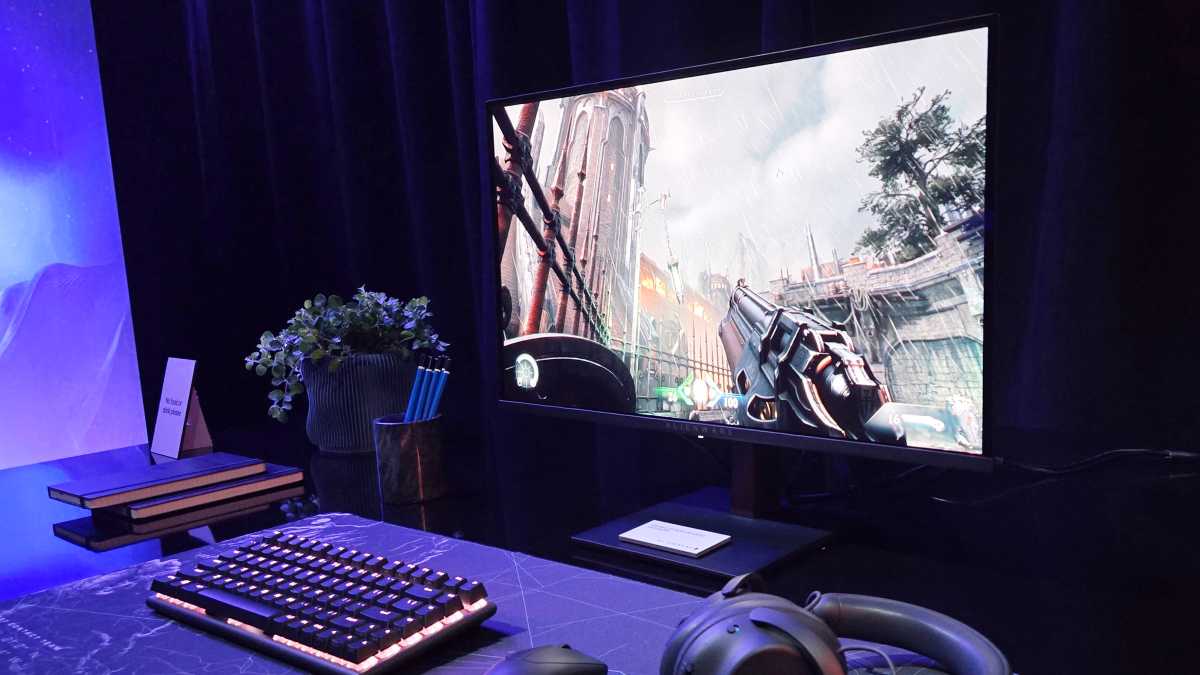
Best budget OLED monitor: Alienware 27-inch 1440p 240Hz ($350 base)
Michael Crider / Foundry
Who is this for? 2026 is an absolutely perfect year to upgrade to an OLED monitor, because the tech is now mature, reasonably affordable…and it’s not like most of us can afford any internal upgrades for our gaming PCs. Dell has come out swinging with this brand-name gaming OLED, at a perfect sweet spot in terms of hardware, at a price no other name brand can match. Even once Prime Day gets going, I doubt you’ll find a better deal on a basic OLED setup with 1440p resolution and 240Hz speed.
Why is this deal good? This isn’t the monitor for you if you want versatility or lots of inputs. It’s just a great OLED panel and absolutely nothing else. But if that’s all you want — especially if you don’t care about connecting to a laptop, for example, or any web-enabled apps — it’s perfect.
Get the Alienware AW2726DM OLED monitor for $349.99
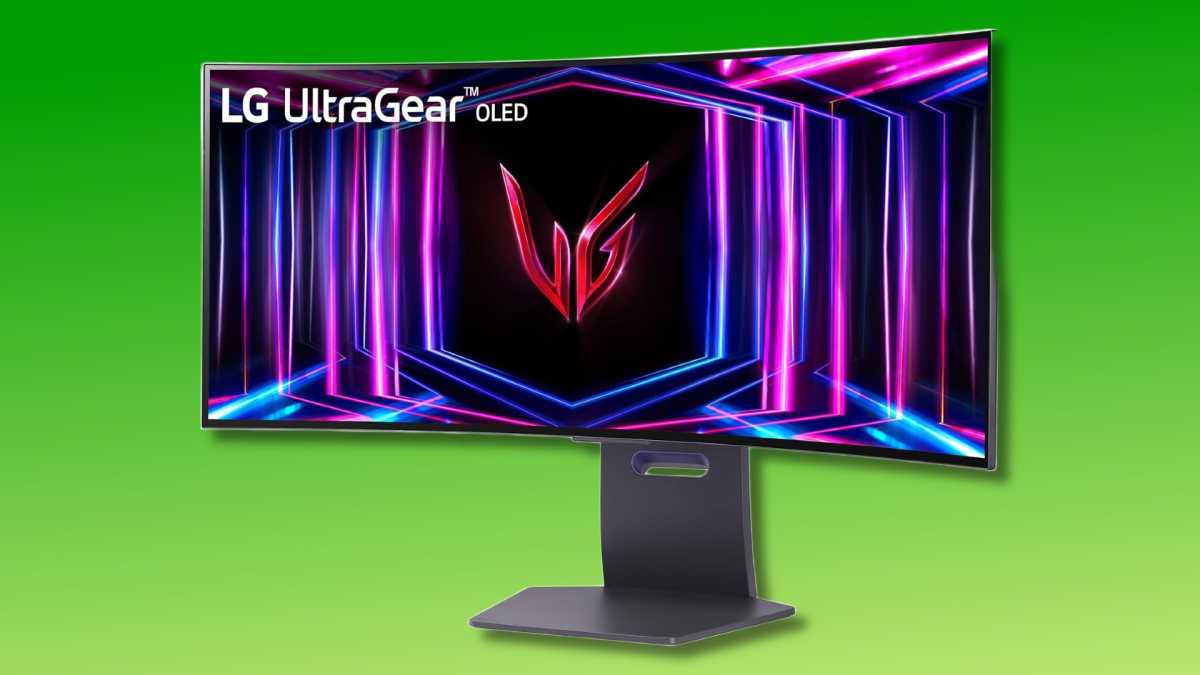
Best OLED gaming monitor: LG 34-inch 1440p 240Hz ($600 off)
LG
Who is this for? If you want some more premium options for your gaming hardware and your budget can stretch a bit, this $700 LG ultrawide monitor is the one for you. The 34-inch, 3440×1440 panel gives you appreciably more space versus a 27-inch monitor, with options for multitasking when you’re not gaming. But with a 240Hz refresh rate, it’s ready to tackle intense online multiplayer too. It’s also packing G-sync compatibility and some USB-A ports for extra gadgets.
Why is this deal good? For a 34-inch ultrawide OLED, you generally have to compromise or pay up. But with a $600 discount off the original price of this model, you’re getting name-brand performance at no-name price.
Get the LG 34-inch OLED ultrawide monitor for $699.99
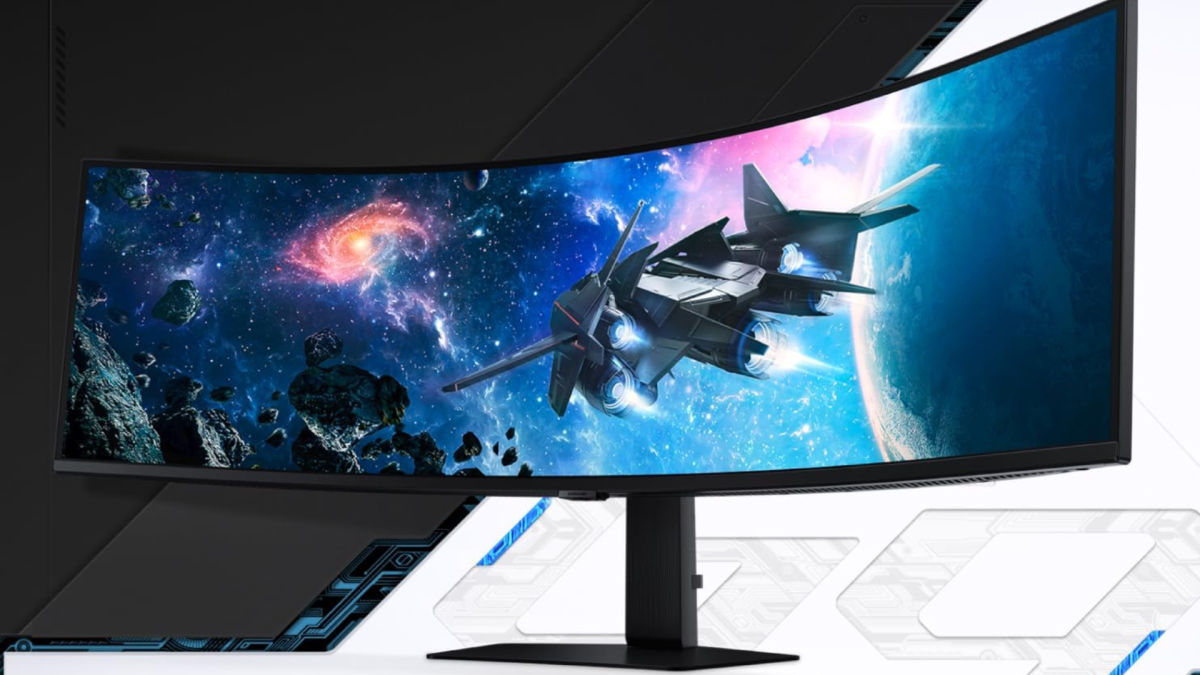
Best gigantic OLED gaming monitor: Samsung Odyssey G9 49-inch ($504 off)
Samsung
Who is this for? Alright buddy, you’re ready to go all-out. I’m impressed. But just because you have a gaming PC that can push all the pixels doesn’t mean you have to pay all the dollars. This 49-inch Samsung OLED is so big it might not even fit on smaller desks, and with as much screen real estate as two 1440p monitors smooshed together, it’ll need a pretty beefy PC to use it to the maximum. That goes double if you want to hit the 144Hz maximum refresh rate.
Why is this deal good? A year or so ago, you couldn’t find a monitor in this size and speed class with an OLED panel for anything under a thousand bucks. But at under $800, this LS49DG910SNXZA model is cheaper than some monitors at about half the size. Just be aware that at this size, and a pretty dramatic curve, it won’t fit into everyone’s desk setup.
Get the Samsung Odyssey G9 OLED 49-inch ultrawide monitor for $796
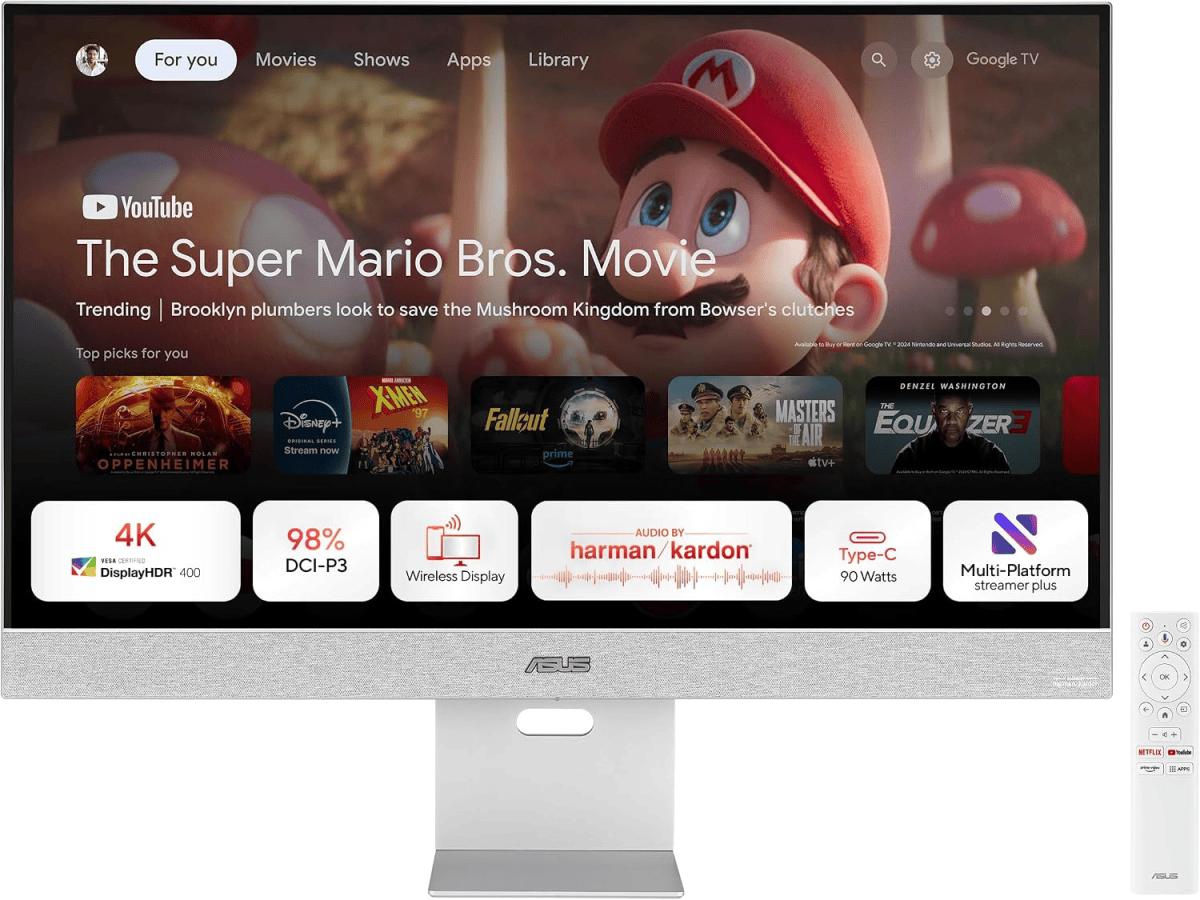
Best office monitor deal: Asus ZenScreen USB-C 4K monitor ($70 off)
Asus
Who is this for? For a big, mult-tasking monitor that does more than your typical screen, it’s hard to do better than this Asus model. In addition to a 4K, 32-inch IPS panel that’s great for reading text or editing photos and videos, you get built-in Google TV features that can handle streaming apps even without anything connected. And speaking of connections, the USB-C port makes it a snap to connect laptops (with 90 watts of charging!) and add on other accessories.
Why is this deal good? With all that tech built in, this screen is just $329 at the time of writing, a $70 savings off the regular price. For a high-res monitor that doubles as a TV and has a built-in USB hub, that’s fantastic.
Get the Asus Zenscreen 32-inch monitor for $329
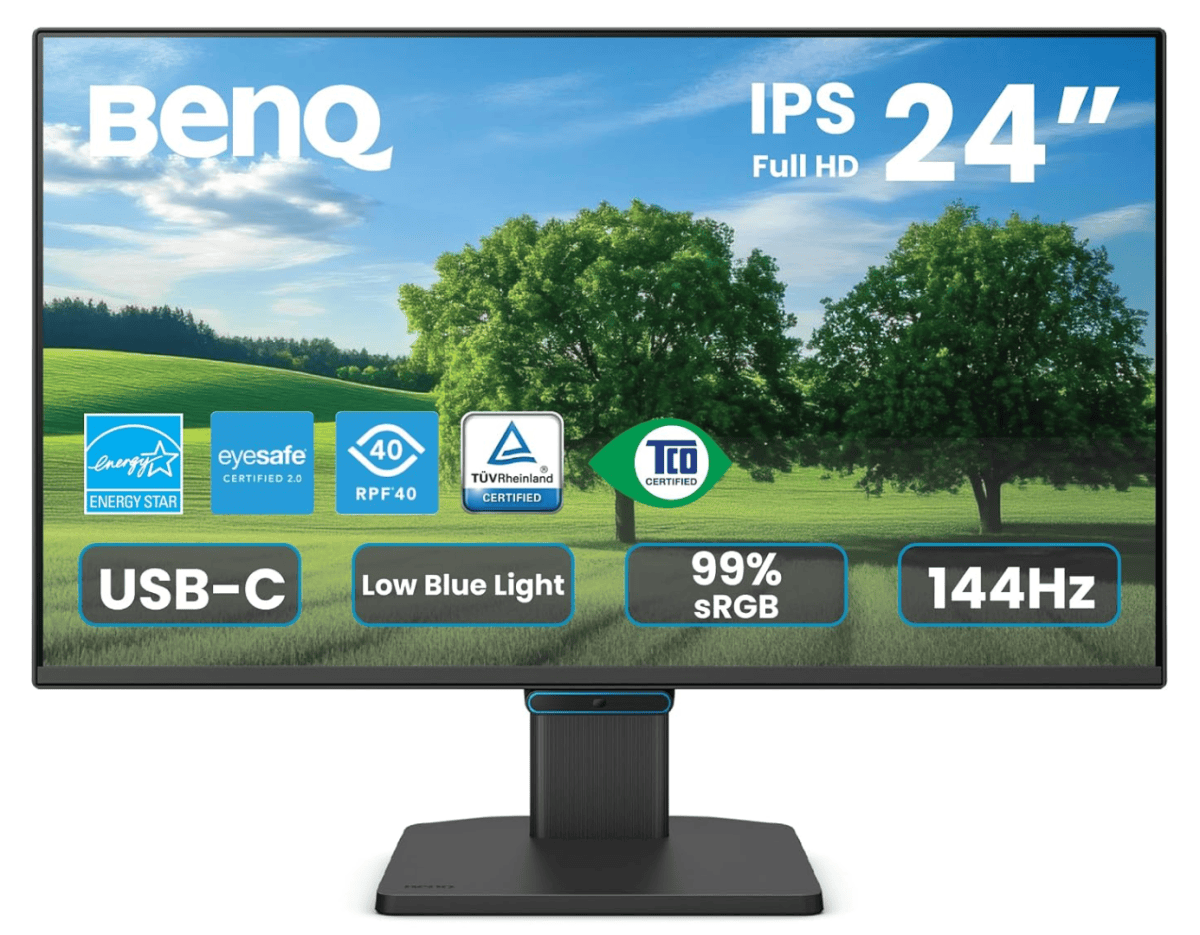
Best budget office monitor deal: BenQ 24-inch USB-C ($35 off)
BenQ
Who is this for? It’s hard to find a cheap monitor with USB-C, but this BenQ model manages it for under $100. Just 24 inches and 1080p resolution, but the 144Hz panel gives it a little extra utility. Note that USB-C connection doesn’t have enough juice to recharge a laptop, but should work for most phones and tablets. Of course it still has standard HDMI and DisplayPort.
Why is this deal good? If you want a flexible, easy-to-connect monitor that makes a great stand-alone screen or an add-on (including VESA mount compatibility) for a multi-monitor setup, this will do it without breaking the bank.
Get the BenQ 24-inch USB-C monitor for $94.99
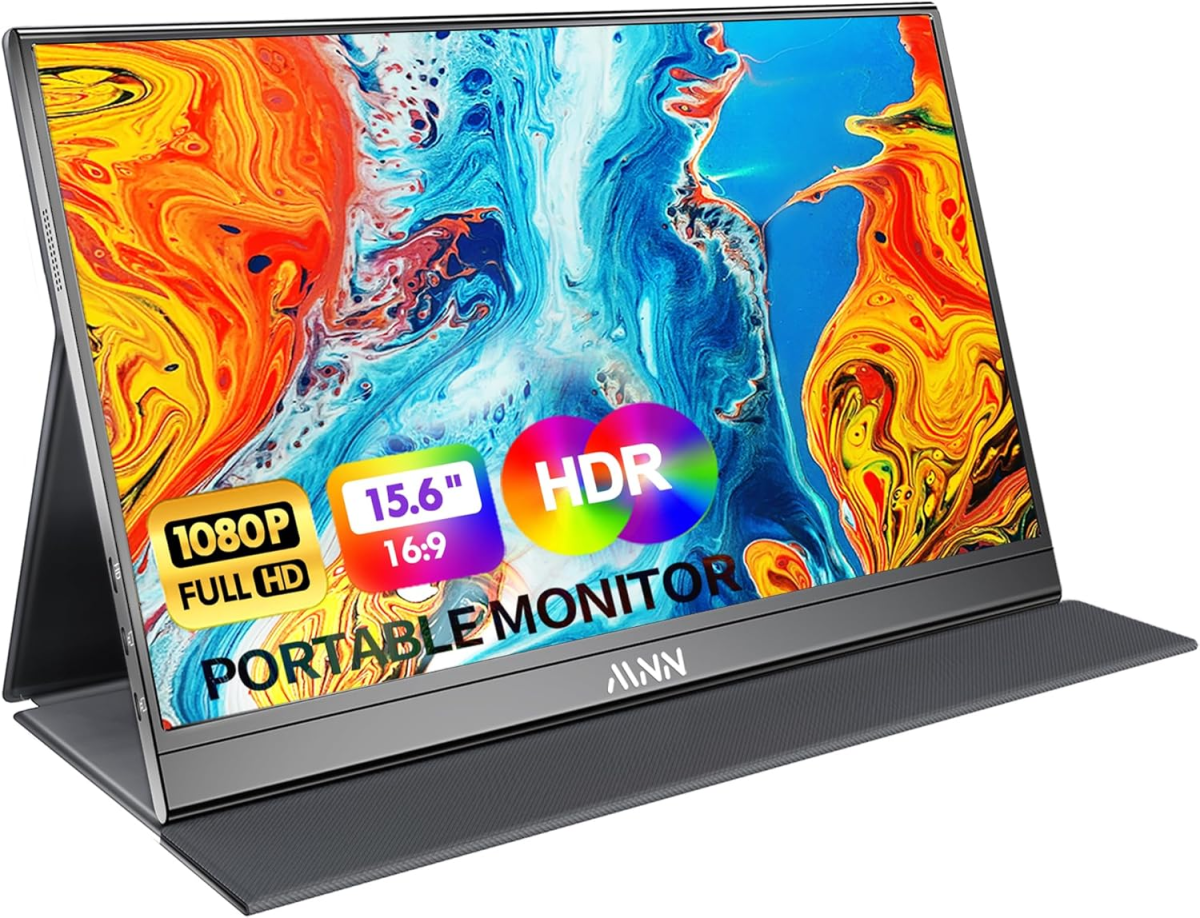
Best portable monitor deal: MNN 15.6-inch USB-C monitor ($6 off)
MNN
Who is this for? I can’t remember the last time I went on a work trip without a USB-C monitor, the easiest way to add multitasking powers to any laptop (or a phone or tablet, if it supports video over USB). This $44, 15.6-inch panel is basic, but includes everything you need thanks to its 1080p resolution. The extra space gives you a dual-monitor productivity powerhouse that fits in a backpack.
Why is this deal good? At under $50 at the time of writing, this monitor actually isn’t on sale, but it’s about as good as you can get for a portable screen. We’ll be keeping an eye out for discounts as Prime Day gets closer.
Get an MNN 15.6-inch USB-C monitor for $50
Other great Prime Day deals
These aren’t the only Prime Day deals being tracked by the PCWorld team. If you’re looking to supercharge your home setup with the juiciest tech sales, hit the links for only the best expert-curated picks we’ve found.
- Best Amazon Prime Day tech deals: Great sales chosen by experts
- Best Prime Day laptop deals: Gaming notebooks, 2-in-1s, and more
- Best Prime Day mini PC deals: Big savings on tiny computers
FAQ
What size of monitor should I buy?
Monitor size depends on personal preference and location.
A 24-inch monitor is fine for a desk that is around 24 inches deep, or less. Its small size will still be sufficient because the monitor is closer to you.
Most people, however, will want to go with a 27-inch monitor. The added size will make the monitor easy to see. This also opens up a wider range of 4K monitor options, as 4K is very rare on a 24-inch monitor.
Larger monitors, such as a 32-inch widescreen or 34-inch ultrawide, are great for deep desks and people who want an immersive experience. Monitors this large can serve as a TV replacement in a small room.
Displays of even larger size, such as 42-inch or 48-inch HDTVs, are best for home theater setups or an unusually large office. You’ll want to sit four to six feet away from a display of this size.
What display input is best? (HDMI vs. DisplayPort vs. USB-C)
USB-C is the best display input for most people. It works by bundling DisplayPort into USB-C, so offers all the same features as DisplayPort. Yet it retains the features of USB-C including optional support for Power Delivery to charge external devices. This is why we recommend a USB-C monitor for most people.
DisplayPort is generally second-best. It supports higher resolutions and refresh rates than HDMI. This input is particularly common on desktop computers.
HDMI comes in third due to lower resolution and refresh rate support. This is improved by HDMI 2.1, but this feature remains hard to find and often adds to a monitor’s price.
All three of the options above handle 1080p at 60Hz, which is the most common resolution and refresh rate available today. It’s also important to buy a monitor that has an input compatible with your PC.
Are all monitors compatible with Windows and MacOS?
Modern monitors are compatible with all recent versions of Windows and MacOS. They’re plug-and-play, which means the monitor should display an image without the need to install driver software or mess with Windows or MacOS settings.
This articles is written by : Nermeen Nabil Khear Abdelmalak
All rights reserved to : USAGOLDMIES . www.usagoldmines.com
You can Enjoy surfing our website categories and read more content in many fields you may like .
Why USAGoldMines ?
USAGoldMines is a comprehensive website offering the latest in financial, crypto, and technical news. With specialized sections for each category, it provides readers with up-to-date market insights, investment trends, and technological advancements, making it a valuable resource for investors and enthusiasts in the fast-paced financial world.