
Once a common sight in lecture theaters and coffee shops everywhere, the glowing emblem of an Apple logo featured on the lids of many Mac laptops launched in the early 2000s. In a nice touch, the new 14-inch and 16-inch MacBook Pro models with PROLED XDR displays bring back the much-loved logo. It’s lit up whenever the Mac is awake, and it automatically dims or brightens based on your screen’s brightness level and the ambient light in the room.

If you’d rather keep the logo dark, Apple has shared a way to turn it off. Unusually though, there’s no switch in System Settings. Instead, you need to enter a command in the Terminal app. If that sounds intimidating, don’t worry – it’s a single line that you can copy and paste. Note that the following command only works on MacBook Pro models with a PROLED XDR display.
- Open Terminal on your Mac: it’s in the Applications ➝ Utilities folder, or you can search for “Terminal” using Spotlight (Command + Space).
- Type or paste the following command, then press Enter:
sudo defaults write com.apple.CoreBrightness LEBacklightMode -int 0
- When prompted, enter your administrator password and press Enter. (Terminal doesn’t show the password as you type it.)
After performing the steps, the logo illumination should turn off immediately, no restart required. The change applies to all macOS user accounts on the machine, and it will carry over even if you start up from macOS Recovery. If you later migrate to a new Mac, the setting even transfers across with the rest of your system.
Relight the Apple Logo
Reinstalling macOS turns the illumination back on, but you can also turn it back on yourself at any time by entering the following command in Terminal:
sudo defaults delete com.apple.CoreBrightness LEBacklightMode
Remember to press Enter!
Backstory
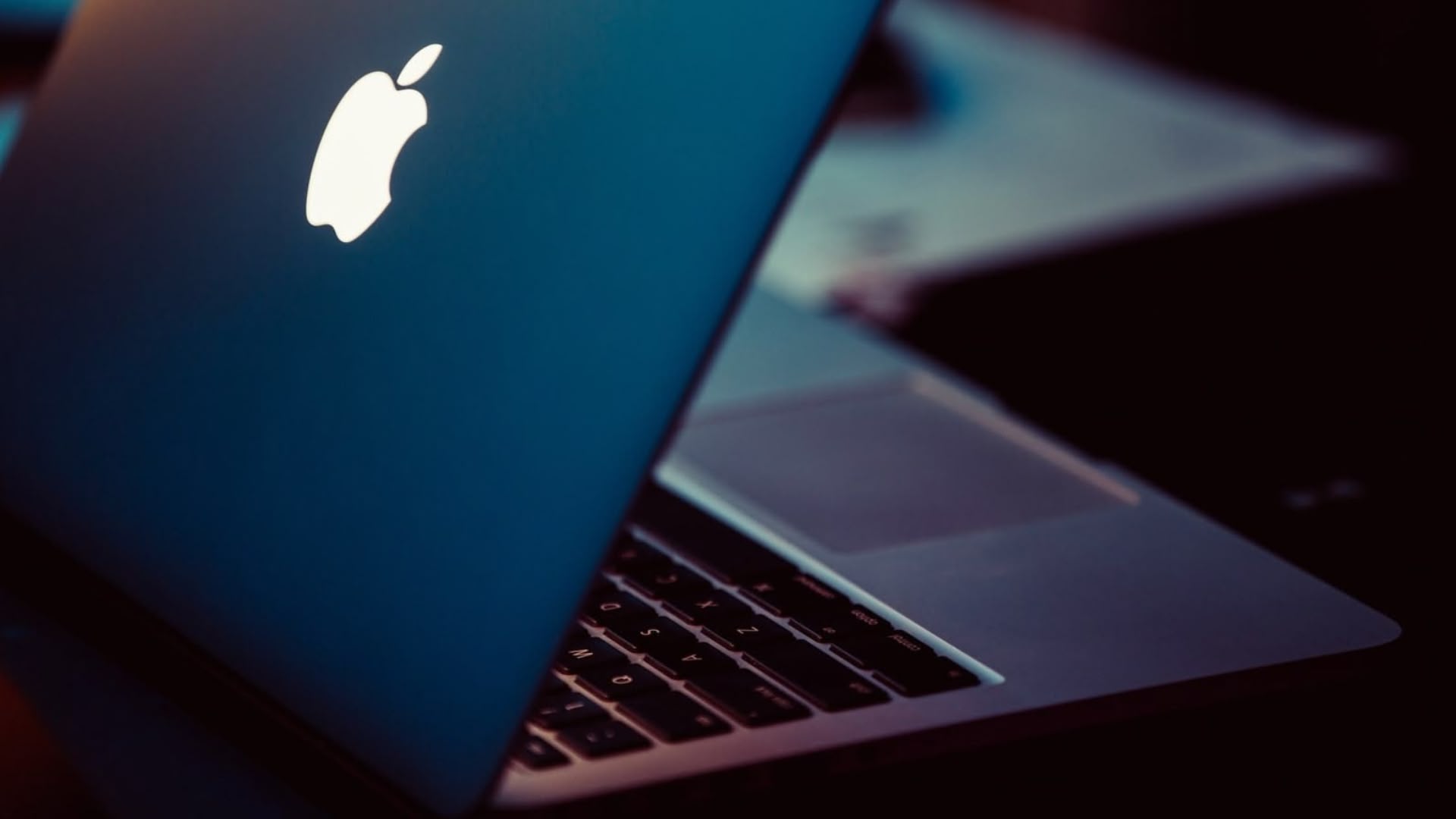
The first Mac laptop with a lit-up Apple logo was the third-generation PowerBook G3 launched in 1999. The glowing symbol proved a mainstay through consecutive Apple notebooks for the next 16 years. The only change in that period was that the logo got flipped upright, so that it no longer appeared upside-down to onlookers when someone was sat in public with the lid open.
According to former Apple employee Joe Moreno, the original orientation was deliberate: Apple’s design group had found that users kept trying to open their laptops from the wrong end. “Steve Jobs always focused on providing the best possible user experience and believed that it was more important to satisfy the user than the onlooker,” Moreno recalled.
Ironically, Jobs later reversed the decision.
“Opening a laptop from the wrong end is a self-correcting problem that only lasts a few seconds,” said Moreno. “However, viewing the upside logo is a problem that lasts indefinitely.”

In 2015, Apple began nixing the illuminated insignia from its laptops, starting with the ultra-thin 12-inch MacBook, which had a polished metal logo instead, like iPads before it. In 2016, a new generation of MacBook Pro models continued the unlit trend. Apple hasn’t launched a Mac laptop with a glowing logo since – until now.
This article, “Control the Glowing Apple Logo on Your New MacBook Pro” first appeared on MacRumors.com
Discuss this article in our forums
This articles is written by : Nermeen Nabil Khear Abdelmalak
All rights reserved to : USAGOLDMIES . www.usagoldmines.com
You can Enjoy surfing our website categories and read more content in many fields you may like .
Why USAGoldMines ?
USAGoldMines is a comprehensive website offering the latest in financial, crypto, and technical news. With specialized sections for each category, it provides readers with up-to-date market insights, investment trends, and technological advancements, making it a valuable resource for investors and enthusiasts in the fast-paced financial world.