Updates are generally good for your devices. The latest Chrome update, for example, patches an actively exploited security vulnerability, while Apple’s latest updates stop people from seeing iMessages they shouldn’t have access to. In most cases, it’s beneficial to update your tech to the latest software version whenever possible.
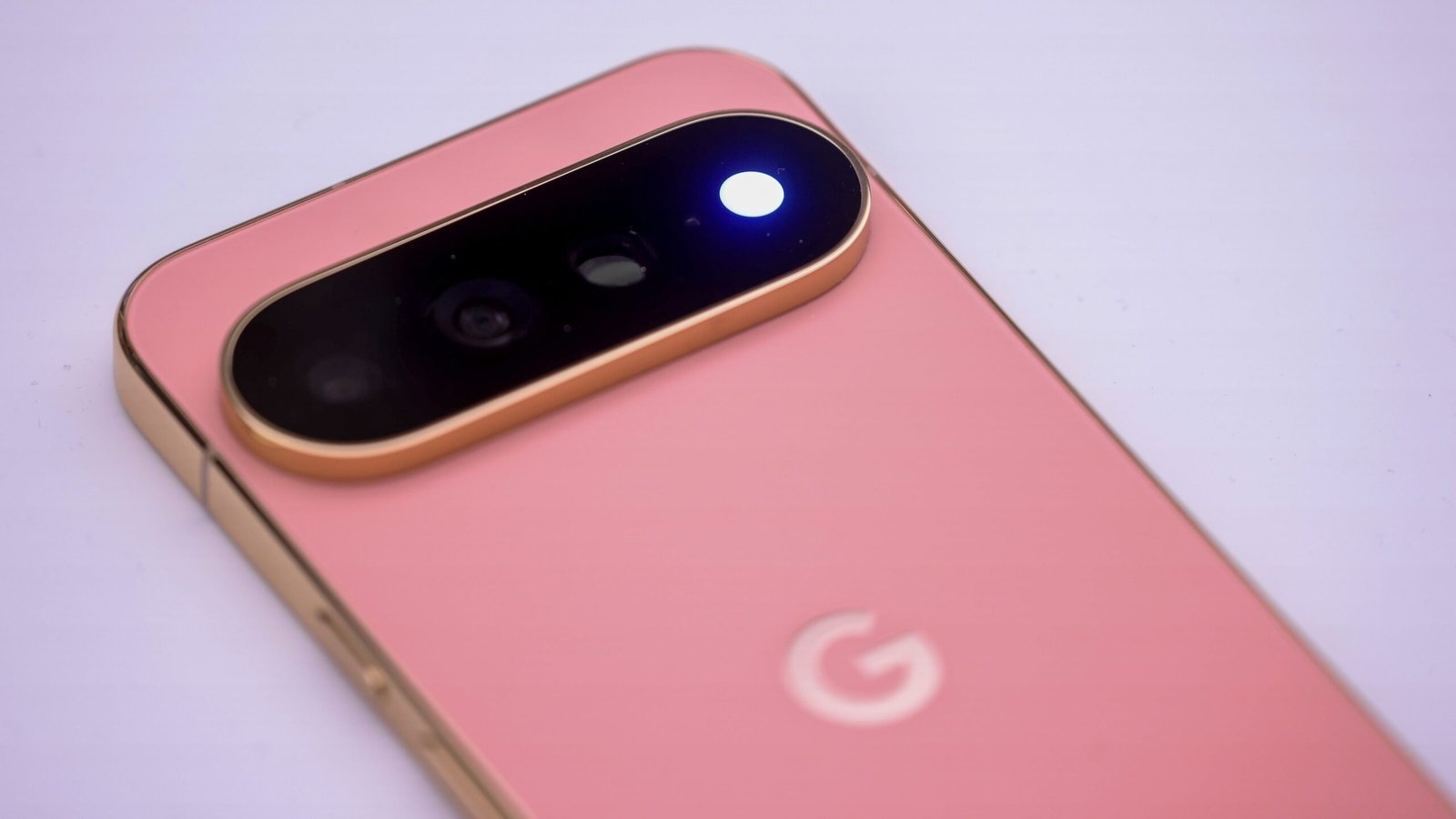
Sadly, updates aren’t all perfect, as Google Pixel users are discovering this week. As reported by Android Authority, Google’s November update apparently shipped with a bug that breaks some Pixel 10 and Pixel 11 cameras. Seeing as Pixels are rather famous for their shooters, this is a decidedly unfortunate glitch.
What’s going on with the Pixel’s camera?
Here’s the situation: Following the November update, some users are opening their Pixel Camera apps to find an error that reads, “Something went wrong. Close and open the Camera app again,” with a “Learn More” link to, well, learn more. Others aren’t receiving the error, but are instead running into a blank Camera viewfinder, as if the lens is totally covered. What’s more, some users are reportedly saying that the issue is present on third-party camera apps, not just the Pixel Camera app. That would imply this is an issue with the camera system-wide, not just the Pixel Camera app itself.
To be clear, it doesn’t seem like this is a universal issue. It’s not like all Pixel users are now running with broken cameras. But based on the forum complaints Android Authority discovered, it seems reasonable to assume that this glitch isn’t limited to just a handful of unlucky Pixel owners.
There’s a fix for this Pixel camera bug
Luckily, there is an apparent workaround here, though it’s not totally obvious. Some users are having no luck restarting their Pixels, while others report that a factory reset wasn’t enough to restore camera functionality.
What does appear to work, however, is shutting your Pixel down and waiting five minutes or so. It’s not clear why, but giving your Pixel a chance to “breathe” seems to shake the glitch and bring back your camera. As Android Authority reports, that fix comes from “Diamond and Gold product experts” on Google’s Support forum.
If your Pixel’s camera is giving you grief following the November update, this workaround is definitely worth a try—especially since more drastic measures don’t actually seem to do anything. As the issue does seem to be rather widespread, I wouldn’t be surprised to see Google issue a patch in the coming days. But until then, turning your phone off for five minutes may be a decent compromise.
This articles is written by : Nermeen Nabil Khear Abdelmalak
All rights reserved to : USAGOLDMIES . www.usagoldmines.com
You can Enjoy surfing our website categories and read more content in many fields you may like .
Why USAGoldMines ?
USAGoldMines is a comprehensive website offering the latest in financial, crypto, and technical news. With specialized sections for each category, it provides readers with up-to-date market insights, investment trends, and technological advancements, making it a valuable resource for investors and enthusiasts in the fast-paced financial world.