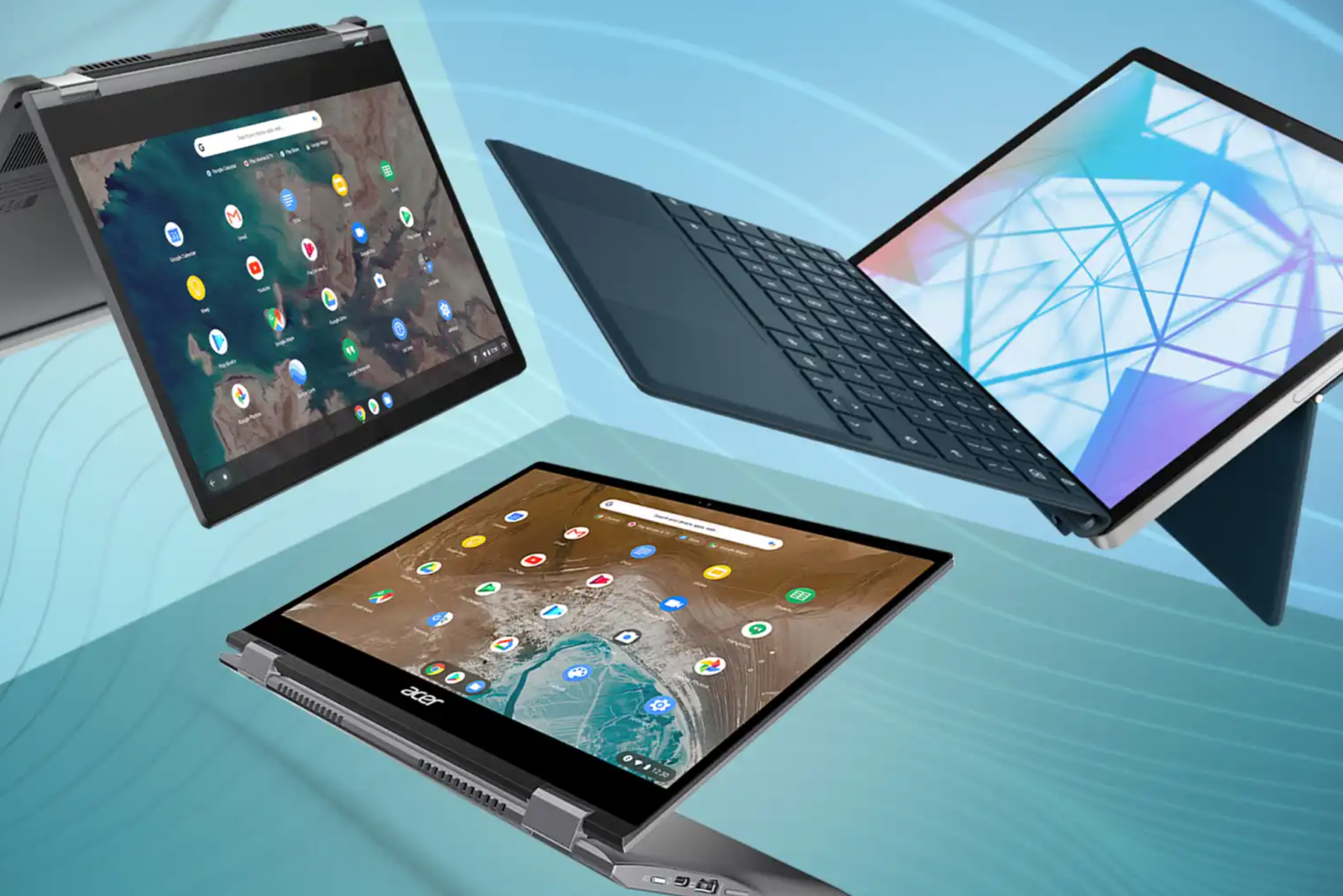
Black Friday deals on Chromebooks typically begin now — in advance of Black Friday, and especially around the week before Thanksgiving. I’ve collected the best deals on Chromebooks for years, and I’m here once again to dig out the best Chromebook deals in advance of Black Friday.
I’m going to warn you, though — this job is harder than ever. You’re probably aware of how laptop prices have skyrocketed because of the shortages of memory and storage, and unfortunately those trends are affecting Chromebooks as well. There are deals, but they’re tougher to find.
I’m going to continue a trend I began last year, listing a couple of refurbished Chromebooks first in case you want some truly deep discounts. I’ll move on to budget Chromebooks, and then midrange and premium Chromebooks. If I were buying a Chromebook, I’d want one with at least 8GB of memory, and I’d want it for about $250. Unfortunately, I think that you’re going to be forced to pay more than that, but I’ll do my best to guide you to the best values overall, with an explanation of why I chose each deal.
Check out our list of the best Chromebooks for more ideas. (We’re excluding early Black Friday Googlebook deals, as I can’t find any sales at the moment.)
Deals at a glance
- Best refurbished Chromebook: Dell Chromebook 11 3100 (Renewed), (Celeron N4020/4GB RAM/16GB flash/11.6-inch 768p display), $95.99 ($322 off at Amazon)
- Best refurbished Chromebook, runner-up: Acer Chromebook 315 (Renewed), (Intel N50/8GB RAM/128GB storage/15.6-inch 1080p display), $189.99 ($100 off at Amazon)
- Best budget Chromebook: Lenovo Chromebook M (MediaTek Kompanio 540/4GB RAM/64GB UFS, 15.3-inch 1200p display), $179 ($220 off at Best Buy)
- Best budget Chromebook, runner-up: Asus Chromebook CX15 (Intel N50/4GB RAM/128GB storage, 15.6-inch 1080p display), $197 ($22 off at Walmart)
- Best midrange Chromebook: Lenovo IdeaPad Slim 3 (Kompanio 540/8GB RAM/128GB UFS storage, 14-inch 1200p display), $299 ($230 off at Best Buy)
- Best midrange Chromebook, runner-up: Lenovo Chromebook m14: (Kompanio 540/8GB RAM/64GB UFS storage, 14-inch 1200p display, $287 at Amazon
- Best Chromebook Plus: Lenovo Chromebook Plus i (Intel Core 3 N355, 8GB RAM/128GB SSD, 15.3-inch 1200p display, $349 ($50 off at Walmart)
- Best premium Chromebook: Asus Chromebook Plus CX34 (Core i5-1335U/8GB RAM/128GB UFS storage, 14-inch 1080p display, $479.99 ($250 off at Best Buy)
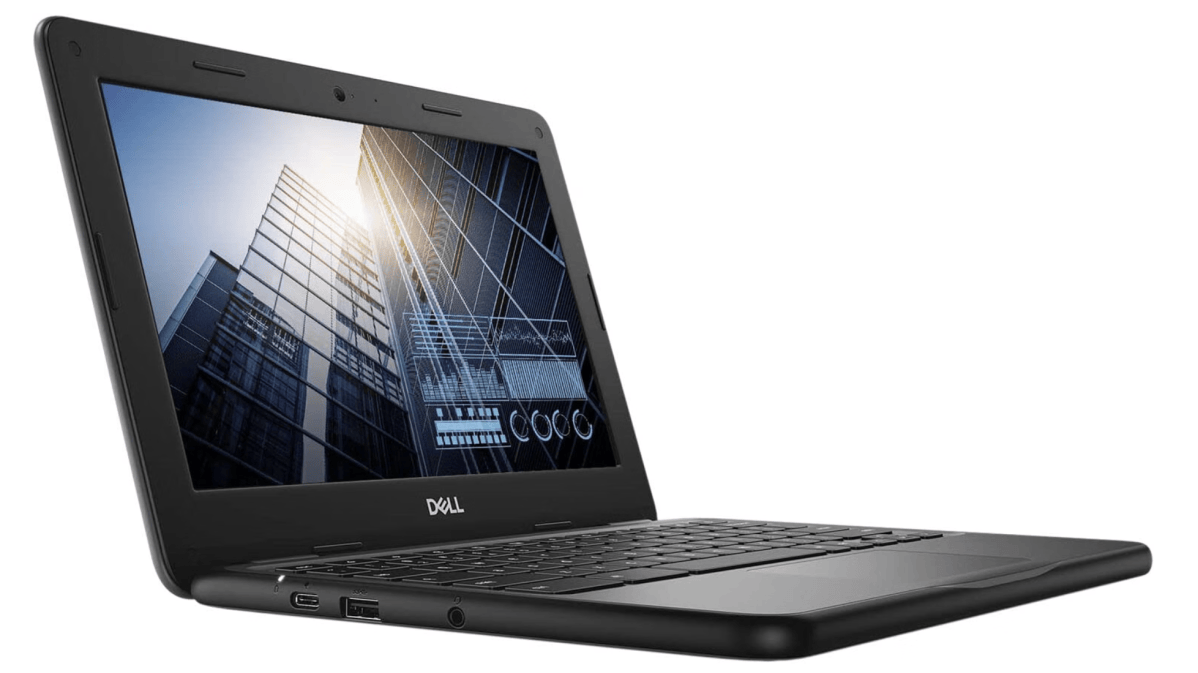
Best refurbished Chromebook deal: Dell Chromebook 11 3100 (Renewed), $95.99 ($322 off at Amazon)
Amazon
Who is this for? This is bargain-basement stuff here, sure. But if you’re looking for a kid’s first Chromebook or a spare machine, that $95 price really should ease any concerns you might have. This Dell 3100 is the workhorse 11.6-inch rugged Chromebook often used by commercial fleets, but with a kid-friendly spill-resistant keyboard and a surprisingly decent Celeron N4020 processor, too.
Why is this deal good? I mean, c’mon. It’s better than I expected, certainly. It’s an Amazon best-seller in its Renewed category, which means that it hasn’t been dumped on to the market — Amazon actually tests and certifies its Renewed products. Just be sure and use the 30-day returns window if needed.
Google lists the support window as extending through June 2029, so you’re buying two and a half years of support.
Get the Dell Chromebook 11 3100 11.6″ Chromebook for $95.99 on Amazon
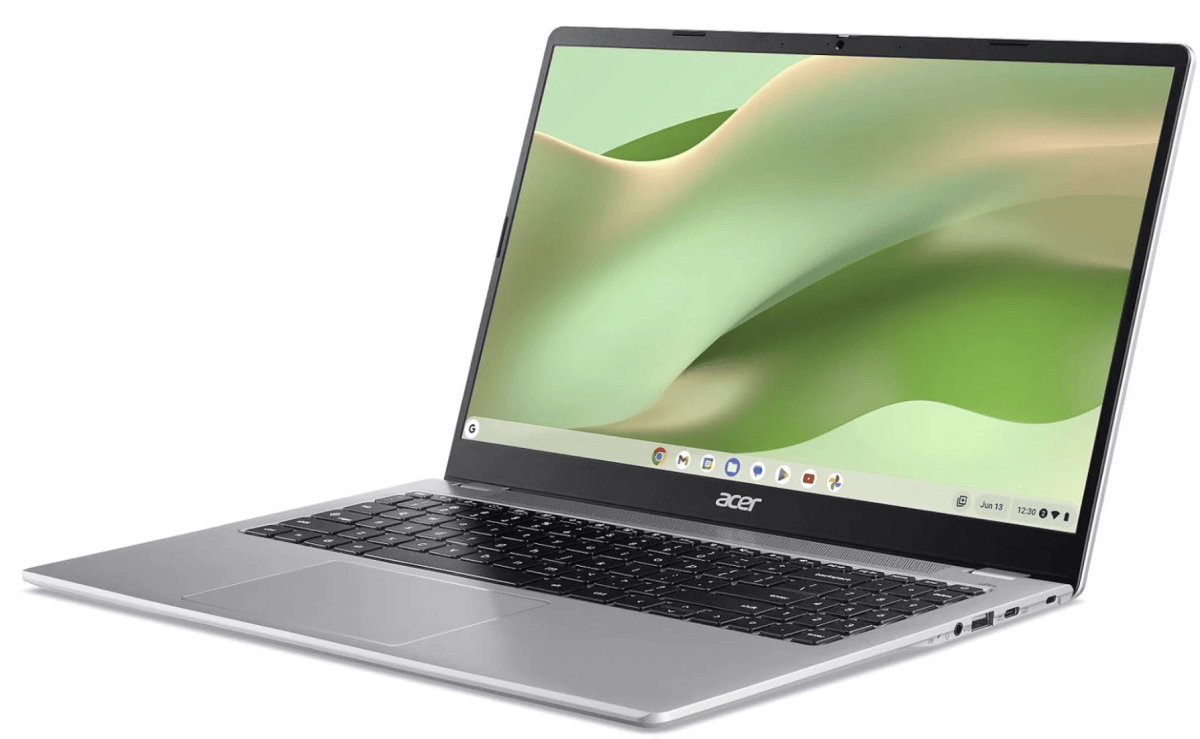
Best refurbished Chromebook deal, runner-up: Acer Chromebook 315 (Renewed), $189.99 ($100 off at Amazon)
Amazon
Who is this for? This is a more expensive option than the Dell, but the screen is substantially larger as well. This is probably the refurbished option with the widest appeal.
Why is this deal good? I would honestly like to see this Chromebook at an even lower price ($150 or so) but $189 for a certified Renewed Chromebook at Amazon offers a Black Friday price without sacrificing too much. The larger screen is the selling point here.
Get the Acer Chromebook 315 for $189 on Amazon
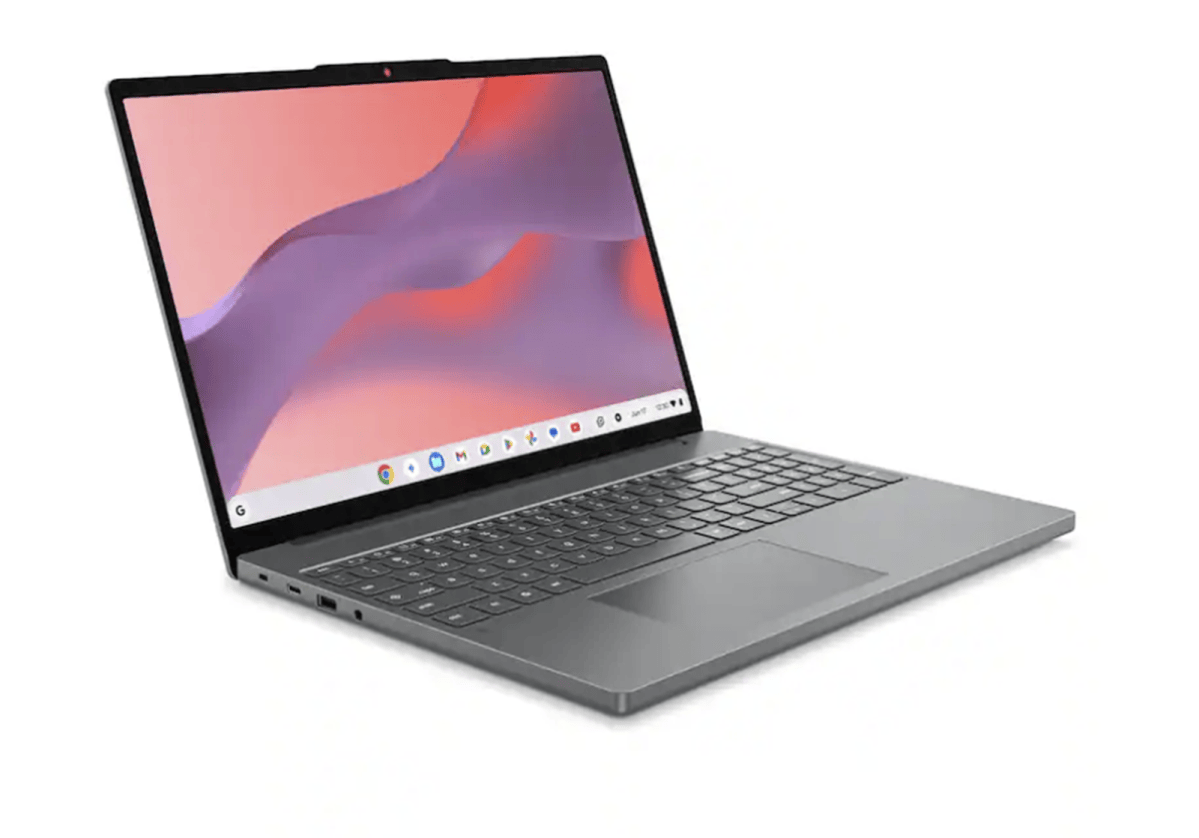
Best budget Chromebook deal: Lenovo Chromebook M, $179 ($220 off at Best Buy)
Best Buy
Who is this for? A budget buyer who wants a large screen for reading, writing, and browsing. The 15.3-inch 1920×1200 display has a taller 16:10 shape than a conventional 1080p screen, giving documents and websites extra vertical room. The compromise is memory, of course. I don’t really like Chromebooks with just 4GB of memory, but that’s the tradeoff for a budget machine.
Why is this deal good? You’re getting a Chromebook with not just a 1080p display, but one with even a better screen. It also costs $18 less than the Asus CX15 below, though the Asus doubles the storage.
Get the Lenovo Chromebook M for $179 at Best Buy
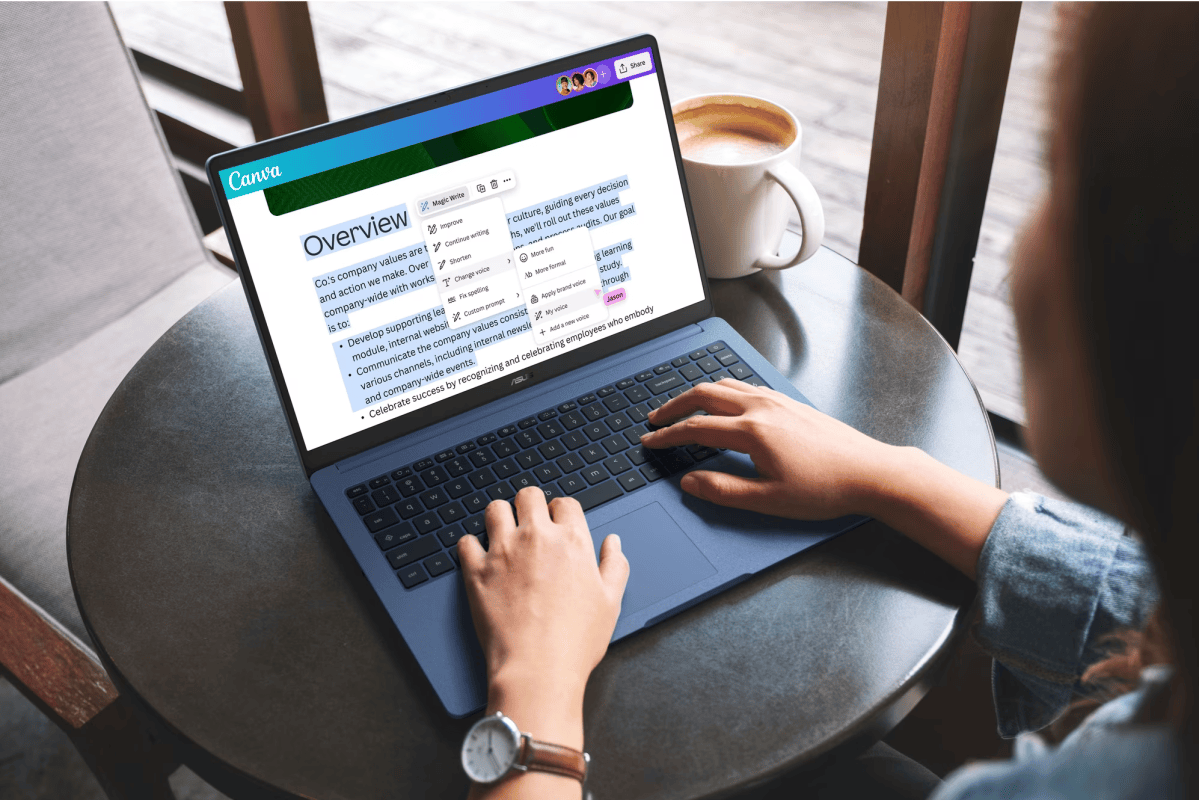
Best budget Chromebook deal, runner-up: Asus Chromebook CX15, $197 ($22 off at Walmart)
Walmart
Who is this for? Someone who wants an inexpensive, full-size Chromebook with a little more room for downloads and offline files. Its 128GB of storage doubles the budget Lenovo’s capacity, and the 15.6-inch Full HD screen is a decent size for homework and streaming. I’m not a huge fan of the N50 processor, as it’s a budget, dual-core processor that doesn’t offer a huge amount of horsepower. But it is a Chromebook we’re talking about, too.
Why is this deal good? For $197, this gives you a new Chromebook with a full HD display and 128GB of storage without crossing the $200 mark. Walmart isn’t selling this Chromebook at a huge discount, but the base price is already pretty solid. I’m willing to include it for just that reason.
Get the Asus Chromebook CX15 for $197 at Best Buy
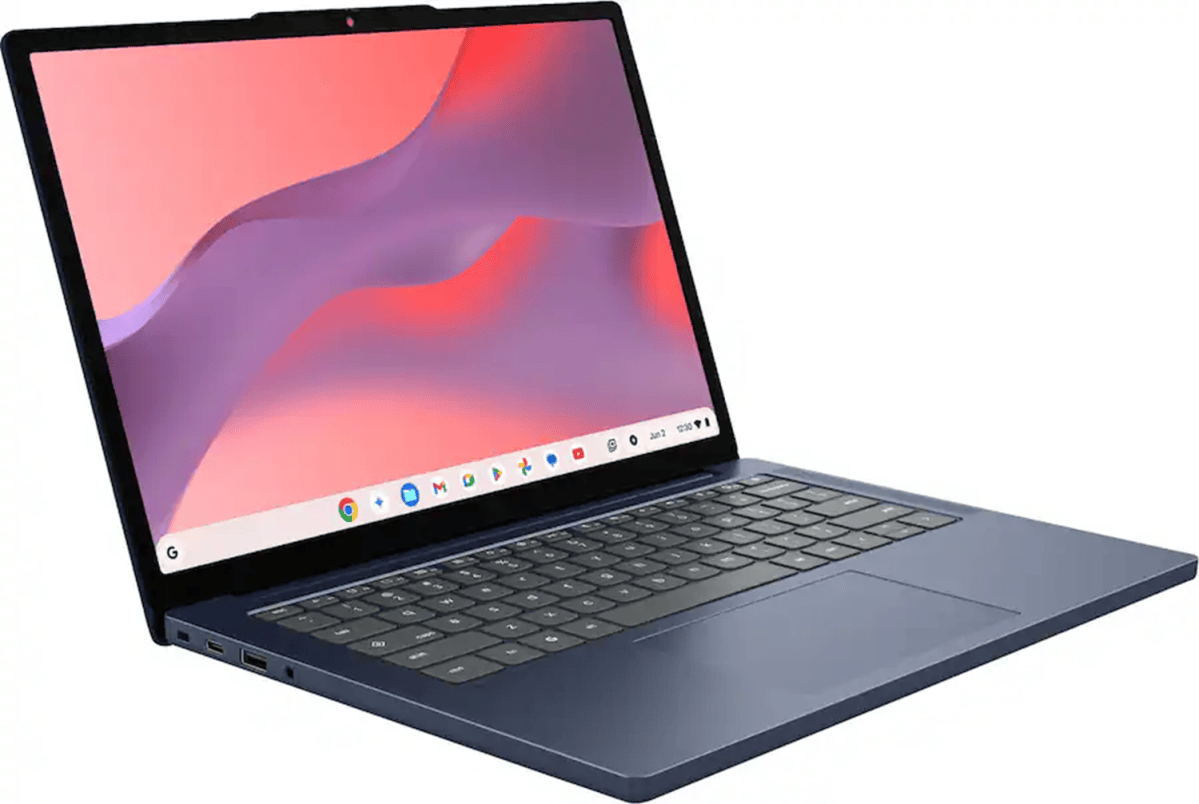
Best midrange Chromebook deal: Lenovo IdeaPad Slim 3, $299 ($230 off at Best Buy)
Best Buy
Who is this for? Midrange Chromebooks are typically the Chromebooks that I think most users can buy and be happy with, as they combine a decent processor, 8GB of memory, and at least a 1080p display. (In this case, the 1200p display is a step up.)
Why is this deal good? At $299, this is a decent deal. I would honesty prefer it to be in the $220 range, but with inflation, shortages, and the pre-Black Friday timing of this deal, I think it’s acceptable. You’re getting more storage than the runner-up deal, too.
Get the Lenovo IdeaPad Slim 3 for $299 on Amazon
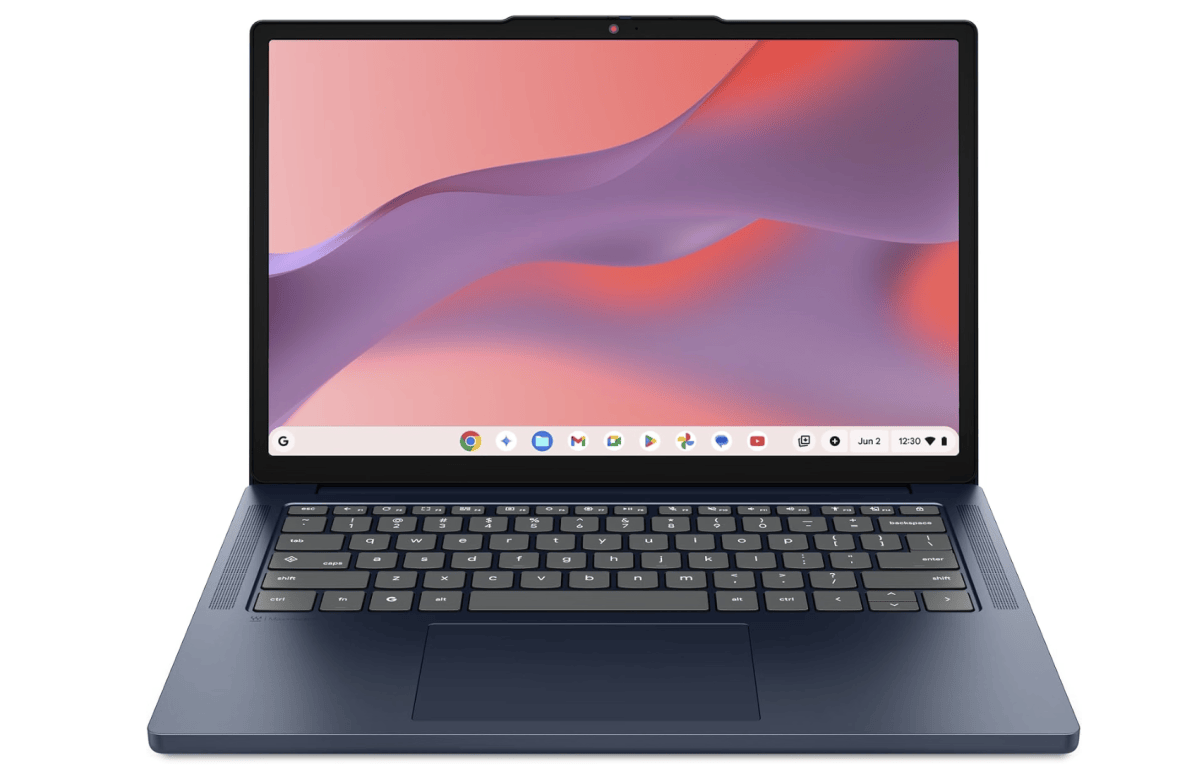
Best midrange Chromebook deal, runner-up: Lenovo Chromebook m14, $287 at Amazon
Amazon
Who is this for? Someone who works mainly in the browser and values memory over local storage. The 64GB of storage is honestly just fine, although if you’re trying to edit video clips you might find that 64GB a little skimpy. It’s a pretty slight difference, however, and I think that both the 1920×1200 screen and 8GB of RAM are strong selling points.
Why is this deal good? At $287, this deal is pretty close to the $299 price Best Buy was quoting for the Lenovo IdeaPad Slim 3. I’d consider this to be a fall-back deal if the other isn’t available.
Get the Lenovo Chromebook m14 for $287 on Amazon
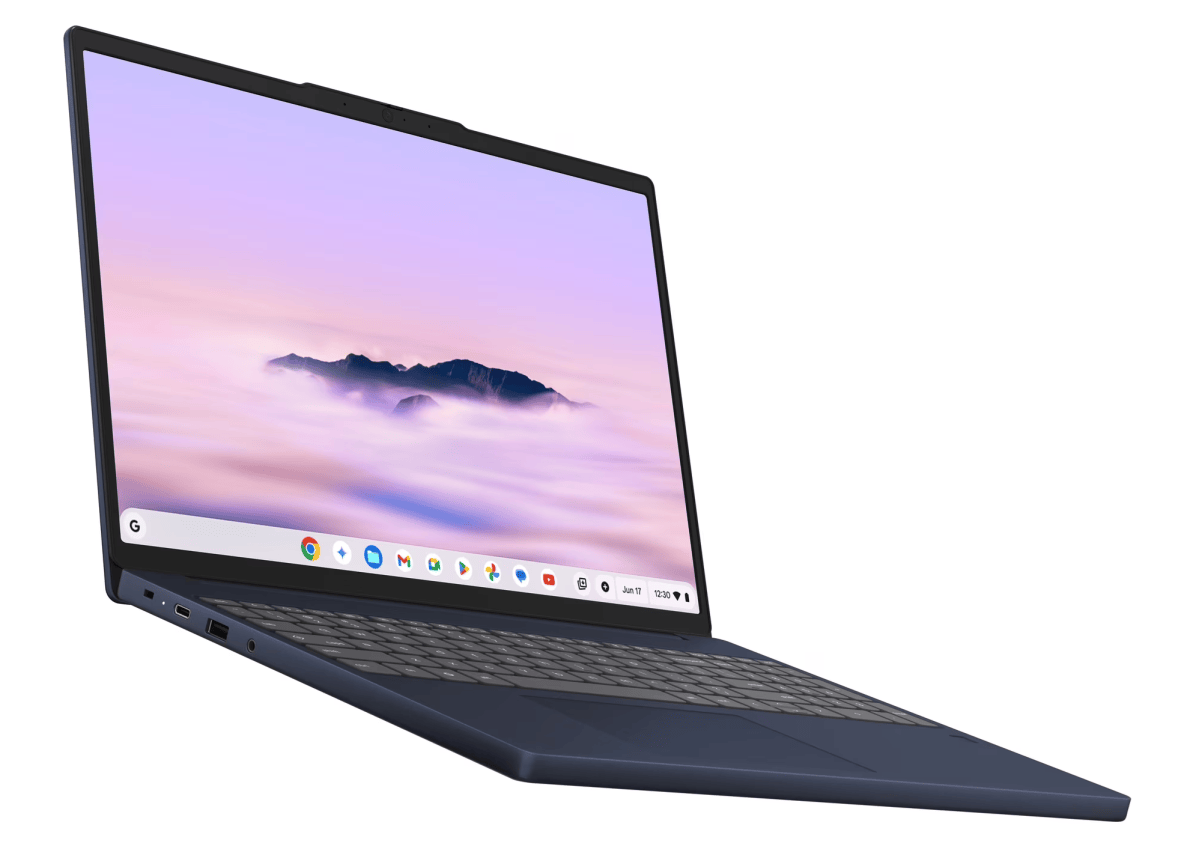
Best Chromebook Plus: Lenovo Chromebook Plus i, $349 ($50 off at Walmart)
Walmart
Who is this for? The Chromebook Plus configuration typically includes special deals to push Google’s Gemini plans on to users, so buying this Chromebook offers additional benefits. Otherwise, you’re looking at a more robust Core 3 processor plus the 8GB of RAM that I really like in a good Chromebook deal. Lenovo also adds a 5-megapixel webcam with a physical shutter to this Chromebook, which is handy for video calls.
Why is this deal good? At $349, this is a decent middle ground between the inexpensive Chromebooks and the $479 Asus, and I suppose that price is a decent one for the Chromebook Plus family. I’m always looking to squeeze them a bit more, and the $50 discount feels like a concession to bargain-hunters. I’m not wild about this deal, but it is a deal.
And, to be fair, you’d be paying $50 over the Slim 3 for a larger display and a more robust processor, while keeping the 8GB of RAM and 128GB of storage. That’s not too shabby.
Get the Lenovo Chromebook Plus i for $349 at Walmart
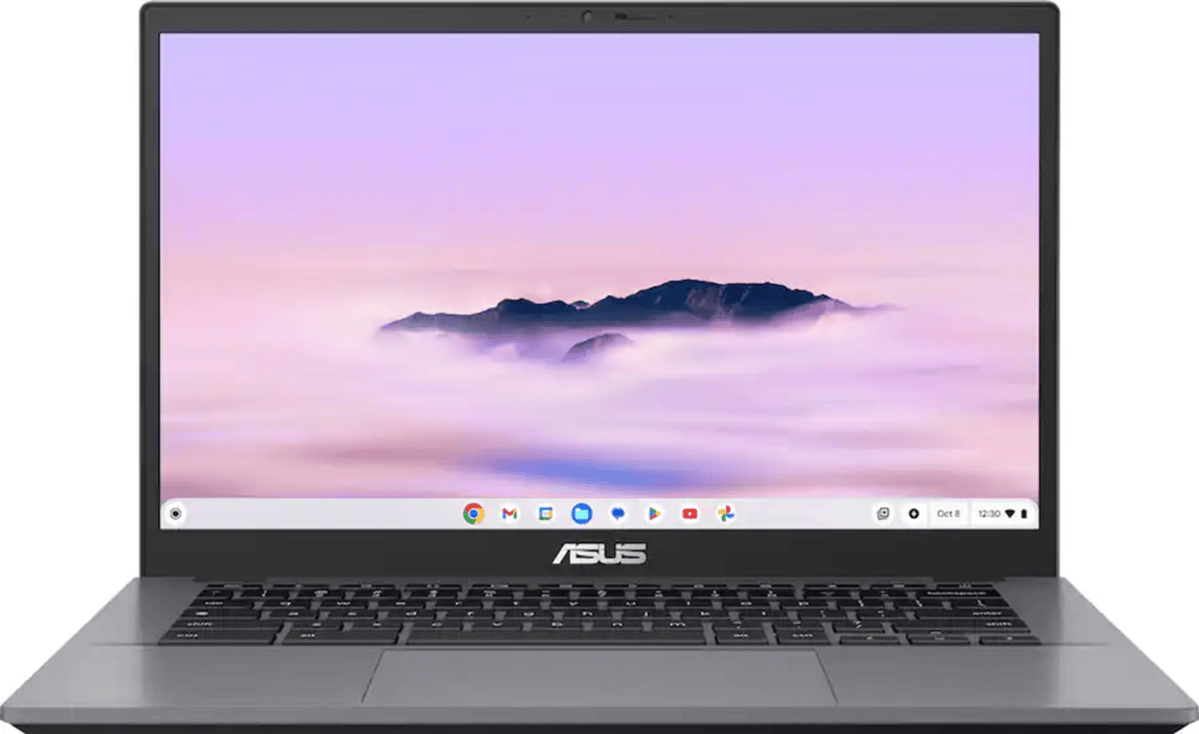
Best premium Chromebook deal: Asus Chromebook Plus CX34, $479.99 ($250 off at Best Buy)
Best Buy
Who is this for? “The Asus Chromebook Plus CX34 is a good buy, full stop. I know I’m starting strong out the gate, but with an updated processor and a display with touch capability, it’s a solid improvement over the 2023 model.” These aren’t my words, but those written by my colleague Ashley Biancuzzo, whose review considers the CX34 the best Chromebook you can buy.
It’s a great Chromebook with an aggressive Intel processor underneath, though the 1080p display is a tad underwhelming. (You can connect it to an external display, though.)
Why is this deal good? At roughly $480, the appeal is getting a Core i5 Chromebook Plus for less than $500. I’m not entirely convinced that the discount is authentic, however. The CX34’s MSRP at the time of our review — which was in 2025 — was $499. However, inflation may have raised its prices, which means that the price could represent a discount off the “new” MSRP. With that said, every other comparable Chromebook is going to be priced accordingly, too.
Get the Asus Chromebook Plus CX34 for $479.99 at Best Buy
FAQ
When is Black Friday?
Officially, this year’s Black Friday takes place on Friday, Nov. 27, 2026. Cyber Monday is the following Monday, or Nov. 30, 2026. Amazon’s Black Week kicks off Nov. 19.
When do Black Friday Chromebook deals begin?
Retailers have already begun discounting Chromebooks to prepare for the official Black Friday date. Sales should ramp up further as Black Friday nears. Retailers certainly haven’t been shy about adding early sales to unload inventory before the Black Friday craziness begins! Just watch out for the “sneaky season,” where retailers add sales, then raise prices, and then discount again for Black Friday. I use the price history, if I can, as a guide.
What should you pay for a Black Friday Chromebook deal?
Inflation has definitely taken its toll, and it looks retailers want to bump up prices by $50 or so over last year, at least. I’m still pretty optimistic, though, that you’ll be able to find something good at about the $250 range. I just don’t think that “budget” options will be as aggressive as they once were, though, since some Chromebook deals have been snapped up in earlier sales.
I do think that retailers are going top let Chromebook Plus buyers absorb some of their hoped-for profit margins, which means fewer deals on premium Chromebooks. And as for Googlebooks, well — don’t expect too many bargains if at all.
What features should I look for in a Black Friday Chromebook?
We still prioritize three things when looking for a Chromebook deal: memory, the display (size and resolution), and the CPU.
Retailers are still trying to unload Chromebooks with 4GB of RAM, 768p screens, and ancient processors. Ignore those, for the most part. Some can be justified as budget Chromebook options, but I really feel that you deserve a Chromebook with at least 8GB of RAM, a 1080p (1920×1080) screen or better (with screen sizes above 13 inches, if possible), and a relatively modern CPU. I don’t put a lot of weight on the CPU, if only because a Chromebook doesn’t need a lot of horsepower behind it.
A 1080p screen offers a comfortable laptop-like viewing experience. Be aware that “HD” does not mean 1080p! It basically means 768p, which is going to be a bit hard on your eyes. “Full HD” or “FHD” equates to 1080p. We’re even seeing some midrange Chromebooks offer 1200p screens, which offers a bit more resolution to ease eyestrain.
Our recommended CPUs include Intel Celerons, Intel Pentiums, Intel Core chips, AMD Ryzen processors, and Arm chips from MediaTek or Qualcomm. All of those have their pros and cons, though the performance differences probably won’t matter as much as additional memory. More memory (that is, 8GB rather than 4GB of RAM) allows for more browser tabs and a smoother browser experience.
Onboard storage really doesn’t matter all that much, though an SSD of at least 32GB is preferable for storing apps, documents, screenshots, and the like.
If you’re familiar with our lengthy laptops versus Chromebooks explainer, you know that one of the potential gotchas is buying a Chromebook whose support window expires soon. Google now supports new Chromebooks for up to 10 years, so this is less of a concern.
Which Chromebook does PCWorld rate highest?
Our editors regularly review Chromebooks, so make sure to check our rankings of the best Chromebooks of 2026. We recommend a wide range of price points, and the article offers a great primer on Chromebook shopping. What’s more, some of our top picks will likely go on sale before or during Black Friday.
Should I buy a Chromebook from Amazon Renewed or Walmart’s Restored program?
Normally, I wouldn’t recommend that you buy a used product, because who knows what it’s been through. But let’s face it: price depreciation can be your friend, too. Amazon’s Renewed offers a 30-day warranty and Walmart’s Restored program has a 90-day return window, and I’d recommend that if you do go that route, to do a thorough inspection and then return it if you don’t consider it to be working properly.
However, any refurbished program can often hide Chromebooks from years and years ago. I’ll recommend refurbished Chromebooks when I think they might be a good deal, but be careful of buying just any old refurbished Chromebook. You might get stuck with a stinker.
This articles is written by : Nermeen Nabil Khear Abdelmalak
All rights reserved to : USAGOLDMIES . www.usagoldmines.com
You can Enjoy surfing our website categories and read more content in many fields you may like .
Why USAGoldMines ?
USAGoldMines is a comprehensive website offering the latest in financial, crypto, and technical news. With specialized sections for each category, it provides readers with up-to-date market insights, investment trends, and technological advancements, making it a valuable resource for investors and enthusiasts in the fast-paced financial world.