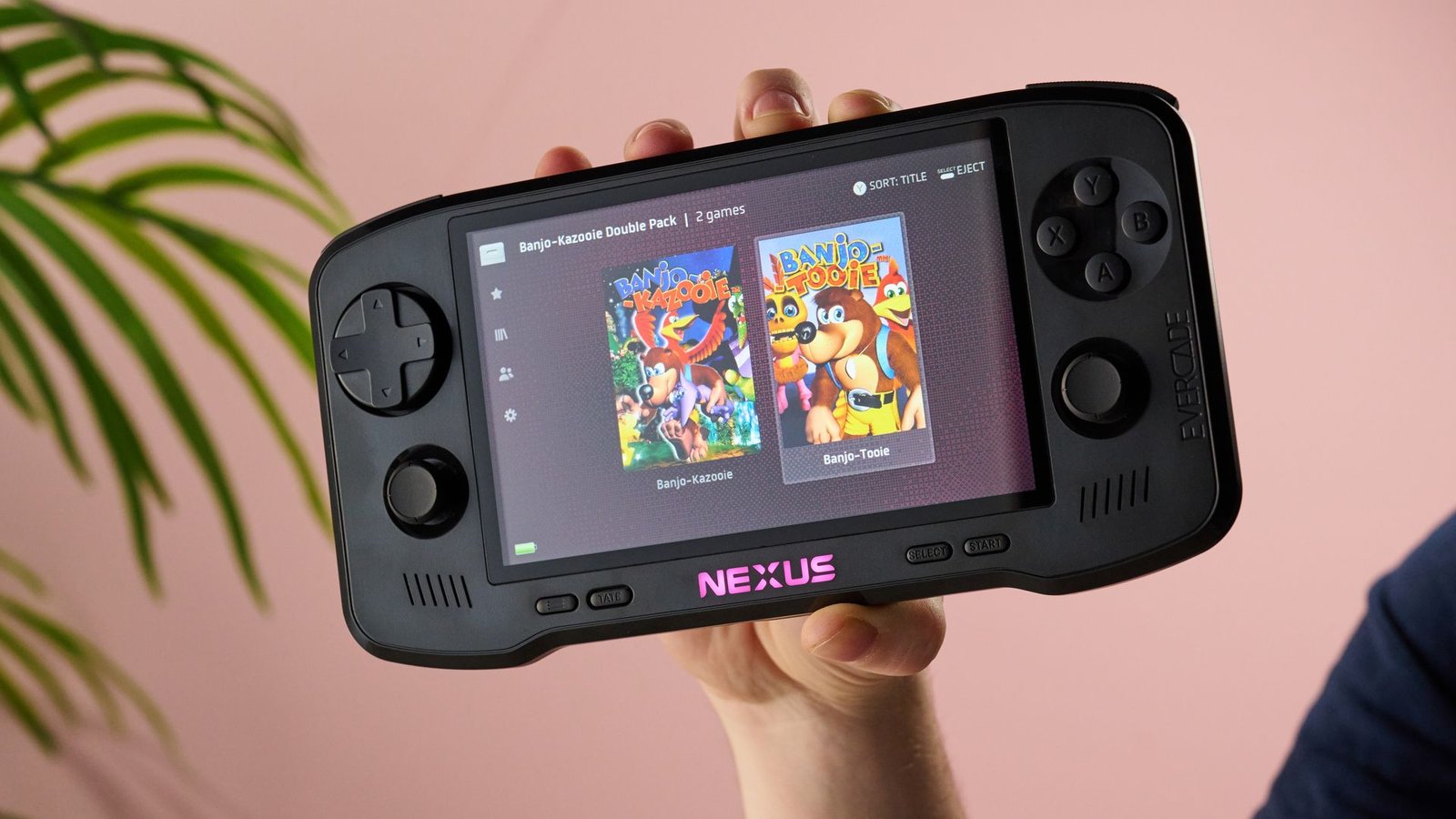
Evercade Nexus: One-minute review
The Evercade Nexus is a portable retro games console running the Evercade cartridge system. Its biggest step forward is its support for 32-bit and 64-bit gaming, but it’s also had some quality-of-life updates that make it a great choice if you’re a fan of arcade games or publisher catalogues that are hard to access on other platforms.
That screen feels wonderfully bright and vibrant, while the option to toggle scanlines lets you pick between sharp pixel edges or more authentic CRT-style softness. Evercade has also added support for Bluetooth audio, which I definitely appreciated — I don’t want to play OG Doom without hearing that chiptune metal soundtrack.
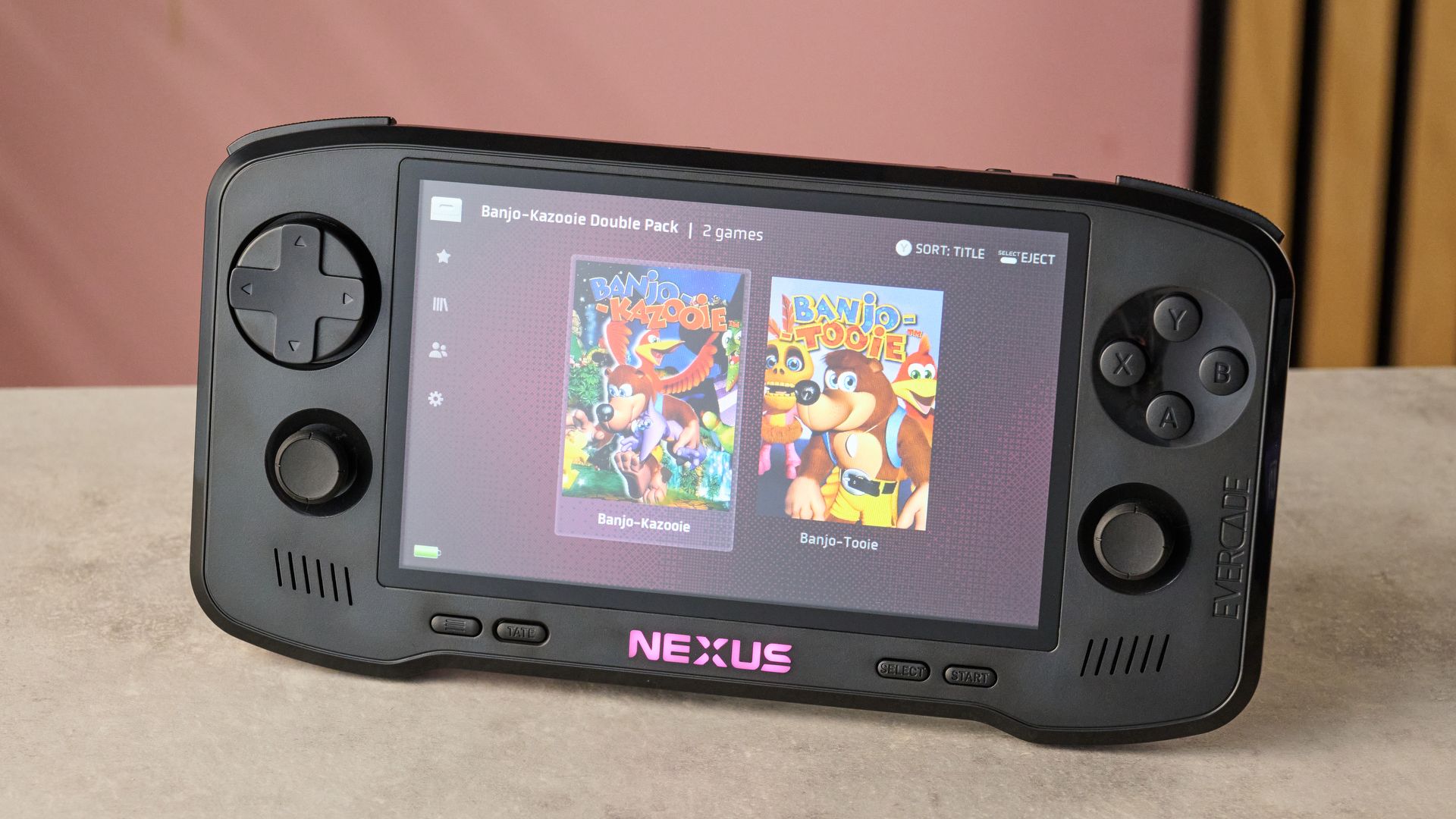
Controls generally feel pretty authentic to me. The eight-direction D-pad is perfect for arcade titles, while the softer face buttons feel totally era-appropriate for 80s and 90s retro titles. However, a few inputs are thankfully a bit more modern: the shoulder triggers are nice and clicky, and the thumbsticks are pleasingly fluid to use — although they’re potentiometer-based, rather than drift-resistant tech like Hall effect or TMR that many of the best handheld game consoles now come with.
In use, the Nexus seems smoother than many retro gaming devices. Whether I was playing Banjo-Kazooie or Doom, the controls felt super responsive, while the games’ upgraded frame rates made the action on-screen feel a whole lot more fluid than I remember these titles being in their original incarnations. Meanwhile, the new EverSync feature is a neat addition, unlocking local wireless play with other Nexus owners. I did find myself missing the sleep function most consoles have these days, though — it’s currently impossible to shut off the Nexus’s screen without losing all your progress in-game.
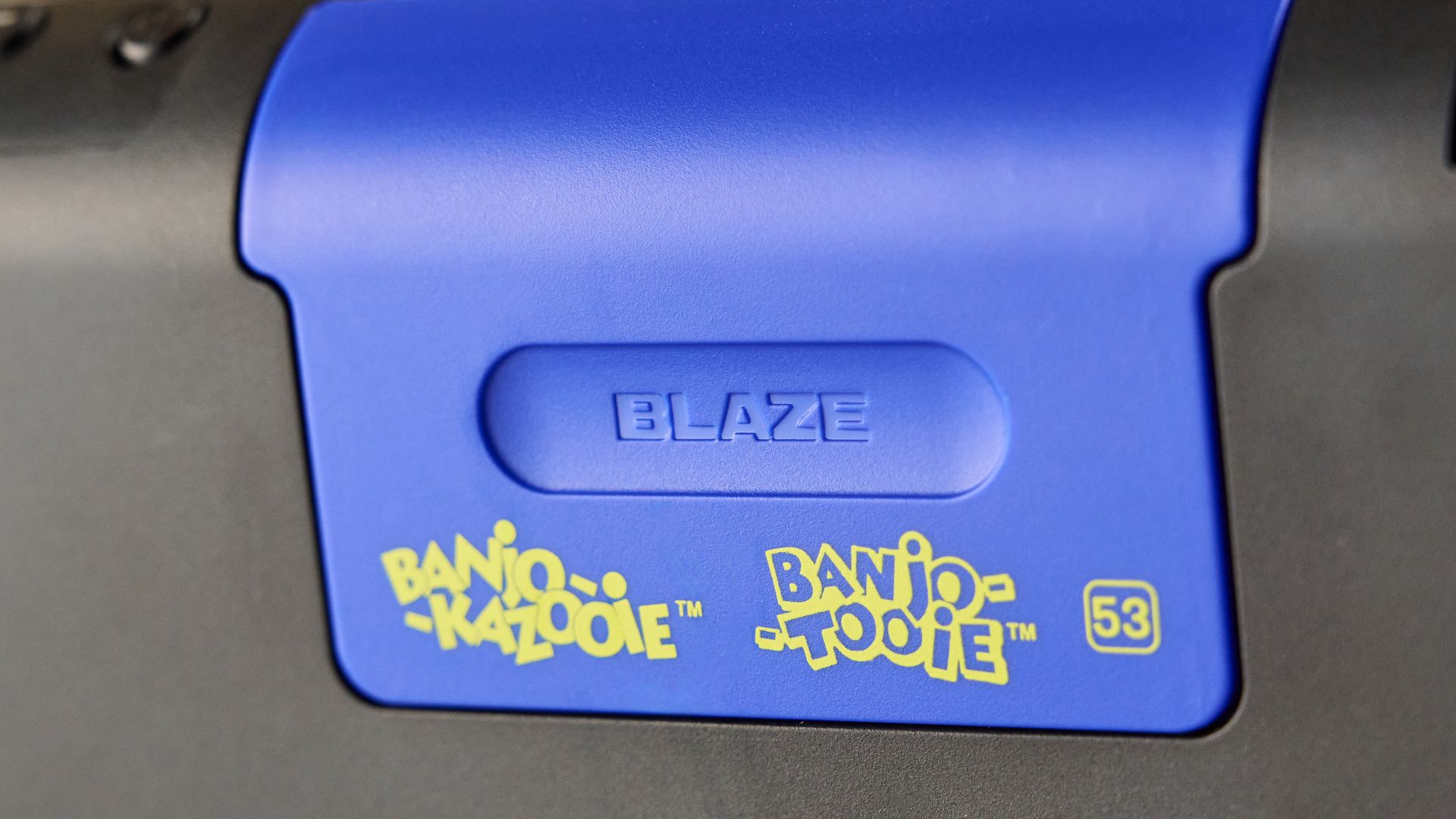
If you’re nostalgic for games of a certain era and are dead set on owning physical media, the Evercade Nexus is a really strong system for retro gaming. Starting from $29.99 / £24.99, Evercade cartridges aren’t the cheapest way to acquire older titles, but I can totally see the appeal of building out your collection of arcade classics and forgotten gems. And the performance you’ll get out of these games is seriously solid, even if there are a few modern features you might be missing out on here.
Evercade Nexus Review: Price and release date
- Launched October 30, 2026
- List price: $199.99 / £169.95
Launched on October 30, 2026, the Evercade Nexus is currently available for a list price of $199.99 / £169.95. Honestly, this price seems pretty reasonable to me: that’s not loads more than some of the third-party retro handhelds you can buy from overseas, and it’s bumping up relatively close to something like the Analogue Pocket, at $239.99 (around £180), which arguably has more limited utility.
One thing I have mentioned before, though, when reviewing cartridge-based retro consoles like the Atari 2600+ Pac-Man Edition, is that I do find the pricing of retro cartridges to be a little on the high side, and that still applies to the Evercade system. Even though many Evercade titles often have received a bit of a spit-and-polish and package up several titles in one, the cost of $29.99 / £24.99 for many cartridges brings them in line with many modern AAA titles that are barely more than 18 months old. So I do think the pricing here will appeal more to serious retro collectors and physical media fans than skinflints like me.
Evercade Nexus Review: Specs
|
Price |
$199.99 / £169.95 |
|
Dimensions |
8.46 x 4.37 x 1.34in / 215 x 111 x 34mm |
|
Display |
5.89-inch 840 x 512 high-res IPS screen |
|
Ports |
USB-C, 3.5mm headphone jack, Evercade cartridge slot |
Evercade Nexus review: Design
Front and center of the Evercade Nexus, you’ve got that 5.89-inch 840 x 512 pixel IPS screen. While that only offers a modest pixel density of 168.47ppi, you’re unlikely to notice that with 32- and 64-bit games. Far more important is its brightness and color performance, both of which it knocks out of the park — at 500 nits, the display always offered plenty of punch in indirect light, while the motley hues of Banjo’s crew in Banjo-Kazooie and Banjo-Tooie always looked deliciously vibrant.
Should you prefer smoother edges over serrated pixel edges, the Nexus also allows you to tweak the display by toggling on subtle or strong scanlines. In my opinion, I’d say the subtle scanlines look best on old 8-bit and 16-bit titles like King of the Monsters — it’s just enough to soften ragged edges and provide a hint of authentic-looking graphics, without looking overtly artificial.
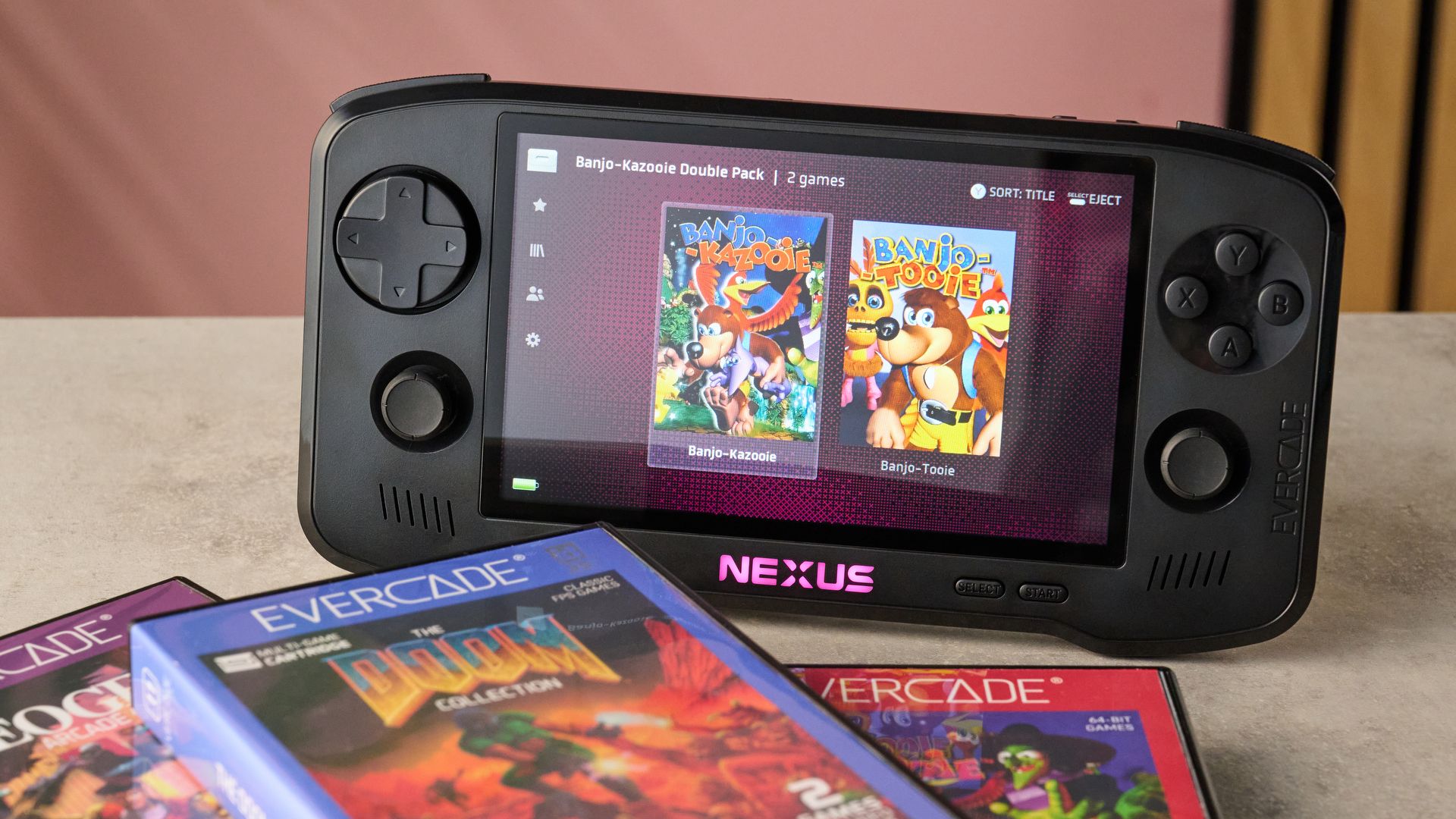
I definitely appreciated the support for wireless headphones too. Hearing the charming voice effects for all the goofball characters and inanimate objects in Banjo Kazooie is an essential part of the experience for me, but I also don’t want to be pelted with half-eaten baked goods by fellow passengers when I ride the bus.
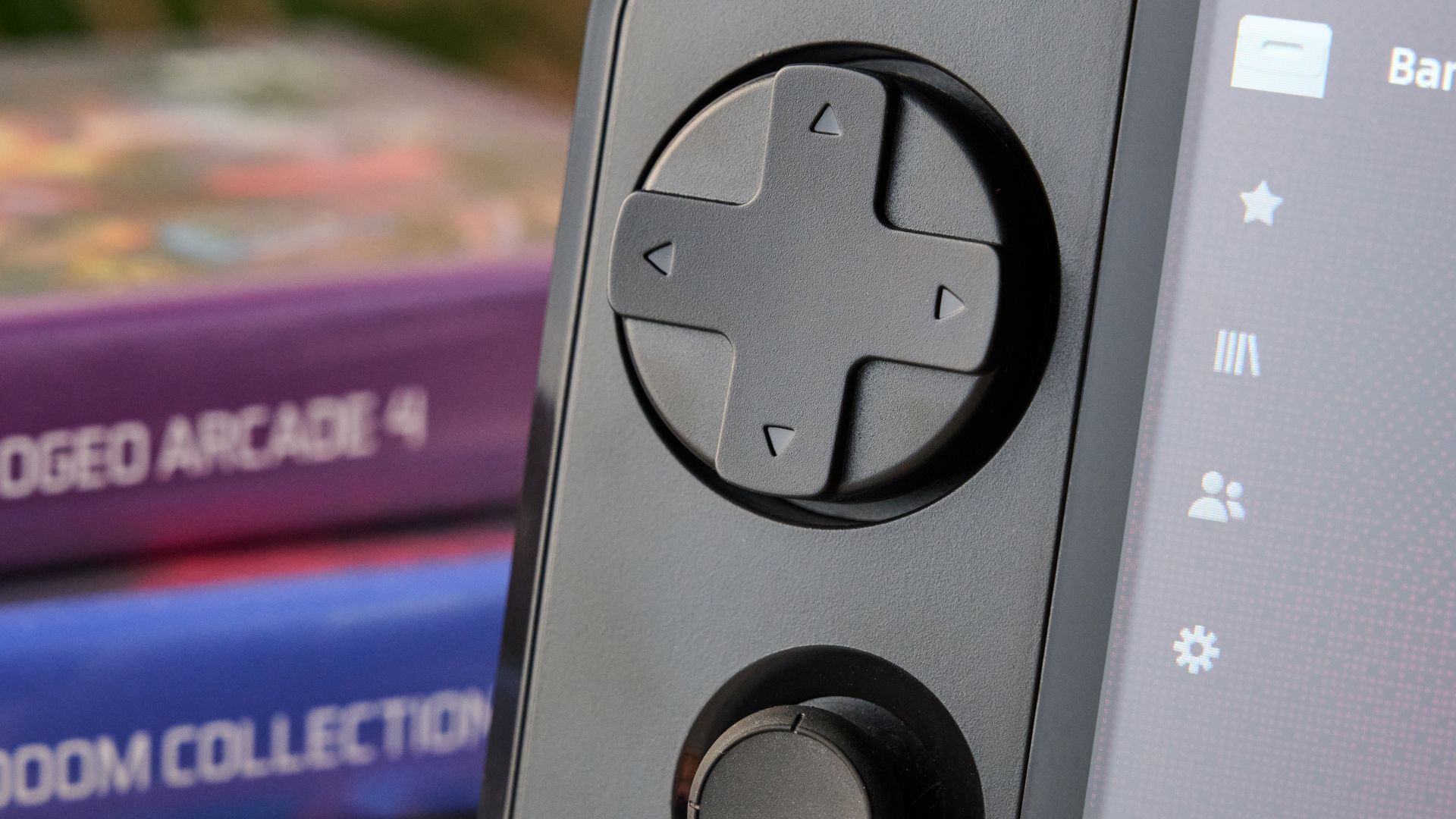
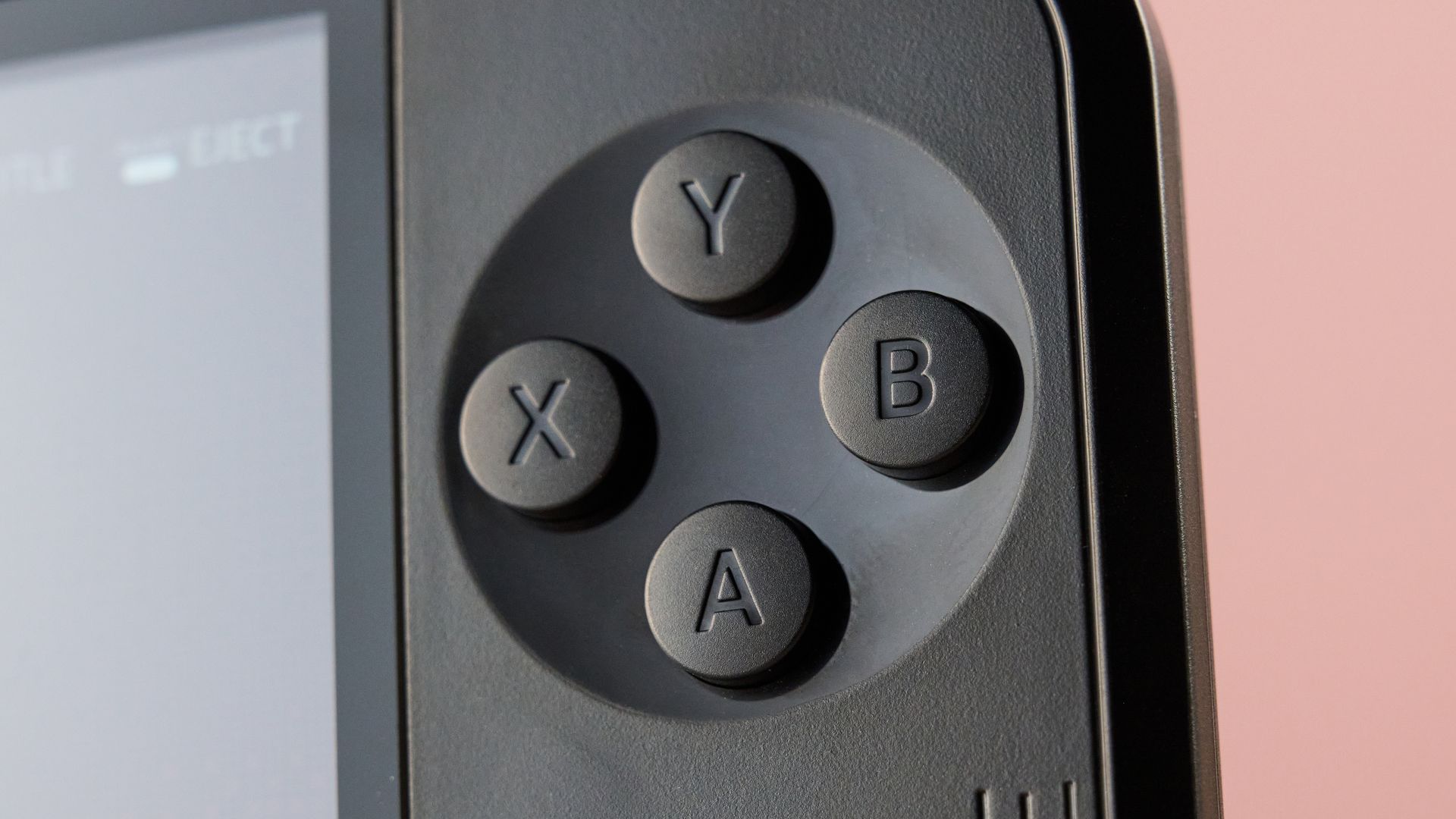
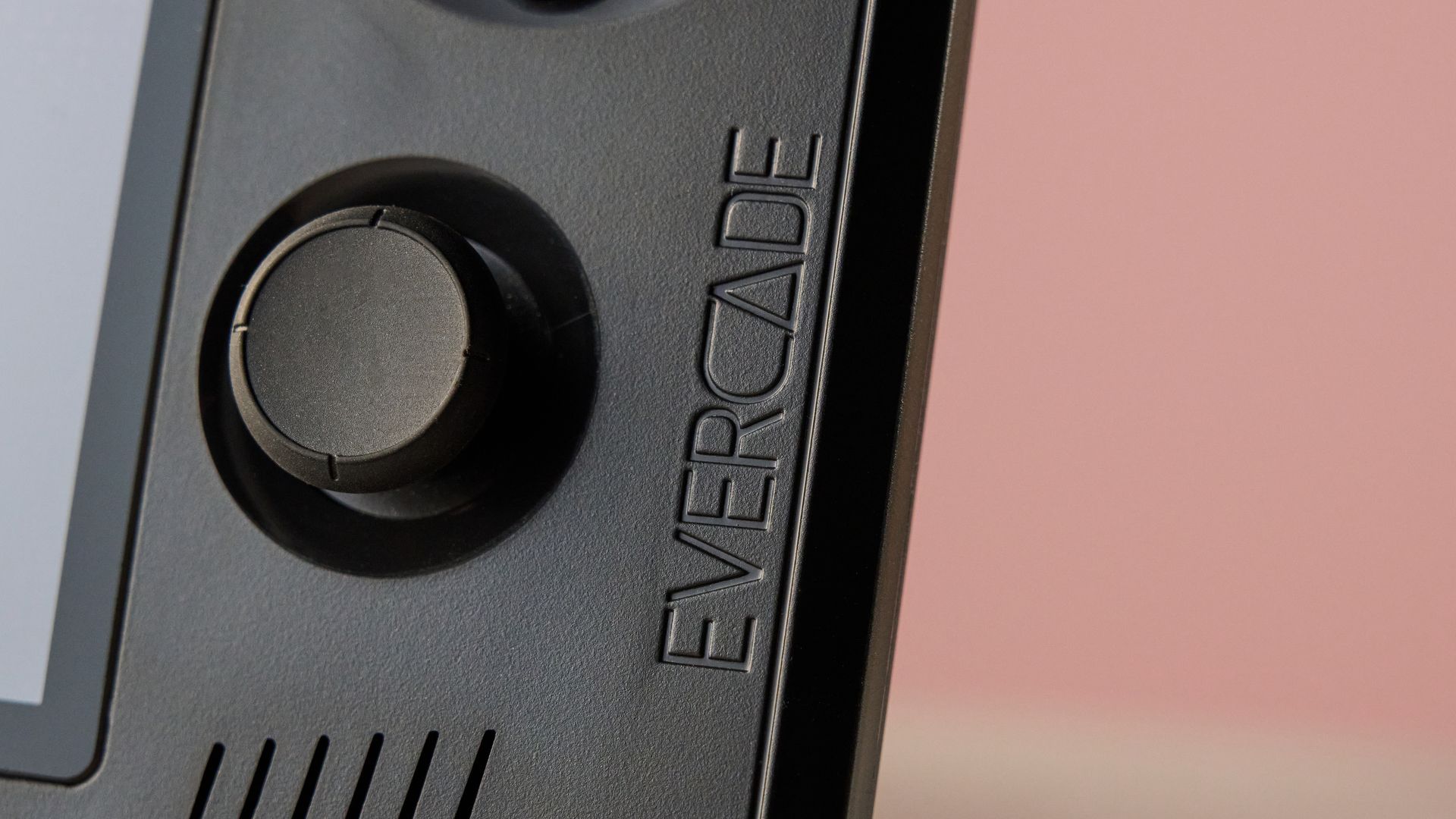
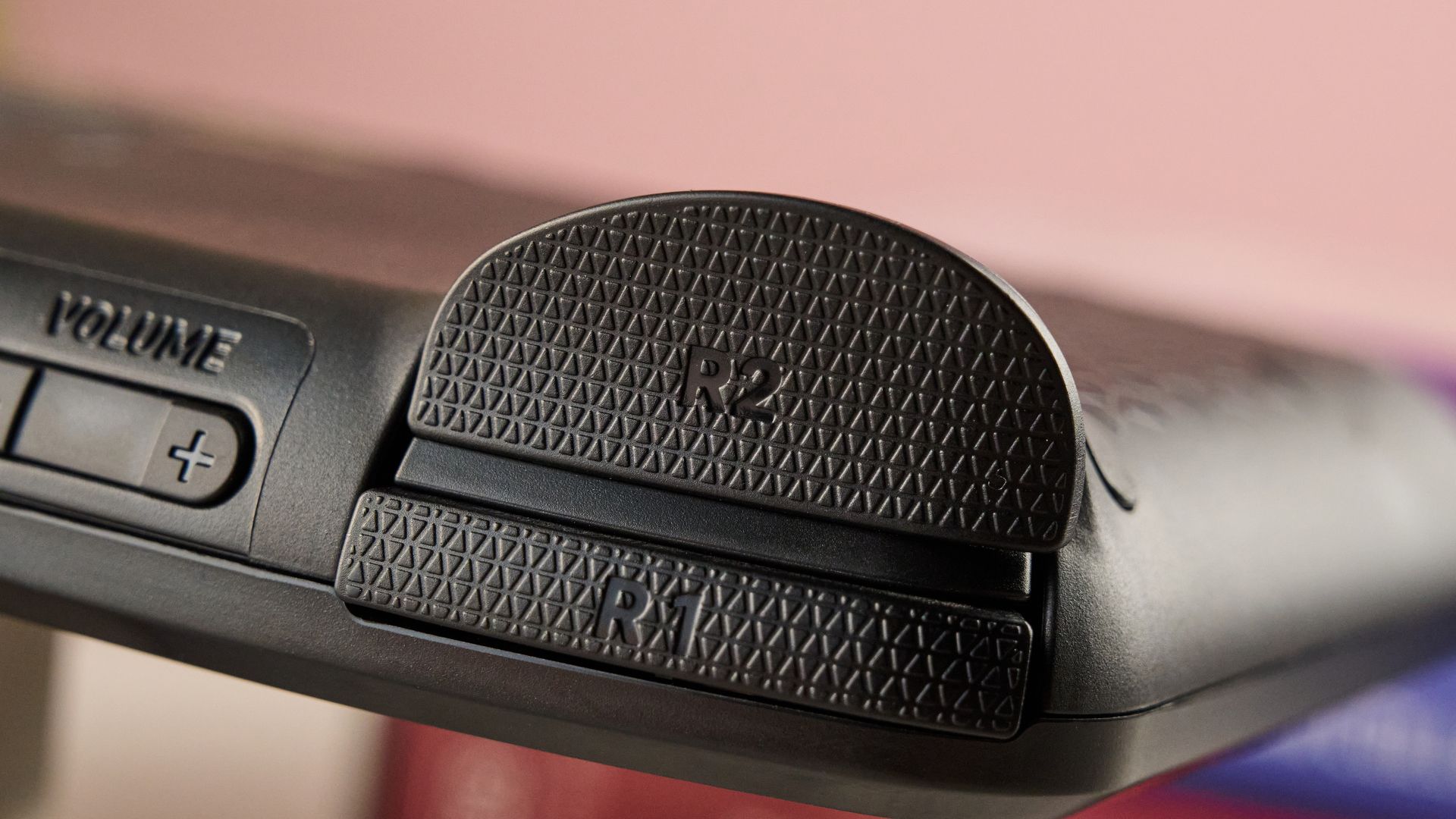
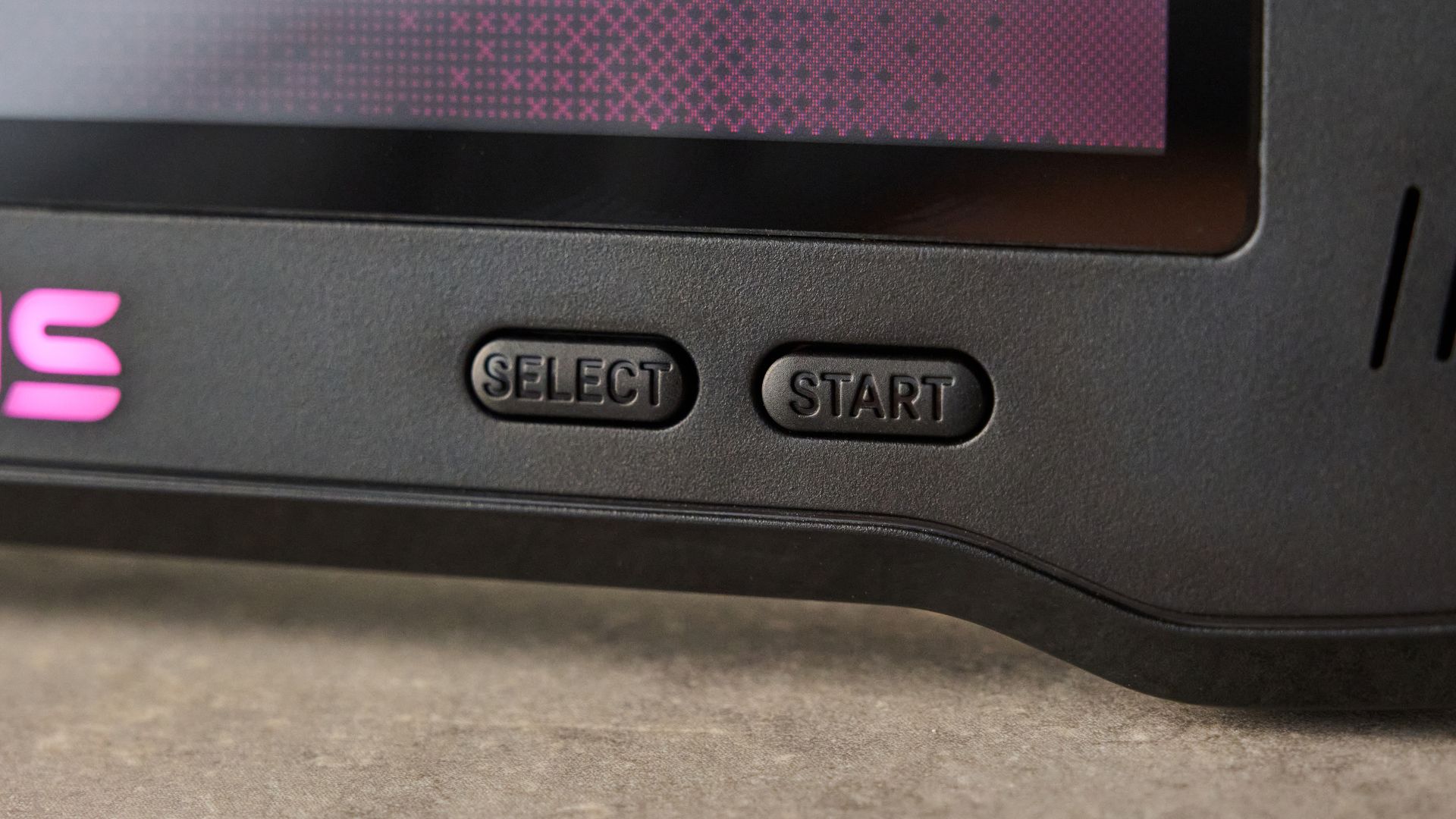
Perhaps this should not be surprising with a retro console like this but you’re not getting many mod cons in terms of inputs and buttons. The Nexus’s triggers and shoulder buttons are all digital switches rather than analog, and the face buttons are the spongy kind of digital switch rather than micro-switches. Meanwhile, the thumbsticks feel nice and fluid, but they’re old-fashioned potentiometers rather than the fancy Hall effect or TMR sticks you get with modern controllers, meaning stick drift may eventually be a concern.
Evercade Nexus review: Performance
I’ve played my fair share of retro consoles over the years, and Evercade Nexus definitely feels at the higher end of them, particularly when it comes to its smooth performance.
The Evercade Nexus’s controls always felt pleasingly responsive, regardless of whether I was playing the 3D Banjo-Kazooie, 2.5D Doom, or 2D arcade games, such as Metal Slug 4. It was deeply satisfying how quickly Doomguy pirouetted around as I flicked the right-analog stick around. Given most titles predate the analog trigger era, its clicky shoulder trigger and buttons feel perfect and, while I’m less keen on its spongier face buttons, they are 100% true to the feel of retro controllers.
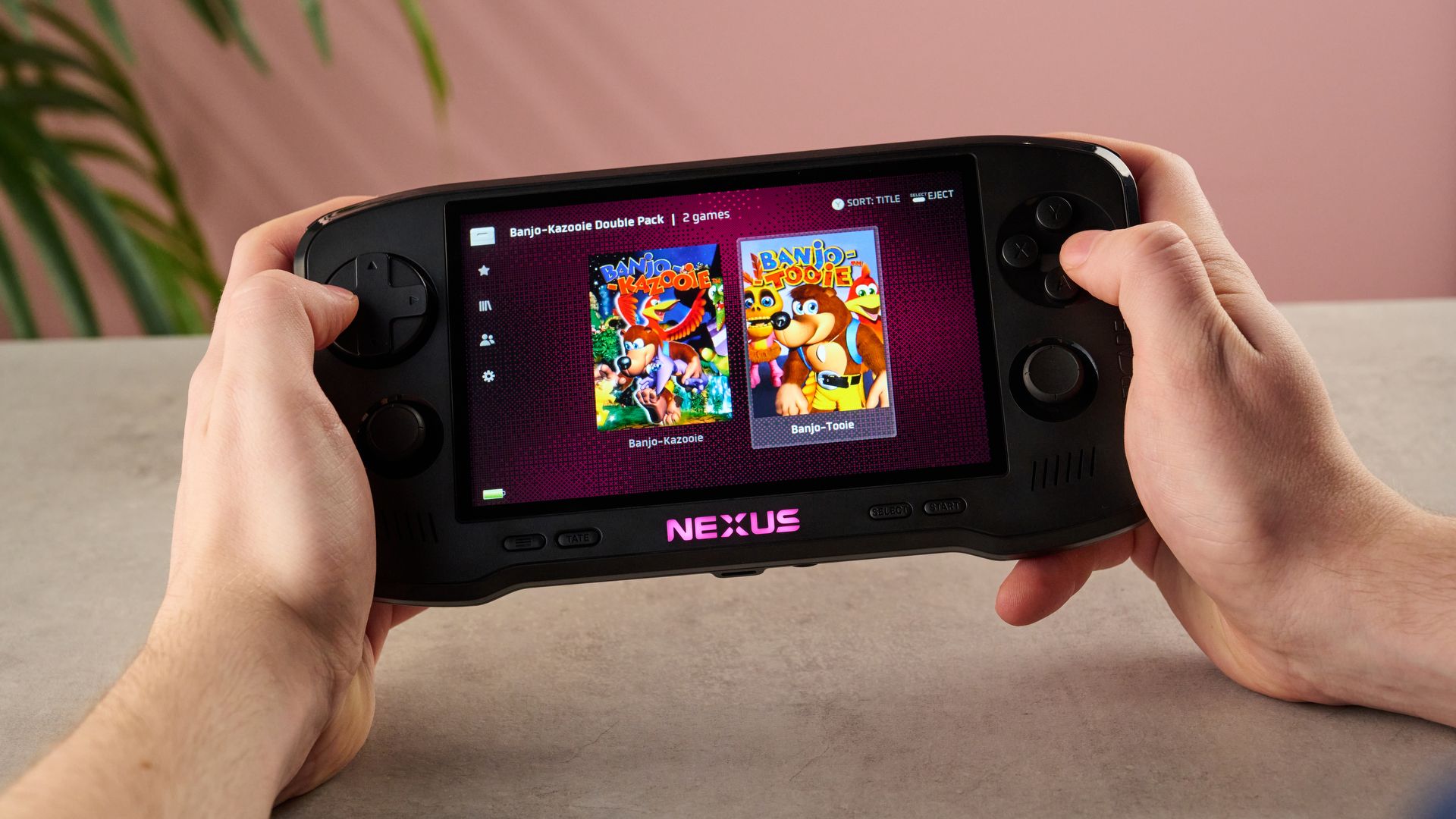
And it’s not just the controls that feel delightfully smooth. Both Banjo-Kazooie and Doom feel far less janky than they do in my memory — as I charged around with Kazooie’s Talon Trot, the action in-game felt seriously fluid, showing the boost in refresh rates these remakes have received. It definitely makes reliving these retro titles feel a whole lot less clunky.
There are a couple of alternate game modes available on the Nexus. By far the biggest of these is the new EverSync feature, which allows you to connect two consoles for local wireless multiplayer. While I couldn’t test this out without a second unit, I can totally see the appeal, allowing you to co-op Doom or frag your friends in Worms Armageddon. On top of that, Tate mode allows you to play arcade titles in a portrait orientation — yes, this wasn’t remotely necessary in the Neo-Geo titles I tried it on, such as Metal Slug 4, but I understand why it would be helpful for arcade classics like Centipede or Pac-Man.
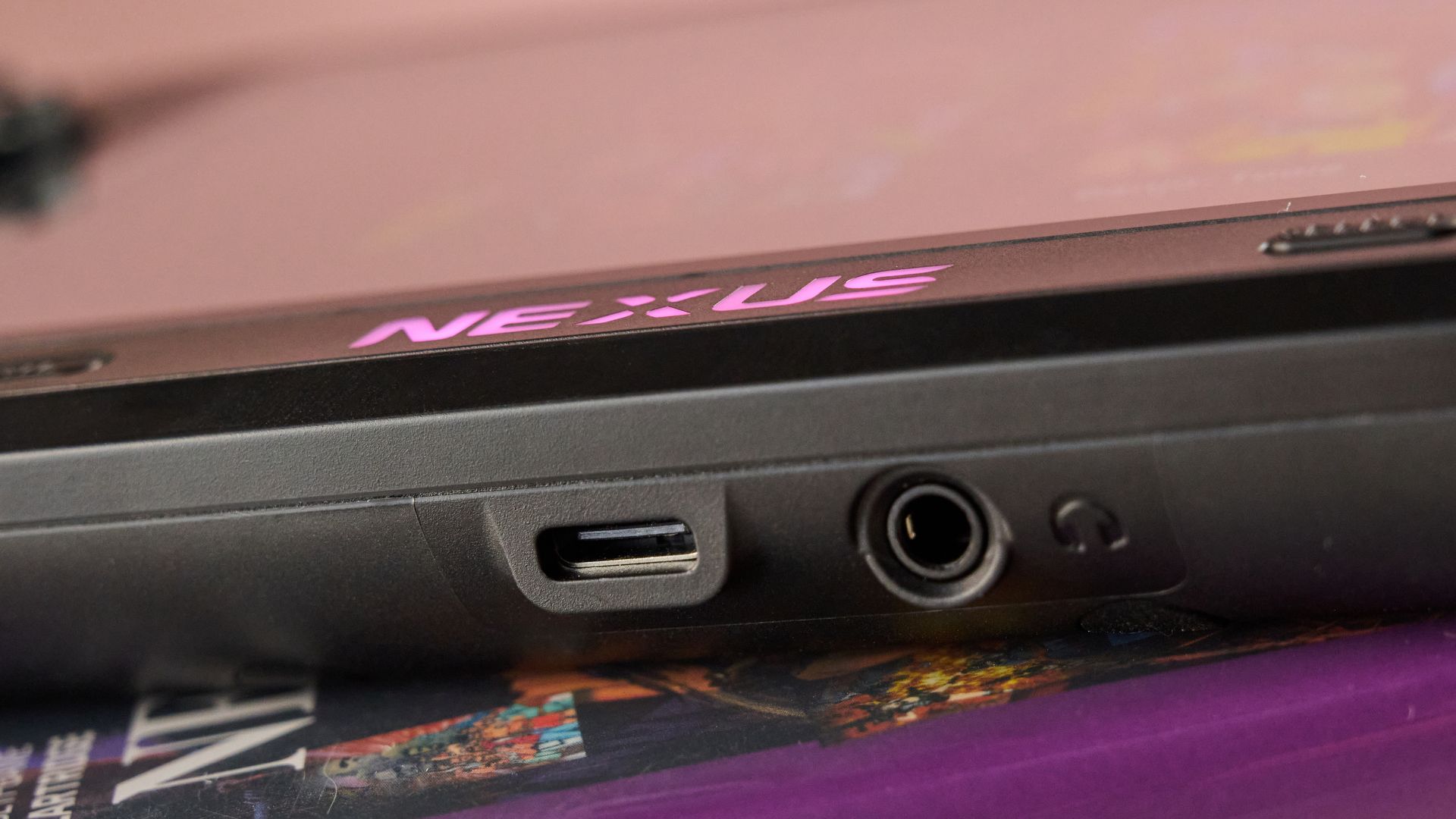
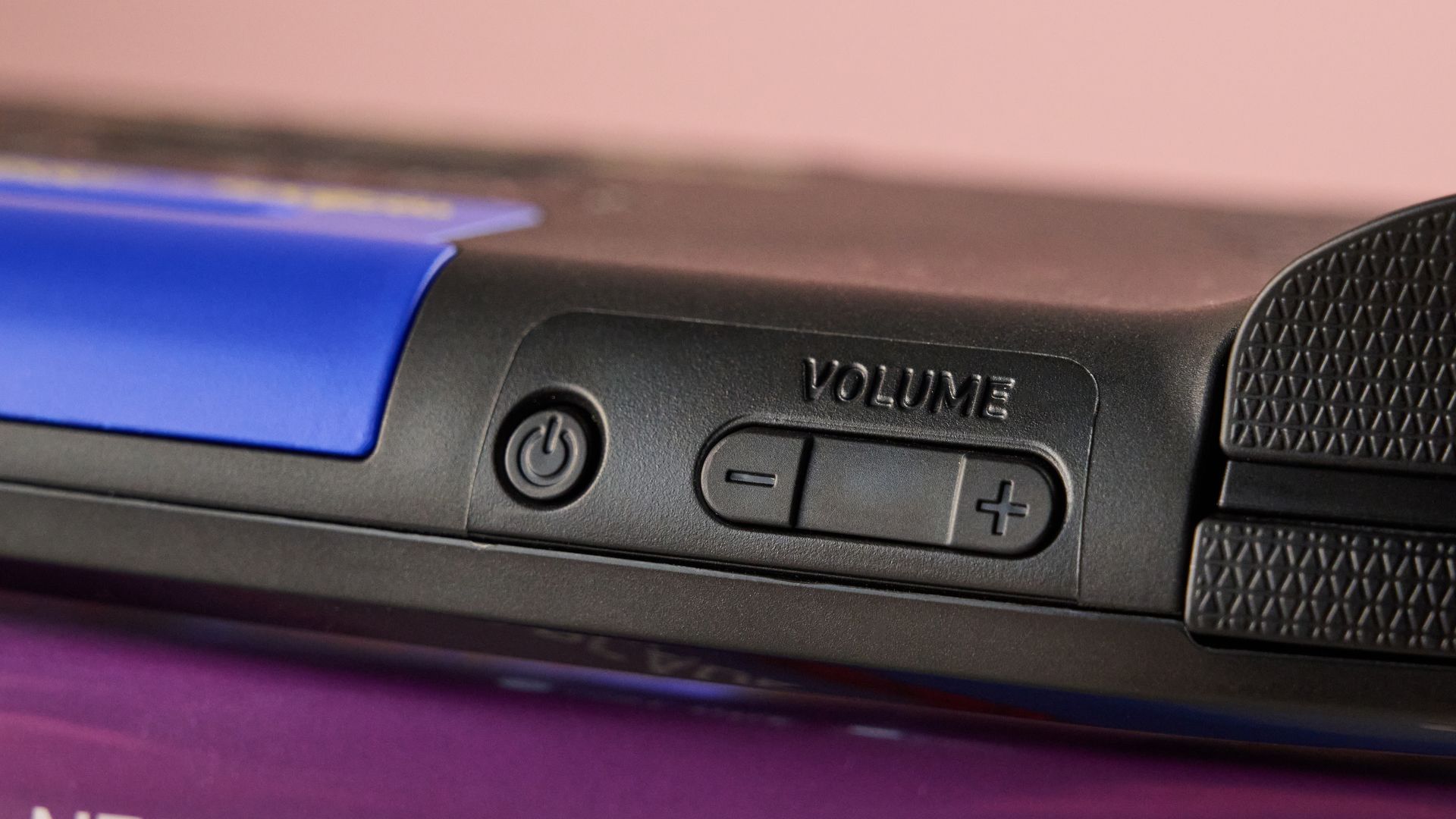
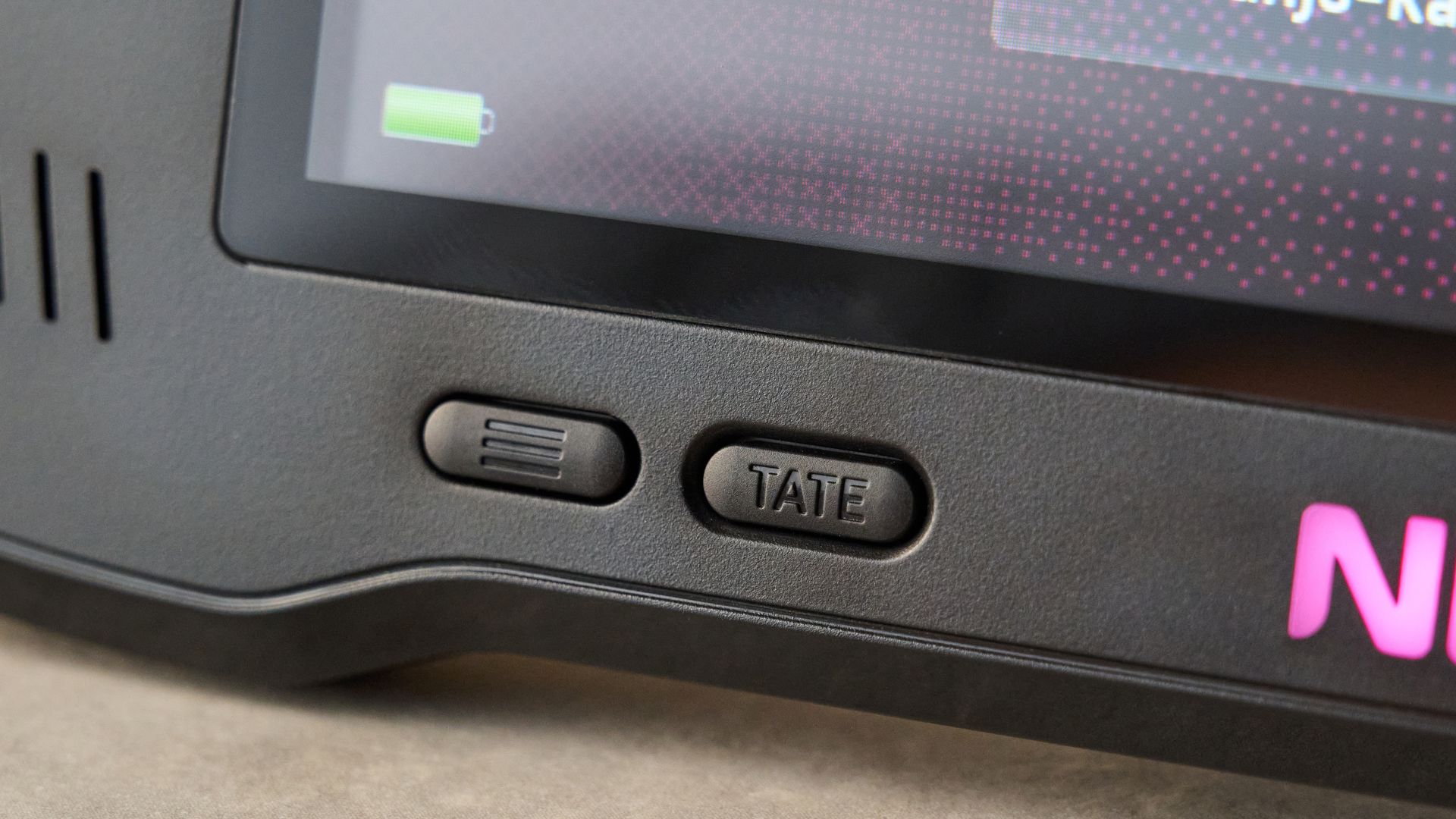
However, there is one quality of life upgrade that I feel the Nexus is sorely missing. As things stand, Evercade’s console has no sleep function nor the ability to save states when you switch it off. Switch it off on the spur of the moment to interact with someone, and it fully shuts down, losing all progress since your last save. In an era where consoles often save states for multiple games to relaunch them in seconds, I found this habit quite difficult to unlearn.
Like a lot of retro consoles that combine modern battery tech with relatively undemanding games, the Evercade Nexus has a pretty prodigious battery life. How long? Well, in the two weeks I’ve been using it, I’ve charged the battery once, and that’s because it arrived only about 50% full. After at least three or four hours of cumulative gaming since I last charged it, the battery has only dipped to 75%, although I imagine 3D titles like Banjo-Kazooie will likely drain it faster. So I’d say the five-hour minimum Evercade has predicted still feels entirely realistic.
Should I buy the Evercade Nexus?
Buy it if…
You want smooth, old-school gaming on the go
Not only does the Nexus allow you to play games like Tomb Raider and Banjo-Tooie wherever you go, but many of the titles have been upgraded to support higher frame rates for smoother gameplay.
You want to own your games
It’s not controversial to say that some retro gaming fans have a pretty — shall we say — relaxed attitude to copyright. If you’d rather legally own your games, Evercade’s cartridge system is perfect for you.
Don’t buy it if…
You want a console that sleeps without forgetting everything
If you turn off the Nexus, even for a moment, your progress is gone. That can sometimes lead to awkward moments where you want the screen off without having to start your playthrough from scratch.
You’re not willing to pay at least $29.99 / £24.99 per cartridge
Even taking into account the fact that many Evercade cartridges have multiple games on them, I wouldn’t say they feel like a bargain, with many modern AAA titles dropping into this range after a year or so.
Evercade Nexus review: Also consider
Super Pocket
If you’d rather a truly pocket-sized retro console, the Super Pocket’s got ya. Not only do its variation versions — like the Capcom or Rare editions — but it’s compatible with Evercade cartridges, meaning you can still build up your library of fully licensed cartridges. The extra sweetener? It costs just $69.99 / £49.99, which gives you a lot of change left over for games. Read our full Super Pocket review.
Analogue 3D
While the Analogue 3D runs a much narrower era of games, if you’re a fan of 64-bit 3D titles like Banjo-Kazooie, it can’t be beat. Running original Nintendo 64 cartridges natively, it allows you to unlock all of your favorite N64 cartridges for modern play. It also simulates the original way these titles would render on a CRT and supports multiplayer. Diddy Kong Racing tournament, anyone? Read our full Analogue 3D review.
How I tested the Evercade Nexus
Having tested the Evercade Nexus over the course of a couple of weeks, I made sure to play all of the cartridges that were supplied with my review unit and try out multiple titles from each cartridge. That included 2D arcade classics, 2.5D games, and 3D titles, and gave me the opportunity to see how the controls worked for different genres.
Additionally, I made sure to test a wide variety of settings while using the Nexus. I trialled various levels of scanlines to see which I preferred, paired Bluetooth headphones to see how well this worked, and tried out its Tate portrait mode for arcade games.
When it comes to my own experience, I’ve been reviewing gaming gadgets for TechRadar for over two years and covering gadgets in general for more than 10. I’m a big retro gaming nerd — whether we’re talking DOS-based treasures like Dungeon Keeper or playing classics like Link’s Awakening on my GameBoy Pocket.
- Read more about how we test
- First reviewed: November 2026
This articles is written by : Nermeen Nabil Khear Abdelmalak
All rights reserved to : USAGOLDMIES . www.usagoldmines.com
You can Enjoy surfing our website categories and read more content in many fields you may like .
Why USAGoldMines ?
USAGoldMines is a comprehensive website offering the latest in financial, crypto, and technical news. With specialized sections for each category, it provides readers with up-to-date market insights, investment trends, and technological advancements, making it a valuable resource for investors and enthusiasts in the fast-paced financial world.