
There are plenty of great MacBook deals available in the Black Friday sales, but with so many models and configurations to choose from, it’s not always easy to pick the right one for you. From screen sizes and chip options to storage and RAM, it’s enough to make even the hardiest Apple veteran’s head spin.
Fortunately, we’re here to clear up the confusion and help you pick the right MacBook this Black Friday. We’ll show you how to select the best Mac for your needs and how to avoid overpaying for something you don’t need. Read on for all our best buying tips and tricks.
What model do you need?
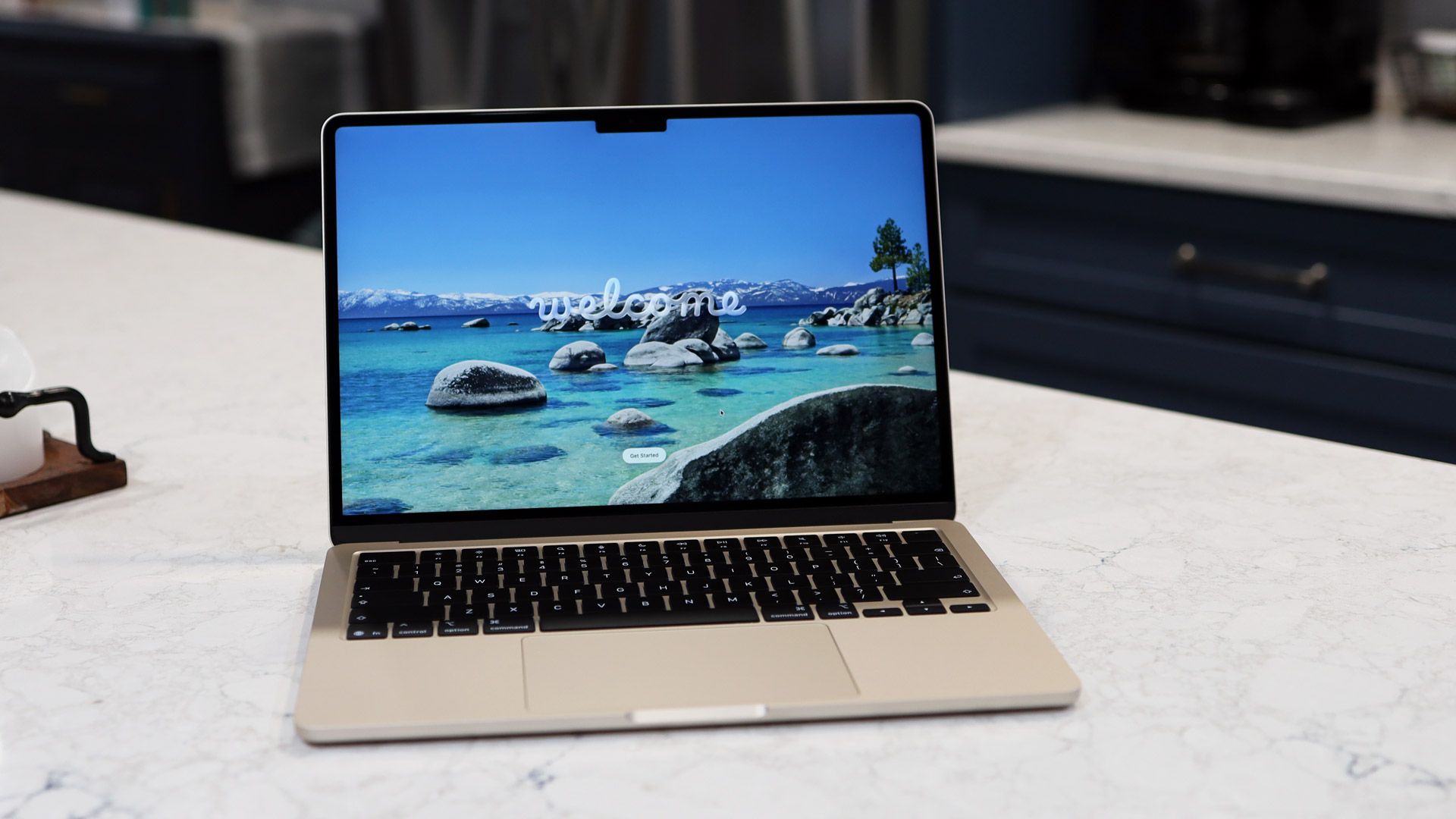
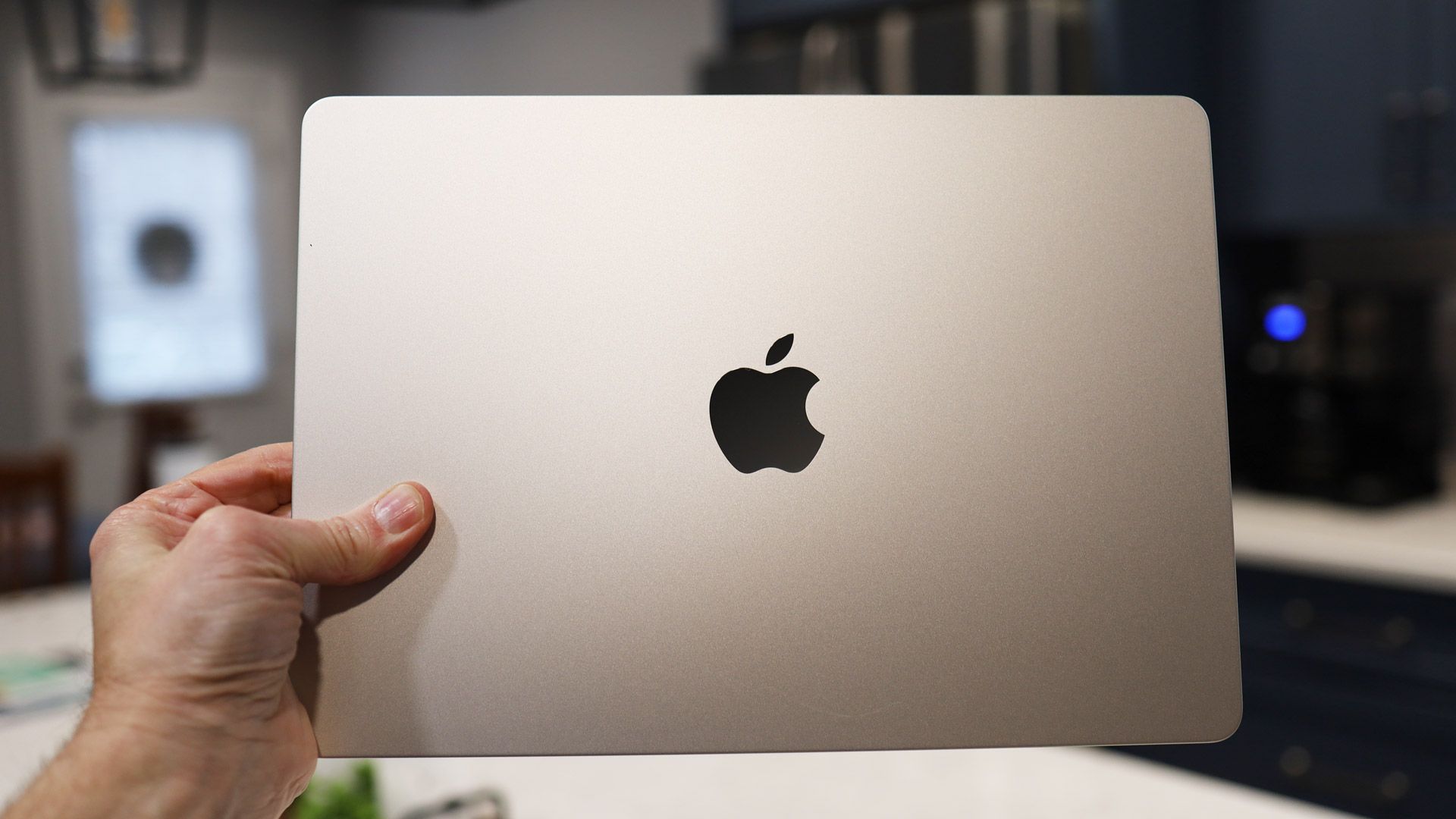
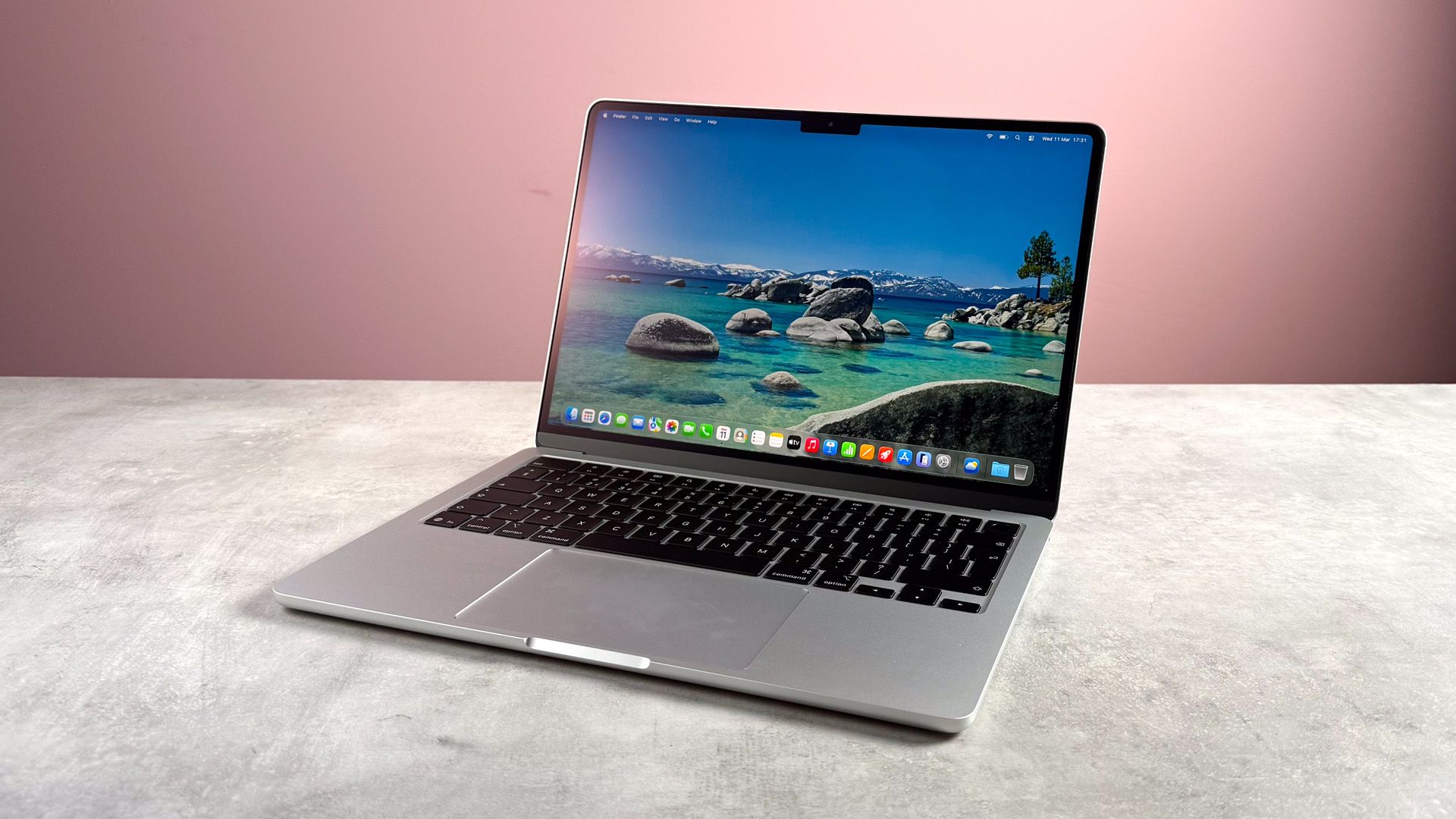
Apple currently sells three MacBook models: the MacBook Neo starting at $699, the MacBook Air costing $1,299, and the MacBook Pro, whose prices begin at $1,999 (or $2,899 for the touchscreen variant). Each one has different capabilities and suits different needs.
If all you need a laptop for is to browse the internet and your emails, the affordable MacBook Neo will be perfect.
For some light photo editing, try the MacBook Air. And for more heavy-duty tasks, the MacBook Pro is ideal.
These three editions are available at different price points, with the MacBook Neo being the cheapest and the MacBook Pro occupying the highest price bracket. Use your knowledge of what you want to do and how much you want to spend — and the rest of our tips in this guide — to assist you in choosing from these three options.
Size and display

At 13 inches across, the MacBook Neo only comes in one size. Its screen is an LED display with 500 nits of brightness and a 2408×1506-pixel resolution, which is plenty for most situations.
Next up is the MacBook Air, which offers two distinct sizes: 13.6 inches and 15.3 inches across. These are both LED panels with 500 nits of brightness and either a 2560×1664-pixel resolution or a 2880×1864-pixel resolution, depending on the dimensions.
Finally, the MacBook Pro is a little more complex. The standard MacBook Pro offers 14.2-inch and 16.2-inch displays and use mini-LED screen tech for up to 1,600 nits of peak brightness.
But there’s another MacBook Pro to consider: the high-end PROLED XDR model with touchscreen. This lets you control macOS with touch gestures and features an OLED panel for better colors and contrast. It goes up to 2,000 nits of peak brightness and is available in the same sizes as the regular MacBook Pro. Of course, you’ll pay more for the privilege compared to the standard MacBook Pro.
Chips ahoy
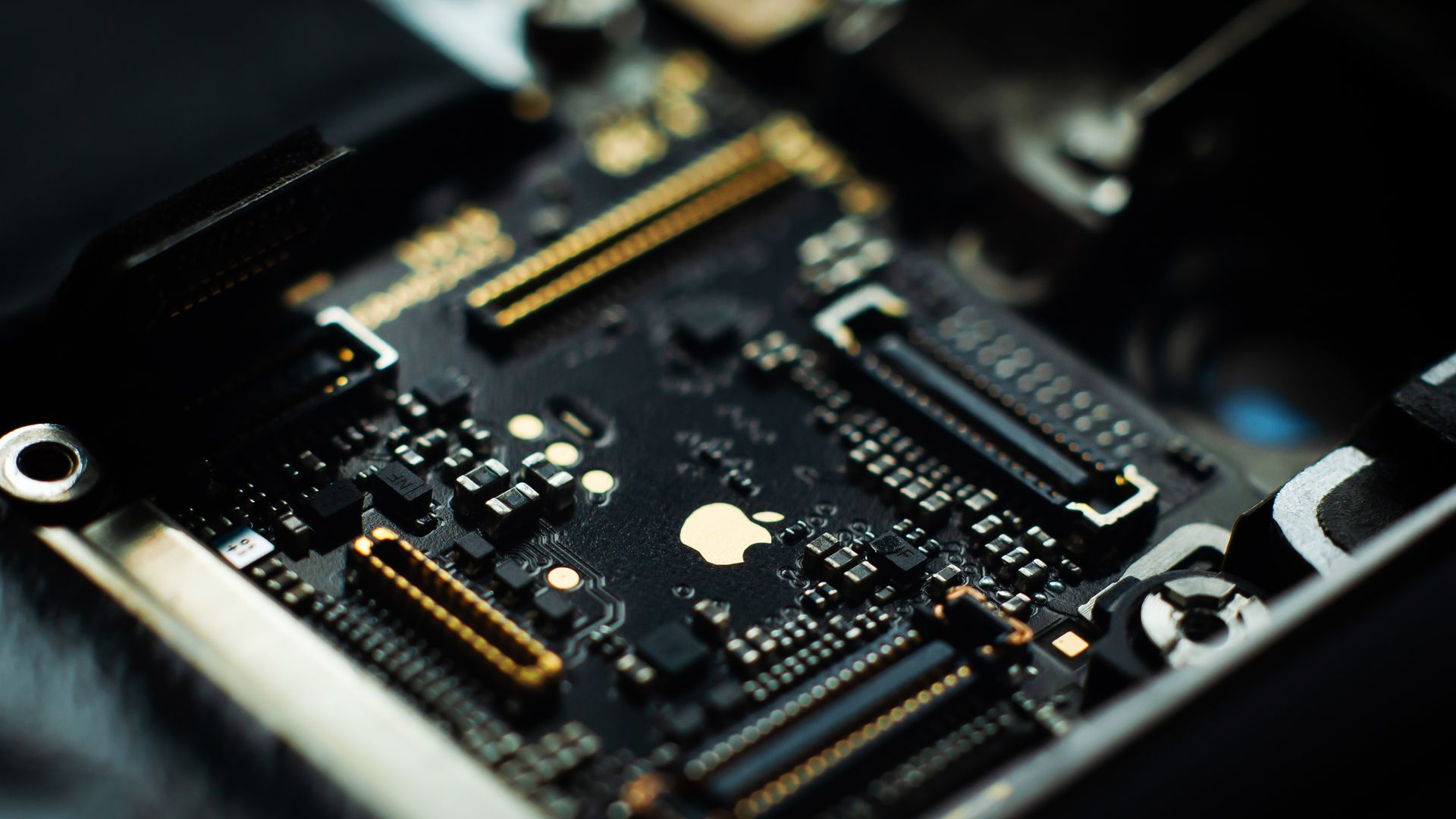
Now for the internal components, starting with the chip. The MacBook Neo packs in an Apple A18 Pro chip, which originally landed in the iPhone 16 Pro and iPhone 16 Pro Max. It might be a mobile chip, but it’s worth remembering that Apple’s phone chips are the best in the business. Still, there are stronger options available in other Apple laptops.
That includes the M5 in the MacBook Air, which comes with 10 CPU cores and either eight or 10 GPU cores. It’s ideal if your needs are relatively modest and you feel like doing a little light multitasking and productivity work.
Stepping up to the MacBook Pro, this has a few options: the M6, the M5 Pro and the M5 Max. These are available in several different configurations, from an M6 with 12 CPU cores and 12 GPU cores all the way up to an M5 Max with 18 CPU cores and 40 GPU cores. Those top-end chips are tailormade for video editing, AI data crunching and other demanding pro workloads.
Memory and storage
Memory and storage are often confused, but they’re not the same thing. Your MacBook’s memory (also known as RAM) is responsible for multitasking and helps keep things speedy when you’re running lots of apps at once, while the storage is where you keep your files and folders.
On a Mac, Apple uses what it calls “unified memory.” This means the CPU and GPU share the same memory pool, which helps the computer get by with less RAM than some Windows alternatives might need. If all you’re doing is a little light word processing and emailing, the base 8GB of memory will be plenty. Thinking about video editing? You’ll want as much RAM as you can afford, with the MacBook Pro offering up to 128GB of memory.
As for storage, the base 256GB in the MacBook Neo might not be enough for most people, so we recommend upgrading that. If you have a lot of photos and videos to store, you’ll probably want 1TB or more. Apple lets you go all the way up to 8TB on some Macs, but most people won’t need more than 2-4TB at a push.
Be aware that you cannot upgrade either the internal memory or the storage once you’ve bought a MacBook, so choose wisely. You can get more file capacity with one of the best external SSDs, but it’s not ideal as it means carrying around more dongles and peripherals.
AppleCare
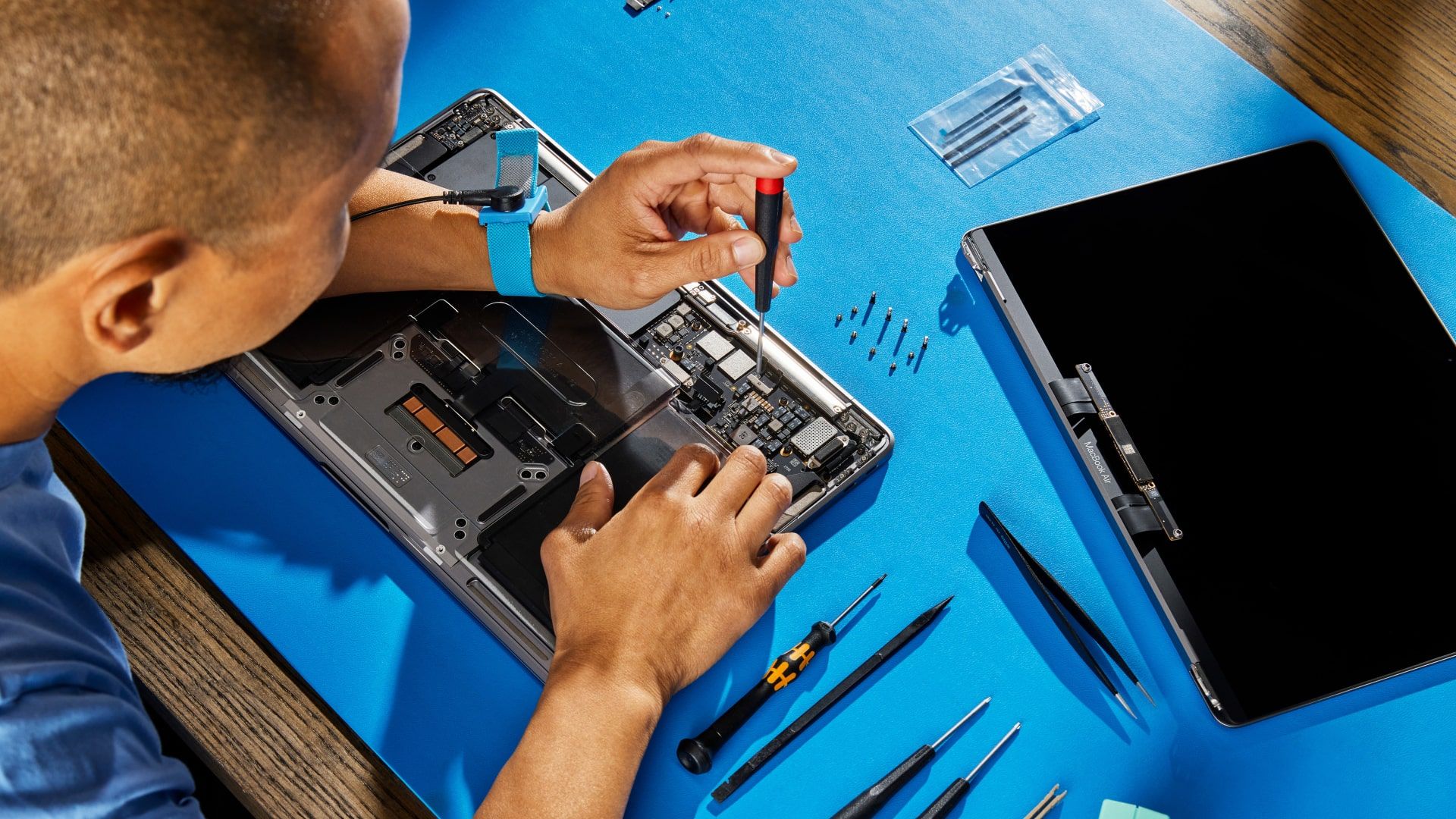
How accident-prone are you when it comes to computers? We ask because Apple offers its own extended warranty program called AppleCare, and it’s available with every MacBook. It covers broken screens, battery replacements, cracked frames and more, and you get unlimited repairs for the duration of your membership. You’ll also get priority support from Apple 24 hours a day, seven days a week.
The price varies based on your MacBook model. The MacBook Neo, for example, costs $5.49 a month or $54.99 a year. The 16-inch MacBook Pro, on the other hand, costs $15.49 a month or $154.99 annually.
There are a few other options. AppleCare One Individual covers up to three Apple devices for one person and costs $19.99 a month. AppleCare One Family, meanwhile covers every eligible device for up to five people. That’ll set you back $49.99 a month.
AppleCare could give you some peace of mind if you’re particularly liable to breaking your devices. Note that it doesn’t cover the theft or loss of a device. And if you’re good at keeping your Macs well protected, you might be better off saving your money.
Extras
After all that, there are a couple of other considerations to make when buying a Mac. Firstly, some MacBooks do not ship with a charger, so be sure to check the listing, as you might have to buy one separately. When it comes to purchasing an Apple charger, we’d recommend you go for the option labeled “fast charging,” as that will help juice up your laptop much more efficiently and effectively.
Apple also sells a variety of pro apps alongside its laptops, including Logic Pro for music makers and Final Cut Pro for video users. These are optional and can be added to your basket at checkout, if you like.
Finally, it’s possible to trade in your old MacBook when buying a new one. Either speak to an Apple worker in store or add your device’s serial number at the checkout when purchasing a MacBook from Apple’s website. You’ll then find out how much Apple thinks your device is worth, with the total being removed from your bill. Just note that you might be able to get a better price elsewhere if you’re willing to sell your old laptop separately.
This articles is written by : Nermeen Nabil Khear Abdelmalak
All rights reserved to : USAGOLDMIES . www.usagoldmines.com
You can Enjoy surfing our website categories and read more content in many fields you may like .
Why USAGoldMines ?
USAGoldMines is a comprehensive website offering the latest in financial, crypto, and technical news. With specialized sections for each category, it provides readers with up-to-date market insights, investment trends, and technological advancements, making it a valuable resource for investors and enthusiasts in the fast-paced financial world.