Trying to find good deals on laptops, desktops, or gaming hardware this year has been kind of like trying to find a safe topic of conversation around a Thanksgiving dinner table: borderline impossible. Fortunately, monitors don’t rely on big memory and storage, and panels are only getting cheaper. So this Black Friday (and the lead-up to it) is a great time to hunt for a new monitor.
We’ve hunted across the web for the best monitor deals, and we’re keeping an eye out for the lead-up to the big day, too. (Black Friday is November 27 this year, Cyber Monday is the 30, if you need to mark your calendar.)
We’ve been reviewing monitors for decades at PCWorld, so we don’t just look at the bottom-line price when making a recommendation. We take in the visual fidelity and panel quality, extra features like USB-C video or multiple PC inputs, brand reliability, and what the typical user actually needs and wants. We avoid “whitebox” brands, though occasionally the savings are so great that they’ll beat out the bigger players.
For gamers, it’s all about OLED right now. The panels are getting fast enough, bright enough, and cheap enough that almost anyone can justify the upgrade, especially if you want a big centerpiece monitor. For more regular “office” use we insist on an IPS-LCD panel for color accuracy and comfortable text reading, with USB-C power delivery being a great upgrade for single-cable connections to laptops.
Deals at a glance
- Best budget OLED monitor: Acer Predator 27-inch 1440p 240Hz — $270 ($80 off at Amazon)
- Best OLED gaming monitor deal: Alienware 34-inch 1440p 280Hz — $650 ($150 off at Amazon)
- Best gigantic OLED gaming monitor deal: Samsung Odyssey OLED G9 49-inch 144Hz — $790 ($510 off at Amazon)
- Best budget office monitor deal: AOC 27-inch fast IPS 1080p — $95 ($25 off at Amazon)
Best Black Friday monitor deals
Best budget OLED monitor: Acer Predator 27-inch 1440p 240Hz ($270)
Acer
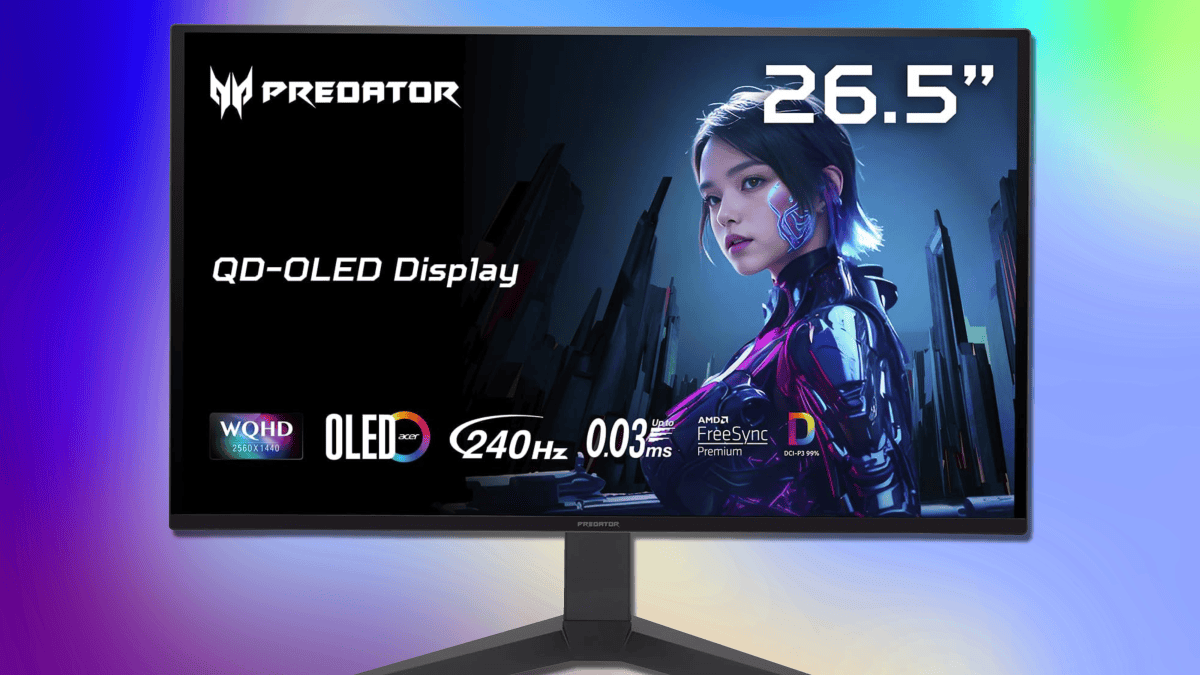
Who is this deal for? At 27 inches, QHD (2560×1440) resolution, and a speedy 240Hz refresh rate, this monitor has more than enough to make PC games pop while remaining competitive for online multiplayer. It’s light on extras — no USB-C here — so the ideal user is a PC gamer on a budget who already has a desktop.
Why is this deal good? $300-350 has been the “sweet spot” for entry-level OLEDs all this year. And while that price might go a little lower as we get nearer to Black Friday, right now Acer has the best deal with this Predator model. You’re unlikely to find a dramatically lower price from a name brand in the short term.
Get the Acer Predator X27U W1 OLED monitor for $269.99
Best OLED gaming monitor: Alienware 34-inch 1440p 280Hz ($650)
Dell
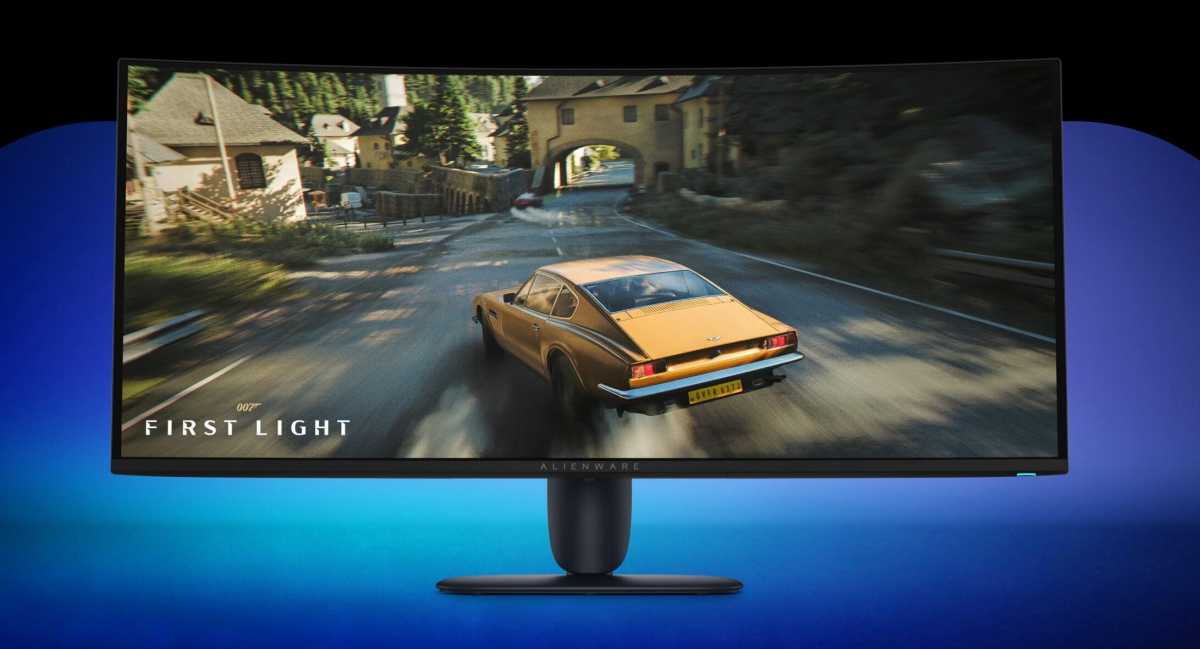
Who is this deal for? If I were in the market for an OLED upgrade for my gaming desktop setup right now, this is the one I’d pick. 34 inches and 3440×1440 resolution gives you more breathing room for movies, games, and windows, while not absolutely overpowering a desktop. It’s also a good companion for a multi-monitor setup.
Why is this deal good? This isn’t the cheapest 34-inch OLED on the market, but others make compromises with a slower panel. At 280Hz, this Alienware can keep up with fast online multiplayer, and it includes a few handy extras like USB-C charging. Unless you can find one with an equivalent panel and more premium features, it’s hitting a perfect middle ground.
Get the Alienware AW3426DW 34-inch OLED ultrawide monitor for $649.99
Best gigantic OLED gaming monitor: Samsung Odyssey OLED G9 49-inch 144Hz ($790)
Samsung
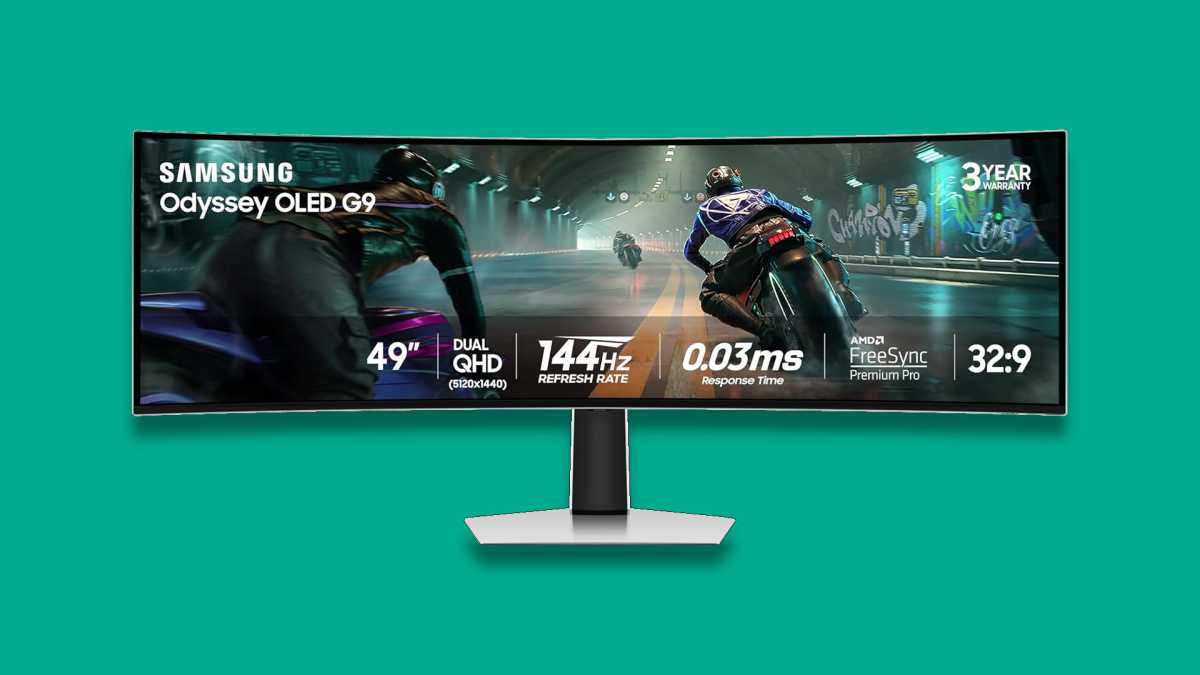
Who is this deal for? If you’re ready to go really big — and your desk can handle it — then there’s no better choice than the Samsung Odyssey. This 49-inch behemoth is essentially two 1440p screens smooshed together at a 32:9 ultrawide form factor. It’s “only” 144Hz, but frankly, even a beefy gaming desktop will struggle to max that out pushing so many pixels.
Why is this deal good? A couple of years ago you’d struggle to find an OLED this size below the $1,000 mark. Now you can get one with a massive panel, versatile connections including USB-C, and plenty of configuration options. Just make sure it fits into your space as well as your budget.
Get the Samsung Odyssey G9 G91SD OLED ultrawide monitor for $790.27
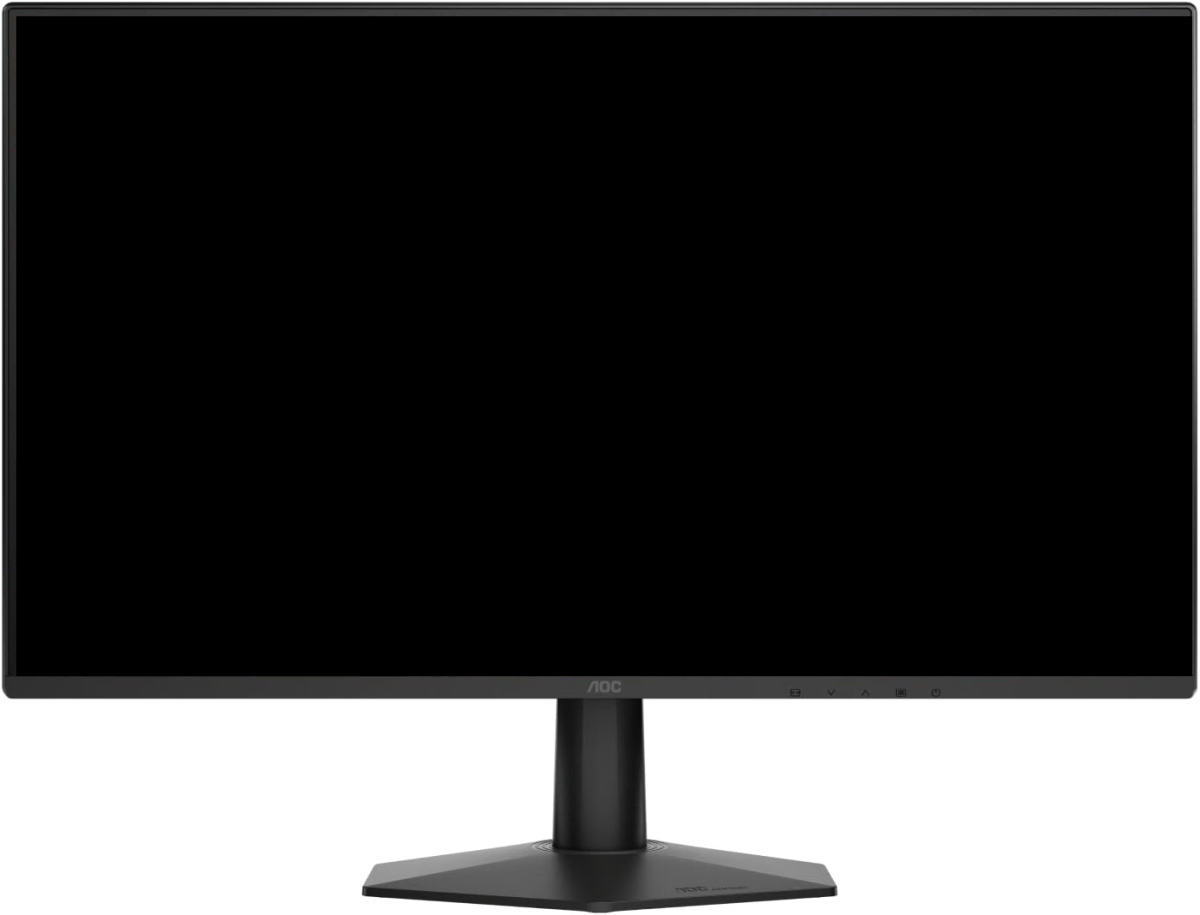
Best budget office monitor: AOC 27-inch fast IPS 1080p ($95)
Acer
Who is this deal for? Yeah, I know this monitor says “gaming” thanks to its respectable 180Hz refresh rate. But with a price under a hundred bucks, for a 27-inch IPS panel, this is also an excellent choice if you want a low-priced option for a regular office setup. That’s doubly true if you want more than one monitor, or a cheap multi-monitor upgrade, thanks to VESA mount compatibility.
Why is this deal good? $100 is about what you’d pay for a 24-inch model with a not-great panel. This one boosts it up to 27 inches, and if you absolutely want the most savings possible, there’s a 24-inch variant for just $75. “Gaming” or not, those are some fantastic prices.
Get the AOC 27G51F2 27-inch 1080p IPS monitor for $94.98
Black Friday: The best PC deals around
If you’re looking for hot tech deals without all the potential for scams, we can help—and help you find truly good deals during the holiday, too. Check out our Black Friday roundups for the best PC-related deals in a wide variety of categories!
- Black Friday 2026: Our full coverage
- Best Black Friday laptop deals 2026: Our top picks
- Best Black Friday Chromebook deals 2026
- Best Black Friday Thunderbolt dock deals 2026
- Best Black Friday VPN deals 2026
- Best Black Friday mini PC deals 2026
- 13 killer Black Friday deals on tech accessories you actually need
- Black Friday steals: 10 tech deals under $25, at or near all-time lows
FAQ
What’s so great about OLED monitors?
OLED is a newer type of panel design than the dated LCD, offering accurate, vivid colors, “perfect” black levels for incredible contrast, and relatively low power draw. It’s the go-to upgrade for gaming monitors specifically because of its color and contrast.
OLED panels have become incredibly popular in smaller devices like smartphones, and eventually made their way into premium TVs. They took a long time to come to laptops and monitors because of concerns about burn-in, but those have mostly been resolved in 2026.
Even so, OLED monitors aren’t recommended for office-only setups or those who mostly read text, burn-in is more likely on images that never move (like taskbars) and OLEDs still aren’t as good as a quality IPS panel for reading.
What size of monitor should I buy?
Monitor size depends on personal preference and location.
A 24-inch monitor is fine for a desk that is around 24 inches deep, or less. Its small size will still be sufficient because the monitor is closer to you.
Most people, however, will want to go with a 27-inch monitor. The added size will make the monitor easy to see. This also opens up a wider range of 4K monitor options, as 4K is very rare on a 24-inch monitor.
Larger monitors, such as a 32-inch widescreen or 34-inch ultrawide, are great for deep desks and people who want an immersive experience. Monitors this large can serve as a TV replacement in a small room.
Displays of even larger size, such as 42-inch or 48-inch HDTVs, are best for home theater setups or an unusually large office. You’ll want to sit four to six feet away from a display of this size.
What display input is best? (HDMI vs. DisplayPort vs. USB-C)
USB-C is the best display input for most people. It works by bundling DisplayPort into USB-C, so offers all the same features as DisplayPort. Yet it retains the features of USB-C including optional support for Power Delivery to charge external devices. This is why we recommend a USB-C monitor for most people.
DisplayPort is generally second-best. It supports higher resolutions and refresh rates than HDMI. This input is particularly common on desktop computers.
HDMI comes in third due to lower resolution and refresh rate support. This is improved by HDMI 2.1, but this feature remains hard to find and often adds to a monitor’s price.
All three of the options above handle 1080p at 60Hz, which is the most common resolution and refresh rate available today. It’s also important to buy a monitor that has an input compatible with your PC.
This articles is written by : Nermeen Nabil Khear Abdelmalak
All rights reserved to : USAGOLDMIES . www.usagoldmines.com
You can Enjoy surfing our website categories and read more content in many fields you may like .
Why USAGoldMines ?
USAGoldMines is a comprehensive website offering the latest in financial, crypto, and technical news. With specialized sections for each category, it provides readers with up-to-date market insights, investment trends, and technological advancements, making it a valuable resource for investors and enthusiasts in the fast-paced financial world.