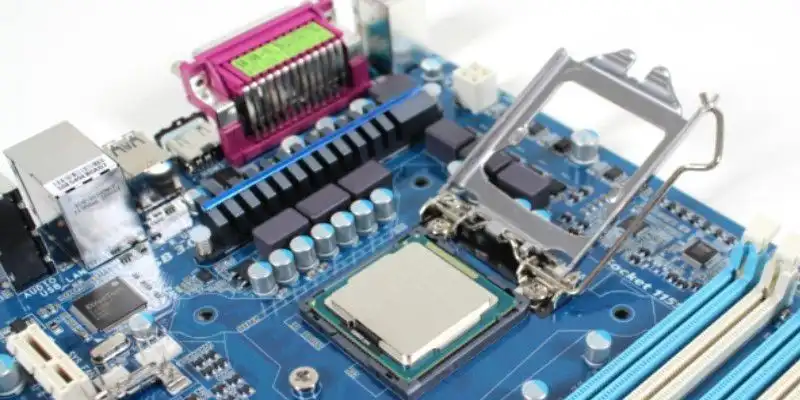
The BIOS or UEFI is the inconspicuous software that is loaded first when the computer starts up. It regulates the basic communication between the processor, memory, graphics card and all other components. For many users, updating this system sounds like an unnecessary risk, since the PC runs fine without it. But there are good reasons to keep the BIOS up to date.
One of the most important points is the compatibility of new hardware. For example, if you switch to a current CPU generation, you will quickly encounter problems without a BIOS update. Numerous motherboards only recognize new processors correctly after an update and then also provide the appropriate power management. The same applies to RAM modules or modern SSDs, which do not work reliably without an update.
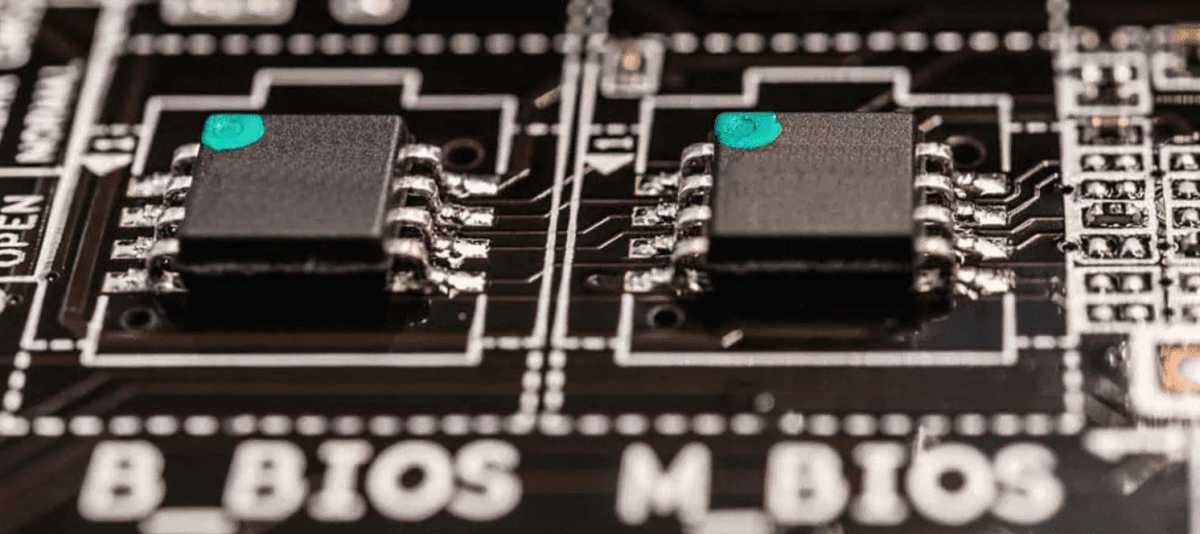
A BIOS update can make new hardware compatible, fix errors and close security gaps. However, the process also carries risks. You should therefore refrain from doing so on a system without any noticeable problems.
Foundry
Then there is troubleshooting. Manufacturers regularly provide fixes for stability issues, incorrect voltage values or overly aggressive fan controls via BIOS updates. Especially when a system is running inexplicably unstable, checking the available BIOS version can be a good way to solve the problem.
Another aspect is security vulnerabilities. Even at this very low system level, there may be vulnerabilities that attackers can exploit. For this reason, motherboard manufacturers occasionally release updates that close known gaps and secure the platform. However, not every update is automatically mandatory. If you have a stable system that works well with your existing hardware, there is no need to update at all costs. A BIOS flash always carries a certain risk: if the process is interrupted by a power failure or incorrect files, the PC may no longer start up. Some motherboards have a recovery function, but you shouldn’t rely on it.
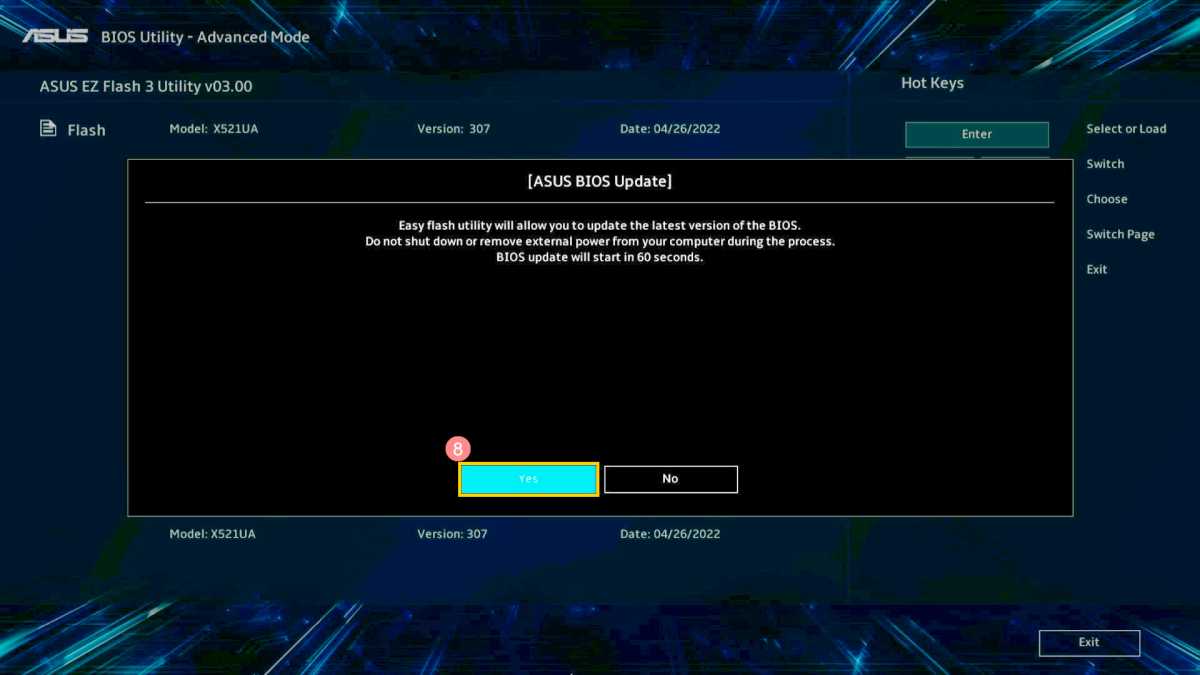
Many motherboards offer integrated tools (here: Asus EZ Flash) to perform a BIOS update directly in the UEFI menu. This is a convenient way to complete the update process quickly.
Foundry
The rule of thumb is therefore: a BIOS update is useful if new hardware has been installed, if stability problems occur or if a manufacturer recommends an important security update. However, if you’re satisfied with the existing configuration and do not notice any limitations, you can safely stick with the current version.
However, if you do decide to perform an update, it’s essential to follow the instructions provided by the motherboard manufacturer, download the correct version and ensure a stable power supply during the process. Then the advantages clearly outweigh the risks.
This articles is written by : Nermeen Nabil Khear Abdelmalak
All rights reserved to : USAGOLDMIES . www.usagoldmines.com
You can Enjoy surfing our website categories and read more content in many fields you may like .
Why USAGoldMines ?
USAGoldMines is a comprehensive website offering the latest in financial, crypto, and technical news. With specialized sections for each category, it provides readers with up-to-date market insights, investment trends, and technological advancements, making it a valuable resource for investors and enthusiasts in the fast-paced financial world.