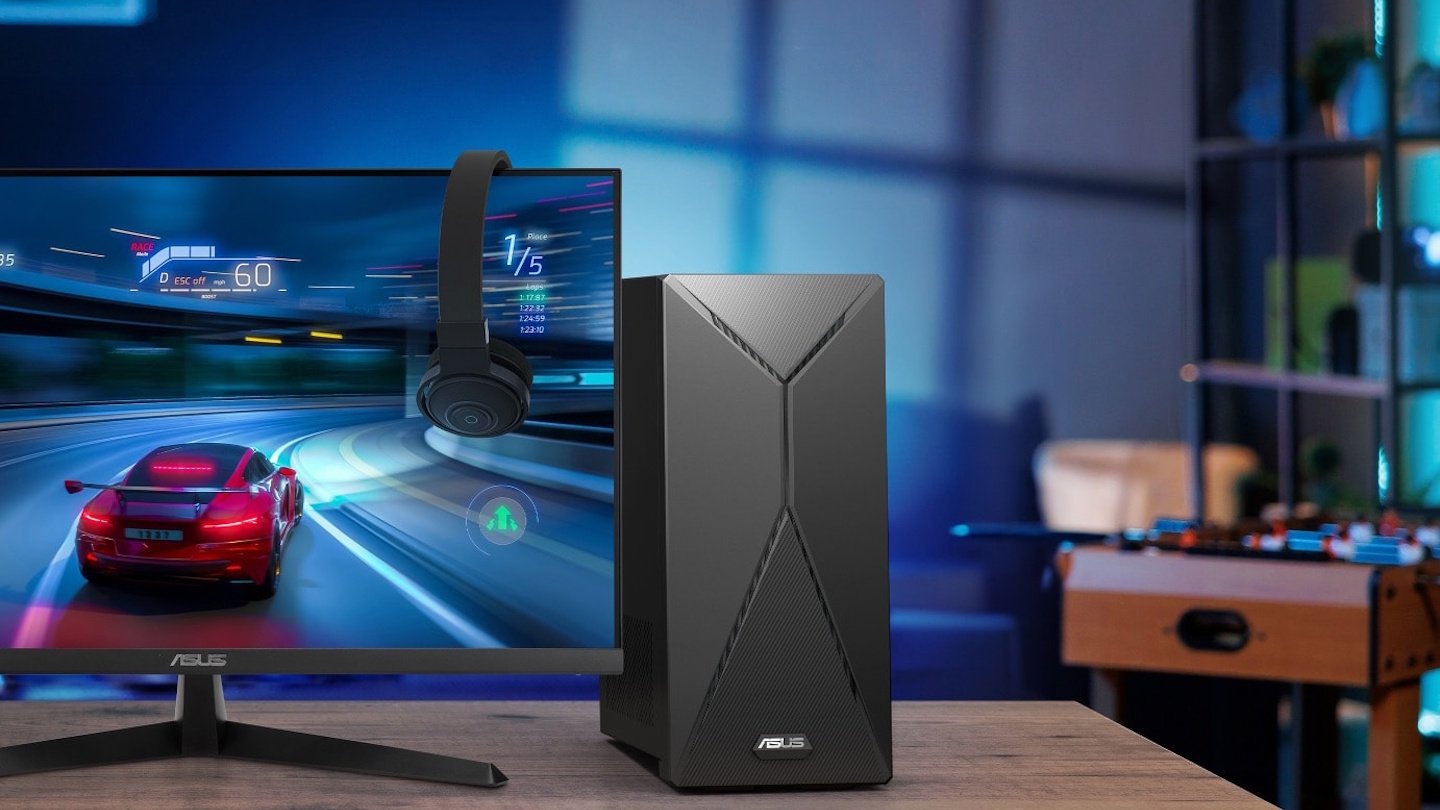
Windows 11 offers a feature called hardware-accelerated GPU scheduling, which distributes graphics processes more efficiently, thus reducing latency. As a result, the system runs more smoothly, especially in games and graphics-intensive applications. However, the feature is disabled by default and therefore requires manual activation.
Normally, the processor (CPU) manages the distribution of graphics tasks before they are transferred to the GPU. This creates a delay, as the processor acts as an intermediary. With hardware-accelerated GPU scheduling enabled, the graphics card takes over this management itself. This slightly reduces the load on the processor and enables more direct communication between applications and the graphics chip.
Although the feature isn’t a miracle cure, it can provide improved stability, especially at lower frame rates, in VR applications, or on systems with weaker CPUs.
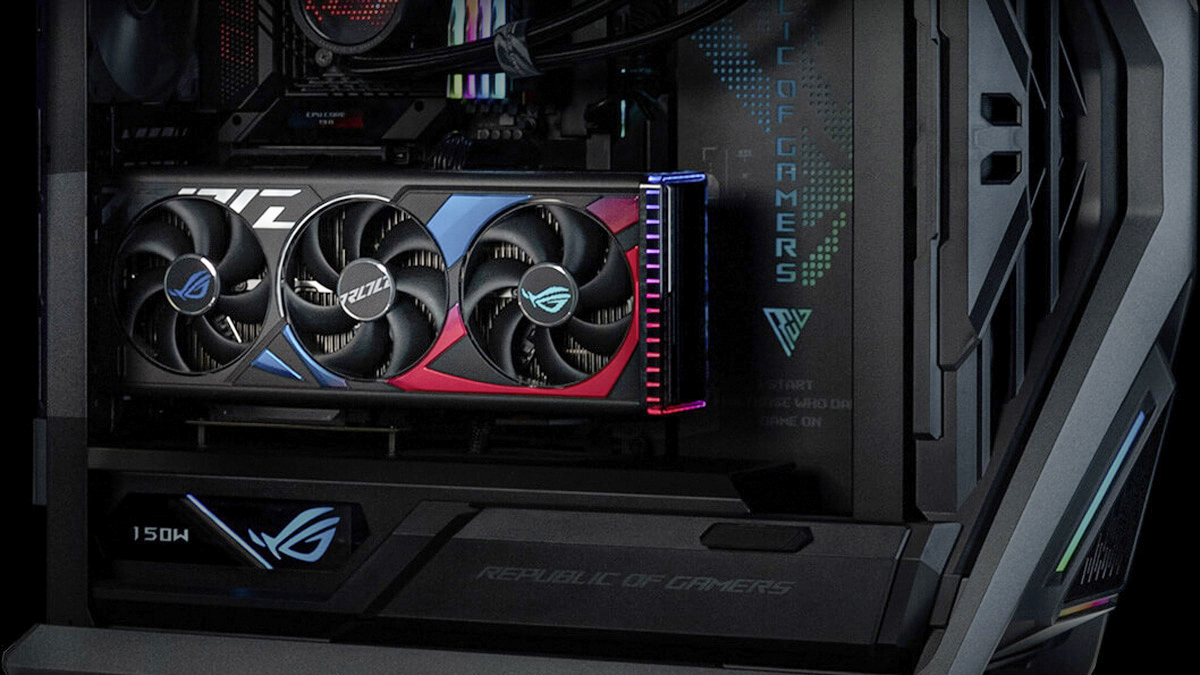
Current graphics cards – here in an Asus PC – benefit particularly from hardware-accelerated GPU scheduling. This feature allows you to reduce latency and optimise performance.
Asus
To enable this feature in Windows 11, you need a dedicated graphics card that supports GPU scheduling. For example, Nvidia graphics cards from the GeForce GTX 1000 series with driver version 451.48 or higher and AMD GPUs from the Radeon RX 5600/5700 series with “Adrenalin 2020 Edition” version 20.5.1 or higher. In addition, Windows 11 version 22H2 or newer must be installed.
To enable GPU scheduling, open the Start menu, go to “Settings” and select System –› Display –› Graphics. In the Default Settings section, you will find the Hardware-Accelerated GPU Scheduling option under Advanced Graphics Settings. Activate the slider and restart the computer for the change to take effect.
Alternatively, you can access the option via Windows Search by entering Graphics Settings in the search field.
In most cases, activation is worthwhile for all users who use modern games or video editing software. Although the performance increase is usually small, frame times improve, micro-stuttering is reduced, and the GPU works more efficiently with the CPU. Users with weaker processors or laptops that have both integrated and dedicated graphics units often benefit the most. If stability issues or graphics errors occur, the feature can be disabled at any time. Incompatibilities may occur in isolated cases, especially with older games or older driver versions.
Overall, hardware-accelerated GPU scheduling is a small but effective Windows 11 tuning feature. It leverages the strengths of modern graphics cards and ensures a more direct, responsive system behavior overall. With updated drivers, it’s worth giving the feature a try.
This articles is written by : Nermeen Nabil Khear Abdelmalak
All rights reserved to : USAGOLDMIES . www.usagoldmines.com
You can Enjoy surfing our website categories and read more content in many fields you may like .
Why USAGoldMines ?
USAGoldMines is a comprehensive website offering the latest in financial, crypto, and technical news. With specialized sections for each category, it provides readers with up-to-date market insights, investment trends, and technological advancements, making it a valuable resource for investors and enthusiasts in the fast-paced financial world.