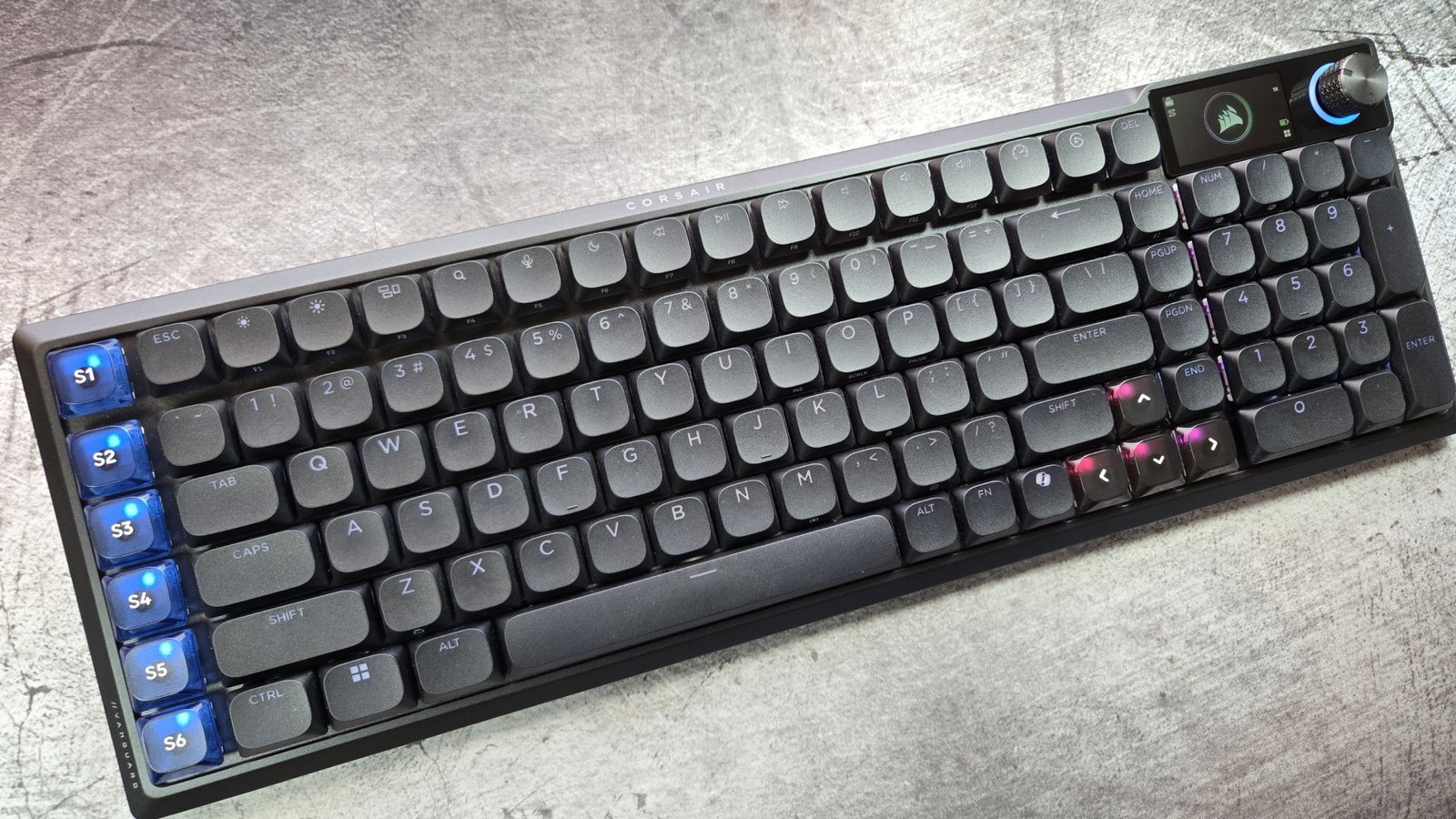
Corsair, you’re killing me here. After a good showing at CES, your Stream Deck smashed into a mechanical keyboard proved me wrong: a little screen on a keyboard can make sense. And then you decided to do it again… but worse. In fact, the small LCD on the new Vanguard Air 99 keyboard is exactly why I hate this trend and want it to die.
Alright, let’s back up a bit. The Vanguard Air 99 is a refresh of Corsair’s low-profile design, the K100 Air—and its a big improvement in many ways. You get low-profile mechanical keys to keep the board slim and stylish, but they’re not so low-profile that you lose satisfying typing with a 2.5mm travel distance. You can also swap out the keycaps if you want, though you’ll need to track down low-profile plastic to do so.
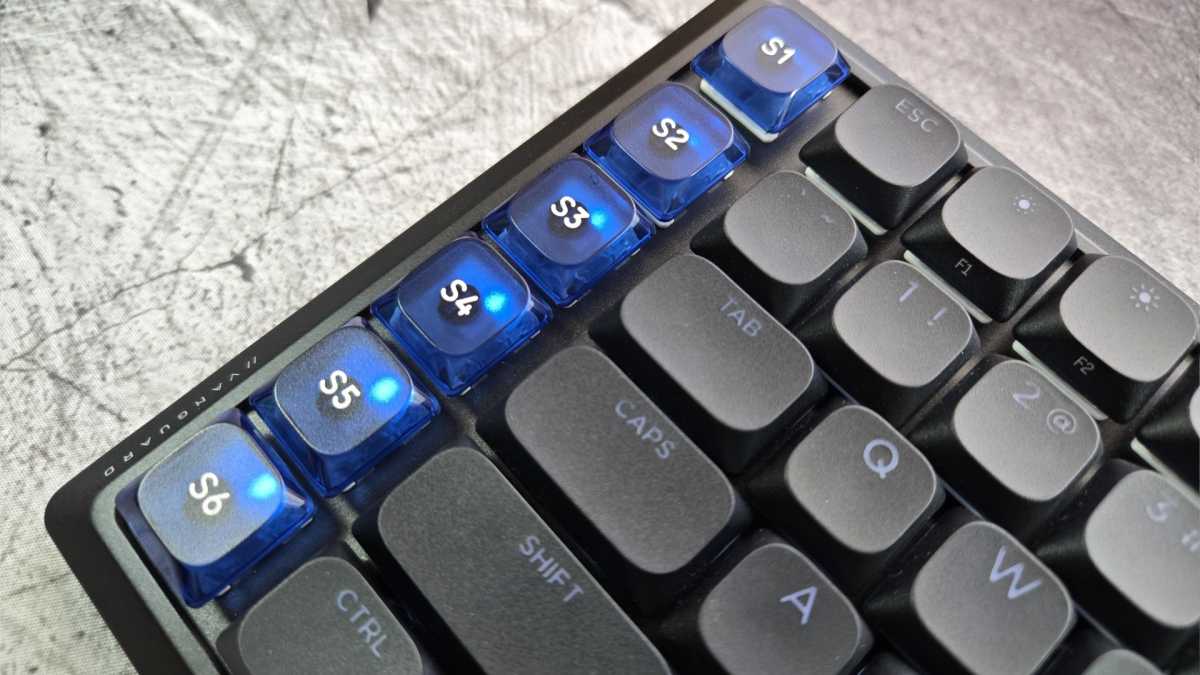
It’s wireless with dongle and Bluetooth options. It’s full-sized with an extra row of programmable buttons. It’s just generally aesthetically pleasing—I dig the limited deployment of transparent keycaps to show off the lights without affecting standard typing, for example. It’s got a mostly aluminum body and a gasket mount for nicer typing. The Vanguard Air 99 is, at least at first glance, neat.

Michael Crider/Foundry
But the screen. Ugh, the screen! When I first saw it, I assumed it would be a touchscreen with maybe one or two customizable Stream Deck buttons. Nope. It’s just a status screen, currently showing me an animated Corsair logo. You can add your own images to it… but the most useful thing it does is show me a battery meter. It has as much utility as the rest the tiny screen brigade you currently see all over Amazon on white-box keyboard designs—which is to say, almost no utility at all. The most impactful thing it does is drain the battery.
That’s the Vanguard’s first big whiff. Next, the switches. They’re optical, something I haven’t seen for a while, as the industry seems to be transitioning to magnetic switches to achieve adjustable actuation. But I guess whatever works… wait, what? These optical switches are not adjustable actuation? They’re just regular Corsair OPX switches. And they’re not hot-swappable, despite the fact that plenty of low-profile keyboards do that. (In fact, Nuphy can put hot-swap and adjustable switches on the same low-profile board!) Another strike.
The Vanguard does work with Corsair’s shiny new web-based adjustment tool, which is similar to VIA and other web-based systems, like Keychron’s. And it works… for most things. At the time of writing, the system does not let you change out the images on the keyboard’s screen, its signature feature. The keyboard also doesn’t currently work with Corsair’s iCue software, though I’m told that’s coming in April. Not a huge loss for me, but if you rely on game-specific layouts that launch automatically, just know that doesn’t work right now.
Michael Crider/Foundry
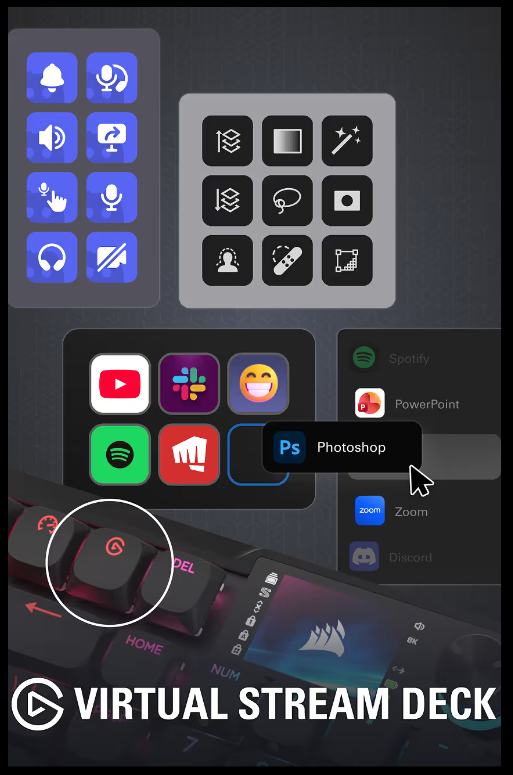
As for the last big feature? I’m a bit split. The Vanguard does work as a Stream Deck… sort of. While it doesn’t work with iCue yet, the keyboard does interface with Stream Deck software, and it allows you to bind virtual Stream Deck buttons to the column of S buttons on the left side. Yes, these are buttons that activate those functions in the virtual Stream Deck… which you could already do. And you can launch a virtual Stream Deck on your monitor. The Stream Deck’s core functionality—its ability to change its visual setup for the keybinds—doesn’t apply. For that, you’ll need the bigger, more functional, and non-wireless Galleon keyboard.
Corsair
All this compromise can be yours for… $259.99 USD. Holy crap. Just like the K100 Air, this thing is incredibly overpriced. If you want a screen on your keyboard, get the Galleon 100SD instead. It’s pricier, but not by a huge amount at this level, and it has real functionality in its Stream Deck integration. It also has hot-swap switches. (Alternately, buy a Stream Deck and use it with the keyboard you already have.)
I’ve had this review unit for less than a week, so I won’t give it a final rating yet. I’ll wait for Corsair to wow me with an updated web configuration tool and/or iCue integration… but I’m not getting my hopes up.
This articles is written by : Nermeen Nabil Khear Abdelmalak
All rights reserved to : USAGOLDMIES . www.usagoldmines.com
You can Enjoy surfing our website categories and read more content in many fields you may like .
Why USAGoldMines ?
USAGoldMines is a comprehensive website offering the latest in financial, crypto, and technical news. With specialized sections for each category, it provides readers with up-to-date market insights, investment trends, and technological advancements, making it a valuable resource for investors and enthusiasts in the fast-paced financial world.