
Maybe your PC doesn’t have the latest and greatest CPU, or tons of RAM, or cutting-edge SSDs with massive amounts of storage. Maybe you’re still running on Windows 10 because your PC can’t handle more.
You’ve decided that you don’t want to upgrade your hardware, that you’re fine to make do with what you have. But if you’re struggling with apps that are slower than you’d like, what can you do? Do you just have to tolerate the sluggishness of Microsoft Office, Chrome, etc.?
Well, no! You can try switching to lighterweight software that won’t hog as much of your system resources. Such alternatives are great for older and weaker PCs, and you have plenty of options to explore. Here are some of our favorite lightweight apps for your slow PC.
Softmaker FreeOffice (office suite)
Softmaker
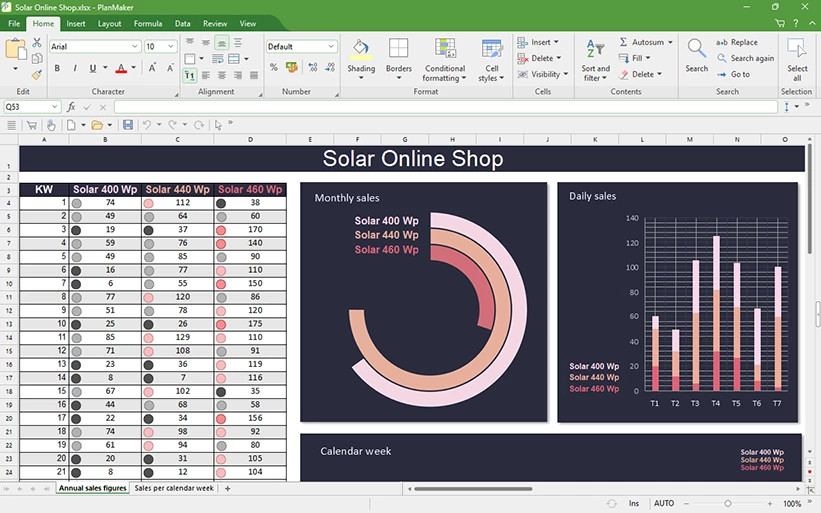
Softmaker is best known for Softmaker Office, which is available in subscription and one-time-license versions. But the company also offers Softmaker FreeOffice, which is nearly on par with its main product in terms of functionality.
It consists of word processing, spreadsheet, and presentation apps, plus it’s compatible with Microsoft formats (DOCX, XLSX, and PPTX). The software opens with a modern ribbon-based interface that can be switched to a classic menu interface, plus all the essential features you’d expect (like spell check, autocorrect, and more).
You can easily export documents to PDF format, but it’s missing certain advanced features like macros and VBA. Unlike the commercial version Softmaker Office NX, this one has no integrated AI features.
Basilisk (web browser)
Basilisk
Browsers have come a long way since they were simple HTML display tools. They’re now uber complex with all kinds of features like password managers, extensive security settings, and integrated AI. The resource requirements for all that are correspondingly high.
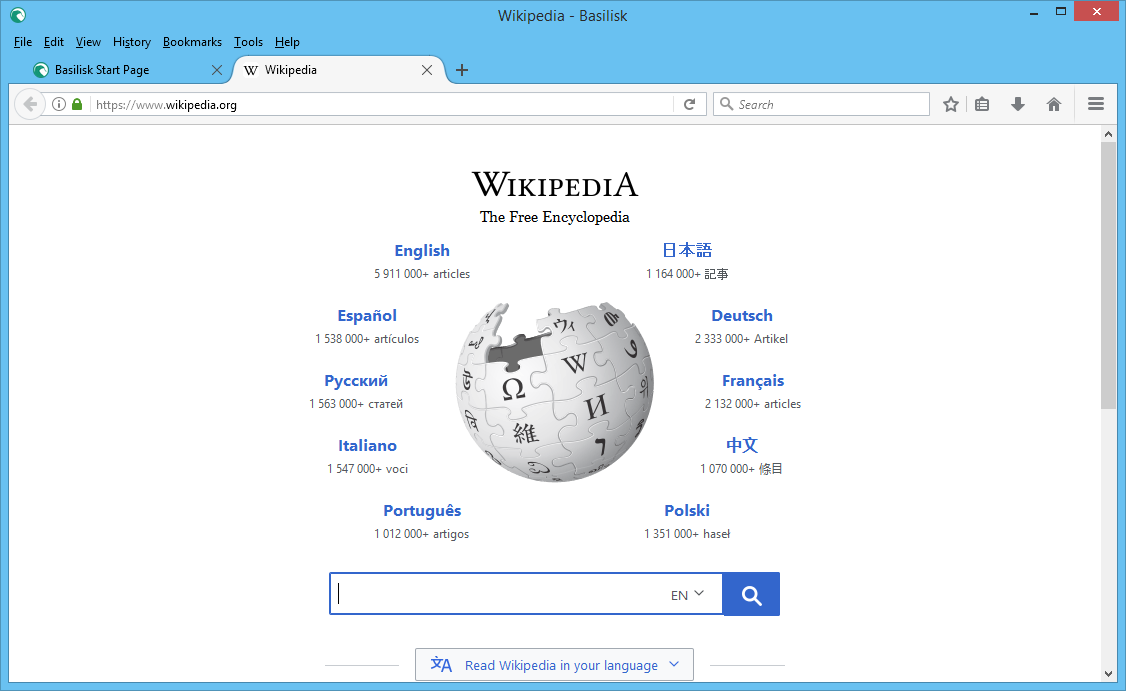
However, you can still find lighter browsers that are better suited for use on older PCs. One such browser is the open-source Basilisk, which is based on Firefox’s code base (up to version 57) and therefore supports many older Firefox extensions. Basilisk uses the Goanna rendering engine, which is also used by Pale Moon, Mypal, and other browsers.
The developers say that Basilisk’s design hasn’t changed in years, unlike Firefox, which they say resembles an annual fashion show due to how frequently its appearance changes. Basilisk only implements changes when necessary, so its appearance may seem old-fashioned in spots. Still, that makes it easy to learn and intuitive to use.
Claws Mail (email client)
Claws Mail
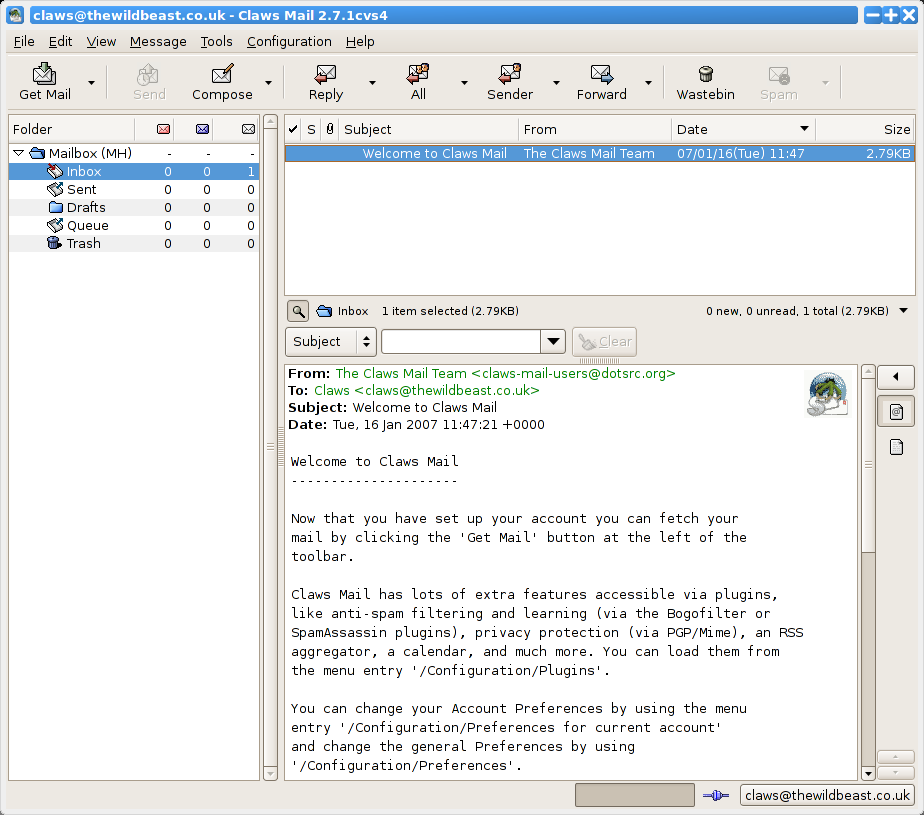
Claws Mail is a free alternative to major email program like Microsoft Outlook and Mozilla Thunderbird.
Despite its small size, this free email client has everything an email program needs. That includes support for POP3 and IMAP, the ability to create and check multiple accounts, an address book, and features for email encryption with GPG and S/MIME.
Simplenote (note-taking app)
Simplenote
When it comes to note-taking apps, the two leaders—Microsoft OneNote and Evernote—have long dominated the field. But there’s also a smaller, lighterweight option in Simplenote.
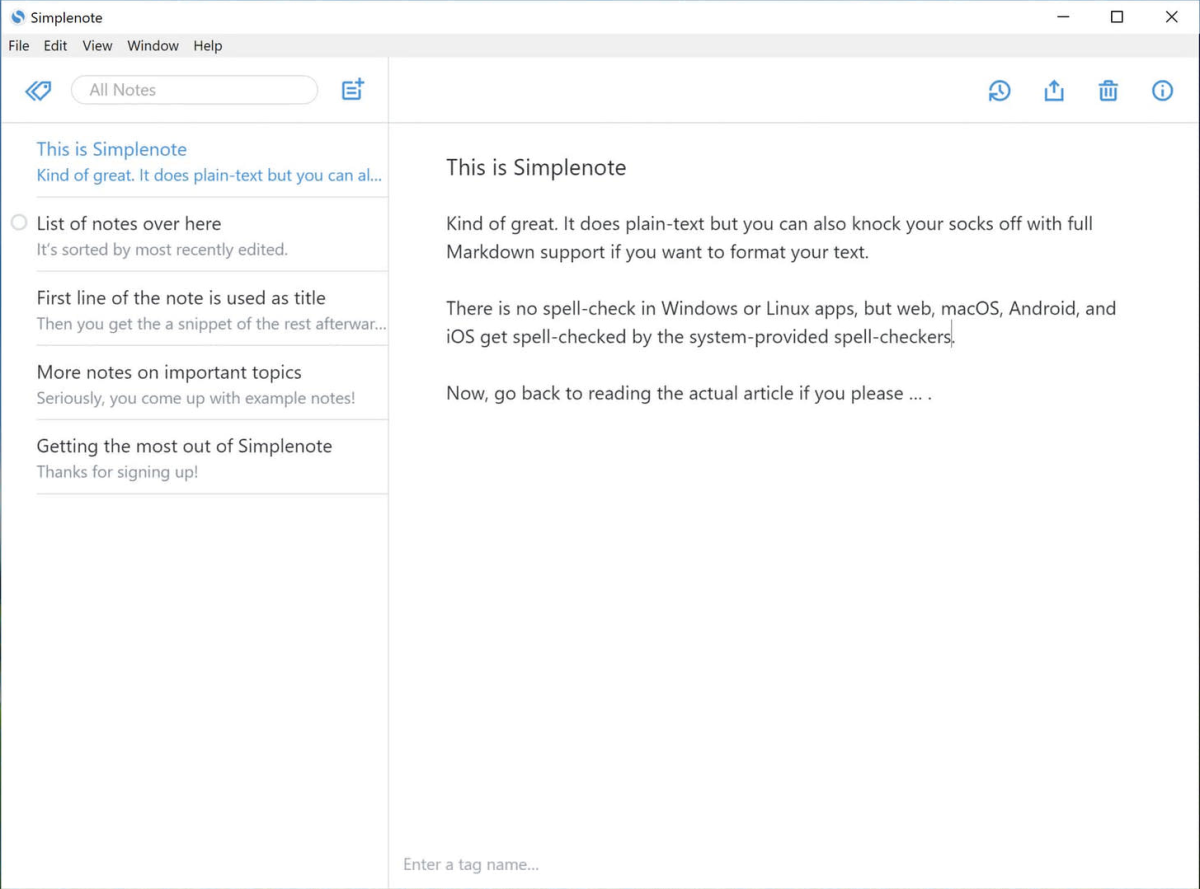
Simplenote takes notes either in the browser or as an app for Windows, macOS, Linux, Android, and iPhone. But no matter which version you use, your notes always end up synced to the cloud and available across all your registered devices.
It’s really simple, though. Simplenote doesn’t accept images, videos, audio, or any other kind of attachment or embed. It strictly focuses on text and the only formatting option is Markdown.
Avast (antivirus software)
Foundry
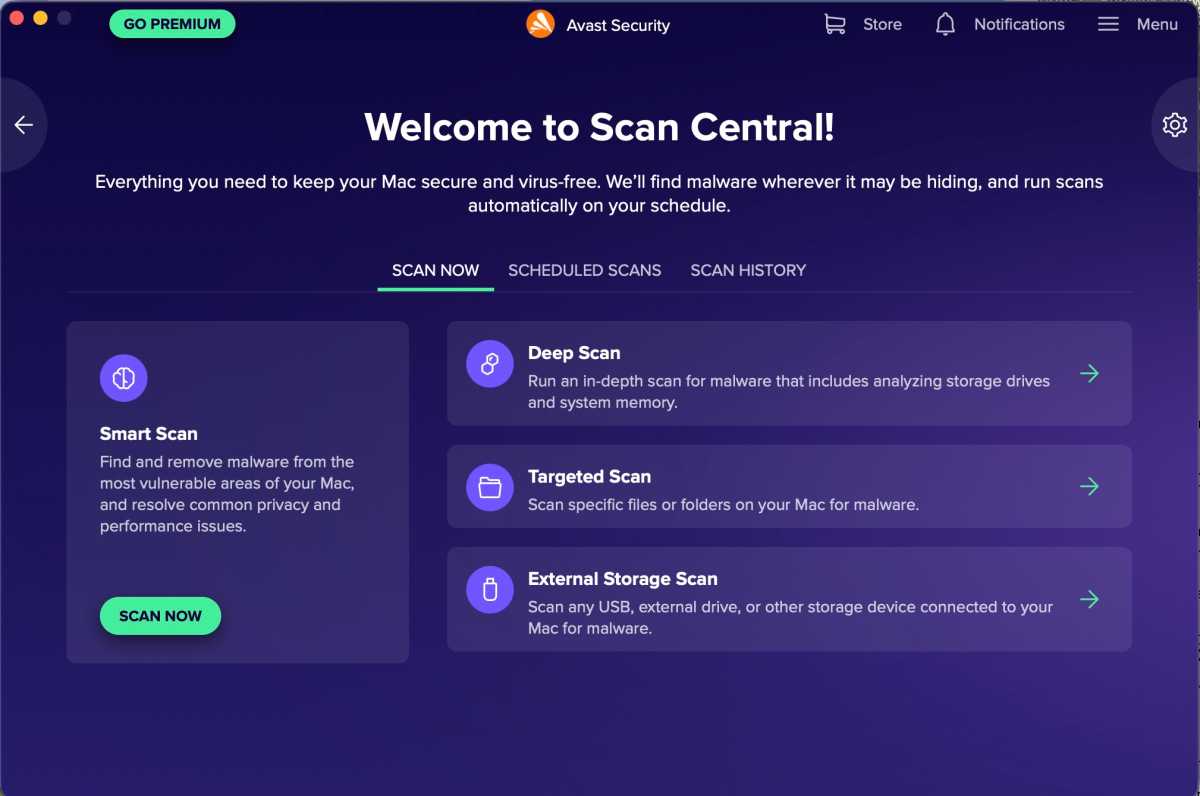
Antivirus software is crucial as a constant lookout, minimizing the likelihood of malware infecting your PC. But due to constantly updated virus definitions and bloated features, lots of antivirus apps have grown sluggish and significantly slow down older PCs. That makes it all the more important to choose an antivirus that’s lightweight but effective.
For that, we recommend Avast. It’s really good at catching malware and other threats, plus it’s free! Sure, you could rely on Microsoft Defender which is integrated into Windows itself, but Avast performs better both in terms of protection and speed.
PhotoFiltre 7 (image editing)
PhotoFiltre 7
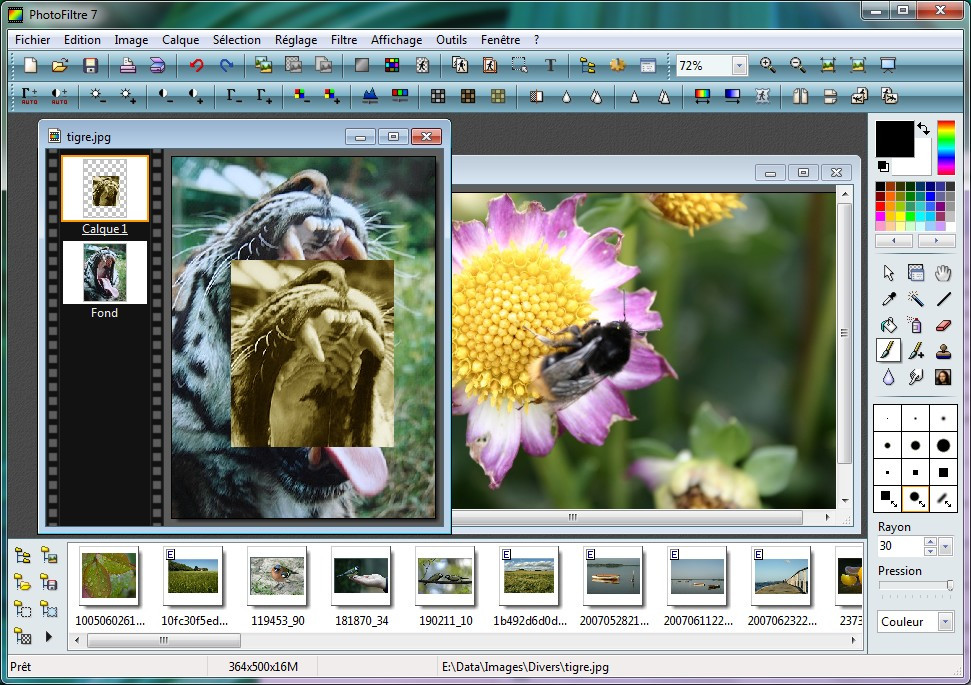
Image editing apps often take up several hundred megabytes of space on your hard drive. Not so with the freeware PhotoFiltre 7! This lightweight tool fits into a ZIP file of around 5 MB and, once unzipped, only takes up about 7.4 MB on your computer.
And yet, you don’t have to compromise on functionality. PhotoFiltre offers all the standard features of professional image editing, from brightness, contrast, and saturation settings to histograms, layering, and functions for sharpening and softening images.
Plus, it has dozens of filters. You can apply sepia effects to photos, convert them into comic drawings, or add fog. And, of course, you get essential drawing tools like lines, erasers, and magic wands.
CrapFixer (Windows tune-up)
CrapFixer
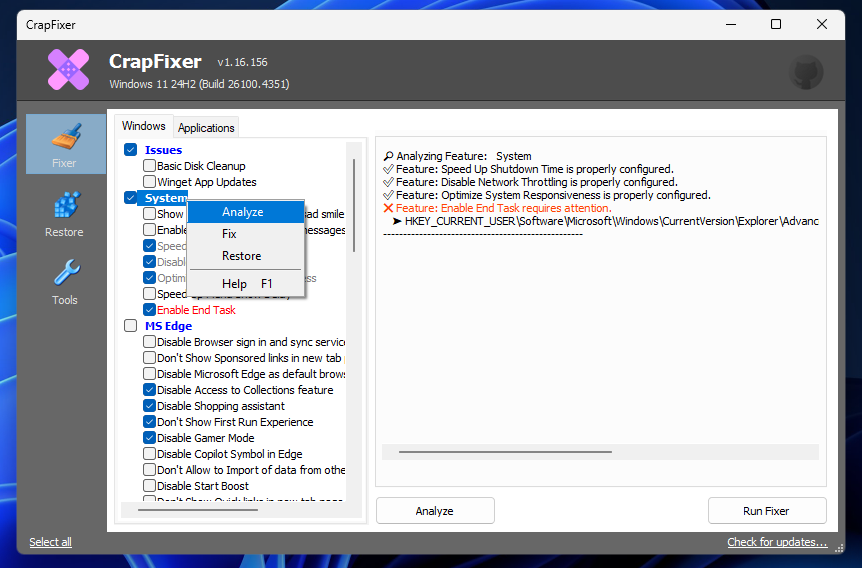
The small open-source tool CrapFixer is very similar to performance-tuning apps like CCleaner and Winaero Tweaker, except CrapFixer focuses on correcting annoying Windows 11 settings on demand (although it also runs on Windows 10).
For example, it can banish advertising from the Start menu, remove pre-installed bloatware, prevent Windows from collecting data, and restore the old context menu in File Explorer.
It’s easy to use: just launch the app and click on “Analyze.” CrapFixer then examines the Windows configuration and marks all recommended fixes in a prominent list. Click on “Run Fixer” and the Windows configuration will be changed accordingly. Done!
Media Player Classic BE (video player)
Foundry
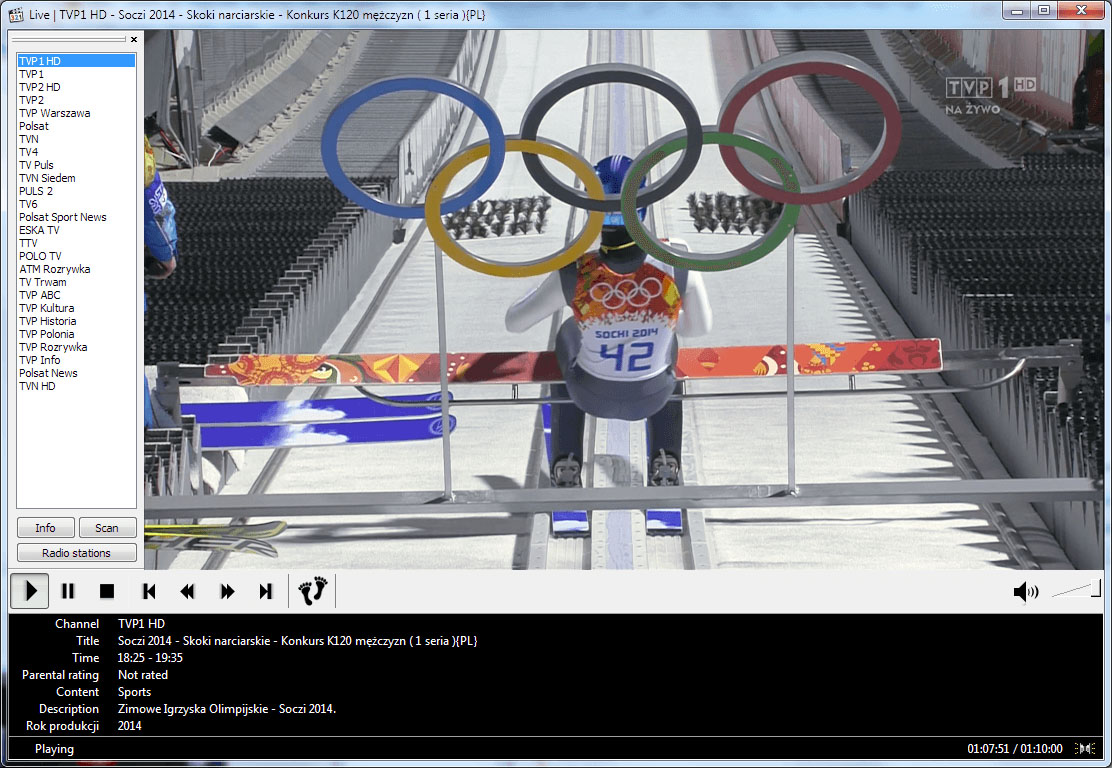
When it comes to playing music and videos, most users turn to VLC Media Player or simply use Windows Media Player. But while VLC is an excellent app, it takes up more than 100 MB of space on your computer. Media Player Classic is a good lightweight alternative.
Although the name is reminiscent of Microsoft’s Windows Media Player, it is a completely separate app that’s written from scratch and distributed under an open-source license. It plays all major audio and video formats, yet can also play DVDs and has several features for improving image quality. Subtitles are also supported. It can also stream YouTube videos directly if you have the URL.
There are two versions of this app available: Media Player Classic HC hasn’t been actively developed since 2017, whereas the forked Media Player Classic BE (where BE stands for Black Edition) is current.
Avidemux (video editing)
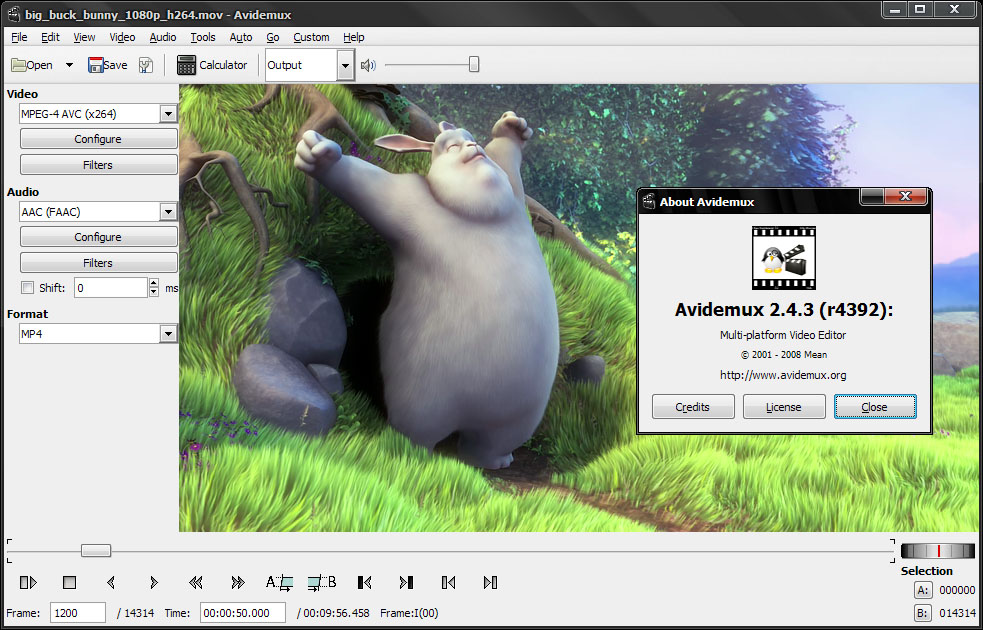
Avidemux
Video editing is one of the most demanding tasks for any PC. Many video editing apps are, therefore, practically unusable on low-powered computers… or they run so slowly that you’ll tear your hair out.
When it comes to simply cutting clips and converting formats, the open-source Avidemux is a good alternative to the much heavier options from Adobe, Blackmagic, etc. With Avidemux, you can easily remove parts of a video and reassemble the rest, and it can export to 10 common formats.
Note, however, that Avidemux doesn’t support post-processing of either video or audio tracks. It’s a simple editor and nothing more.
Further reading: Free “hidden gem” apps for Windows PCs
This articles is written by : Nermeen Nabil Khear Abdelmalak
All rights reserved to : USAGOLDMIES . www.usagoldmines.com
You can Enjoy surfing our website categories and read more content in many fields you may like .
Why USAGoldMines ?
USAGoldMines is a comprehensive website offering the latest in financial, crypto, and technical news. With specialized sections for each category, it provides readers with up-to-date market insights, investment trends, and technological advancements, making it a valuable resource for investors and enthusiasts in the fast-paced financial world.