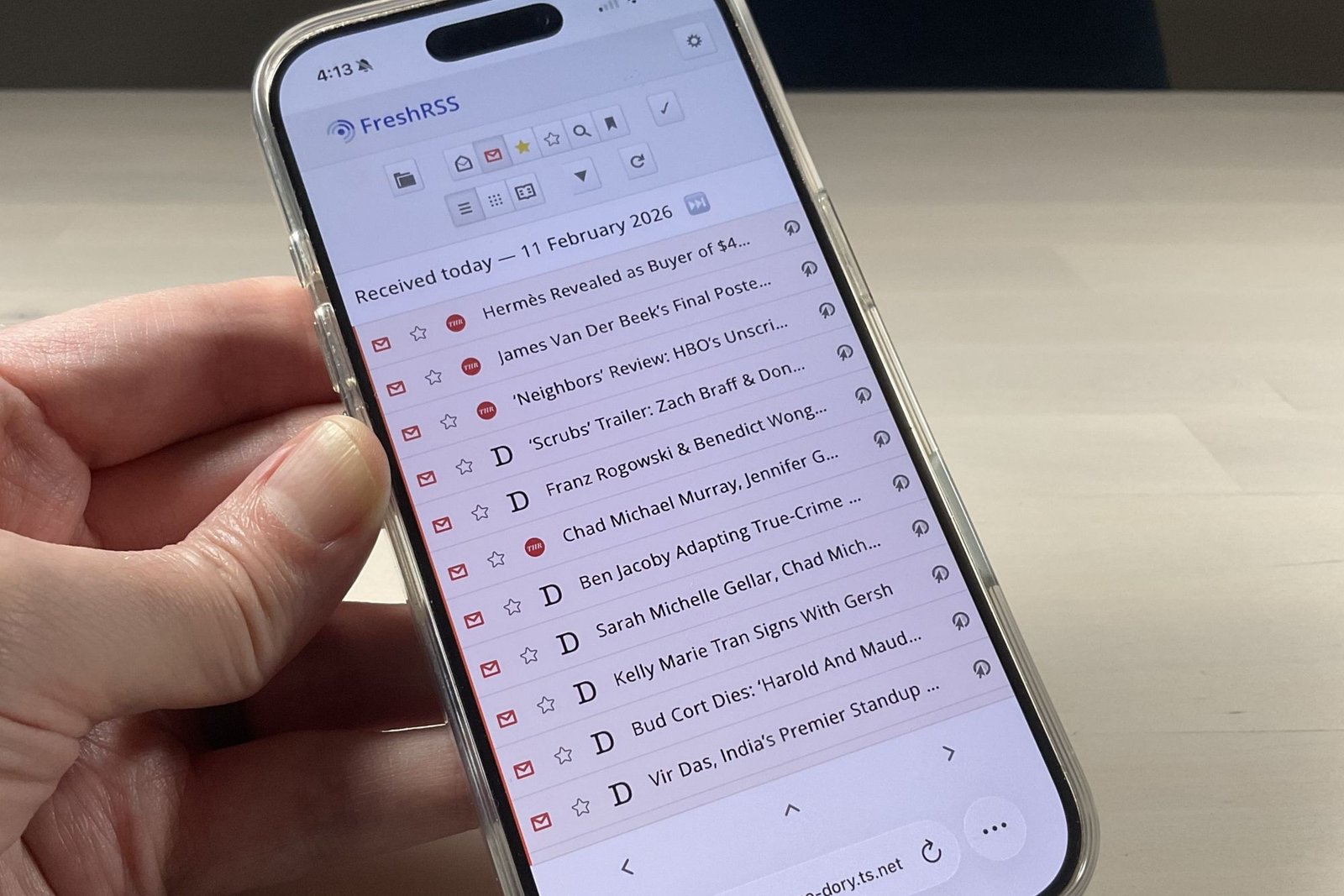
Call me old-fashioned, but I’m still partial to RSS feeds when it comes to staying current with the tech beats I cover. Yes, I do have a curated list of subreddits that I frequently browse, but for me, nothing beats RSS for keeping tabs on the competition or catching offbeat stories from news sources I respect.
And I just got my RSS feeds back, for good.
Let’s back up for a moment. If you’ve never heard of RSS (short for Really Simple Syndication), you’re not alone. It peaked in popularity around 2010 but is relatively niche today. RSS is an open web standard that lets websites publish standardized feeds of their content, which you can subscribe to using an RSS reader.
Some RSS readers are built into web browsers, others are mobile apps, and still others are on the web itself. The most popular of all was Google Reader, which Google heartlessly killed off (yes, I’m still sore about it) back on July 1, 2013.
Dead simple to use and offering a clean, intuitive UI, Google Reader allowed you to sort your feeds and organize them into folders—and, of course, it was free. The Google Reader API became the de facto standard for the most popular mobile RSS readers, so when Google killed off Reader, it scrambled the RSS reader ecosystem, with dozens of other services rushing to fill the gaping hole (which, in a broader sense, was eventually filled by Facebook, Twitter, Reddit, and the like).
Finally, I’d had enough. I wanted my RSS feeds back.
To be fair, there were—and still are—plenty of other good RSS readers out there. You can still subscribe to RSS feeds using browsers like Chrome and (as a colleague of mine recommended) Vivaldi, there are desktop and mobile apps like Reeder, NetNewsWire, and QuiteRSS, and there are web-hosted services like Inoreader, NewsBlur, and—biggest of all—Feedly.
Feedly’s web-based reader hosted my RSS feeds for more than 10 years, and it offers a sleek interface (I quite like its cards-style design for individual stories) and easy feed discovery and management. But Feedly has been pushing paid features like article search and Leo, its AI assistant, while squeezing ads into my feeds and capping free usage. In other words, it’s the standard “freemium” playbook, and Feedly isn’t alone in following it.
Finally, I’d had enough. I wanted my RSS feeds back. I’d stuck with Feedly for so long because I didn’t love the alternatives—but even if I did switch, I might still wind up back in the same boat, dealing with freemium feature creep or wondering if the service would up and quit on me, just like Google Reader did.
That’s why I finally made the leap and began hosting my own RSS reader—one with just the features I need, and one that I can count on to stick around, because I’m running it on my own machine.
I wound up going with FreshRSS, a free and open-source RSS reader that’s compatible with Windows and Linux. I chose to install FreshRSS on one of my Raspberry Pi 5 machines (with a fair amount of Gemini and Google Antigravity assistance, to be sure). It’s perfect for keeping my FreshRSS instance running 24/7.
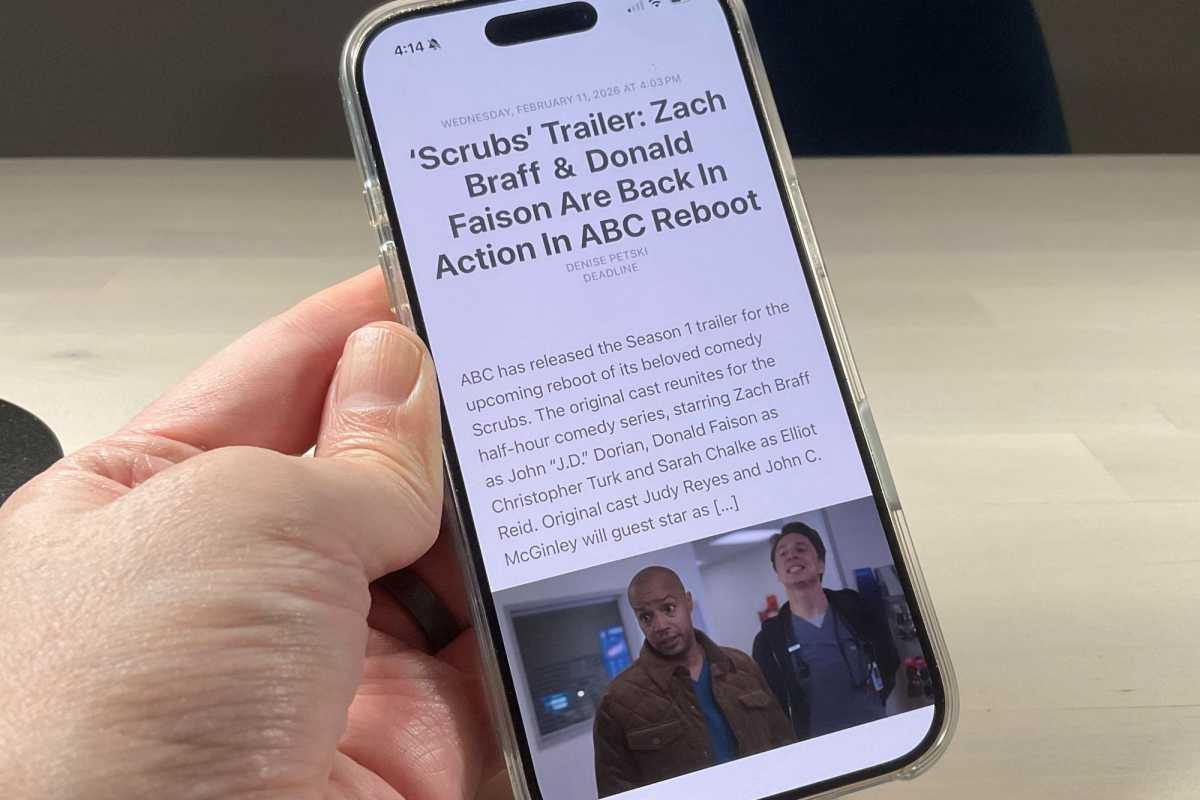
FreshRSS supports the Google Reader API, which means it works with popular RSS reader apps like Reeder for iOS.
Ben Patterson/Foundry
FreshRSS offers the same bread-and-butter functionality as Feedly, including the ability to add and organize your RSS feeds, arrange them in folders, read articles in a “card” view, and so on. But while FreshRSS’s interface isn’t as slick as Feedly’s, it also jettisons the ads and the feed restrictions, meaning you can add as many feeds as your local machine can stand and tuck them into as many folders as you see fit.
FreshRSS also supports the popular Google Reader API, meaning I can tap into my FreshRSS-curated feeds with the Reeder app for iOS. There is also a small but growing catalog of extensions that do things like estimate the reading time of an article, add buttons for “read-later” services like Wallabag (another terrific self-hosted app), or even summarize and/or auto-tag articles with the AI model of your choosing.
I should note that there are other free and open-source RSS readers that can help you reclaim your RSS feeds: Tiny Tiny RSS is a popular one, as is Miniflux (which is free to self-host but also offers a paid cloud version). I went with FreshRSS because it’s well-liked and frequently updated, but I’ve heard good things about Tiny Tiny RSS and Miniflux, too.
What all three have in common is that they’ll get you your precious RSS feeds back—and for me, that’s priceless.
This articles is written by : Nermeen Nabil Khear Abdelmalak
All rights reserved to : USAGOLDMIES . www.usagoldmines.com
You can Enjoy surfing our website categories and read more content in many fields you may like .
Why USAGoldMines ?
USAGoldMines is a comprehensive website offering the latest in financial, crypto, and technical news. With specialized sections for each category, it provides readers with up-to-date market insights, investment trends, and technological advancements, making it a valuable resource for investors and enthusiasts in the fast-paced financial world.