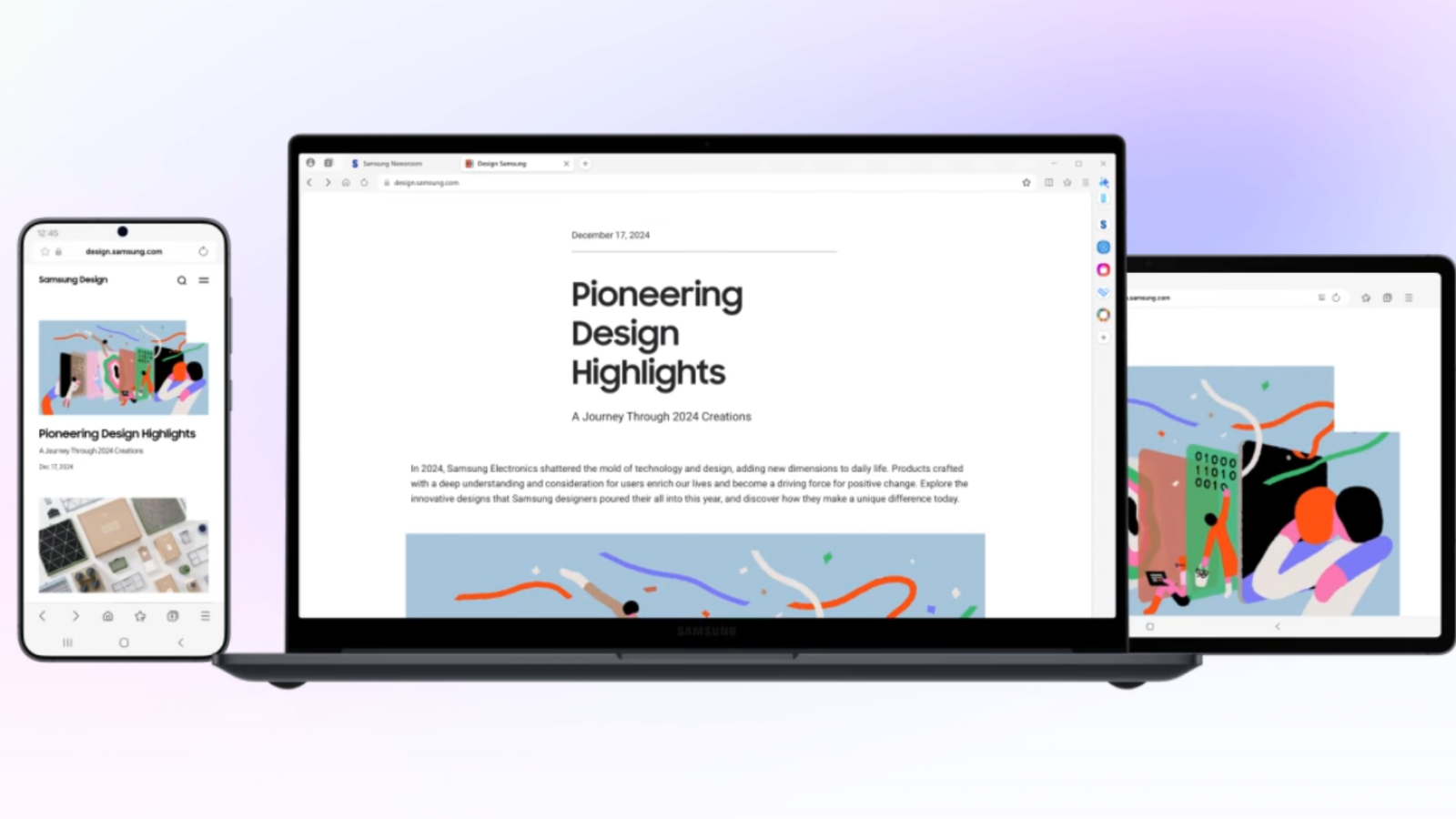
If you’re looking for a new browser to try out, you aren’t hurting for options. But a popular dark horse choice on Android is Samsung’s own browser, which started as a humble branding exercise but became a pretty solid alternative to Chrome over the last decade. After months of testing, it’s now available as a full Windows release.
Like most options out there, Samsung Browser is based on Chromium, the open-source foundation for Chrome, Edge, Brave, Opera… pretty much everything except Firefox and Safari. According to its promotional page, the big headline feature is that you can “browse seamlessly with Galaxy AI.” Features include text-based page analysis and local translation. Since almost every browser is trying to shove “AI” into every corner right now, I don’t see how that’s a point of distinction.
It might make more sense if you’re an avid user of Samsung’s Galaxy phones and tablets, since it also boasts syncing with Samsung’s Cloud and Pass security across all devices. I use a Samsung Galaxy Fold Z6, so I guess I’m a prime target for this thing on my desktop and (Asus) laptop… but I also use Vivaldi and DuckDuckGo on my phone, so I’m not especially tempted to make the switch.
Trying out the first full release of Samsung Browser for this article, I wasn’t thrilled to see that it’s only allowing import from Chrome, Edge, Firefox, and Internet Explorer. (Yes, Edge and Internet Explorer, in The Year of Our Lord 2026.) Since I’m all-in on Vivaldi, which recently got a big visual upgrade, I guess I’m getting a fresh web experience.
Michael Crider/Foundry
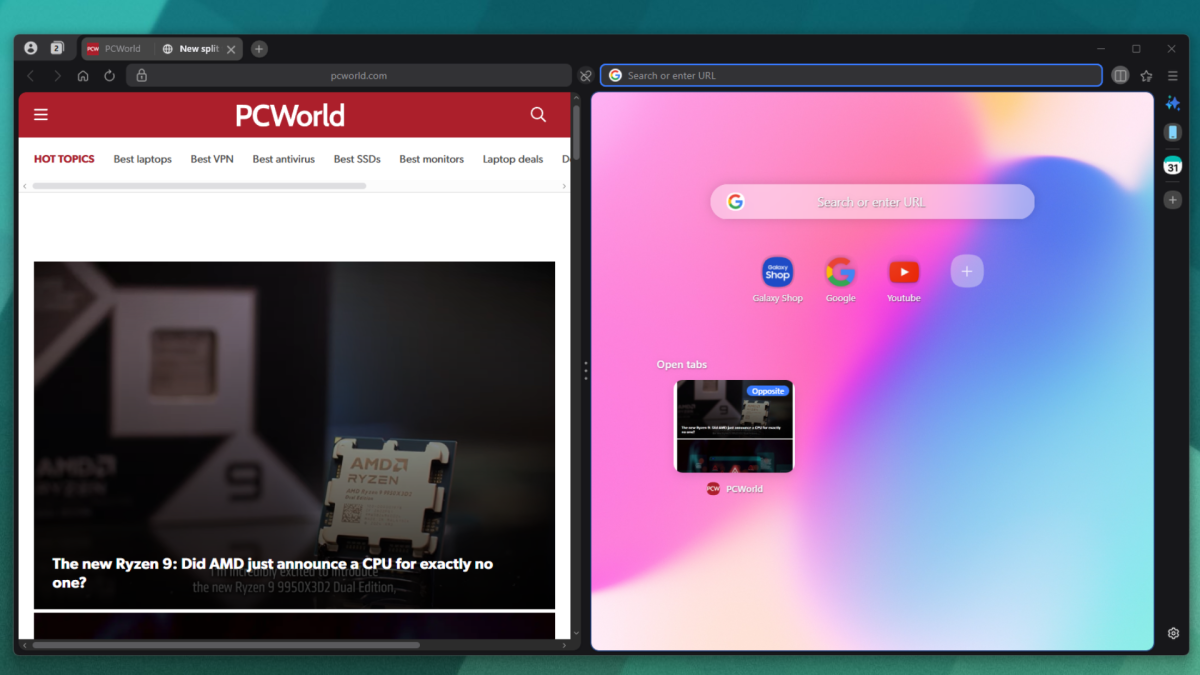
I am glad to see that it offers a built-in ad blocker that you can enable even before the first startup. It’s also a very pretty browser, offering a mix of color-matching tiles and thin, contextual bars that maximize web space even before you do any customization. Based on the initial layout, I’m seeing a lot more Edge than Chrome, presumably because Samsung wants this to be a go-to alternative for its own Samsung-branded laptops. There’s also a split view that’s available by default, an interesting inclusion that assumes your basic user knows their way around more complex browsing tools.
My initial impression of Samsung Browser is pretty good, even if I have no desire to engage with its “AI” or syncing powers. If you’re a fan of the Android version of the app or Samsung’s various mobile tools, I think you should definitely check it out on Windows. But if you’re already comfortable with your current desktop browser, especially if it’s based on Chromium, you probably won’t see anything here that demands a switch.
This articles is written by : Nermeen Nabil Khear Abdelmalak
All rights reserved to : USAGOLDMIES . www.usagoldmines.com
You can Enjoy surfing our website categories and read more content in many fields you may like .
Why USAGoldMines ?
USAGoldMines is a comprehensive website offering the latest in financial, crypto, and technical news. With specialized sections for each category, it provides readers with up-to-date market insights, investment trends, and technological advancements, making it a valuable resource for investors and enthusiasts in the fast-paced financial world.