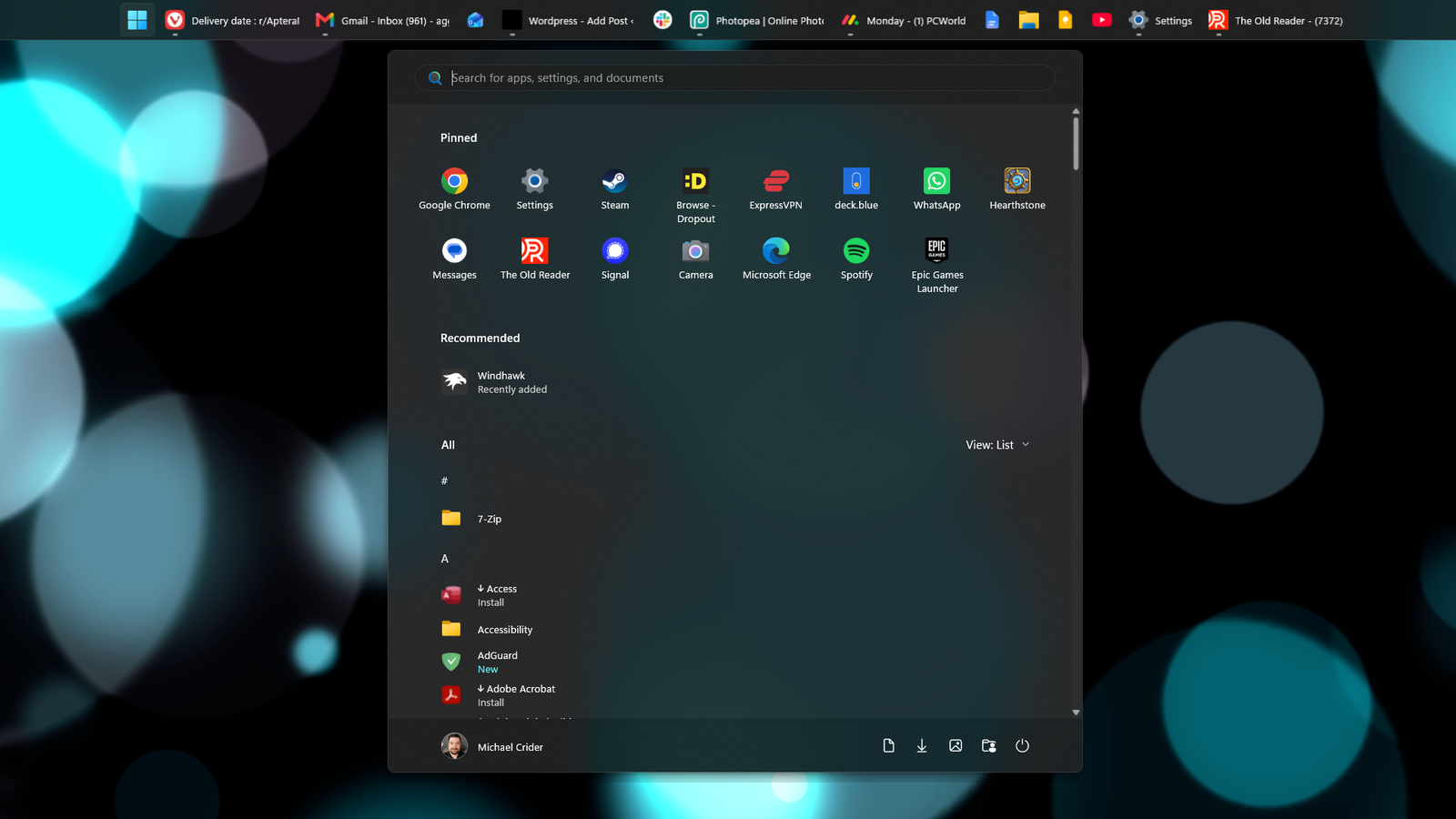
This morning I woke up to a freshly rebooted desktop. A bit annoying, but that’s just something that happens with Windows 11 — it reboots to install an update after a while, sometimes even when you don’t ask it to. But I got the feature I’ve been waiting for since Windows 11 launched, almost five full years ago: I can put the taskbar on the top of the screen.
I’m in a small minority of users here, I know. Most people use the taskbar on the bottom. If that weren’t the case, Microsoft wouldn’t have unaccountably stripped out a feature Windows has had for decades, for apparently no reason. But when we’re talking about a userbase in the billions, it’s a big deal.
Personally, I use the taskbar on the top because it just feels right on my standing desk, where I’ve got an iPad beneath my monitors, and I try to keep the screens roughly parallel with my eyes for ergonomics. Looking at the taskbar, as I need to do for triple screens and constant multitasking, is a much bigger part of my day than for a lot of people.
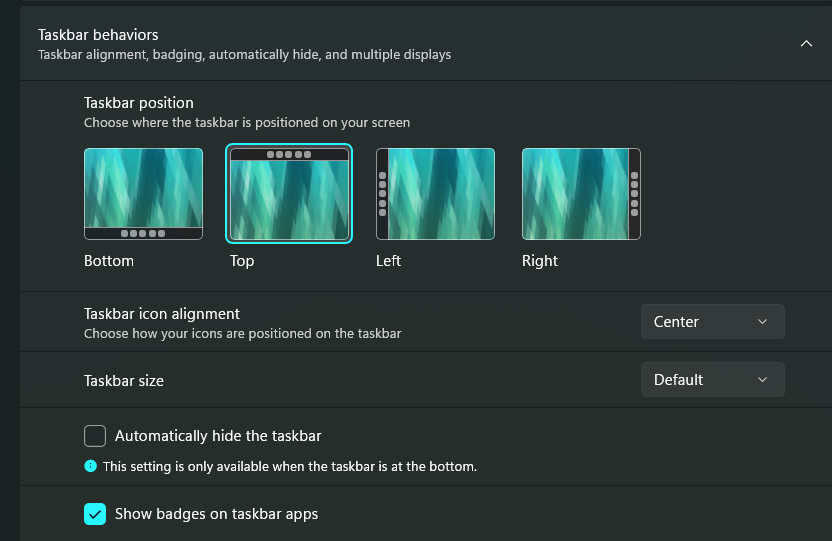
This took five years to do, for some reason.
Microsoft
I’m glad it’s back. Microsoft seems to be seriously trying to improve Windows 11 for users for the first time, not just using it as a serving platter for “AI” and a bunch of other expensive services. (And advertising. Don’t forget, Microsoft is a massive advertising company.) This isn’t the only thing it’s doing. Microsoft, while careful not to walk back its commitment to Copilot in pretty much every way, is pulling out a lot of the actual Copilot buttons it’s jammed into every possible nook and cranny of Windows.
And Microsoft is, allegedly, trying to make Windows functional on 8GB of RAM. Here I’ll point out that Microsoft set 16GB as a standard for itself years ago, and now sells Surface products that start at 8GB. And also Microsoft is a fairly sizeable part of the corporate issue creating the problem that’s making RAM unaffordable. So yeah, thanks for all of that, Microsoft! Windows feels kind of nice for me again, for the first time in years, despite your best efforts to make both hardware and software terrible.
One of my core measurements for improvement in an operating system is that I need fewer third-party tools. For example, I used to use a program called Ultramon to put taskbars on secondary monitors, back when Windows didn’t do that on its own. Now it does. Improvement. Simple.
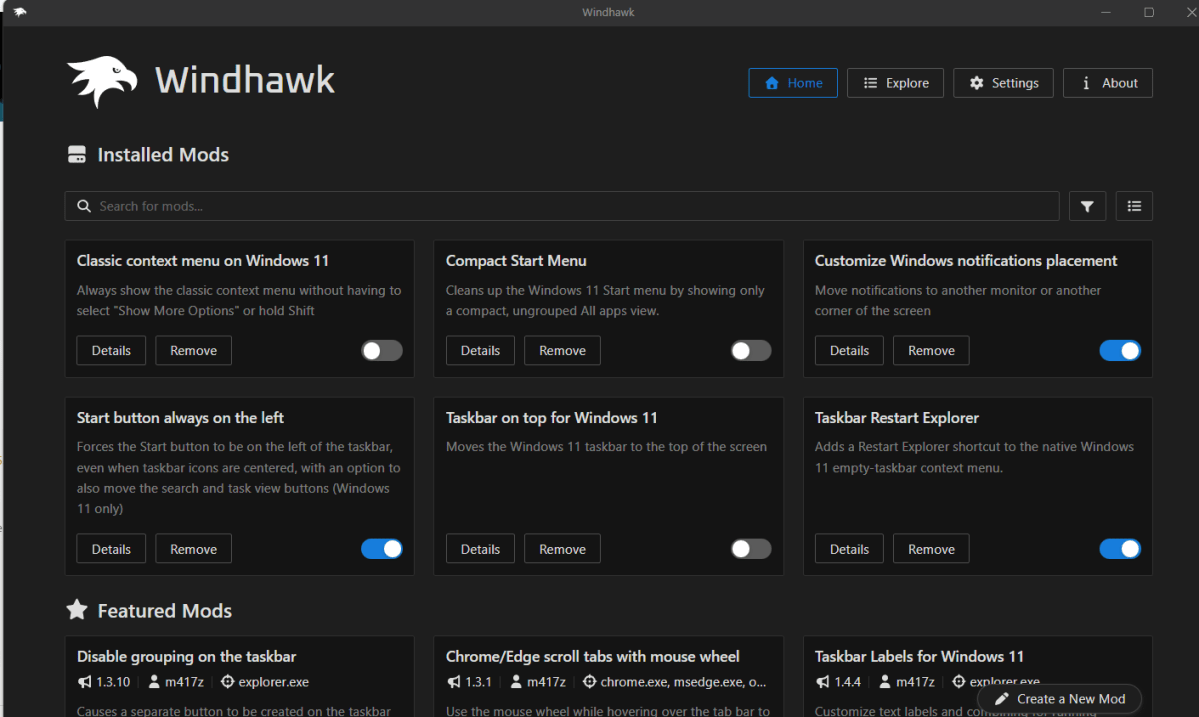
Windows 11 required me to add programs to bring core features back. So in honor of Microsoft reversing one of the biggest annoyances of its OS, I’m going to show you a program that can easily tweak a bunch of stuff, which I’ve been using and enjoying. It’s called Windhawk.
Ramen Software
Windhawk isn’t a mod in and of itself, it’s more of a platform for delivering Windows modifications. It reminds me a lot of some of the tools I used to use for rooted Android phones, back when that operating system was a lot less mature and needed work. (Take that statement as you will.) Windhawk offers hundreds of small tweaks, provided by the community, and shows users and reviews to give you a glimpse of how well they work. You can search and browse through it with an interface similar to an app store.
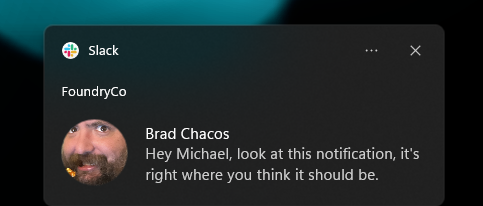
These are all fairly small tweaks, but a lot of them are serious creature comforts for me. I’ll give you an example. Some time ago, Windows started trying to put notifications on the active monitor you’re using. That’s a good idea. But it doesn’t work. Slack and email notifications seem to appear randomly across my three monitors, and there’s no way to assign them to one monitor specifically. I hear a notification, and I have to rapidly look across three screens to find it before it disappears.
Michael Crider/Foundry
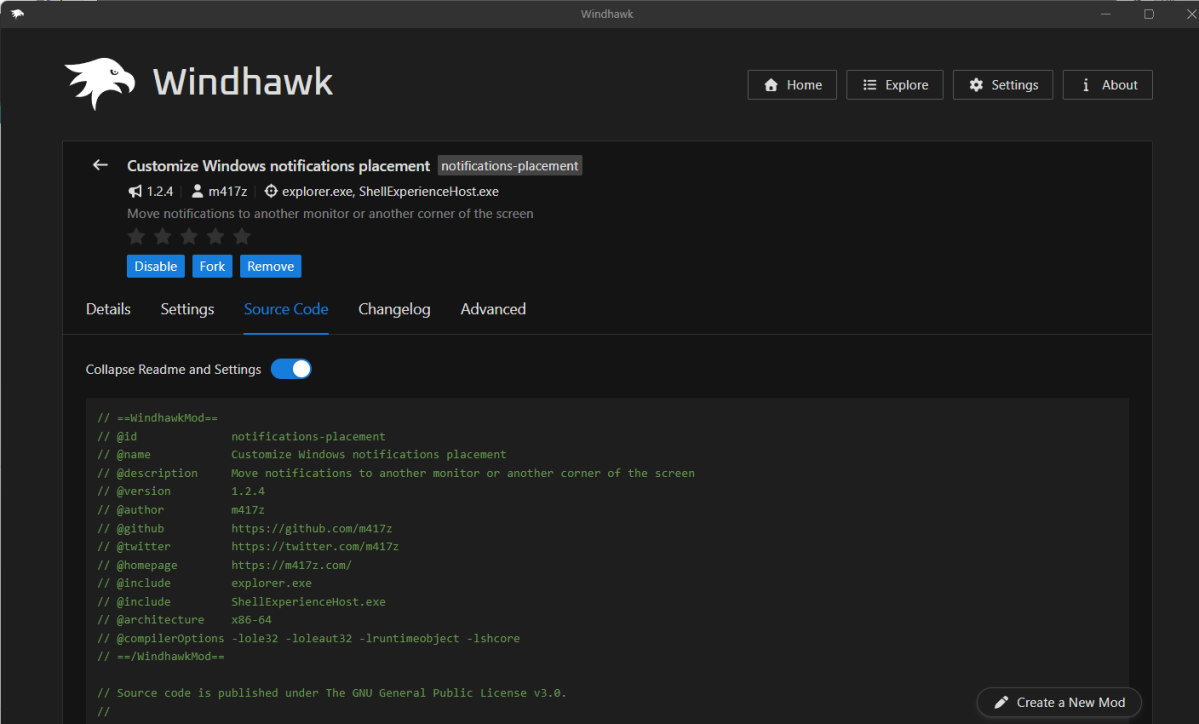
A Windhawk mod called “Customize Windows notification placement,” created by m417z and currently reviewed at 5 stars with over 16,000 users, fixes that. Now when I hear the “ding” of a notification, I know exactly where to look: the bottom-center of my main screen. Thanks, m417z, you’ve genuinely helped me.
Most of the tweaks in Windhawk are possible with other programs — there’s one that puts the taskbar on top, for example, which I was doing with StartAllBack before. (I happily paid five bucks for that one years ago.) But the centralized interface and easy-to-add, easy-to-disable nature makes it super fast to add a bunch of stuff, like the option to put the Start button on the left even when your apps are in the center, or add weather or performance info to your clock without needing a widget that gobbles up RAM and serves you ads.
Ramen Software
A word of caution: Windhawk is installing small programs on your PC that aren’t coming from a verified source, and anyone can add stuff or even fork an existing mod. It’s presenting the same kind of security issues that any third-party software does. But the creator of the program, Ramen Software (Michael Maltsev), seems to be aware of this. Contributors can link their Github profiles for extra verification, and you can take a look at the source code and updates for each tool right on its page.
Someone who actually understands that source code, make a mod that brings back the list view for icons on the desktop. Please and thanks.
This articles is written by : Nermeen Nabil Khear Abdelmalak
All rights reserved to : USAGOLDMIES . www.usagoldmines.com
You can Enjoy surfing our website categories and read more content in many fields you may like .
Why USAGoldMines ?
USAGoldMines is a comprehensive website offering the latest in financial, crypto, and technical news. With specialized sections for each category, it provides readers with up-to-date market insights, investment trends, and technological advancements, making it a valuable resource for investors and enthusiasts in the fast-paced financial world.