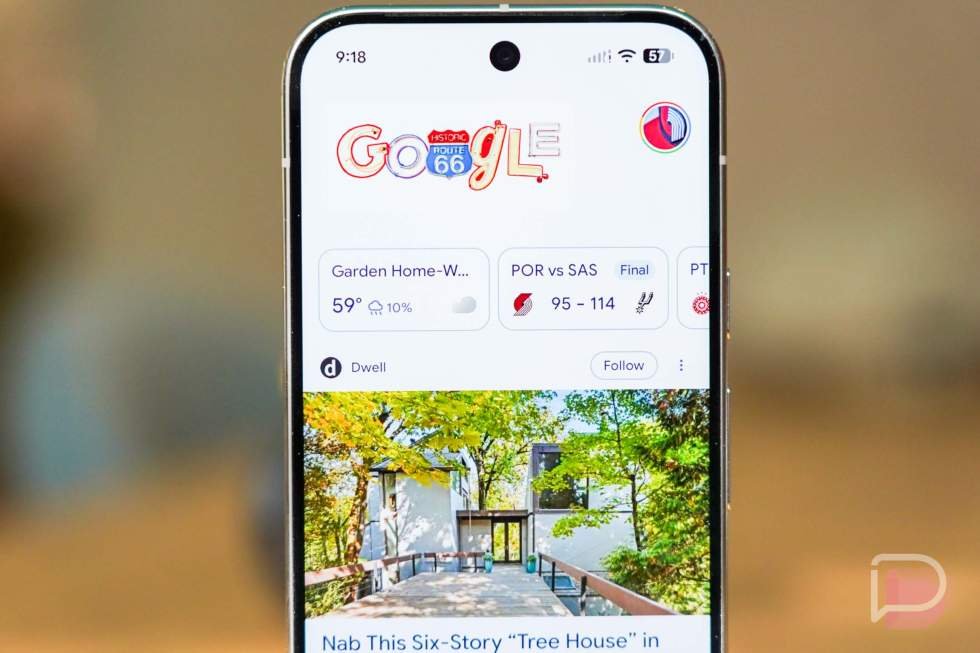
You more than likely do not know this, because you shouldn’t need to unless you are in the media or publisher space, but Google has decided to do whatever it can to destroy a thriving media ecosystem with things like AI Mode and AI search results.
You’ve seen these, because they are incredibly handy when searching for something. Google has indeed created a way to get you information faster, it just so happens that they’ve done this by basically stealing the content from publishers and passing that info on as easily digestible AI summaries where you don’t need to then click on through to news outlets. News outlets or websites do all of the work and AI takes that to showcase it in Google without rewarding the news outlet.
They’ve also seemingly changed up a lot of the way Google Discover works, which has for so many years been the way that most publishers exist. Discover surfaces trending content or content it thinks you’ll like to see and then you click through, sending traffic to websites. It’s great, or at least it was.
I bring all of this up today because Google has finally rolled out its Preferred Sources feature on a global scale. This is the little-known feature in Google Search and Discover that lets you favorite publishers or websites to then see their stories more often, you know, because you like their content.
And because this has now rolled out globally, we wanted to remind you that you should set your preferred sources! I don’t just mean that you should set Droid Life, although that would be helpful to us. I do think you should set several sources that you get information from, whether that’s in the Android space or gaming or political news or pop culture stuff. There are sources for all of these and you can set them.
By setting Preferred Sources in Google, you are helping the media ecosystem that constantly feeds you information. It is the easiest thing you can do to help save the internet, at least for now.
How to set Preferred Sources in Google Search and Discover
Setting Preferred Sources in Google is very easy to do. Google has setup a simple portal that lets you search for website names or with a URL, where they then give you a check box to add it to “Your sources.” You can add as many as you like and also remove them from this same page if for some reason you decide you don’t want that publisher showing up as often.
- To start, HIT THIS LINK and then either add Droid Life or search for other sources you prefer. Again, set as many as you like!
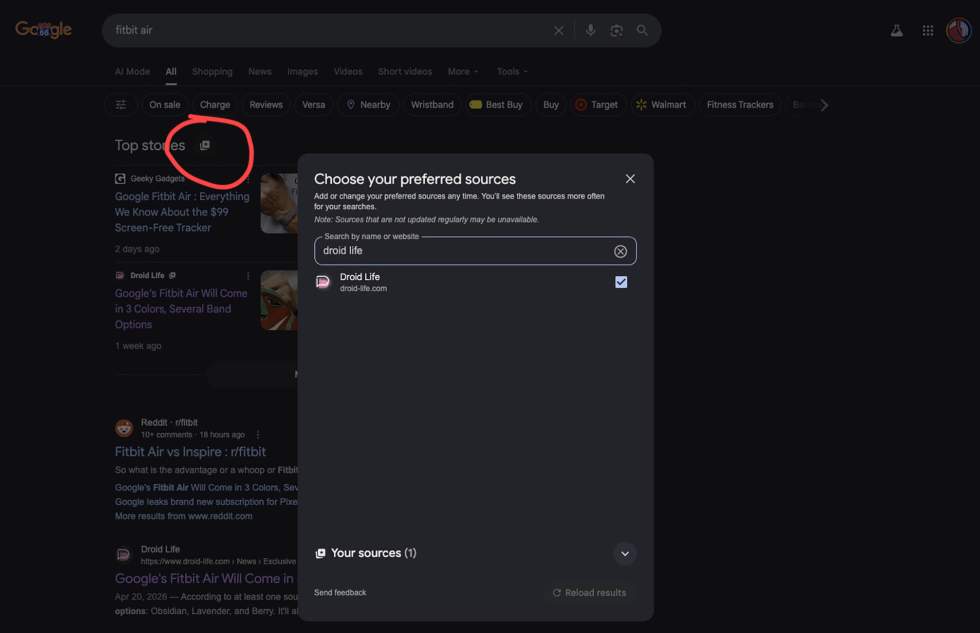
- You can also do this if you search for a topic and see the “Top stories” section at the top of the results. By tapping that little star-box icon, it’ll pop up the same Preferred Sources setting that the link above gave you.
- Finally, if you are in Google Discover, which you see when you open the Google App or the Chrome home page on mobile or by swiping over to the left panel on an Android phone’s home screen, you can simply tap the “Follow” button next to sources you like. You can see it below.
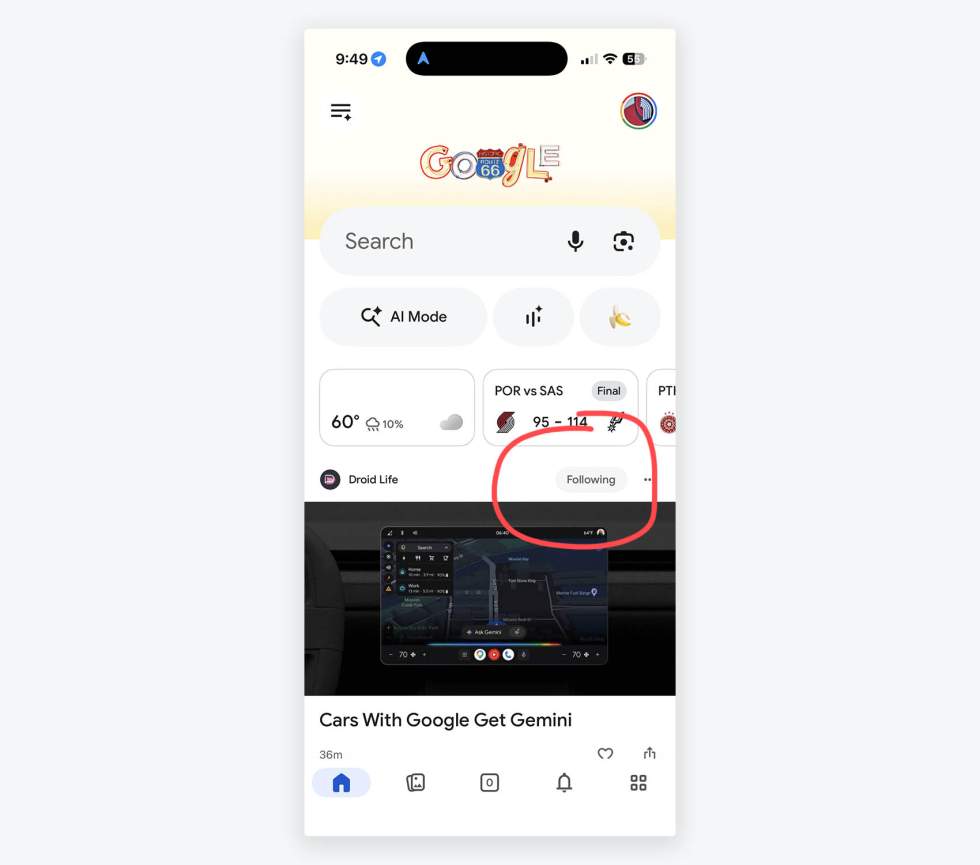
And that’s pretty much it. Do your part, follow your favorite media outlets, and hopefully they see the benefit to keep this whole media ecosystem alive and able to provide you the news you like.
Read the original post: You Should Really Set Preferred Sources in Google Search, Discover
This articles is written by : Nermeen Nabil Khear Abdelmalak
All rights reserved to : USAGOLDMIES . www.usagoldmines.com
You can Enjoy surfing our website categories and read more content in many fields you may like .
Why USAGoldMines ?
USAGoldMines is a comprehensive website offering the latest in financial, crypto, and technical news. With specialized sections for each category, it provides readers with up-to-date market insights, investment trends, and technological advancements, making it a valuable resource for investors and enthusiasts in the fast-paced financial world.