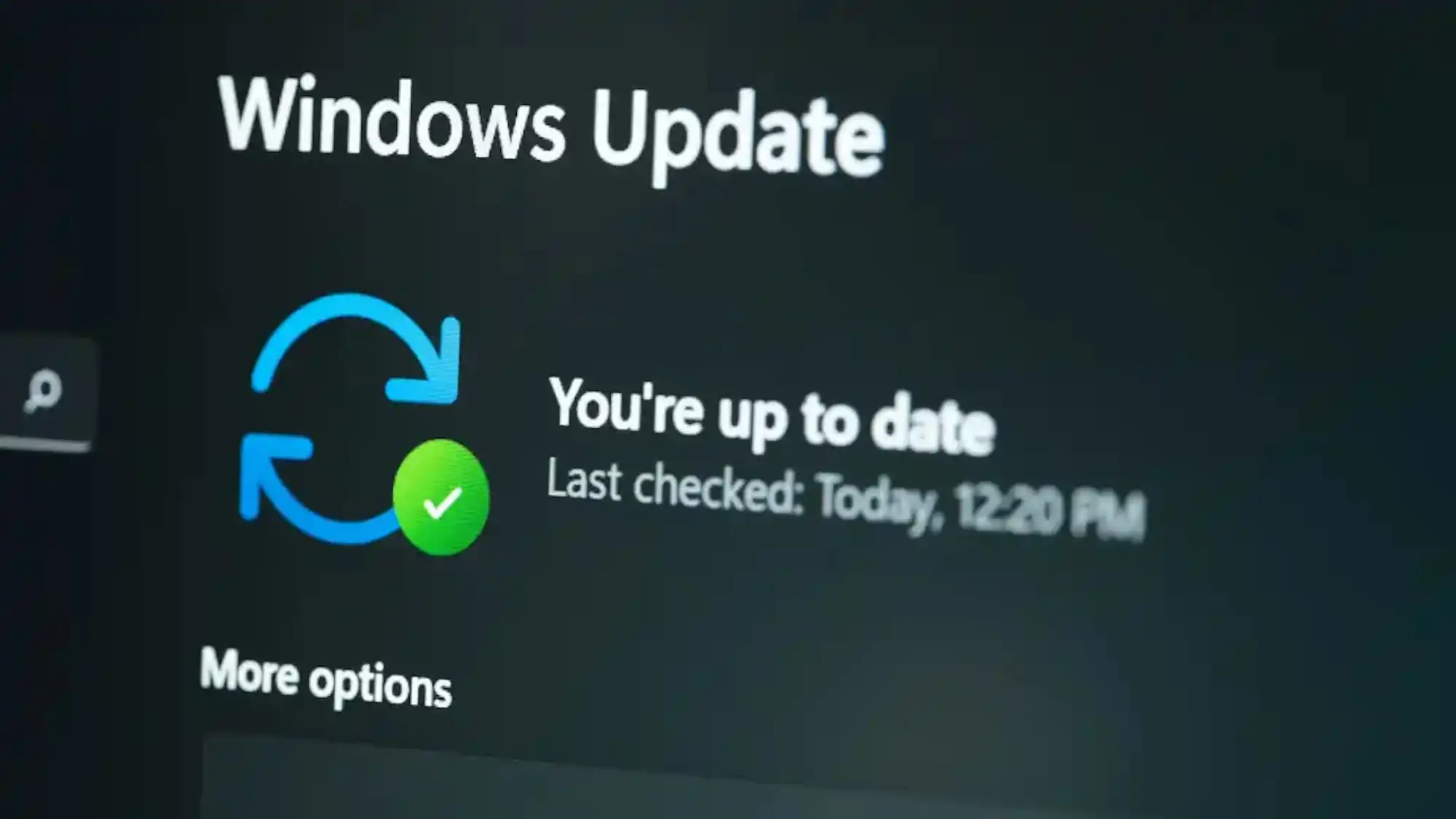
This year, Windows users had to deal with Microsoft’s shaky rollout of Secure Boot certificate updates, which were needed to keep PCs protected against rootkits and other threats that could compromise a system at startup. Now, users are facing a different kind of certificate update, and it’s slated to arrive less than a year from now.
The next big certificate update concerns Windows Update. Starting May 2027, current Windows Update certificates will expire, which Microsoft explains on this support page:
Prepare for Windows Update certificate rotation in 2027
Certificates used to establish trusted connections to Windows Update will expire on May 17, 2027 and June 19, 2027. Devices must contain the replacement certificates to continue receiving updates after the applicable expiration date.
In short, if your PC doesn’t get updated Windows Update certificates, you’ll lose access to Windows updates.
Microsoft is rolling out the new certificates via an update, and the good news is that all actively supported versions of Windows 11 will receive said updates. That means if you’re running Windows 11 26H2 or 25H2 and you stay on top of Windows updates, you have nothing to worry about—Microsoft already distributed the updated Windows Update certificates as part of the security updates released in July 2026.
What happens if your Windows PC does not get updated certificates?
According to Microsoft:
Devices without the replacement certificates will lose access to Windows Update after the applicable expiration date. This change does not apply to devices receiving updates from Windows Server Update Services (WSUS).
However, if you’re still on an older, unsupported version of Windows 11, you might run into trouble. Your Windows PC will no longer be able to download updates from Microsoft’s servers without the proper certificates.
To ensure that doesn’t happen to you, here are the relevant updates you should install depending on your version of Windows:
Windows 11, version 24H2 and Windows Server 2025: Install the September 2025 security update or later before June 19, 2027.
Other in-support versions of Windows 11, Windows Server 2022, and in-support versions of Windows 10: Install the July 2026 security update or later before June 19, 2027.
Windows 10 Enterprise 2019 LTSC, Windows Server 2019, and Windows Server 2016: Install the July 2026 security update or later before May 17, 2027.
Other Windows versions: Upgrade to a supported version of Windows client or Windows Server.
Further reading: Still on Windows 11 24H2? You have one week to upgrade
This articles is written by : Nermeen Nabil Khear Abdelmalak
All rights reserved to : USAGOLDMIES . www.usagoldmines.com
You can Enjoy surfing our website categories and read more content in many fields you may like .
Why USAGoldMines ?
USAGoldMines is a comprehensive website offering the latest in financial, crypto, and technical news. With specialized sections for each category, it provides readers with up-to-date market insights, investment trends, and technological advancements, making it a valuable resource for investors and enthusiasts in the fast-paced financial world.