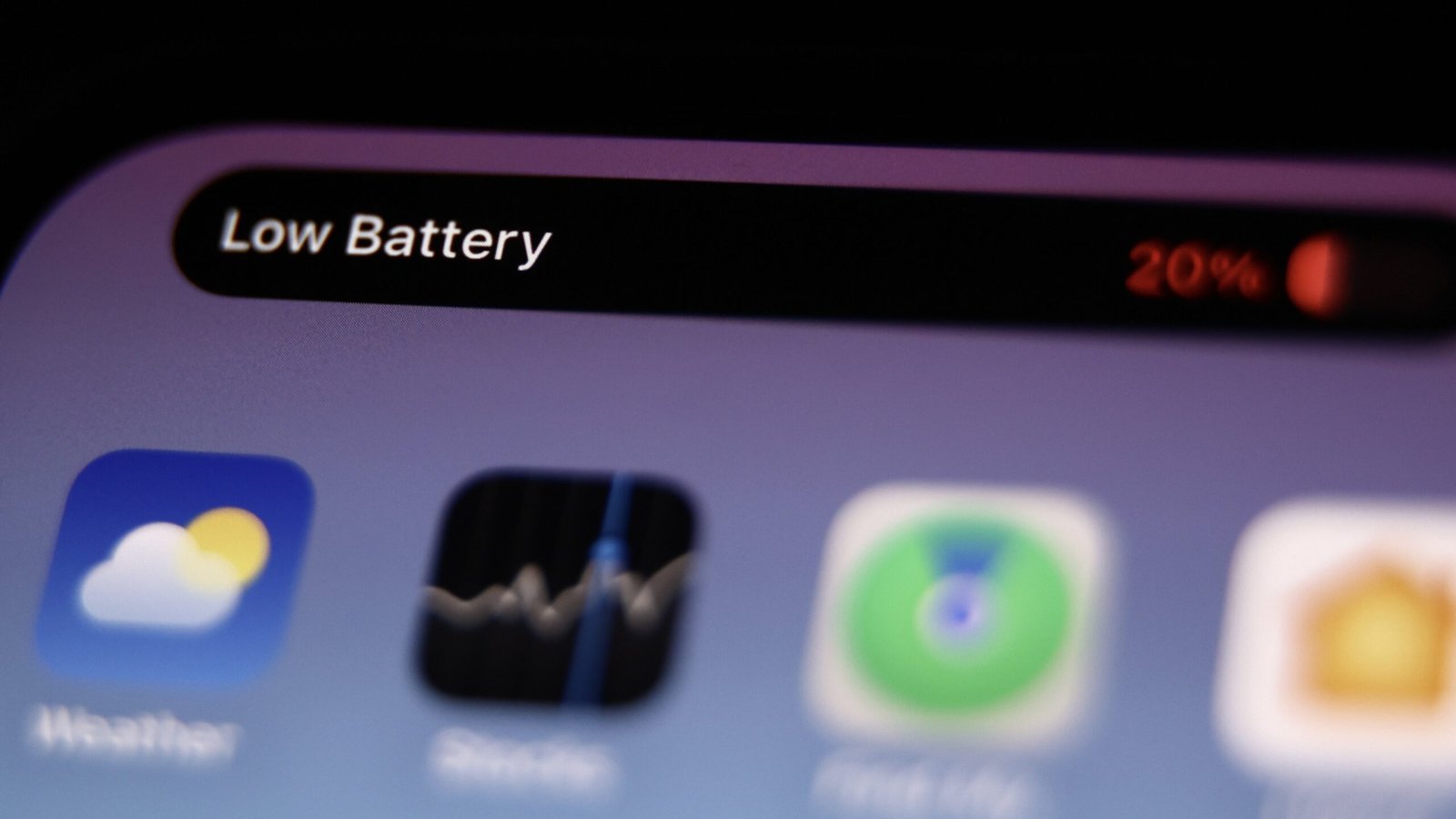
If you’ve updated your iPhone to iOS 27, you might have already put Siri AI to the test or tried out some of Apple’s AI-powered photo editing features. But you may have also noticed something else: Your iPhone’s battery isn’t lasting as long between charges. While I can’t say this is a universal experience (I’m don’t believe my iPhone is dying faster on iOS 27 than it did on iOS 26), some users are adamant the update has had a detrimental effect on their battery life. And while there are many possible factors here, some think they have found the culprit: a feature called Connectivity Assist.
What is Connectivity Assist?
Connectivity Assist’s mission is noble. The feature is designed to tap into cellular data any time your wifi connection grows too weak. In theory, it should be particularly useful when you’re leaving an area with wifi; rather than deal with the slow loading times a weak wifi connection forces you to endure before it disconnects outright, your cellular network would kick in to maintain your speed. (Once you’ve left wifi range, you’d be back on cellular completely either way, of course.)
Technically, this feature isn’t new. Before iOS 27, Apple called it “Wi-Fi Assist,” but it worked a bit differently. In iOS 26, Wi-Fi Assist simply switches over to cellular when your wifi signal is too weak. With iOS 27’s Connectivity Assist, it seems your iPhone can tap into both networks at the same time. If so, that may play some role in why this rejiggered feature seems to be dragging down people’s batteries more than it used to.
There’s another new addition with Connectivity Assist that could also be part of the problem: Unlike Wi-Fi Assist, Connectivity Assist sends DNS requests over cellular data, which can bypass the rules that ad blockers put in place to stop pop-ups from making their way into your iPhone. As such, even Apple recommends that you disable Connectivity Assist if you use an ad blocker. So, if your iPhone is constantly sending out DNS requests while on cellular data, bypassing your active ad blockers, that could be putting extra strain on your battery, too.
How to disable Connectivity Assist in iOS 27
Reddit user ZoteTheMitey shared their experience on the r/iPhone subreddit, claiming that their iPhone 15 Pro Max, with 89% battery health, was only lasting for three to four hours following the switch to iOS 27. Once they disabled Connectivity Assistant, they claim their battery usage time jumped to seven hours. Some users in the thread shared similar experiences, and one even claimed disabling the feature fixed an issue with their device overheating.
If you want to try the potential solution yourself, here are two ways to disable Connectivity Assist: First, you can disable it on a per-network basis. To do so, head to Settings > Wi-Fi, then tap the (i) next to your network name. Here, scroll down, and make sure the toggle next to “Use Connectivity Assist” is turned off. That was, you can make sure your battery isn’t experiencing faster drain when you’re away from a charger—say, at a cafe you frequent.
If you’d rather disable the feature globally for your iPhone, head back to the Wi-Fi settings page and ensure the toggle next to “Connectivity Assist” is set to off. Note: if this feature was previously enabled, you’ll be able to see the amount of cellular data the feature has used to date, which will give you an idea of how often it has been active on your device. More data could mean more potential battery drain.
This articles is written by : Nermeen Nabil Khear Abdelmalak
All rights reserved to : USAGOLDMIES . www.usagoldmines.com
You can Enjoy surfing our website categories and read more content in many fields you may like .
Why USAGoldMines ?
USAGoldMines is a comprehensive website offering the latest in financial, crypto, and technical news. With specialized sections for each category, it provides readers with up-to-date market insights, investment trends, and technological advancements, making it a valuable resource for investors and enthusiasts in the fast-paced financial world.