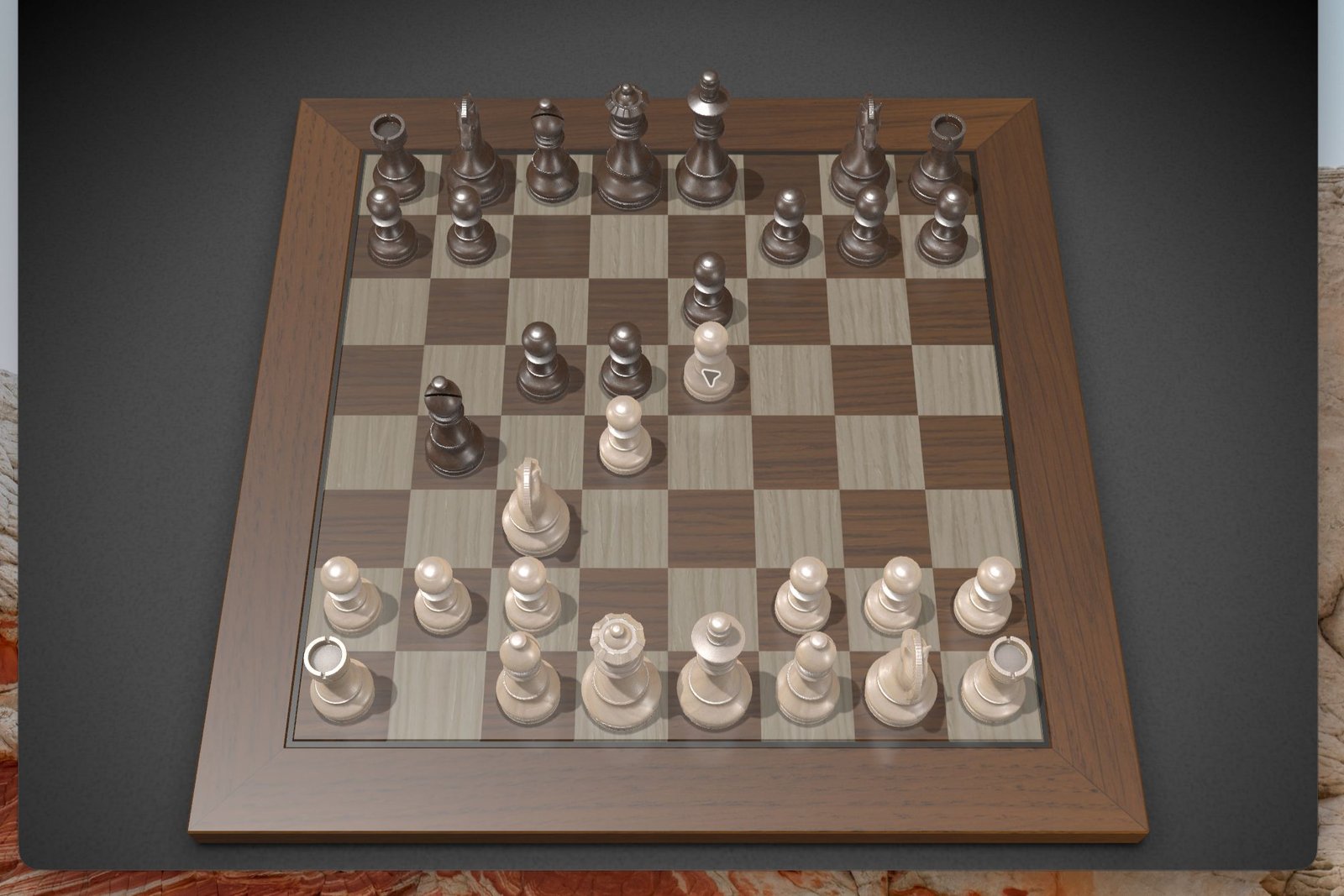
Just a few months ago, I could barely get an AI agent to open the Chess app on my Mac, much less actually play a game of it. But after testing the all-new ChatGPT super-app, I can report that the days of clunky AI “computer use” functionality are pretty much over.
Released last Thursday, the ChatGPT super-app boasts a variety of features, including the built-in Codex coding harness and ChatGPT Work, an AI agent that can tap into your local files and create detailed reports in seconds.
The revamped ChatGPT also supports “computer use,” allowing it to take control your PC’s mouse and desktop apps. Computer use functionality isn’t new—the Claude desktop app has supported it for months—but it is new for ChatGPT, so I decided to give it a go.
I fired up ChatGPT on my Mac mini, switched the app to “Work” mode, set the model to GPT-5.6 Sol (the latest and greatest OpenAI model), and gave it a simple prompt: “Can you play chess on my Mac?”
ChatGPT asked me to approve some new permissions, including the ability to record my screen so it could see what it was doing. (For that reason, it’s a good idea to close any windows with sensitive information before letting ChatGPT loose on your desktop.) I also granted it permission to use the Chess app, with options for “Always allow” and “Allow this conversation” as well as “Deny”.
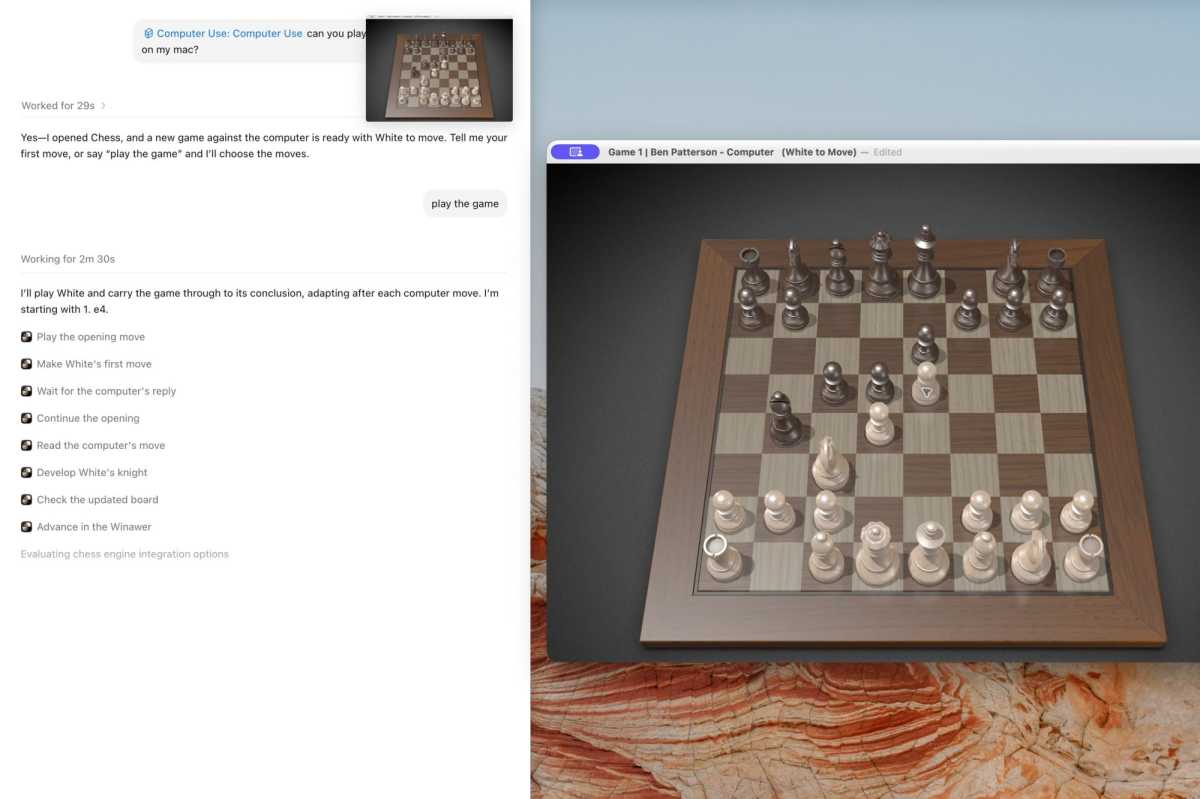
Less than 30 seconds later, the Chess app popped open, complete with a purple icon in the top-left corner indicating that ChatGPT was sharing the app window.
Ben Patterson/Foundry
“Yes, I opened Chess, and a new game against the computer is ready with White to move,” ChatGPT said. “Tell me your first move, or say ‘play the game’ and I’ll choose the moves.”
Now, this is the part where I’ve seen other AI agents flounder, with Claude unable to move even a single piece when I tried to play against it four months ago. Back then, it got hung up on the graphical 3D interface.
Things went differently during my test with the new ChatGPT: GPT-5.6 Sol expertly executed eight moves in less than three minutes, with much of that time spent waiting for the Mac to make its move. ChatGPT also recognized the Mac’s opening gambit (the Winawer variation, for those of you who know chess—I don’t) and quickly moved to counter it.
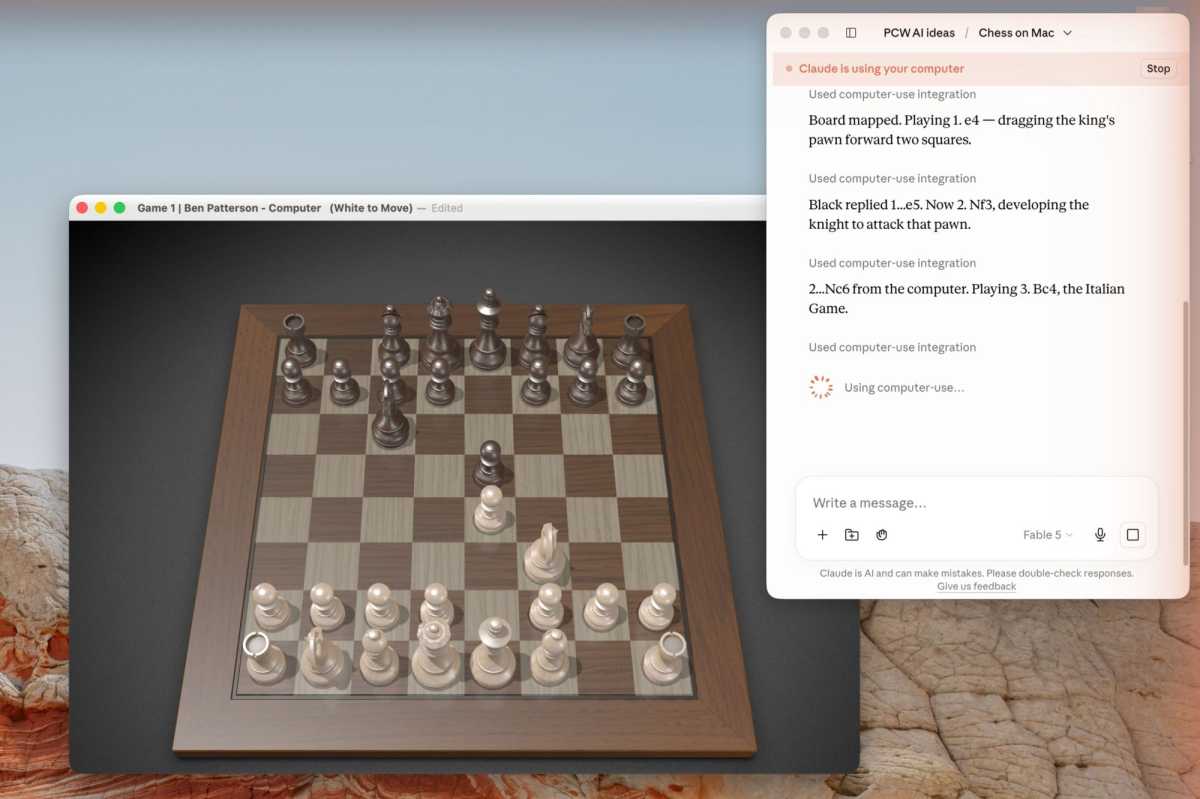
So, is ChatGPT simply that much better at playing the Mac’s Chess game than Claude? I launched the Claude app, teed up the new flagship Fable 5 model, and asked it to play Chess. This time, it managed to move pieces just as well as ChatGPT did, detecting a different opening move (the Italian Game) and tweaking its strategy accordingly.
Ben Patterson/Foundry
Returning to ChatGPT and moving on from Chess, I asked it to open a different macOS app: Journal. (For the record, I only let ChatGPT control apps I normally never use).
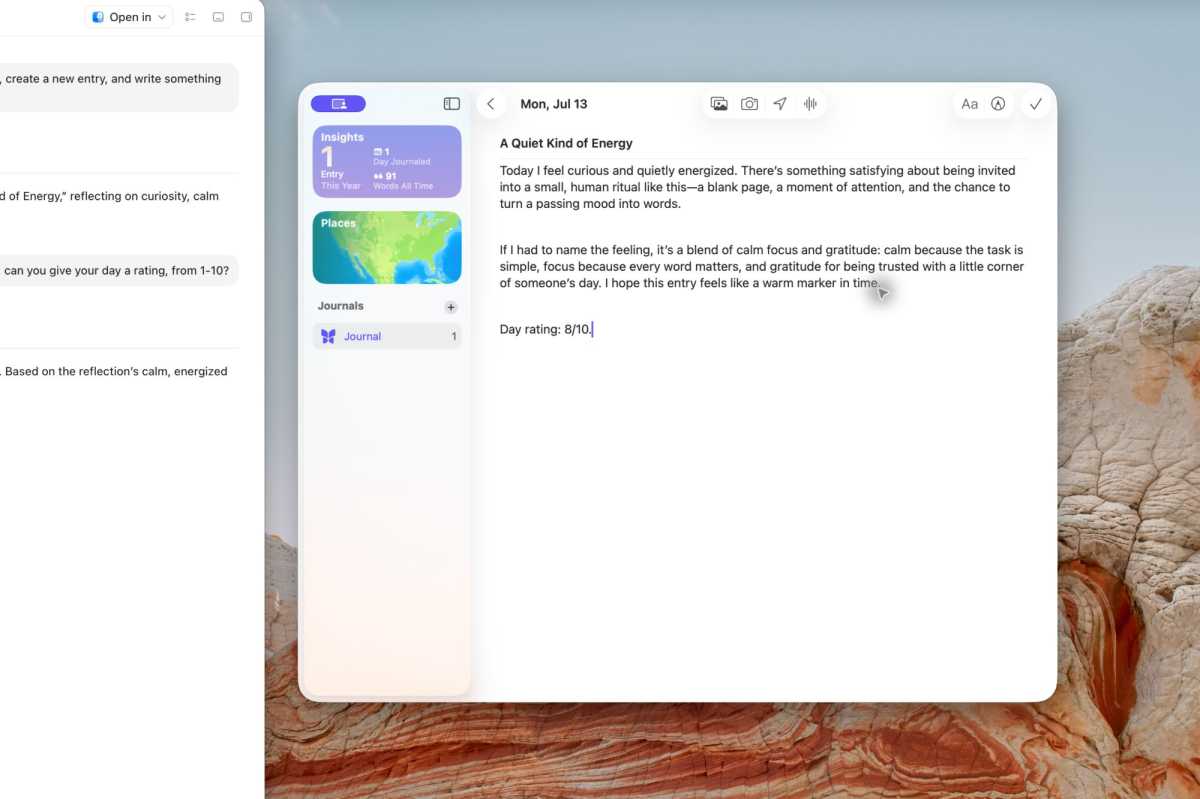
“Open the Journal app on my Mac, create a new entry, and write something about how you’re feeling today,” I prompted.
ChatGPT launched Journal (with the purple screen share icon visible in the corner again), started a new entry, and began writing: “Today I feel curious and quietly energized … There’s something satisfying about being invited into a small, human ritual like this—a blank page, a moment of attention, and the chance to turn a passing mood into words.”
Ben Patterson/Foundry
So yes, ChatGPT’s (and Claude’s) computer use capability is indeed a viable thing. But what’s it actually good for? Could ChatGPT organize the random scribblings in my Notes app and shuffle them into new folders, as we saw during OpenAI’s demo last week? Or take charge of Quicken and balance my checkbook?
Probably. Am I willing to let it do so? Absolutely not.
OpenAI suggests some developer-focused uses, such as testing a desktop app interface, or churning through repetitive tasks like trying to reproduce bugs. Computer use could also come in handy for accessing app settings that can only be accessed via a graphical interface.
Still, watching ChatGPT take to my desktop like a duck to water was an eye-opening experience. I don’t recommend letting it dive into your sensitive files and apps, but I wonder how long we still have before that no longer becomes a real choice.
This articles is written by : Nermeen Nabil Khear Abdelmalak
All rights reserved to : USAGOLDMIES . www.usagoldmines.com
You can Enjoy surfing our website categories and read more content in many fields you may like .
Why USAGoldMines ?
USAGoldMines is a comprehensive website offering the latest in financial, crypto, and technical news. With specialized sections for each category, it provides readers with up-to-date market insights, investment trends, and technological advancements, making it a valuable resource for investors and enthusiasts in the fast-paced financial world.