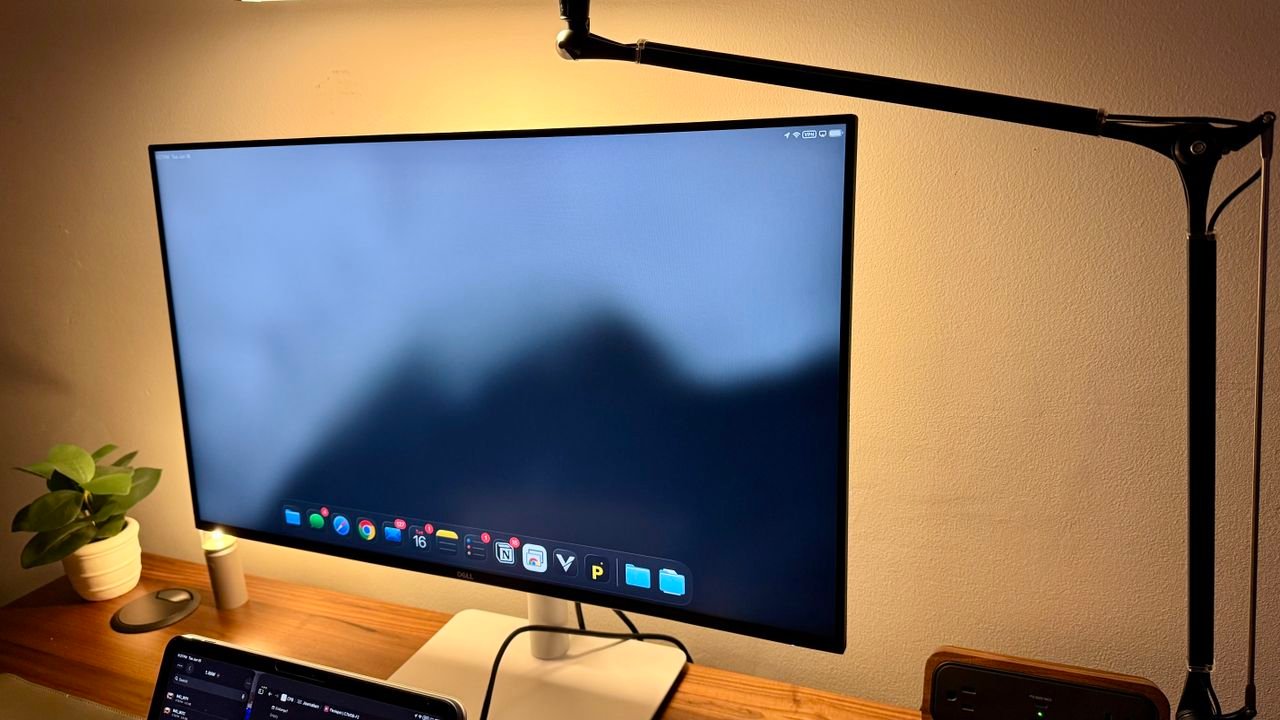
Sometimes you don’t need a fancy monitor or anything special. Sometimes you just need a 1080p HD monitor at 27 inches to be able to get real business work done. This is the struggle that a lot of business owners and IT suppliers are having, where their employees want fancy, big monitors and that’s what’s being promoted.
In reality, all they need for the masses, for co-working spots, for server screens, or other things like that, is a simple 27-inch monitor. That’s where this Dell monitor shines. It’s a high-quality, simple monitor that you know is going to work for more than the most popular monitors just suppliers around.
I’ve been in this exact scenario where some data entry people and an admin on my team wanted a screen, and they didn’t need anything fancy. I ended up purchasing a monitor very similar to this. If I had known that this was around, I probably would have bought this. All they wanted was a 27-inch standard monitor. They weren’t going to scale it up crazy to where they needed 4K, and they were just using it for database management, form entry, emails, and a lot of Excel.
It’s not the absolute best business monitor I’ve ever tested. But for those that want a no-nonsense full HD display for work – whether that’s at home or in the office – this is a great option.
Dell 27 Plus S2725HSM: Unboxing and First impressions
The unboxing for this monitor is very straightforward: a simple white box with just a few accessories inside. It has: an HDMI cable, a Power cable, a Three-piece stand (which is unique), a Monitor, and documentation that’s necessary
Each piece is wrapped individually to help protect it, and the box is fairly small, which is great. Assembly took maybe two minutes and almost no thought whatsoever. It just went together in the only way that made logical sense. I didn’t need any instructions or anything else like that.
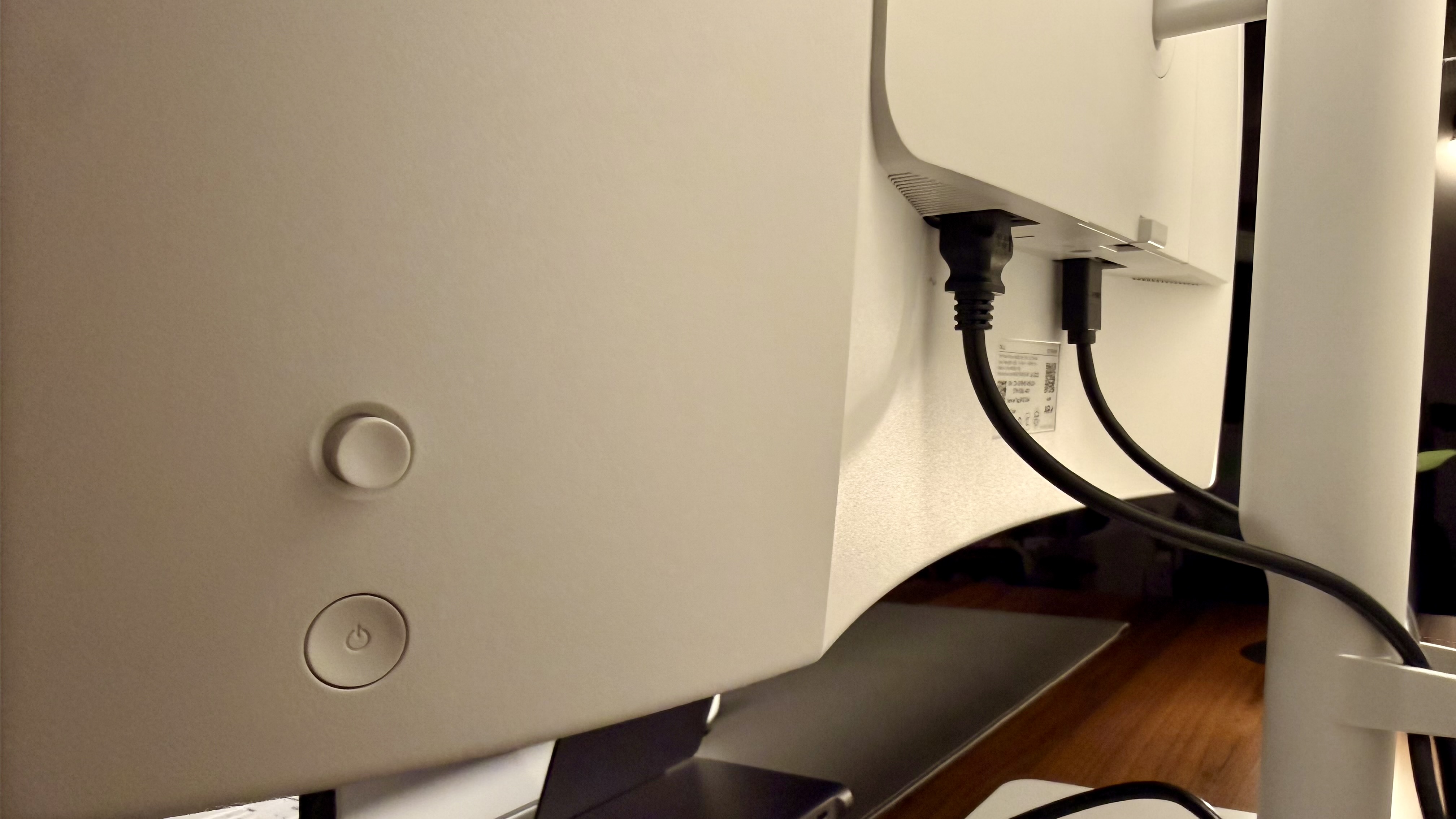
If you want to use a monitor arm, there are screws on the VESA plate on the back, so you can attach it easily without any extra accessories. Of course, you can use the basic monitor stand. If you’re choosing to use a built-in monitor stand, I’m happy to say they adjusted the cable pass-through a bit so it is a hook on the back of the monitor arm, which helps keep things a little cleaner.
There will still be a little bit of cable visibility if you are really worried about that, but if you’re using a 27-inch monitor, there’s a good chance you don’t care.
Dell 27 Plus S2725HSM: Design & Build Quality
As mentioned above, the design and build for this model is super straightforward. There is nothing too fancy about it at all, and that’s actually what makes this great. There is nothing that will make it complex, difficult, or hard to set up. It’s very easy to get up and running in a matter of minutes, which, if you are doing this en masse, makes it an easier choice for IT pros.
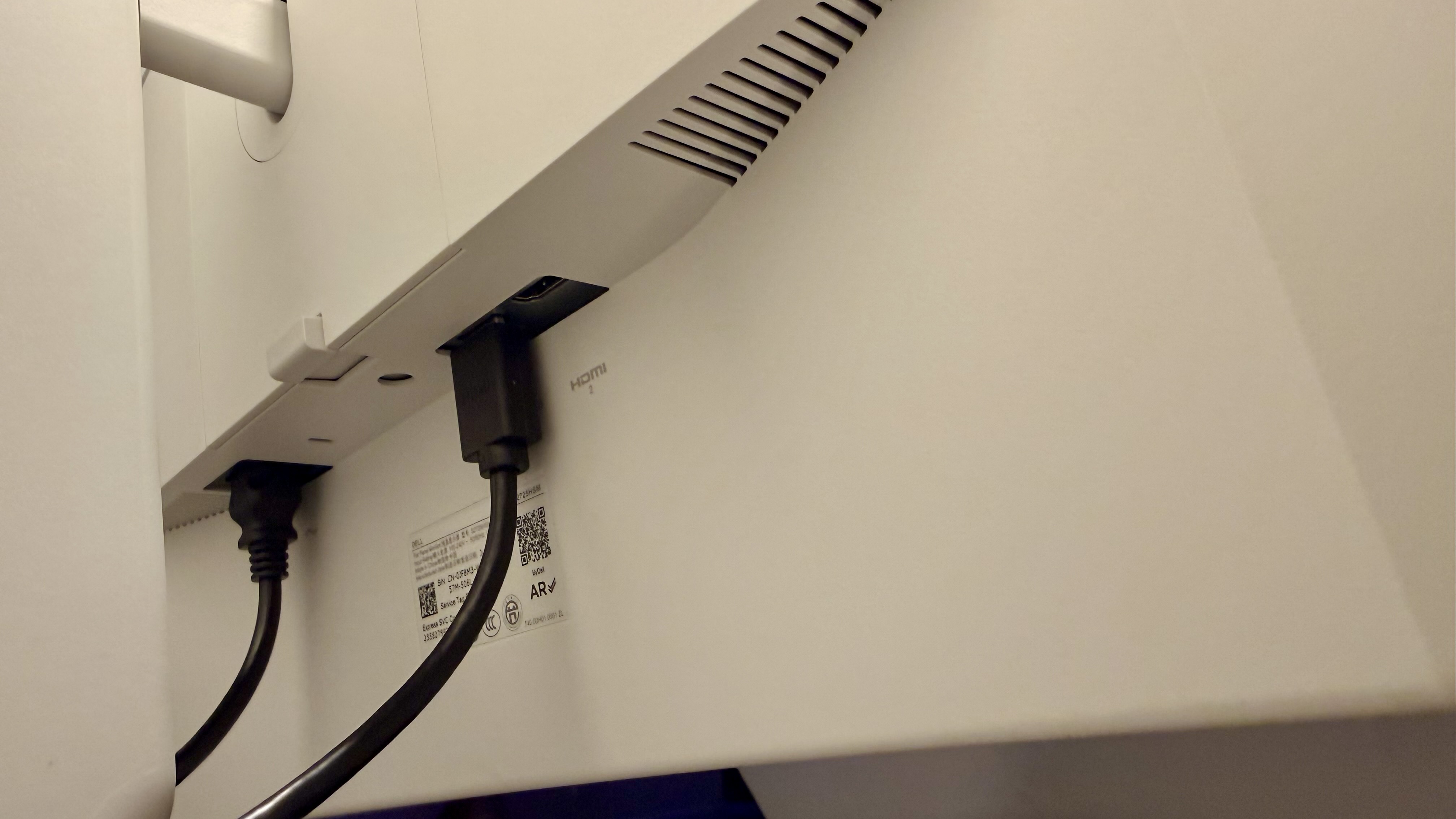
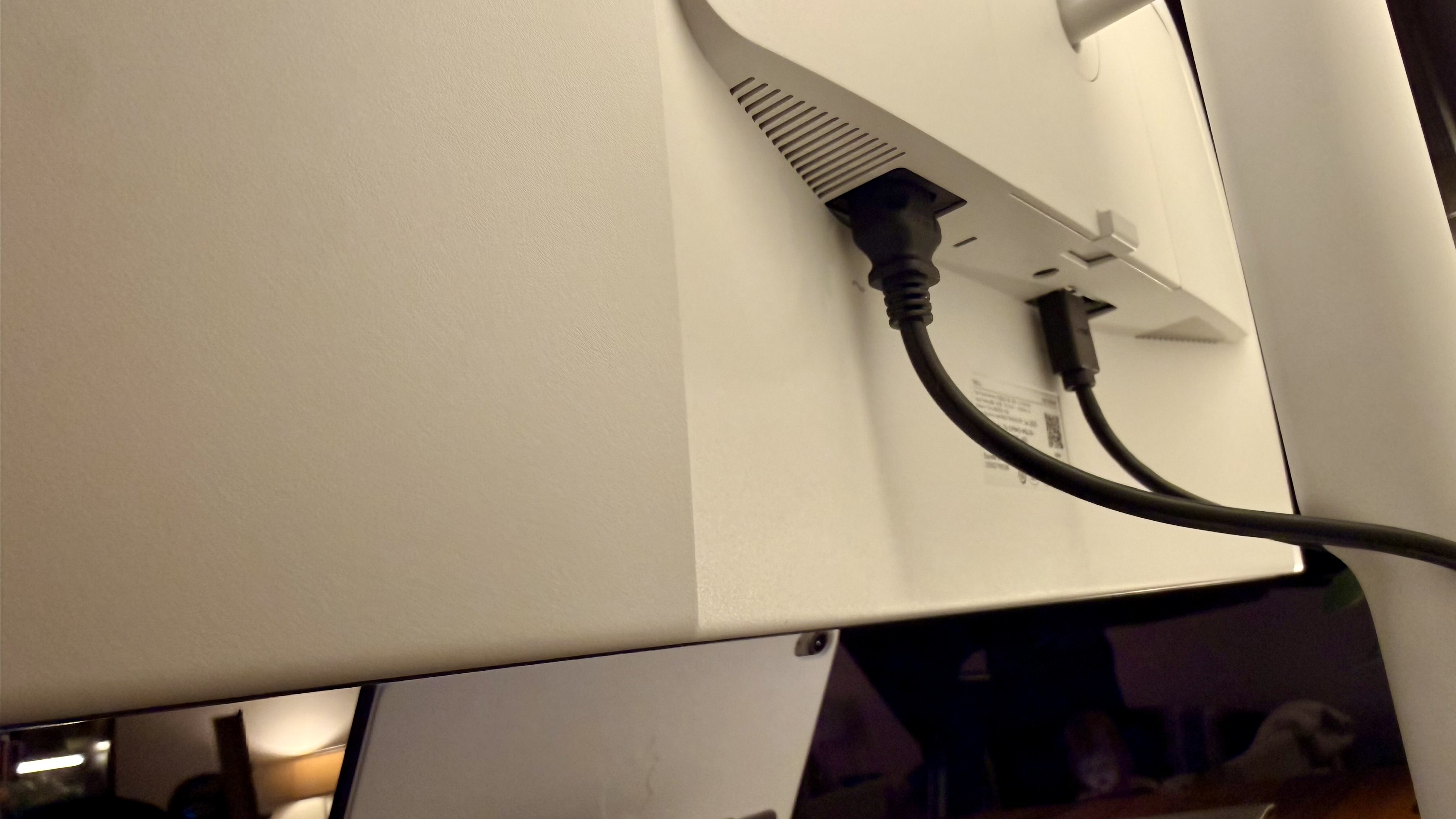
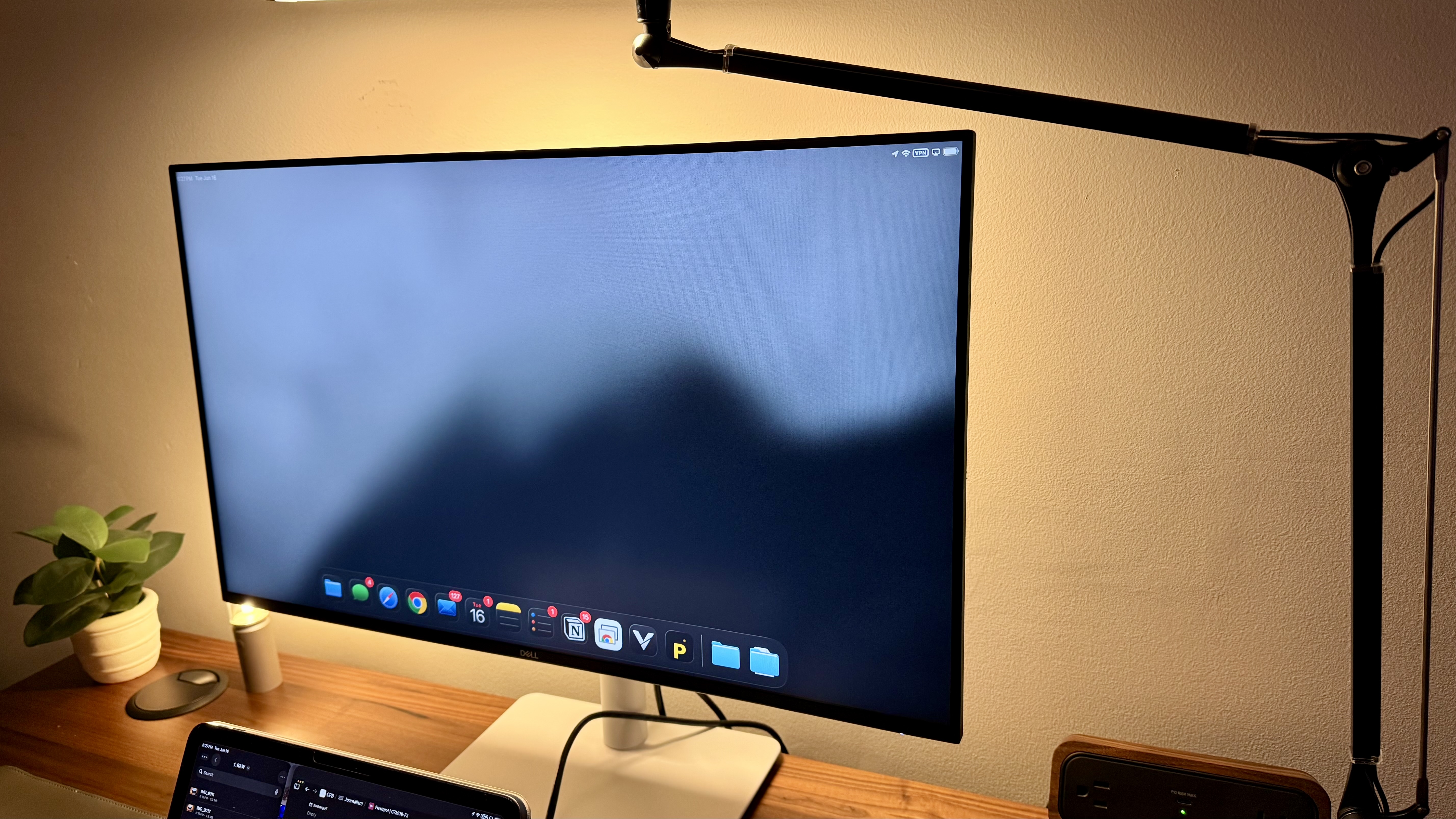
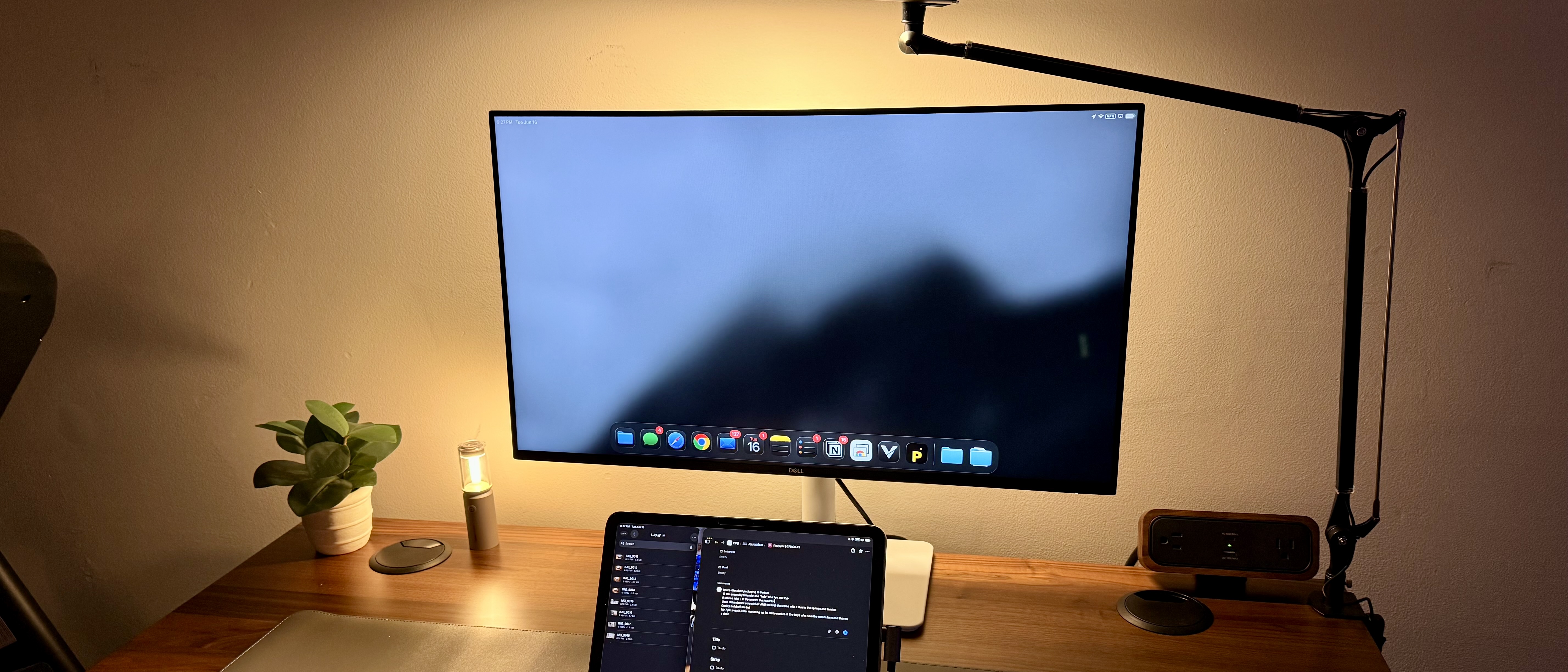
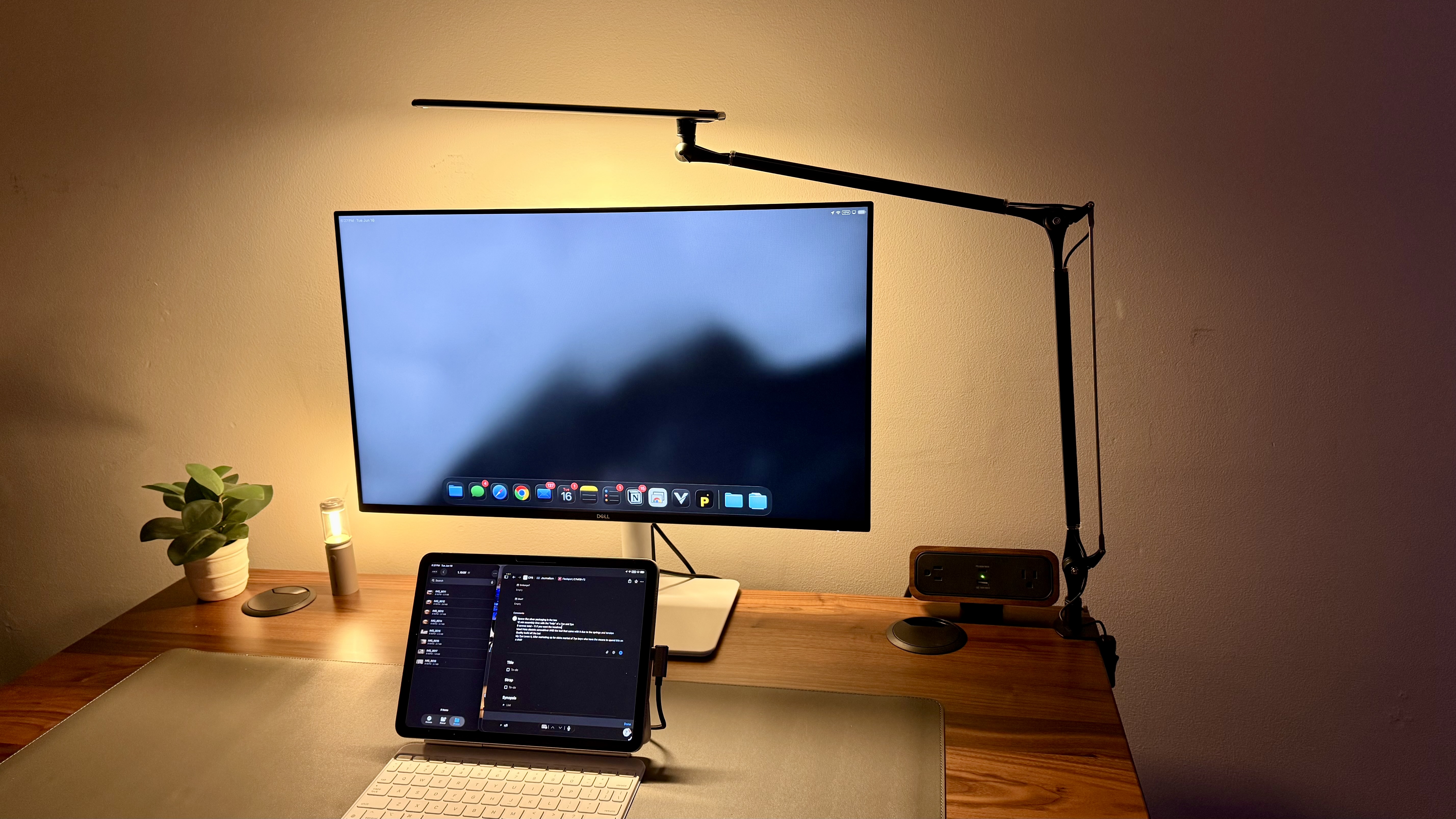
I actually appreciate even though this is a budget monitor, it still looks quality. It’s got a sleek, mostly white frame. The base is still solid, and it’s still a reliable display. The ports are well placed, easy for really any scenario. It’s IEC powered, which is massive. I’ve seen some cheap monitors that go with a barrel connector that makes it a little bit harder for mass deployment. It actually has an HDMI cable with it, which just means it’s one less step for needing to set up.
In case it isn’t clear, this one does not have any USB-C or anything like that. It does have two HDMI ports on the back, so if you needed to be able to switch between two devices or have two different inputs for some other reason, this one is capable of doing that. This is super helpful for things like multiple different server displays or something else like that. You perhaps don’t need a KVM for it, or if you’re just really easily trying to have a display for some camera view or something like that, this display would work.
Dell 27 Plus S2725HSM: In use
So far, this monitor has performed wonderfully for basic tasks. Even for more complex tasks, this works just great. The only thing I wouldn’t use this for is anything that needs to have absolute color accuracy, or if you’re the kind of person who loves using their laptop on the most spaced or most high-resolution settings.
For anything that’s business tasks or just basic tasks, this would work phenomenally. Things like spreadsheets, emails, web browsing, writing, schoolwork, and other things like that, this will work well.
I have used this on both a monitor arm and on a built-in stand. One note for the monitor arm is that this monitor is so light and simple that I had to crank the tension way down on the monitor arm to be able to make this work and not just throw the monitor straight up in the air.
While you could very easily do multi-display with this using both HDMI’s, it does not have a KVM. If you are swapping between a laptop and a desktop, for example, I would not plan on utilizing the same mouse and keyboard unless you have an external KVM that perhaps doesn’t have an HDMI switcher or something like that. I’ve also used this with my laptop and my son’s switch, which worked really well. You could use it with an Apple TV or something else as well, though note that the internal speakers are not great at all.
The speakers are good enough for basic meeting audio if you are in a meeting and a semi-quiet room, or for maybe playback of a video you’re watching. I would not plan on having this be good music quality, video quality, game quality, or anything else like that. In all those scenarios, I would suggest utilizing headphones or an external speaker of some kind, or even your laptop speakers.
Also worth noting, because a lot of monitors are seeming to hinge towards this, or some of the higher-end monitors even have this integrated. This monitor does not have any webcam or USB ports at all; it is simple and just has power and HDMI ports.
Dell 27 Plus S2725HSM: Final verdict
This should be one of the monitors considered for any business office co-working space or an individual who just needs a basic, 1080p monitor.
Now, if you’re looking for something that is more color accurate, if you do photo or video editing, or if you obviously need something bigger than 27 inches, then there are better monitors out there, for sure.
However, if you don’t need high resolutions and a USB-C Hub, this should be the monitor that you’re considering. It’s affordable, simple, will get the job done, is reliable, and it’s from a reputable brand.
For more productivity machines, we’ve tested the best business computers.
This articles is written by : Nermeen Nabil Khear Abdelmalak
All rights reserved to : USAGOLDMIES . www.usagoldmines.com
You can Enjoy surfing our website categories and read more content in many fields you may like .
Why USAGoldMines ?
USAGoldMines is a comprehensive website offering the latest in financial, crypto, and technical news. With specialized sections for each category, it provides readers with up-to-date market insights, investment trends, and technological advancements, making it a valuable resource for investors and enthusiasts in the fast-paced financial world.