You never click on links in email. You only install apps from known storefronts—Microsoft, Steam, etc. You add only browser extensions that have strong reviews and lots of other users. And yet, your PC could still be at risk of getting infected with malware.
Why? Hackers can take over legitimate software and use it to push malicious updates to unsuspecting users.
In the past, this method of attack was rarer. When PC utility CCleaner got compromised in 2017, the incident became notorious in part because of how unusual the breach was. Even up until a couple of years ago, news in this vein happened infrequently.
But AI added fuel to the cybersecurity fire, allowing bad actors to increase the speed and breadth of attacks. Previously, the most activity would be in browser extensions: ones that performed the duty advertised, but also carried out shady activities behind the scenes. On the less harmful side (at least to everyday users), affiliate links could get hijacked. On the other end of the scale, your credentials for your email or bank login could be stolen, or your PC ends up infected with malware.
But now, all kinds of software is getting hit. Malware in games downloaded from Steam made the news multiple times in 2025 alone, for example. Venerable apps like Notepad++ also ended up pushing malicious updates to existing installations.
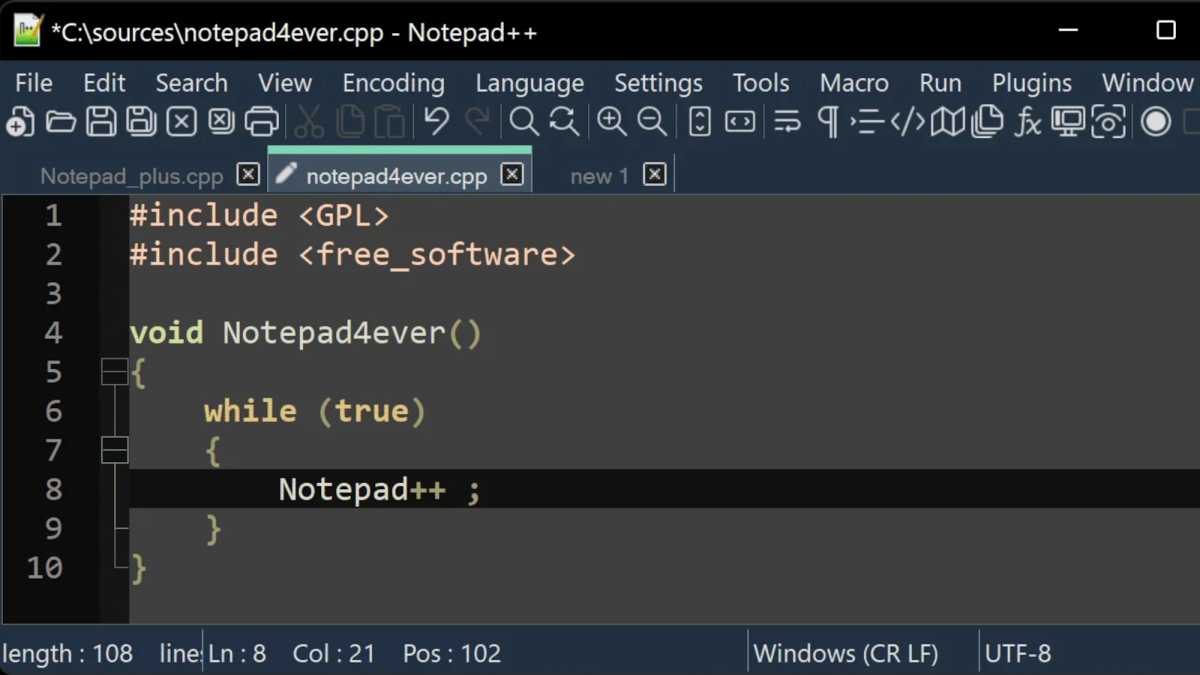
Notepad++ found itself the victim of a supply-chain attack—that is, hackers compromised a third-party tool to spread malware through the program.
Notepad++
How? Attackers often use several common strategies to get access to a legitimate app. One method is to hack the developer directly, usually by stealing or guessing their credentials. Another is to outright buy access to the app from the developer. (Yeah…) And a third is to hack tools or apps that the developer uses. (This last method is how Notepad++ ended up serving tainted versions of its software—it relies on a third-party update tool that was compromised.)
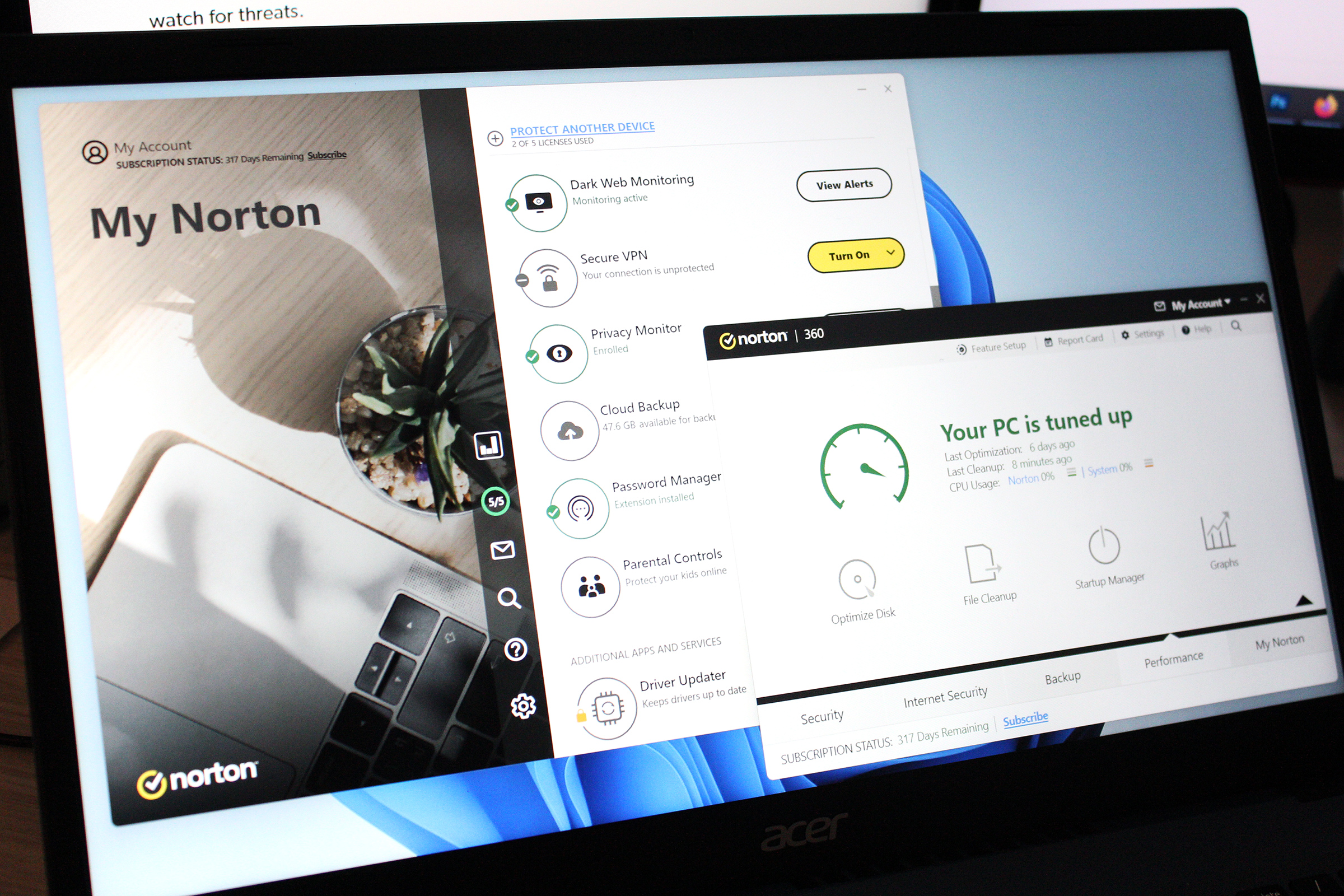
Ultimately, antivirus is still an extremely necessary part of protecting yourself online, even if you’re not risky in your online behaviors. Think of it as an enhanced security system. It not only alerts you when there’s an intrusion, but also catches and blocks malware from further action.
So, if you’re old school and disable antivirus (or key parts of its functionality) for fear of a performance hit to your PC—don’t. Windows Security and even third-party apps from long-time vendors like Norton and McAfee have changed a lot since those early days of home computing. I’ve done the testing—their effect on performance is minimal during usual day-to-day computing.
This articles is written by : Nermeen Nabil Khear Abdelmalak
All rights reserved to : USAGOLDMIES . www.usagoldmines.com
You can Enjoy surfing our website categories and read more content in many fields you may like .
Why USAGoldMines ?
USAGoldMines is a comprehensive website offering the latest in financial, crypto, and technical news. With specialized sections for each category, it provides readers with up-to-date market insights, investment trends, and technological advancements, making it a valuable resource for investors and enthusiasts in the fast-paced financial world.