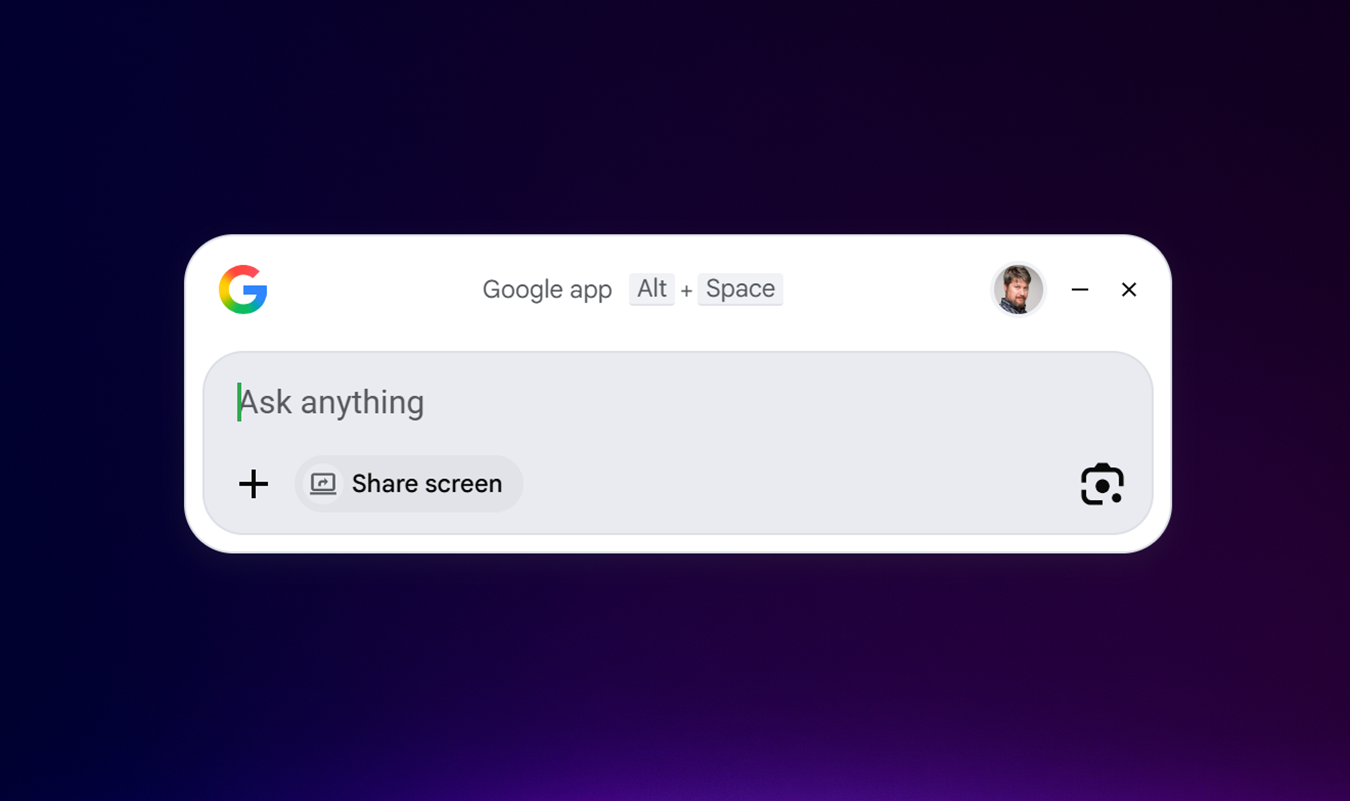
Google literally built its business around search. Gmail became popular because you could quickly find and resurface old emails. But I’ve tried Google’s new Google app for Windows… and I’m not convinced.
Google’s new freely downloadable Google app for desktop (available today on PCs using English) may remind you of the latest iteration of the 20-year-old macOS “Spotlight” app, which is both a file manager, an app launcher, and a sophisticated search tool. The new Google app floats over your desktop like Spotlight does, but to use it, you’ll first need to install it and—for best results—sign in.
Normally, the app hides in the background. You can summon it with the Alt + Space shortcut. It pops into view, hovering over your screen.
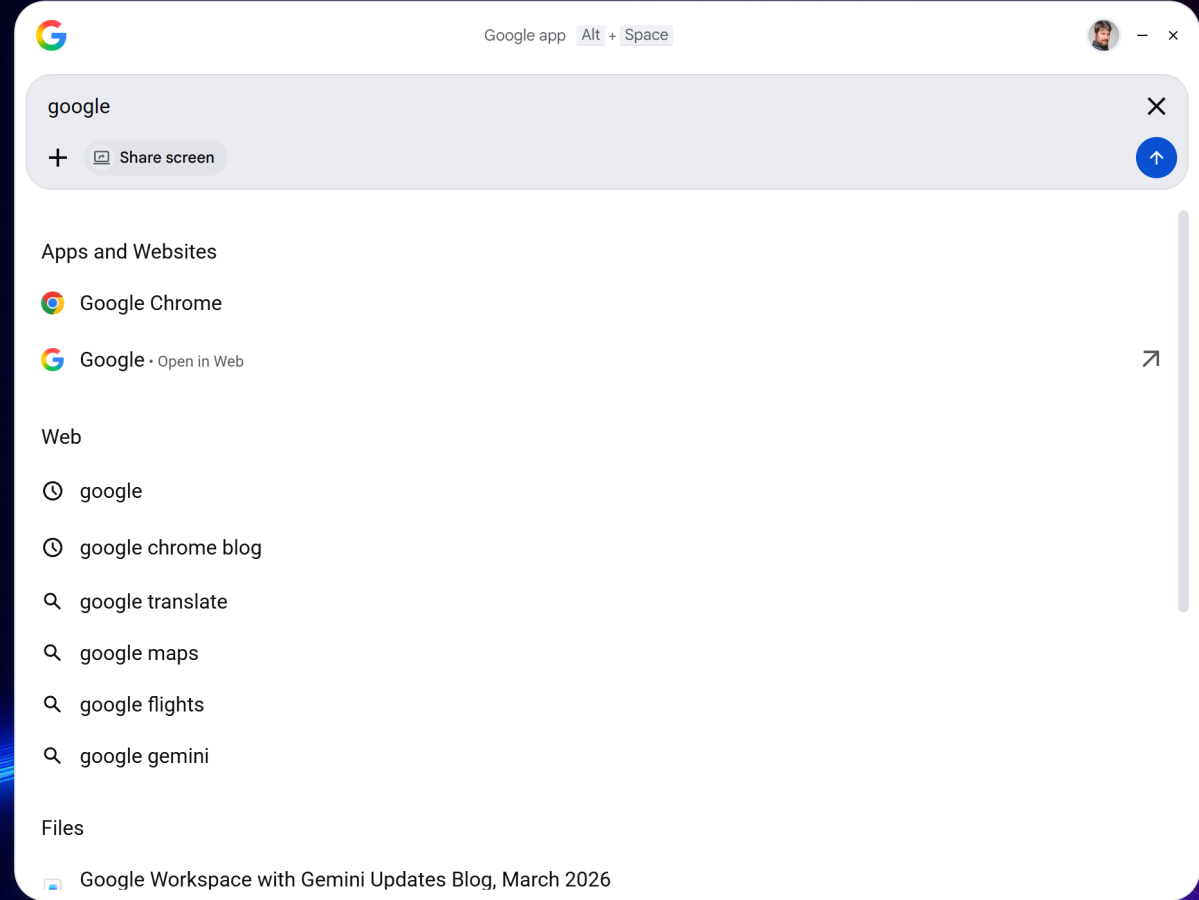
Google’s app naturally leads into Gemini, where you can type in a query. In fact, the “Search” within the Google app leads right into a small floating window with Google’s controversial “AI Mode.” If you head in this direction, the AI results look just like Google’s Gemini, and the Google app essentially becomes a Gemini portal, with a chat history and more. Even if you select the “All” mode versus the AI Mode, an AI summary pops up first, just like an ordinary search page. In this context, the Google desktop app isn’t much different than just opening a browser window.
Likewise, the Google Search app offers an opportunity to share a window or an entire display—again, this is all about Gemini and asking questions of a page that’s open in your browser or another application.
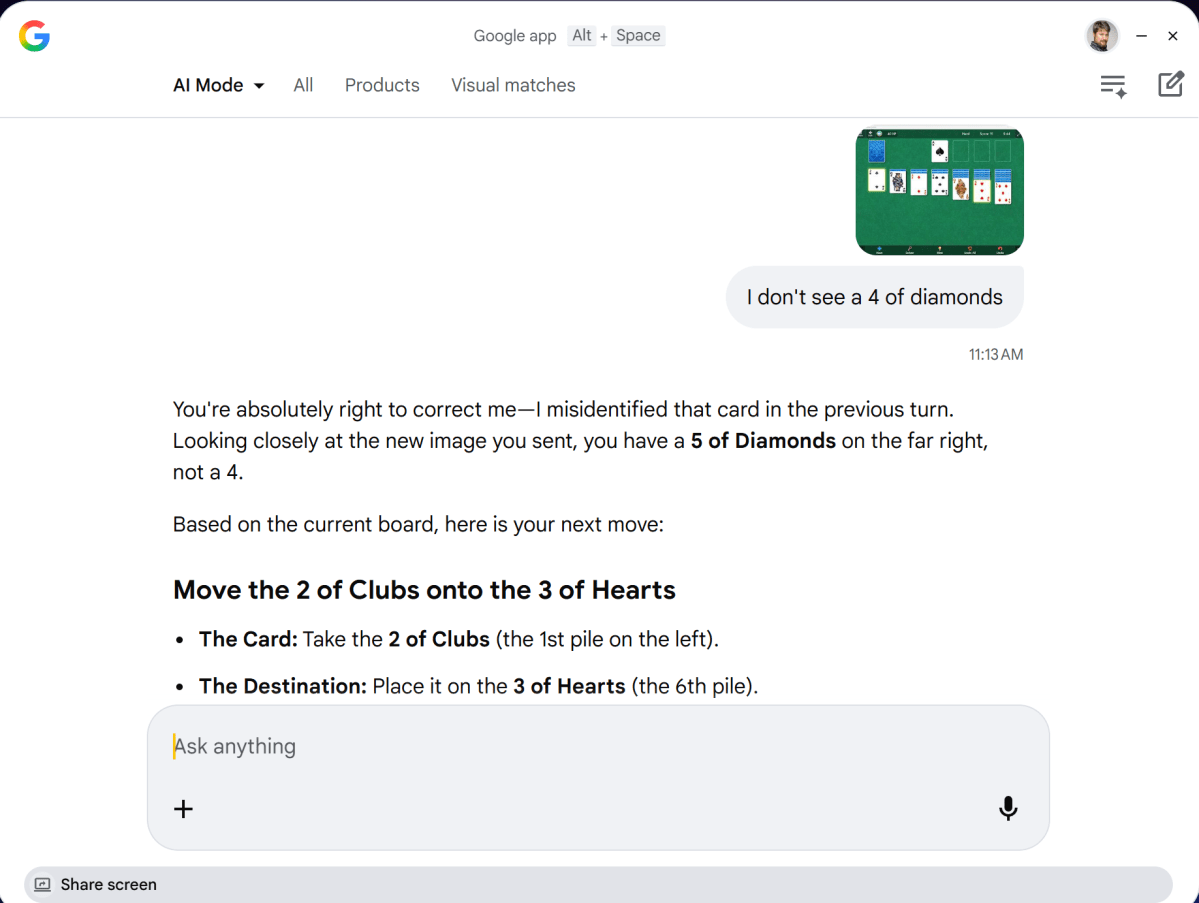
This is more useful than you might think. When I tried Microsoft’s Copilot Vision with middling success, that app could “see” what you had on your screen and would walk you through it. Oddly, Copilot Vision didn’t seem to be active when I launched the Copilot app on my test PC. (My mistake: I wasn’t using the actual Copilot app, but the less powerful Copilot triggered by CTRL+C.) However, when I shared my screen (with the Microsoft Solitaire app open) with the Google desktop app, it did a far better job identifying the available cards and walking through the moves. It wasn’t perfect—it hallucinated and misread cards—but it was far better than Microsoft’s model.
But Microsoft has an advantage: it’s a Microsoft PC. Google’s app promises to make searching through your desktop and cloud files a breeze, and I downloaded the Google app thinking the app could be a replacement for File Explorer or Microsoft’s own search. It isn’t.
Google’s desktop search app can see files stored locally on your PC, as well as anything backed up to Google Drive. But it can’t see OneDrive files or local documents, and it didn’t seem able to search Google Photos either. Just performing a basic search for “Google” on my PC pulled up far more content on my own PC via Windows’ own search function than anything else. This is clearly a situation where one user’s experiences will differ from another, but I just wasn’t impressed.
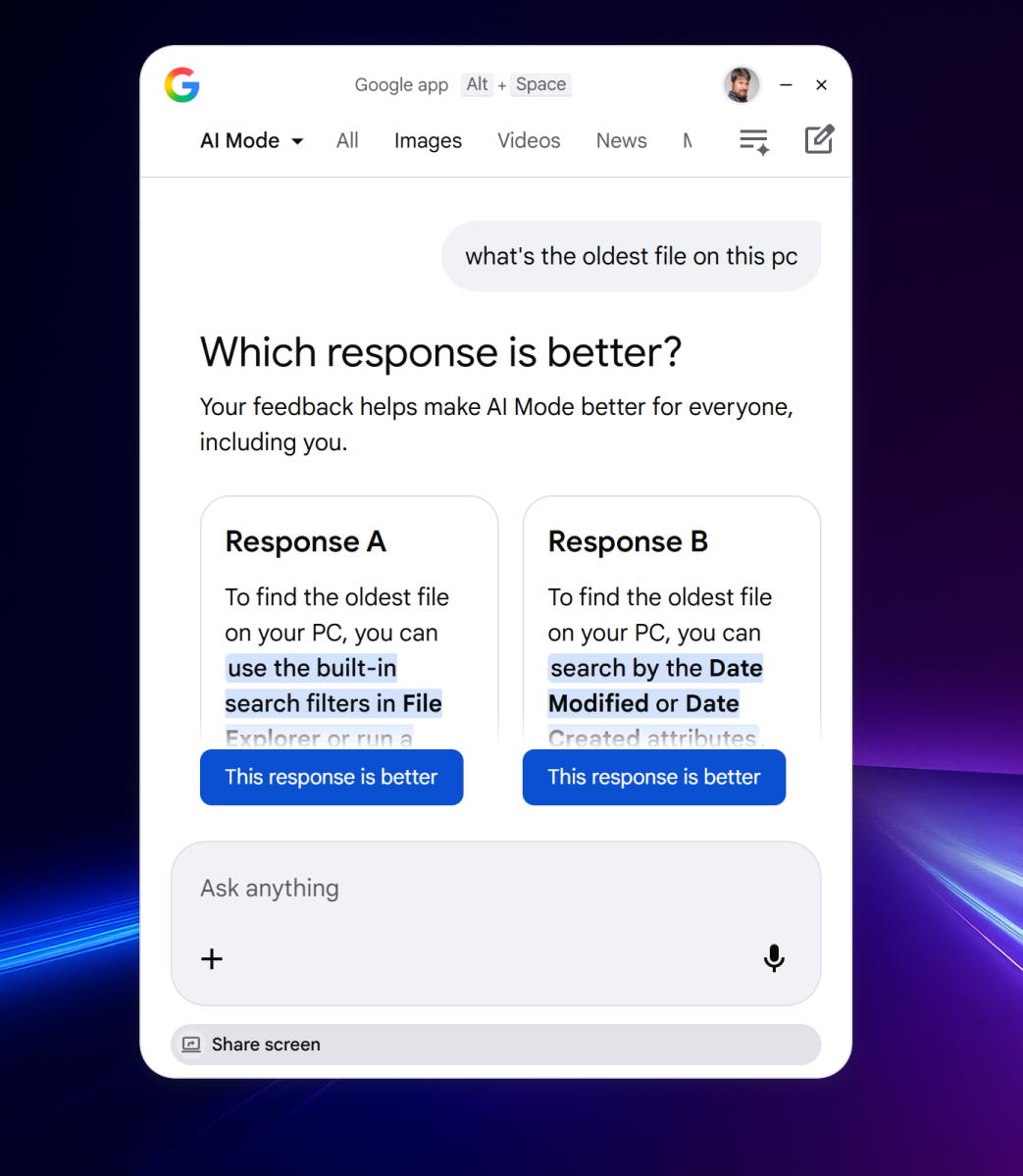
Google’s desktop app primarily serves as a front door to Gemini. Don’t we have enough of those already?
Correction: I mistakenly tested the “wrong” version of Copilot, not the more powerful cloud version where Copilot Vision resides.
This articles is written by : Nermeen Nabil Khear Abdelmalak
All rights reserved to : USAGOLDMIES . www.usagoldmines.com
You can Enjoy surfing our website categories and read more content in many fields you may like .
Why USAGoldMines ?
USAGoldMines is a comprehensive website offering the latest in financial, crypto, and technical news. With specialized sections for each category, it provides readers with up-to-date market insights, investment trends, and technological advancements, making it a valuable resource for investors and enthusiasts in the fast-paced financial world.