
What a week for cybersecurity nerds—they’ve had to deal with several red-alert situations, including one that affected over half the internet. (Never heard of PHP before in your life? You probably have now.)
But buried under articles about compromises and hijinks was news directly affecting consumers. Here in my home state of California, word finally spread widely about a student data leak, stolen from a server owned by the state’s testing division.
Welcome to Safe Mode, your weekly report for pressing security and privacy news—and what steps to take next. Want this newsletter to come directly to your inbox? Sign up on our website!
Lost data includes student names, dates of birth, home addresses, grade levels, affiliated schools, state-issued and local student identifier numbers, gender, ethnicity, primary language, disability and testing accommodations, and more. The California Department of Education says that social security, driver’s license, and passport numbers were not stolen. Financial account details, credit and debit card info, account passwords, and parent/guardian info were also not part of the breach.
In some ways, this kind of data theft sounds mundane. But I started thinking about the ways our kids are at risk when their data leaks—and equally so, aging relatives and associates. Even though this happened in California, our kids and elders across the U.S. may not be able to monitor their online identities.
For those of us in the middle, we can take steps to help protect them. My advice: Don’t rely just on identity monitoring services, especially when offered after a data breach. You can take additional steps that don’t rely on a third-party’s watchful eye…and won’t expire after a finite time, either.
1 – Freeze their credit reports
PCWorld
Leaving credit reports unmonitored is a great opportunity for identity thieves. They can open a bunch of fraudulent accounts, then move on undetected.
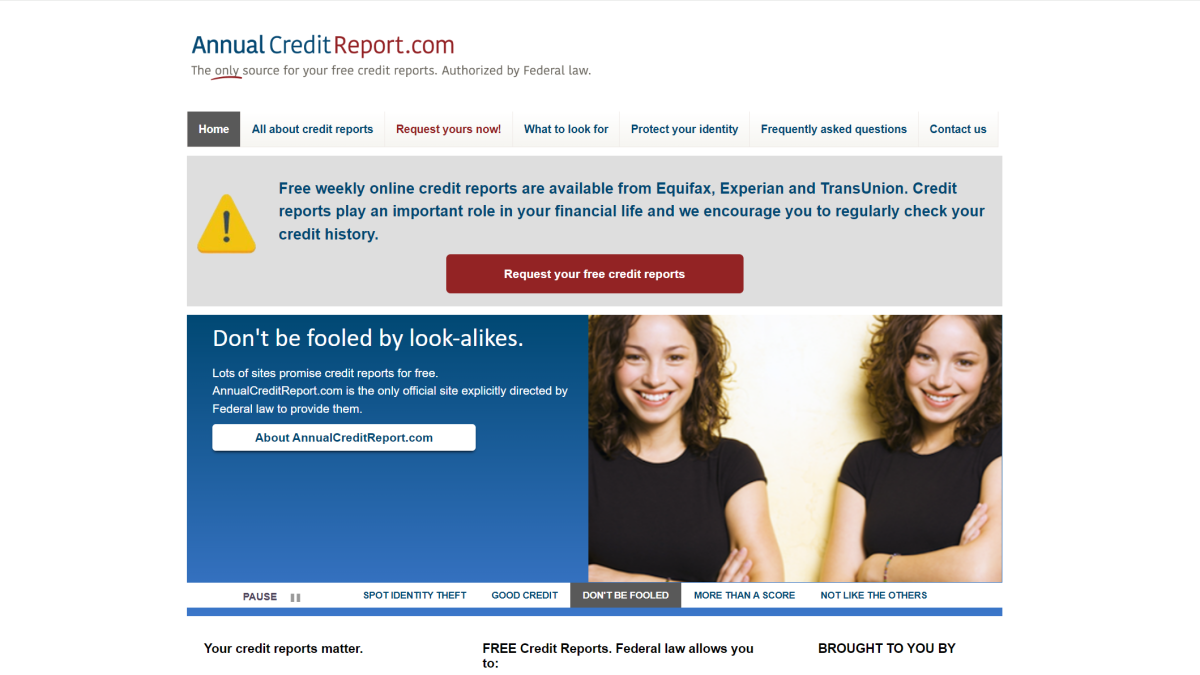
Instead of constantly monitoring your kid or parent’s identity reports, freeze them. No one can open new credit lines in their name while the report is frozen. (If ever necessary, you can lift it temporarily, for either a set time or a specific creditor.)
For children under 16, guardians must fill out and submit the paperwork. Guardians can also do so for children ages 16 or 17, though these older teens can also make the request themselves.
For adults, credit freezes can be set up on their behalf if you have power of attorney or have a court order.
To set up the freeze, you’ll submit a simple form to each of the three major credit bureaus (Experian, Equifax, and Transunion), plus mailed proof of the child or elder’s identity, your identity, and your relationship to the person. This usually equates to a birth certificate and social security number card for them, and government-issued ID for yourself.
A fourth bureau, Innovis, exists as well. It’s not used as often by financial institutions, but you can set up a credit freeze with it for thoroughness.
2 – Set up an IRS identity protection PIN for them
IRS
Social security numbers are easy to obtain on the dark web these days. Scammers can use them to file a refund or claim a dependent using a stolen SSN, leaving a mess for the real person to sort out.
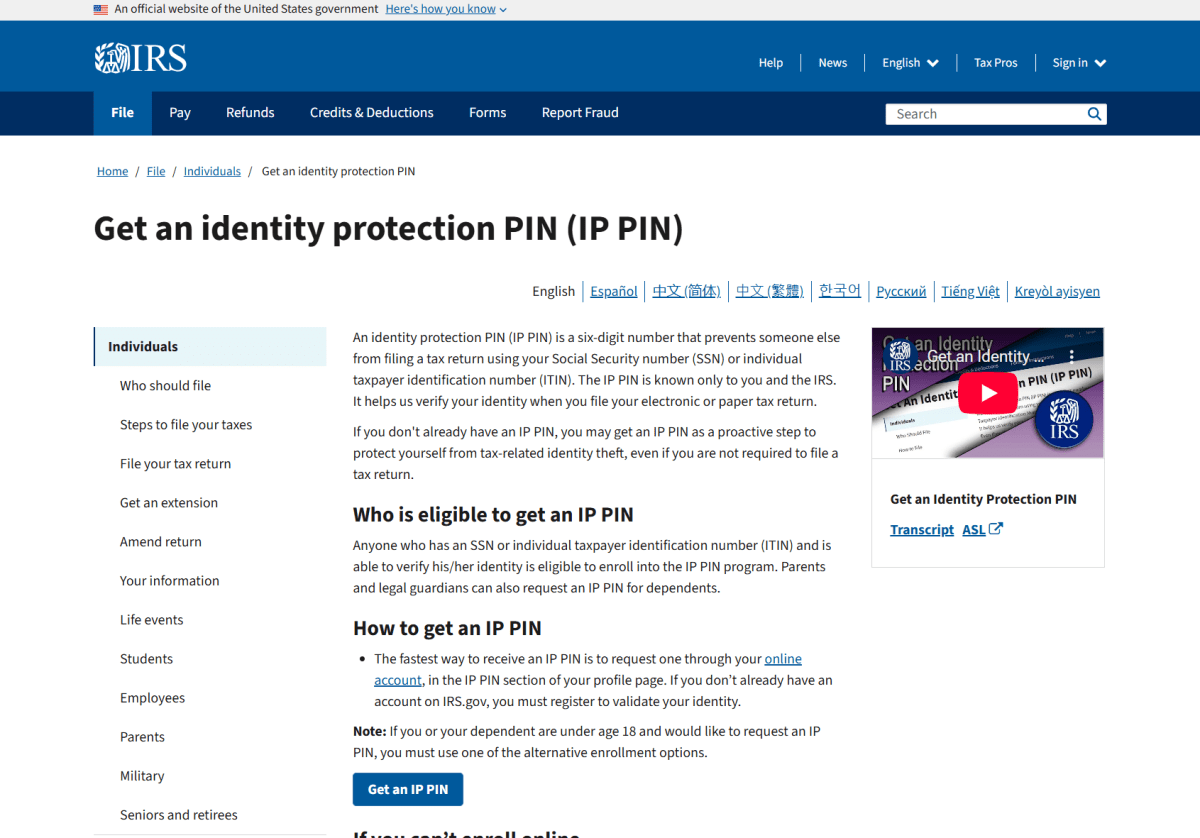
Getting an identity protection PIN from the IRS blocks this kind of scheme. Once set up, enrollees receive a new six-digit PIN each year to use on tax filings. Without it, the return won’t be accepted.
You can request an identity protection PIN through the IRS website, by mail, or an in-person appointment. Chatter on online forums suggest that the website can be hit or miss when requesting a PIN on behalf of a child—mailing in Form 15227 seems to be a smoother experience. When applying by mail, your identity protection PIN will come by mail as well, in about four to six weeks after the IRS conducts identity verification over the phone.
(I recommend not talking about your application until you’ve received the PIN, in case someone sees it as an opportunity to scam you with a fake identity verification call.)
3 – Freeze their banking report
PCWorld
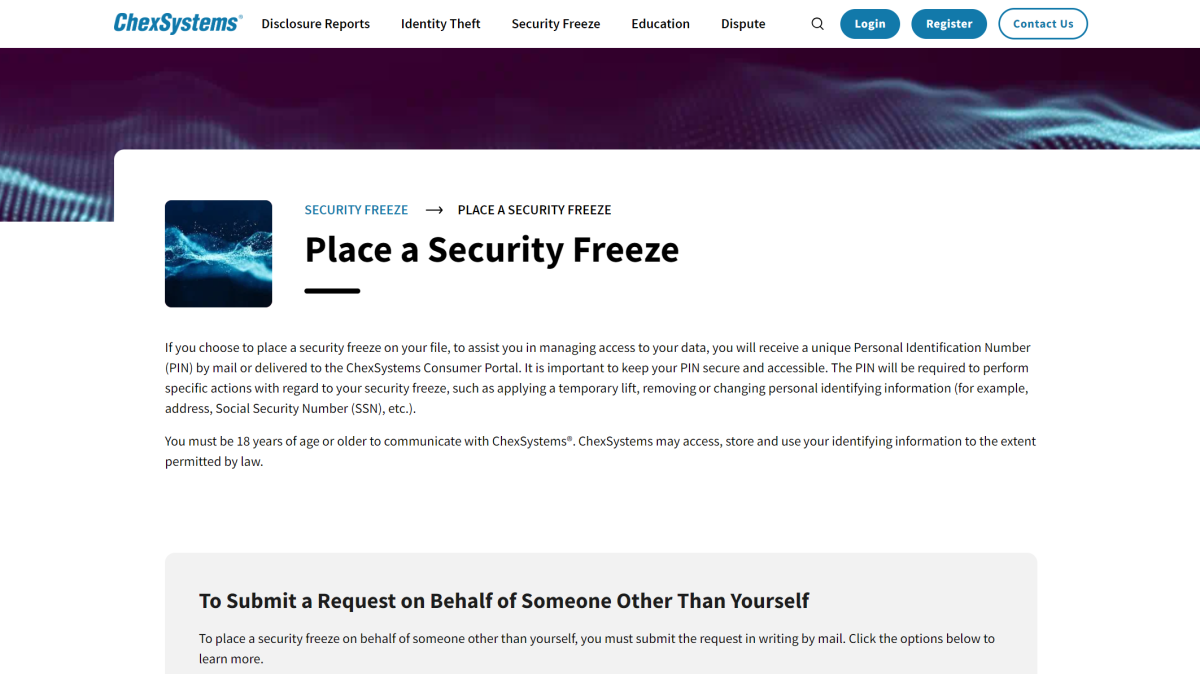
Reports exist for banking history, too. These consumer banking reports can be frozen just like those for credit—after a freeze is set up, other people can’t open fraudulent checking, savings, and other deposit accounts in your name.
ChexSystems is the main source for banking reports in the U.S. When filing a freeze request for someone else, you must mail the request, then mail it along with other required documentation. For minors, this will be their birth certificate and social security card, as well as the guardian’s driver’s license or state identification card. Proof of address and guardianship (depending on relationship) are also required.
What about adults you know, love, and don’t have power of attorney for? I’ve sometimes sent them detailed instructions, along with direct links. Sometimes I’ve sat with them and walked them through the steps. You can help them without doing it for them.
Oh, and don’t forget—make time to set up these protections for yourself, too.
In the news
As I’ve said before, hackers gonna hack, and boy, we saw a lot of that this week. Whether attempts to exploit PHP’s big, critical vulnerabilities or spending just a few thousand dollars on AI agents to break into dozens and dozens of company websites, plenty of news circulated about shenanigans across the web.
Meanwhile, Meta kept reminding us all why trusting it with our privacy is a gamble. What you might have thought was restricted didn’t always stay so…

Microsoft
The good
- For as often as we hear about AI agents “going rogue,” a recent anecdote from Reddit put AI in a better light. A Claude AI agent apparently caught a crypto miner on a developer’s Mac, having detected unexpected resource hogging. Antivirus software makers, your move.
The urgent
- Tired of hearing about Windows Secure Boot? Well, Microsoft’s not done rolling out the updates, so check your PC to see its status. You definitely want the most recent certs, otherwise you’re at risk for some nasty types of malware.
The annoying
- One step forward, one step back—so it goes with Windows updates, as of late. A recent update currently prevents Smart App Control from being activated on PCs that left it disabled. Given SAC’s usefulness in detecting malicious programs, I usually recommend turning it on, so this news is unfortunate.
The bad
- A Chinese hacker proved you only need a few thousand bucks, a couple of weeks, and a team of AI agents to hack your way into 100 company websites—some as well-known as John Deere. And specifically, without having to do much more than prompt the agents and wreak havoc on your part. Oof.
- PHP might have hogged the spotlight with its critical flaws, but it isn’t the only thing that needs patching right now. Own a Plex server? Update that right now. Same if you have an outdated version of Mozilla, Chrome, Edge, or any other browser—the latest releases protect against compromised security certificates.
The ugly
- Meta’s smart glasses (aka creep glasses) were recording audio without even their wearers’ consent. Meta says this issue has now been fixed, but the bigger question remains—if you can’t control a recording device, how safe is it to use?
- Speaking of Meta, sharable user chats with its Muse AI agent could be accessed by outside parties—folks who hadn’t received them directly. Turns out, if you understood the URL formatting for the links, you could peek at info that included partial bank account numbers. Meta has currently yanked the feature offline.
Tip of the week
Misha Feshchak / Unsplash
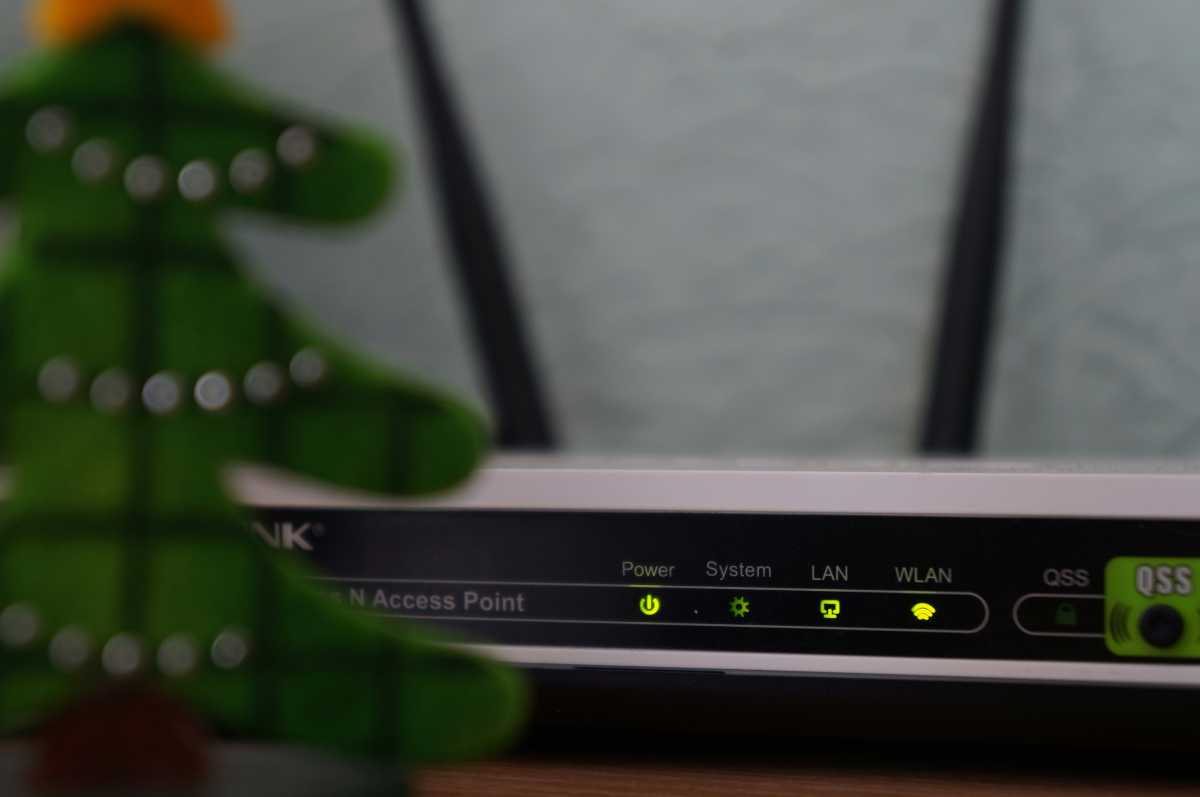
Recognize the term “WPS”? Baked into many routers back in the day, Wi-Fi Protected Setup was a precursor to modern QR codes and simple methods for sharing your Wi-Fi network password. (Some manufacturers, like TP-Link, gave it alternative names like “QSS.”) Unfortunately, it fell out of favor due to security issues, with consumers advised to disable the feature on routers with WPS.
However, disabling WPS may not be sufficient protection, thanks to a 16-year old flaw dubbed “WPSplinter.” Due to a flaw in Broadcom software, which is prevalent in many routers, attackers could gain access to your Wi-Fi network as long as they’re in range—even if WPS is disabled.
Unfortunately, Broadcom says router makers are responsible for issuing the patch, so the only way for you to know if you’re safe is to look up the support for your router. (Or reach out to its manufacturer.)
This articles is written by : Nermeen Nabil Khear Abdelmalak
All rights reserved to : USAGOLDMIES . www.usagoldmines.com
You can Enjoy surfing our website categories and read more content in many fields you may like .
Why USAGoldMines ?
USAGoldMines is a comprehensive website offering the latest in financial, crypto, and technical news. With specialized sections for each category, it provides readers with up-to-date market insights, investment trends, and technological advancements, making it a valuable resource for investors and enthusiasts in the fast-paced financial world.