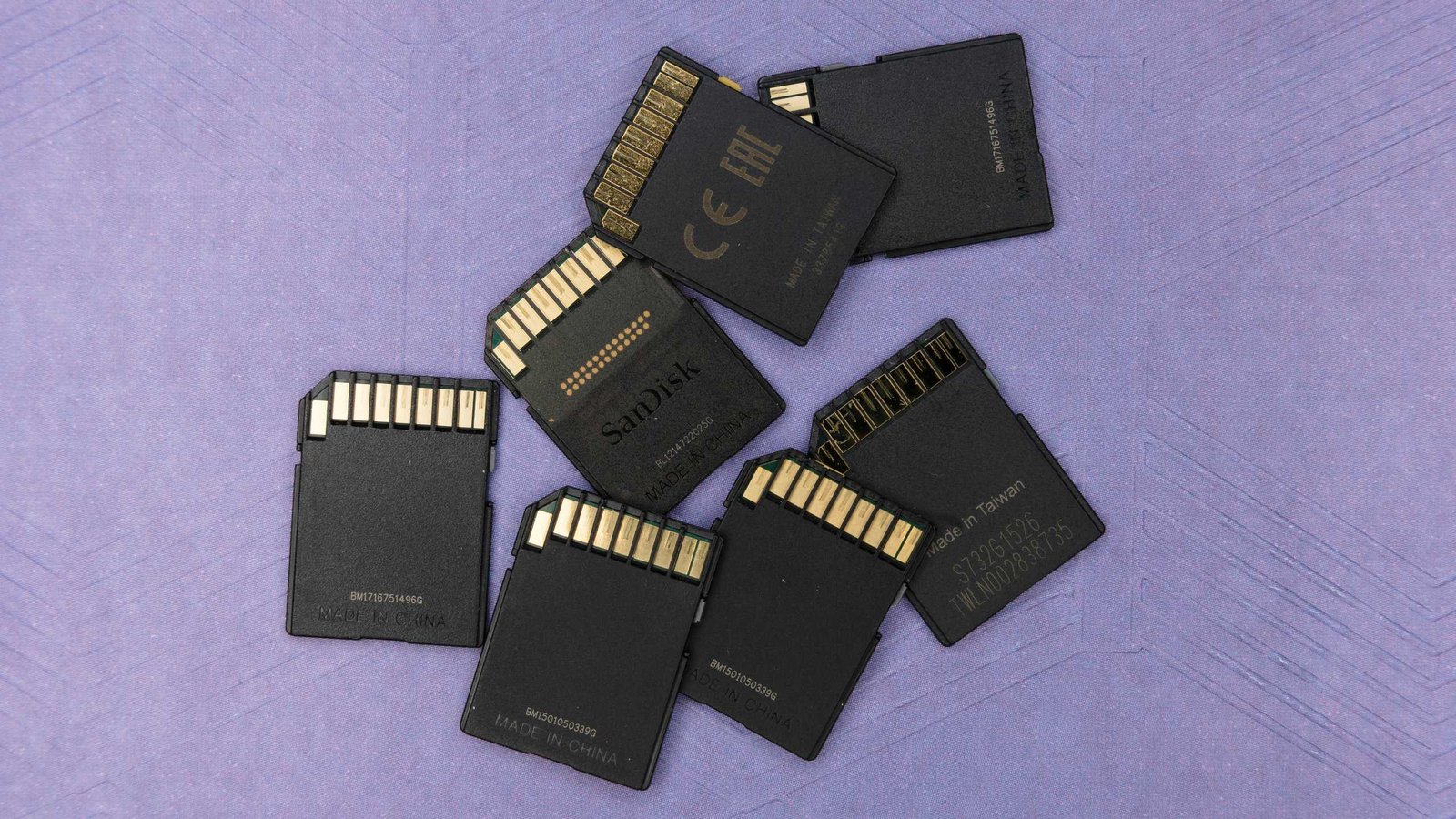
Thanks to AI data centers, consumer SSDs, flash drives, and SD/microSD cards have doubled or even tripled in price. That really sucks if you haven’t stocked up on local storage options, and it really sucks if you’re relying on SD/microSD cards for DSLRs, dashcams, security cameras, and more.
2026 is not the best year for dying memory cards. They’re impractical or even impossible to repair at home, and they’ve gotten notoriously expensive to replace. If you want your SD and microSD cards to survive as long as possible, here are the most common causes you need to know about and what you can do to avoid premature wear-and-tear.
PROMOTION
Get $10 Off on Stellar Data Recovery
Recover lost or deleted photos, videos, and more from any SD card, whether it was accidentally formatted, corrupted, or became inaccessible. Go beyond recovery by repairing corrupted photos and videos, ensuring your cherished memories are not only restored but also fully viewable again, all with one powerful, easy to use solution.
Note: I’ll only refer to SD cards going forward, but these reasons also apply to microSD cards, which are just miniature versions of the same tech.
Flash memory wear
Virtually all SD cards use NAND flash memory. While NAND is great because it’s fast, non-volatile, and able to pack a lot of data into a tiny physical space, it has its downsides. The biggest one is that NAND cells physically wear out with every write/erase cycle—too many of those and cells will start to fail, causing errors.
That means any real-world use case that involves constant writing and rewriting of data will inevitably cause an SD card to wear out. Dashcams and security cameras with continuous recording can’t exactly avoid this, but a photographer who regularly fills up a card with burst shots and deletes most of them is causing undue wear-and-tear.
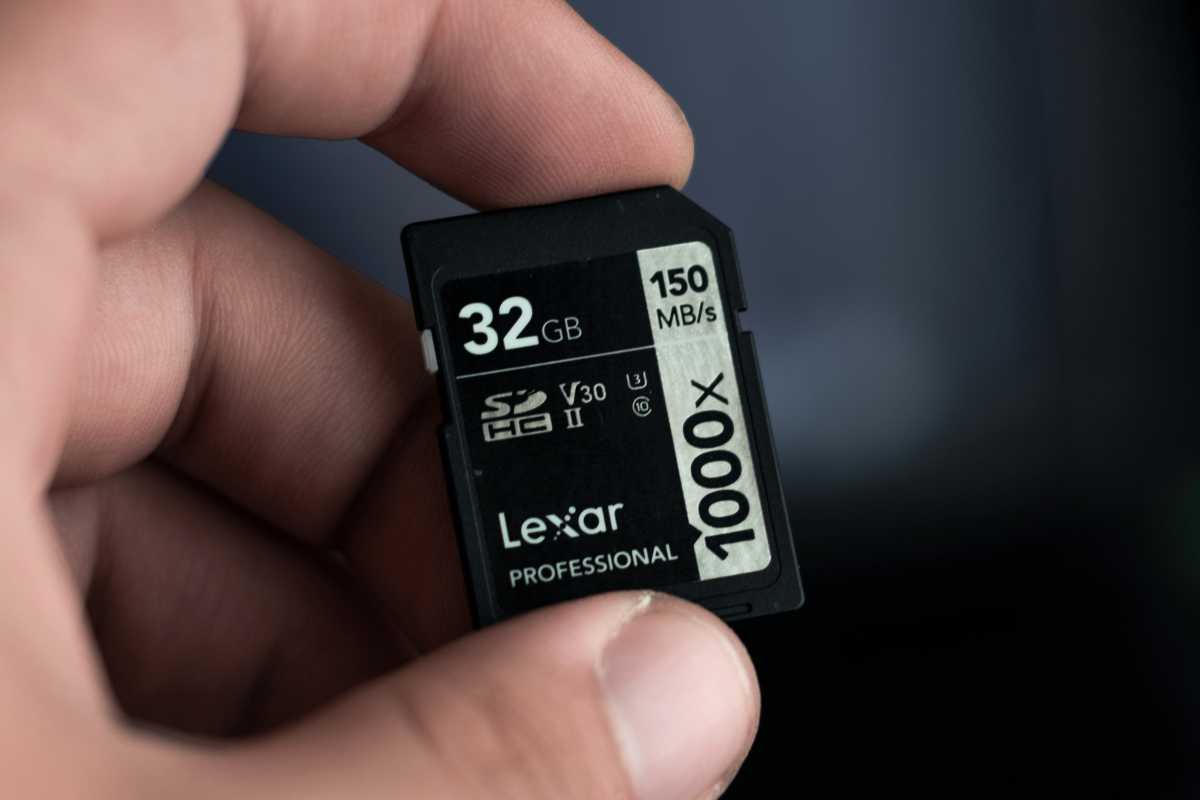
QLC (quad-level cell) cards are cheaper than TLC (triple-level) cards but have lower per-cell endurance and therefore wear out fast. Likewise, TLC is cheaper than MLC (multi-level) but also dies faster, and the same for MLC versus SLC (single-level). The cheaper the design, the more often you’ll have to replace it.
The good news is, SD cards have built-in wear-leveling algorithms that smartly distribute writes so all cells wear out at similar rates. The bad news is, too much static storage can prevent the algorithm from doing its thing. Avoid filling up a card to over 90 percent capacity, and try to reformat the card regularly to give wear-leveling a clean slate to work with.
Physical damage
SD cards aren’t delicate, but they’re more fragile than you might expect. Even if you aren’t snapping it in half, the internal parts are susceptible to factors like temperature, humidity, and static electricity.
Extreme heat is a big killer. That microSD card in your dashcam? It bakes in 135°F temperatures for hours, days, weeks throughout the summer, slowly breaking down under the stress. Rain and other forms of moisture exposure can corrode the contacts. Accidental static discharge can instantly fry the entire card, destroying it.
Avoid leaving your SD cards in extreme temperatures for long periods of time. Don’t get them wet, and dry them off quickly if they do. Be careful when coming in from the cold, which can cause the inside warm air to condense on the card. And carry your SD cards in a case!
Manufacturing defects
All SD cards can fail “for no reason”—yes, even ones from reputable brands with good quality assurance. Truth is, everything that’s made and assembled in factories has a margin for error, and the bits inside your SD card all have variable failure rates.
The most common failure point is the controller, which renders the card inoperable when it dies, but other failure points include bad solder joints and bad flash cells that should’ve been rejected. This means you can buy a high-quality card that unexpectedly dies after a week of light use.
H2testw
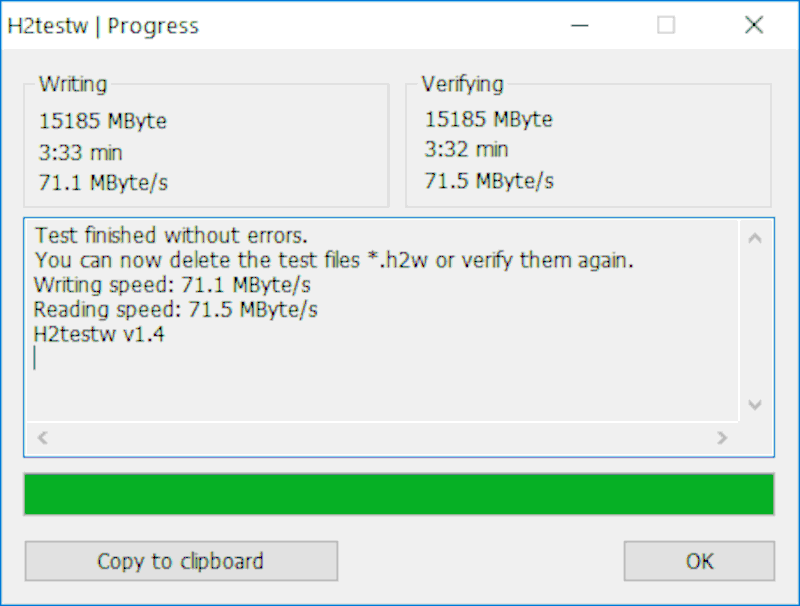
While you can’t avoid manufacturing defects, you can reduce the likelihood by only buying from reputable brands like SanDisk, Samsung, and Lexar. You can also use free tools like H2testw to verify there aren’t any errors on the card. (H2TestW writes data to the entire card and reads it back to ensure all sectors are working properly.)
Improper ejection or power loss
Every SD has two layers: the physical layer where the data is actually written to flash cells, and the software layer (called the file system) that “knows” where to find the data across those cells.
Think of the file system as an index or table of contents. When data is written or erased on the card, the file system also needs to be updated. If the card is ejected in the middle of an operation—or if the power goes out—then there will be a mismatch and the file system will have an incorrect view of data on the card.
Always wait for the SD card to finish all operations before ejecting, and always make sure to use “safe eject” measures to insure against improper ejects. Also, replace SD card reader accessories once their connection points are worn out and no longer stable, and make sure your laptop/camera batteries don’t die while writing to cards.
File system corruption
The file system of an SD card can get corrupted in other ways beyond improper ejection and power loss. Did you know there isn’t just one file system? A card can be formatted in FAT16, FAT32, exFAT, and others. Sometimes a device might expect or assume your card to be formatted a certain way and write proprietary metadata that corrupts.
For example, formatting an SD card within a drone or camera then inserting that card into a PC or Mac can sometimes lead to issues with the index. Or when a card is reformatted improperly, it may have leftover data or structure that causes issues until it’s properly blanked out.
Wyze Labs
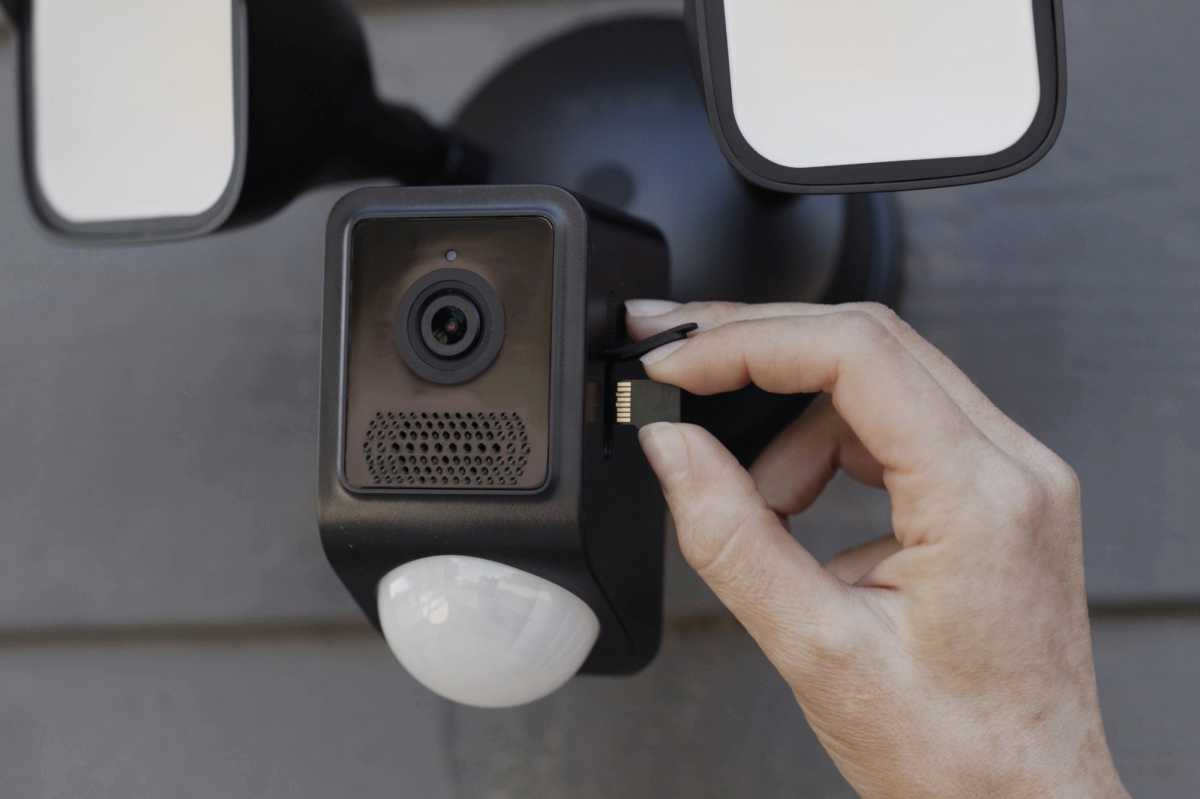
Always format an SD card using the primary device it’ll be used with. If you’ll be using it with multiple devices—like your camera and your laptop—choose a file system that’s supported by all of them. Also consider doing regular health checks to catch a degrading file system before it craps out and causes catastrophic data loss.
Protect your SD and microSD cards
2026 was not a good year for electronics, and memory cards have gotten expensive. Don’t expect prices to come back down until 2027 at the earliest, but even then it’ll be unlikely. Don’t want to shell out unreasonable amounts for a replacement card? Take care of what you’ve got.
By understanding what kills memory cards and the habits you can employ to avoid premature death, you’ll be able to add extra years to the lifespans of your SD and microSD cards. That said, if they happen to die anyway, here’s what you should do with it before tossing it.
This articles is written by : Nermeen Nabil Khear Abdelmalak
All rights reserved to : USAGOLDMIES . www.usagoldmines.com
You can Enjoy surfing our website categories and read more content in many fields you may like .
Why USAGoldMines ?
USAGoldMines is a comprehensive website offering the latest in financial, crypto, and technical news. With specialized sections for each category, it provides readers with up-to-date market insights, investment trends, and technological advancements, making it a valuable resource for investors and enthusiasts in the fast-paced financial world.