
#1 Vocal remover built for pro-level quality
Full audio processing suite for professional and casual use
Want to sing your favorite song at karaoke but can’t find an instrumental version? Or maybe you’re learning a guitar part and want to practice with the original band behind you. If the song has no official instrumental version, you can make a backing track from a recording you already have.
You don’t need audio editing skills. An AI vocal remover can split a song into a vocal track and an instrumental track from your Windows browser or desktop app, or from your Android phone. This guide shows you how, using LALAL.AI.
How does a vocal remover work?
A vocal remover analyses a track, detects which parts of the audio are the human voice, and separates them from instruments such as drums, bass, guitar and synths. Each separated part is called a stem.
LALAL.AI uses a neural network (an AI model trained on audio) to map where voices and instruments sit in a stereo file. A second algorithm then rebuilds each part as its own track. Free tricks such as phase cancellation can leave faint vocal “ghosts” in the music, and professional audio tools are complex. Here you upload a file, choose what to extract and download the result.
LALAL.AI
What do you need before you start?
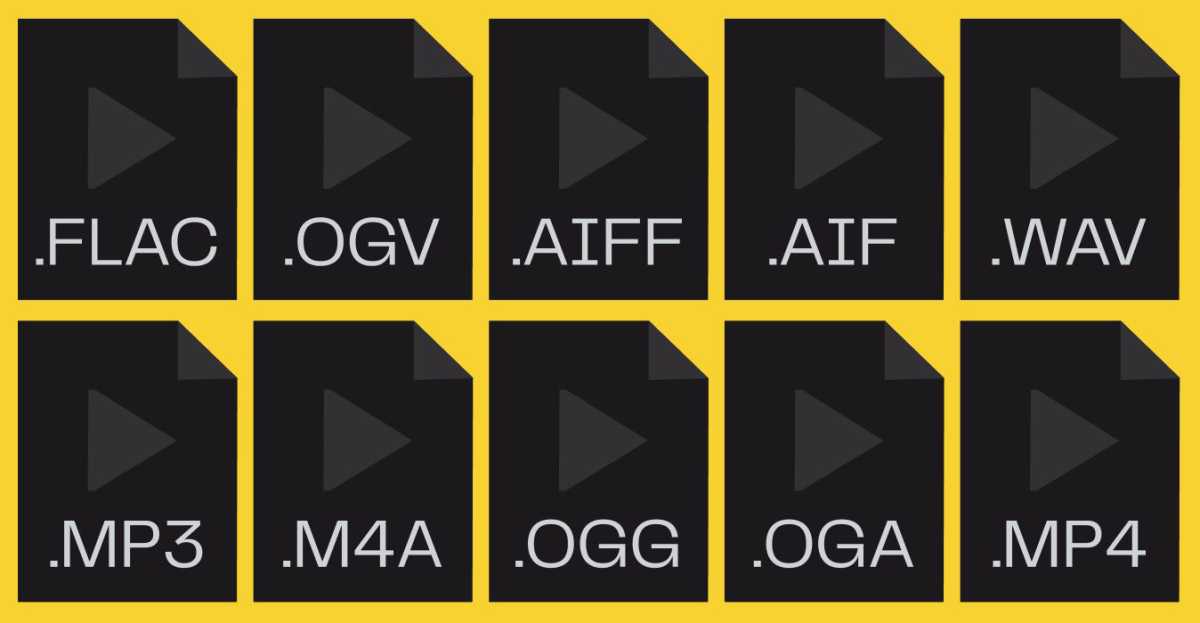
A file to work with. The Windows app accepts MP3, OGG, WAV, FLAC, AIFF, AAC, and M4A audio files. You can also use a video in AVI, MP4, MKV, MOV, or M4V format.
The best-quality version you have. If you have the original recording and a copy with background noise or distortion, start with the original.
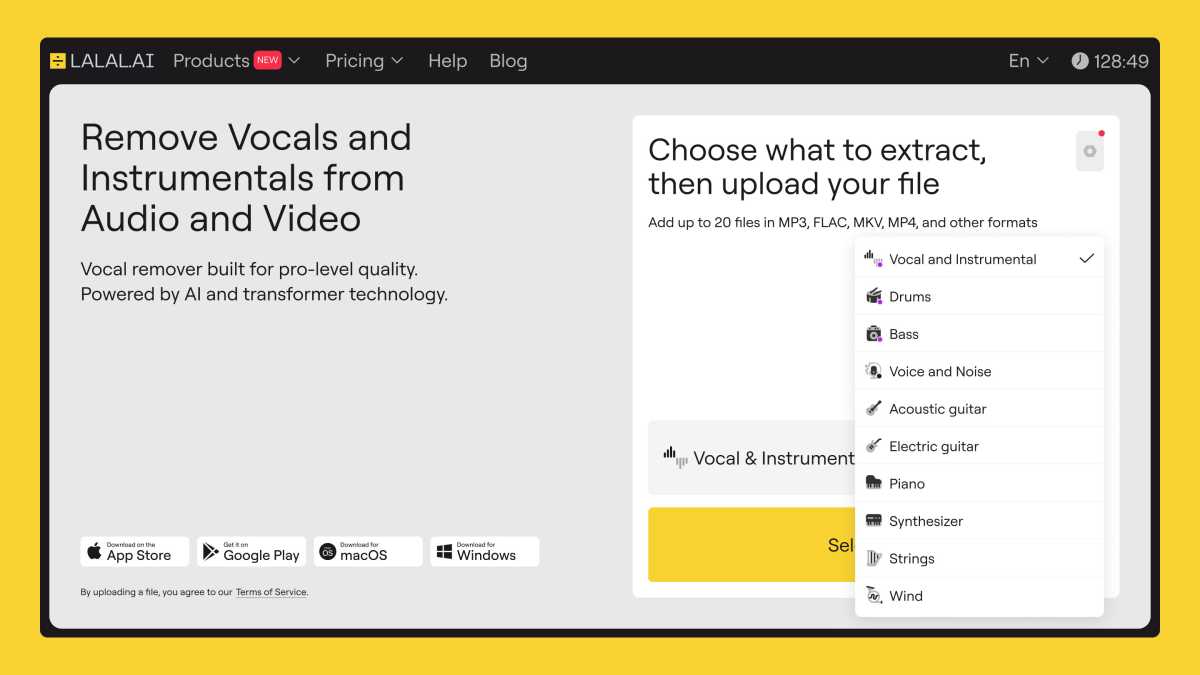
The Windows app. Download LALAL.AI for Windows, install it, and sign in. The desktop app supports Windows 10 and 11. You can also download for Mac, Android, and iOS.
LALAL.AI
How to remove vocals from a song in the Windows app
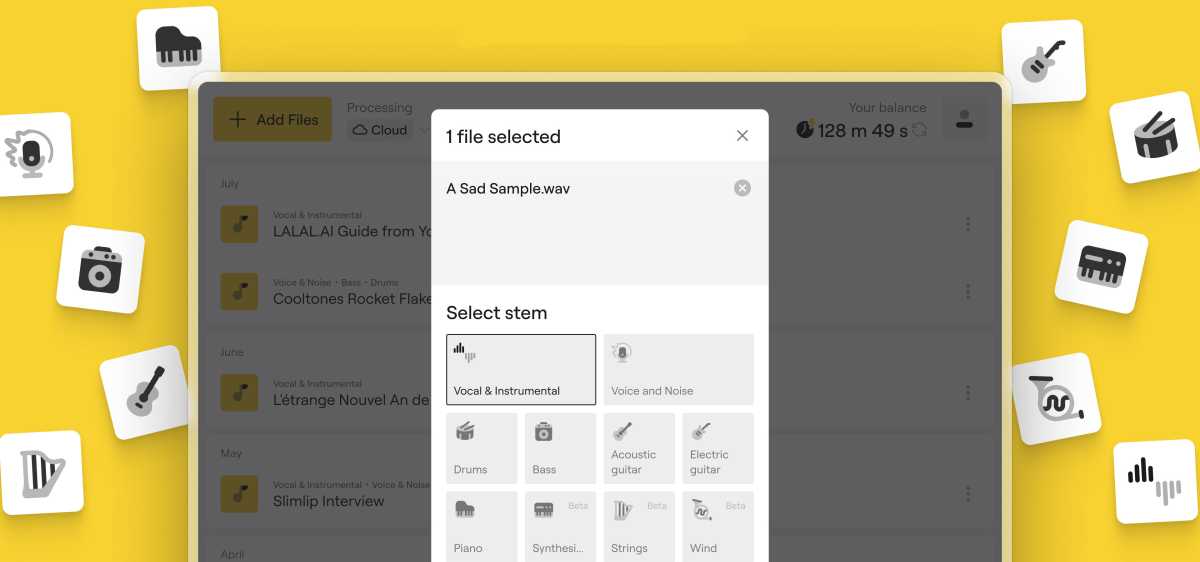
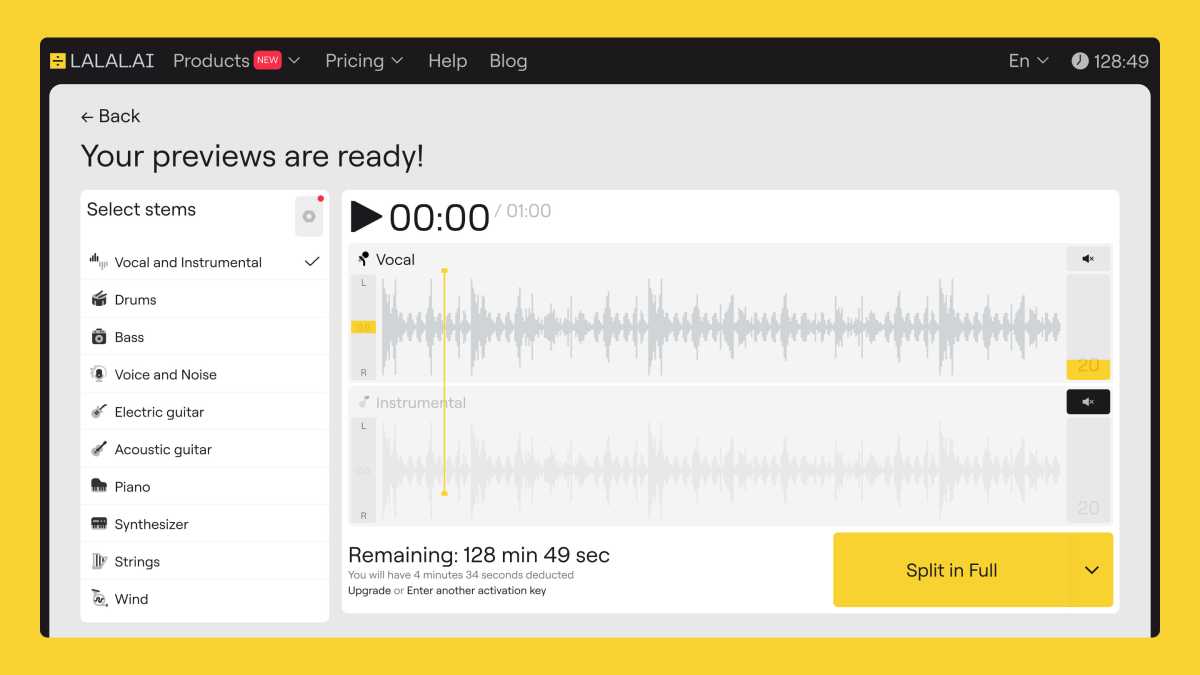
- Open the Vocal Remover in the Windows app. Click Split Files, select your audio or video file, and choose the vocal and instrumental split.
- Preview the instrumental. Use the preview option before processing the full song. Let the tool analyze the track and detect the vocal and instrumental parts. Listen to the instrumental preview to check whether the parts you need to follow, such as the bass line or drumbeat, still come through clearly.
- Process the full song. If you’re happy with the preview, run the full split. You’ll need a Lite or Pro plan to save the full result.
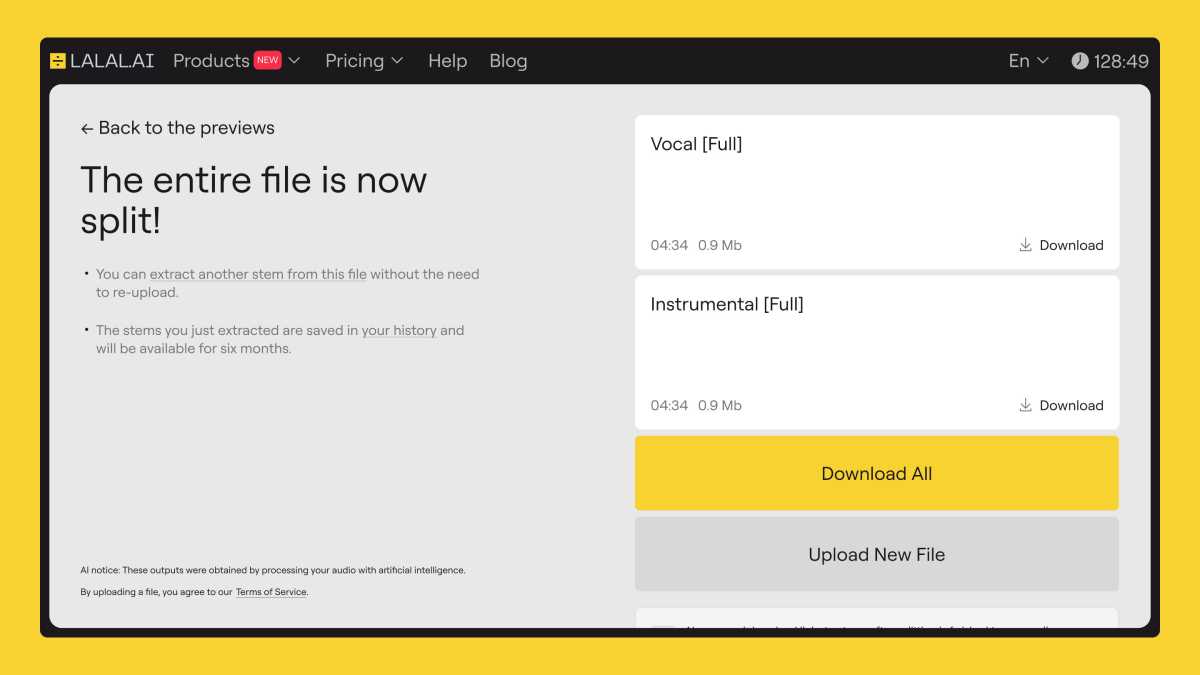
- Save the instrumental. Use the folder icon to find the finished files on your PC. Choose the instrumental for karaoke or practice. Keep the vocal stem too if you want to check the melody or phrasing later.
On a Lite or Pro plan, download the instrumental for a track without vocals. Download the vocal stem instead if you want the voice on its own.
LALAL.AI
Sing or play along to the backing track
Play the instrumental in your usual media player and try the first verse and chorus. If you keep missing an entrance, listen to that part of the original and pick out a drum hit or chord change just before the voice comes in. It gives you a cue you can still hear in the backing track.
If you’re practicing a guitar or keyboard part, start playback a few bars before the section you’re working on so you can settle into the tempo. Save the result with the song title and “instrumental” in the filename so you can switch between it and the original easily.
LALAL.AI
LALAL.AI
How do I choose between Starter, Lite and Pro?
Starter suits testing the service and checking output quality before you pay. Lite suits regular everyday use. Choose Pro if you need more Fast Queue minutes, the VST plugin, local processing or API access.
How much does LALAL.AI Vocal Remover cost?
Starter suits testing the service and checking output quality before you pay. It includes 10 minutes in the Relaxed Queue, free previews, and a 200 MB upload limit per file.
Lite suits regular use and adds full result downloads, batch processing, a 2 GB upload limit per file, and 90 Fast Queue minutes per month. It costs $9.99 per month or $90 per year.
Pro costs $19.99 per month or $180 per year. Choose it if you need more Fast Queue minutes, the VST plugin, local processing with Lyra, or API access. Pro includes 250 Fast Queue minutes per month. Both paid plans include unlimited Relaxed Queue minutes. Prices are in US dollars.
(The Fast Queue gives priority access for quicker results. The Relaxed Queue processes files as server capacity allows. Starter is enough to check the preview, and Lite includes the download you need to make a backing track.)
FAQ
Can I keep the backing vocals for karaoke? Yes. Turn on lead/backing vocal separation in the desktop app’s cloud settings. After full processing, choose Back Vocal + Instrumental to keep the band and backing singers while you sing the lead.

Foundry
Why can I still hear some vocals? Dense mixes with reverb, harmonies, and overlapping instruments are harder to separate. Try a higher-quality file or generate a new preview with a different AI model in the cloud settings.
LALAL.AI
What else can LALAL.AI do?
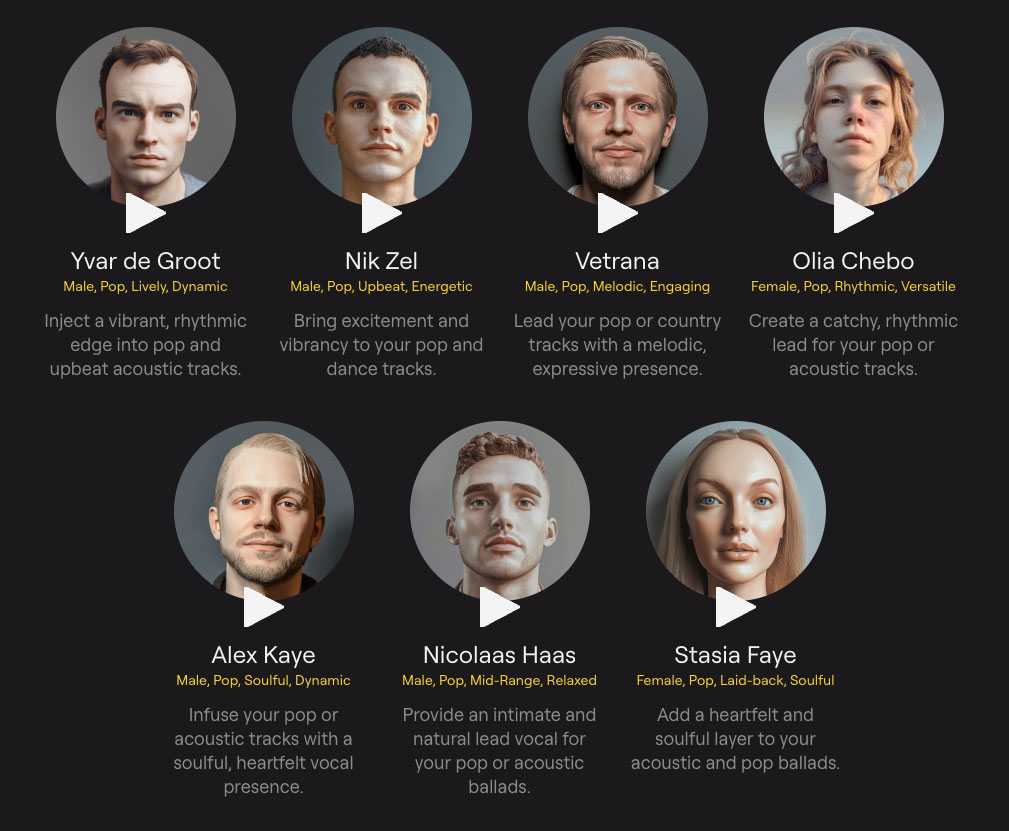
Vocal Remover is one of several tools in LALAL.AI. The Stem Splitter extracts drums, bass, guitar, synth, strings and wind instruments, and the Lead/Back Splitter separates lead vocals from backing vocals. Voice Cleaner removes background music, noise, plosives (the harsh “p” and “b” pops) and mic rumble, while the Echo & Reverb Remover cleans up room sound in voice recordings. The Voice Changer and Voice Cloner apply or create voices for covers, voiceovers and audiobooks.
Create a free LALAL.AI account to preview vocal removal on your own track.
This articles is written by : Nermeen Nabil Khear Abdelmalak
All rights reserved to : USAGOLDMIES . www.usagoldmines.com
You can Enjoy surfing our website categories and read more content in many fields you may like .
Why USAGoldMines ?
USAGoldMines is a comprehensive website offering the latest in financial, crypto, and technical news. With specialized sections for each category, it provides readers with up-to-date market insights, investment trends, and technological advancements, making it a valuable resource for investors and enthusiasts in the fast-paced financial world.