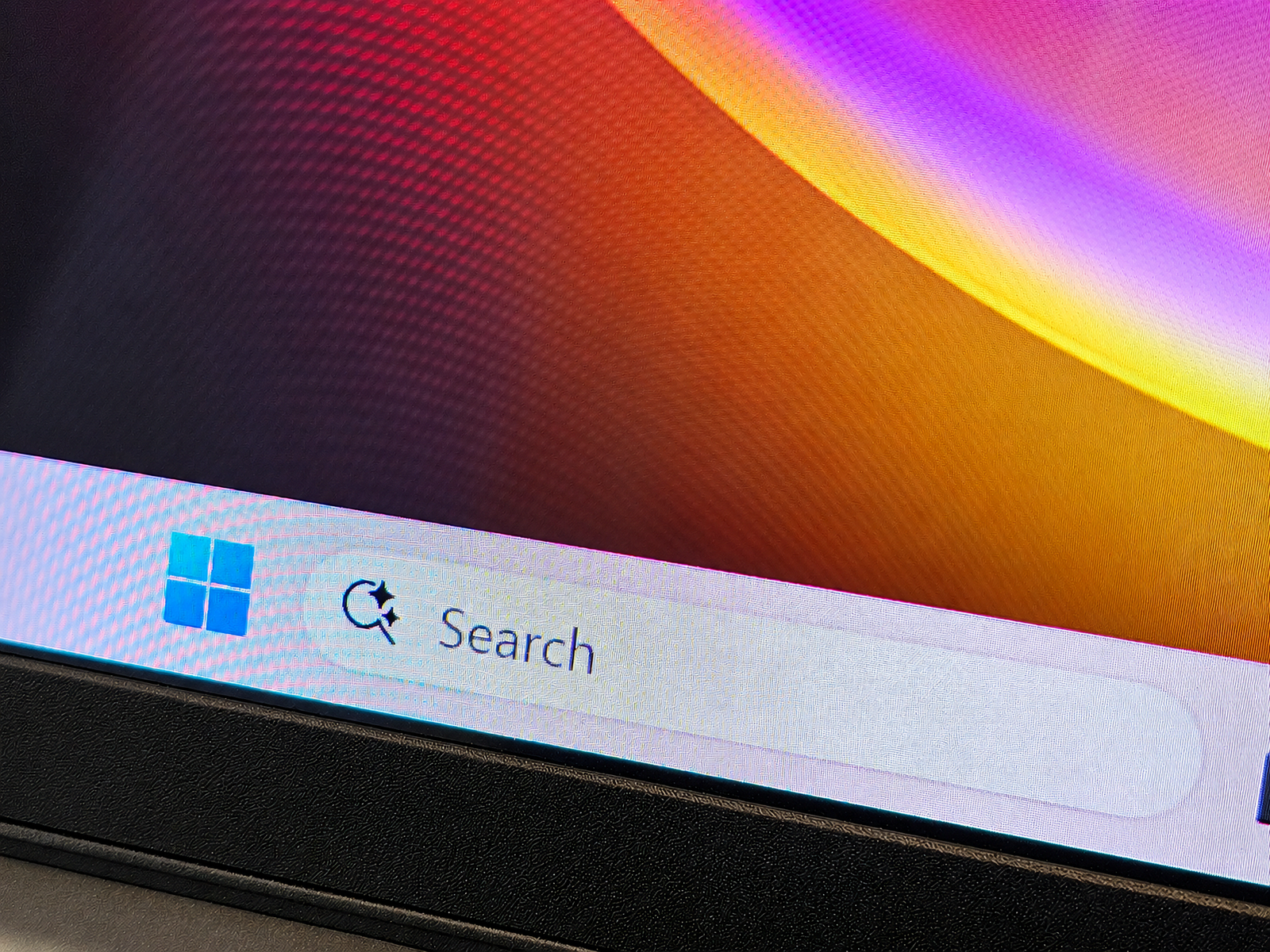
For years — decades, really — the entry point inside Windows has been the Start menu. But from what Microsoft showed as part of its AI vision for Windows 11 this week, Start might be on its way out. Instead, Windows Search may be the app you connect with first when you want to get things done.
Yes, Windows Search, the humble search box buried in your taskbar and at the top of the Start menu. Microsoft plans to embed even more functions inside it, including Actions, essentially mini-widgets for controlling features like Windows’ dark mode. Think of it like a chat box already built into your PC, and you can start to see where this is going.
Eventually, Windows Search will start calling on other applications, including Copilot, to provide answers and complete tasks. Pavan Davuluri, Microsoft’s executive vice president of Windows, says “thousands” of these actions are headed your way by year’s end.
You’re not just searching. You’re doing. Weird. Or is it?
Let’s back up a bit. In July, Microsoft said it was moving to a quieter, purpose-built iteration of Windows Search, following an earlier mega-memo about simplifying and focusing Windows. That included cutting out unnecessary uses of Copilot — bye, Notepad Copilot — and moving to a new framework called WinUI 3, which Microsoft thinks is more efficient and will speed up Windows as a whole.
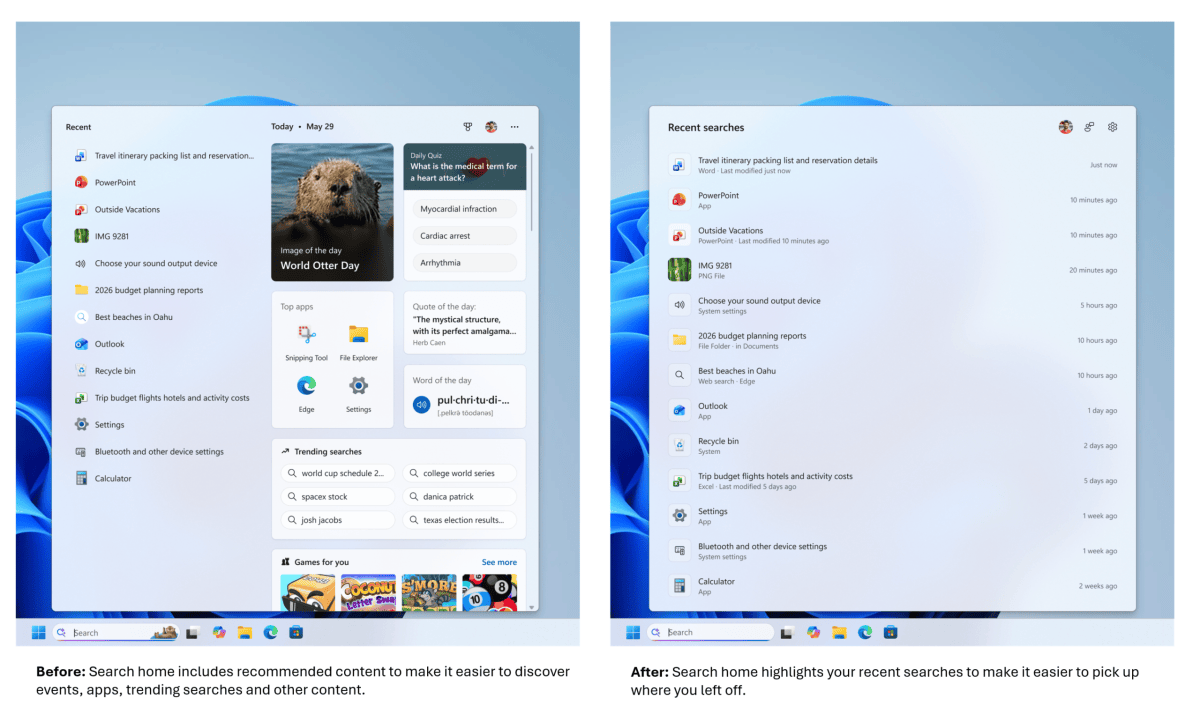
That’s happening, Microsoft said this week, as part of an update provided to Microsoft’s Experimental Insider Channel. Windows is getting faster! That’s good.
But from a design standpoint, things are getting a little odd. Originally, the Search app featured recommended content, highlighting offbeat holidays like World Otter Day and suggesting games to play. That was too unfocused, so the July update pared back the recommended content. The update also polished features such as detailed document previews, making it easier to make sure you had the right file.
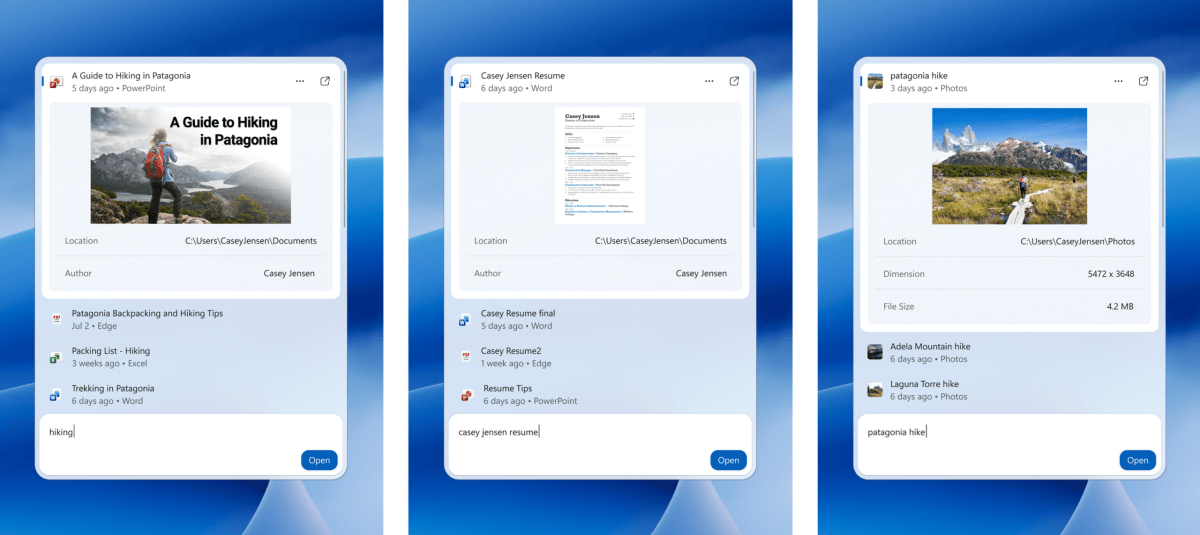
However, Microsoft’s upcoming Search update concluded that not enough people were clicking on the previews — were they supposed to? — so those rather nice-looking previews are disappearing, too.
For now, anyway. Later this year, Windows Search will add those document and web page previews back as small cards in the list of Search results, along with “widgets” like weather and stock price, plus visual results for queries like “How tall is the Eiffel Tower?” Too rich? Not rich enough? Microsoft can’t seem to make up its mind.
Mark Hachman / Foundry
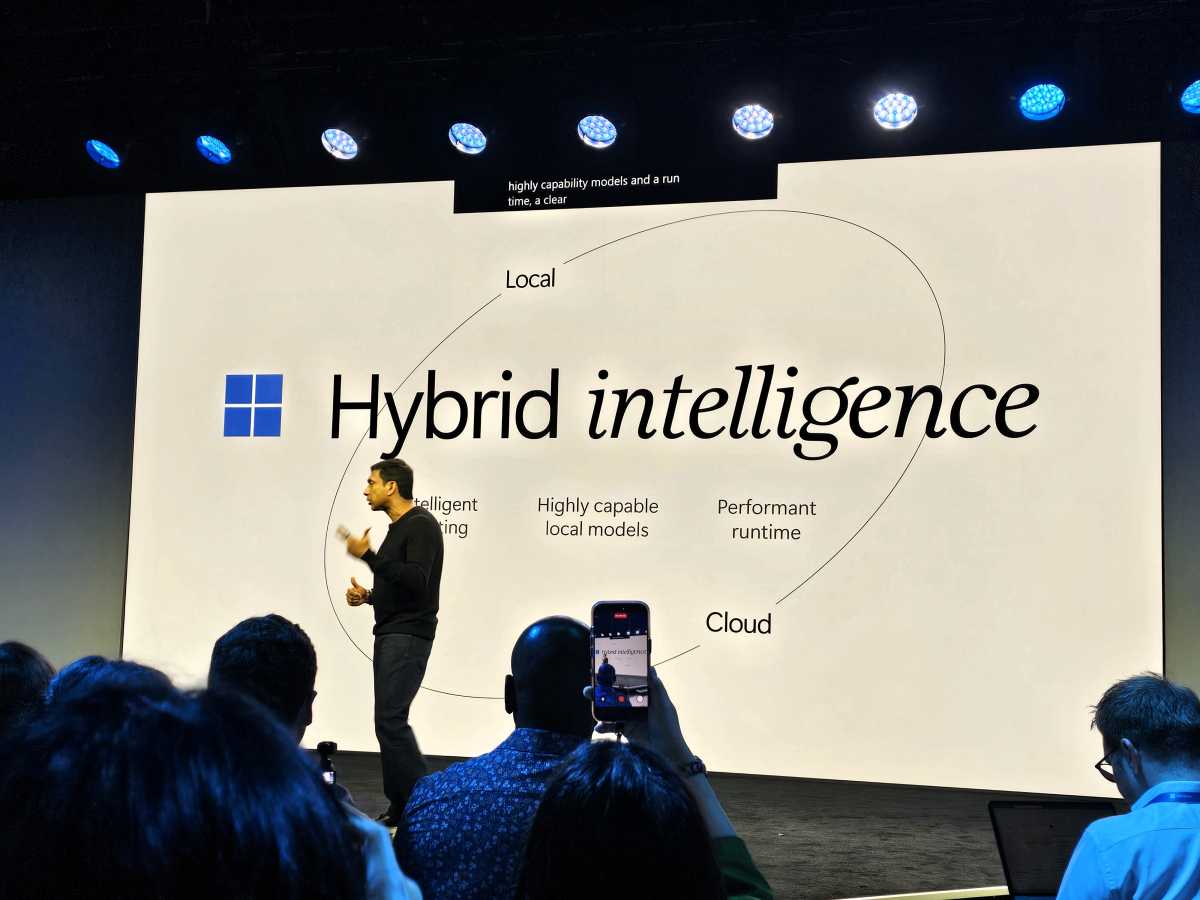
What “hybrid intelligence” means to you
This isn’t about two design teams squaring off in the cafeteria over variable fonts, though. There’s a reason. Windows Search is responsible for turning up the right document and information both on the user’s PC and online, and that dichotomy is the tricky balance Microsoft is carefully navigating.
Wednesday’s official launch of the Surface Book Ultra and competing third-party devices ushered in what Microsoft calls “hybrid intelligence,” a way of balancing intelligence based in the cloud (Bing, Copilot) with information stored and searched for on the PC (File Explorer). Nvidia’s RTX Spark superchip (tied to a Mediatek Arm CPU) is being asked to run AI locally on the PC. Well, some AI, anyway — Microsoft wants to balance how cloud and local AI interact.
It just so happens that Windows Search is one of the first places where this battle is being fought.
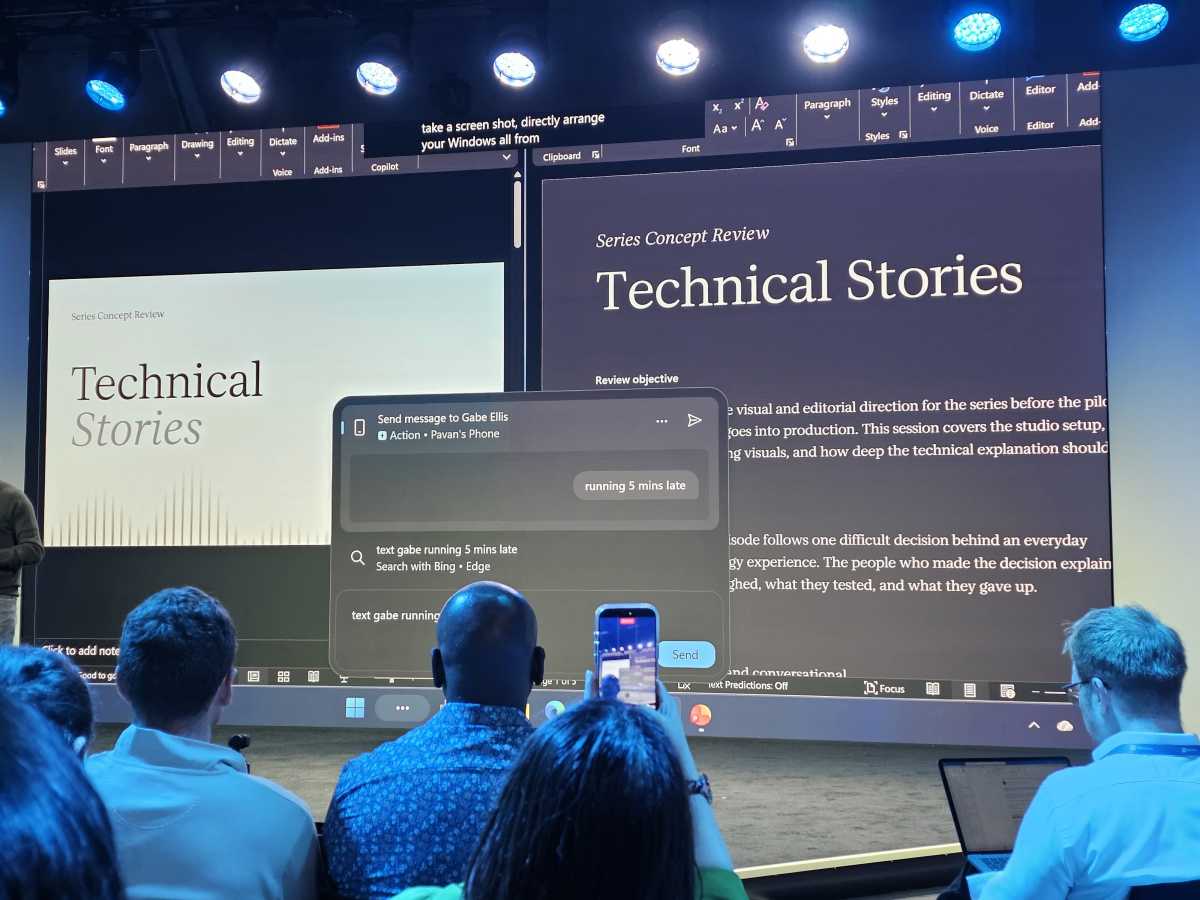
In addition to the cards or widgets that Windows Search plans to add, there will be Actions, which Microsoft began talking about last year: turn on dark mode, adjust your mic volume, or turn on “do not disturb.” You can take a screenshot or adjust your windows positions, too. All of these capabilities have seeped into Windows over time, from the short-lived effort to have Copilot control your PC to adjustments made in the search bar within Windows 11’s Settings. Heck, Windows 10’s Cortana even allowed some of these changes.
Mark Hachman / Foundry
“You can make these changes as fast as you can type,” Davuluri said.
Copilot: less of an app, more of an ingredient
That seems like a signal. Windows Search feels more like an iteration of Copilot than it ever has, where users type in what they want and Windows responds. That’s not far-fetched! Microsoft wants Copilot to “know” what’s on your PC, just as it wants it to know what you’re working on. It’s not that far from Microsoft understanding that the “Contoso spreadsheet” refers to a specific file to wondering if you want to book that same hotel in Maui you visited last year.
(And it’s still a little scary.)
Jacob Andreou, the executive tasked to lead the Copilot experience at Microsoft, showed Copilot with a big toggle switch next to “Hybrid Intelligence,” implying you’ll be able to flip it off if you want. Of course, the idea is that you won’t.
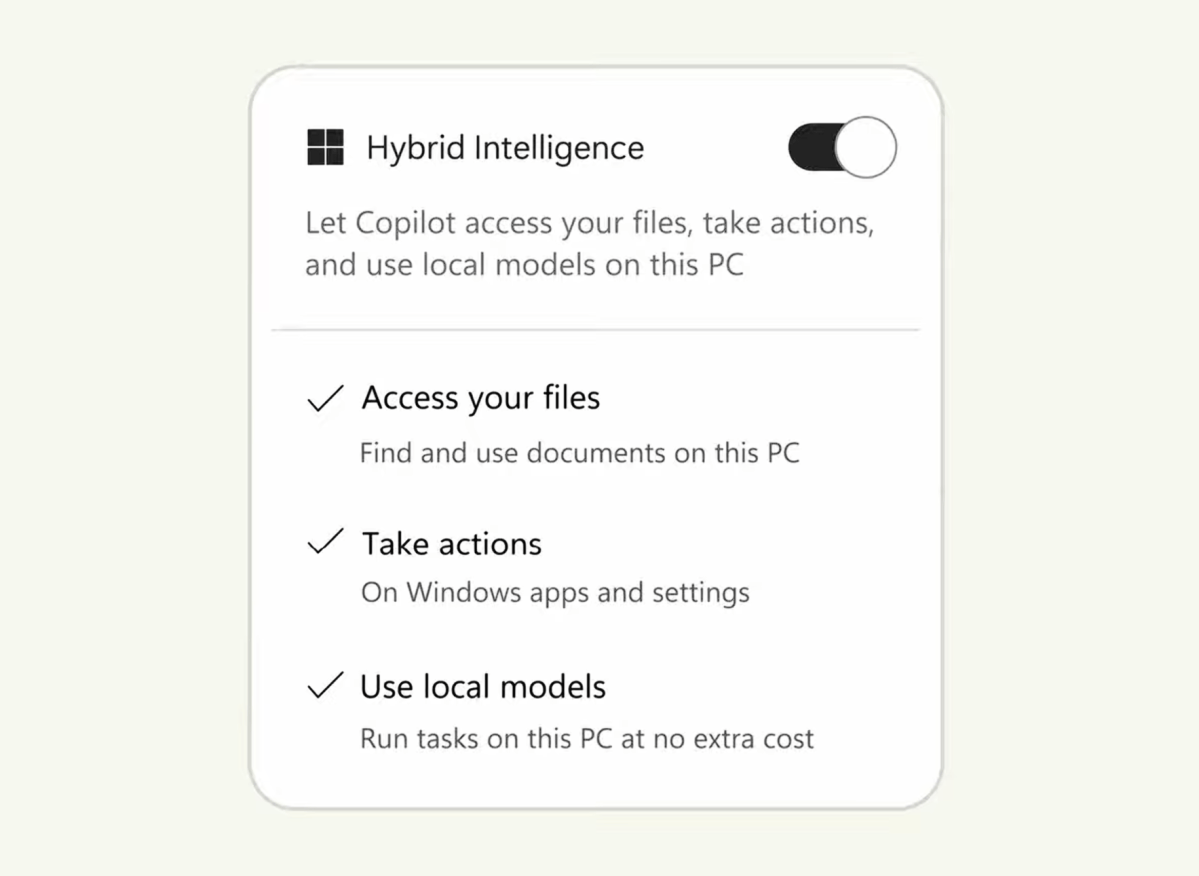
“Copilot now has access to three new things,” Andreou said. “First, local context. Local context means that Copilot can now [access] all of the local files on your PC… Second, local actions. Local actions means that Copilot can now take action directly on my machine. It can move files, it can change a setting, it has the same level of the ability to control and change things that I do as a user, but always with permission.”
Copilot will also use the cloud when needed for complex tasks, but where “cost and privacy matter more, it can delegate down to local models that run directly on your computer,” Andreou added.
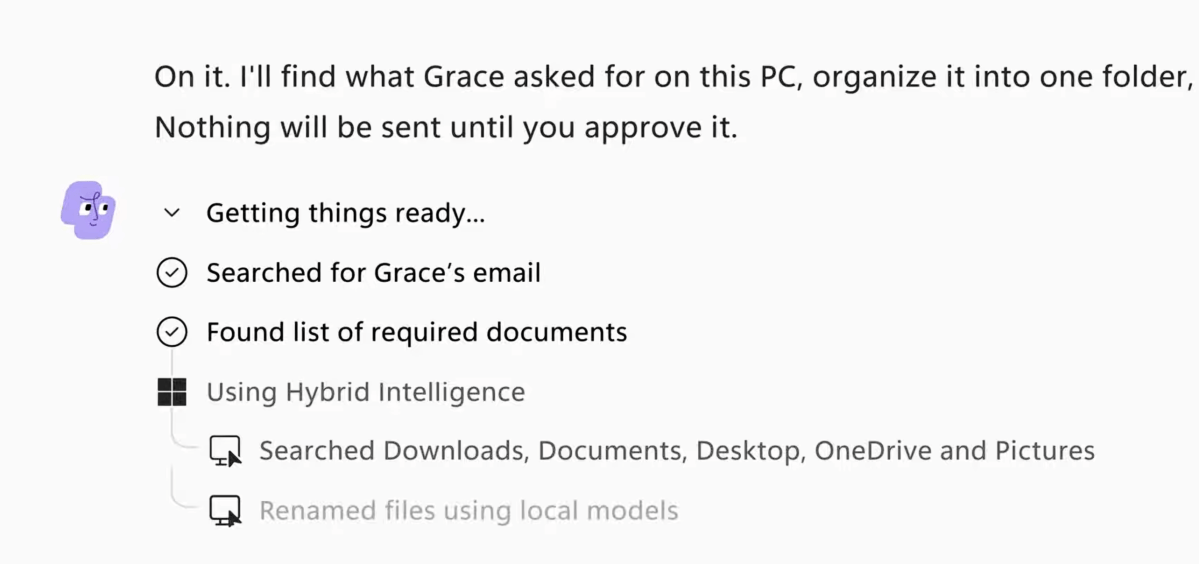
Last month, Microsoft detailed a major update to Copilot, which would let you vibe-code Windows apps (Code) and design and set loose agents (Autopilot) on your PC. Andreou showed off how Autopilot could respond to a task from an accountant, assembling a bunch of tax documents.
In the demo, Autopilot searched the user’s inbox, assembled the documents from OneDrive, the Documents folder, and other locations, collected them into a folder, renamed the files (?!) and then even bundled them into a zipped archive. Copilot then authored a email response and waited for approval.
“Copilot now truly understands your PC,” Andreou said, adding that this is Copilot “natively designed for Windows.” These new features will arrive in the next couple of months, he said.
Is the future of PC work just giving orders?
At one time, you typed in an address into a web browser. You visited Google to search. Today, every browser in existence allows you to search right from the URL bar and a similar transition feels like it’s occurring on the PC. Did I mention that you’ll be able to access Copilot from Windows Search, too?
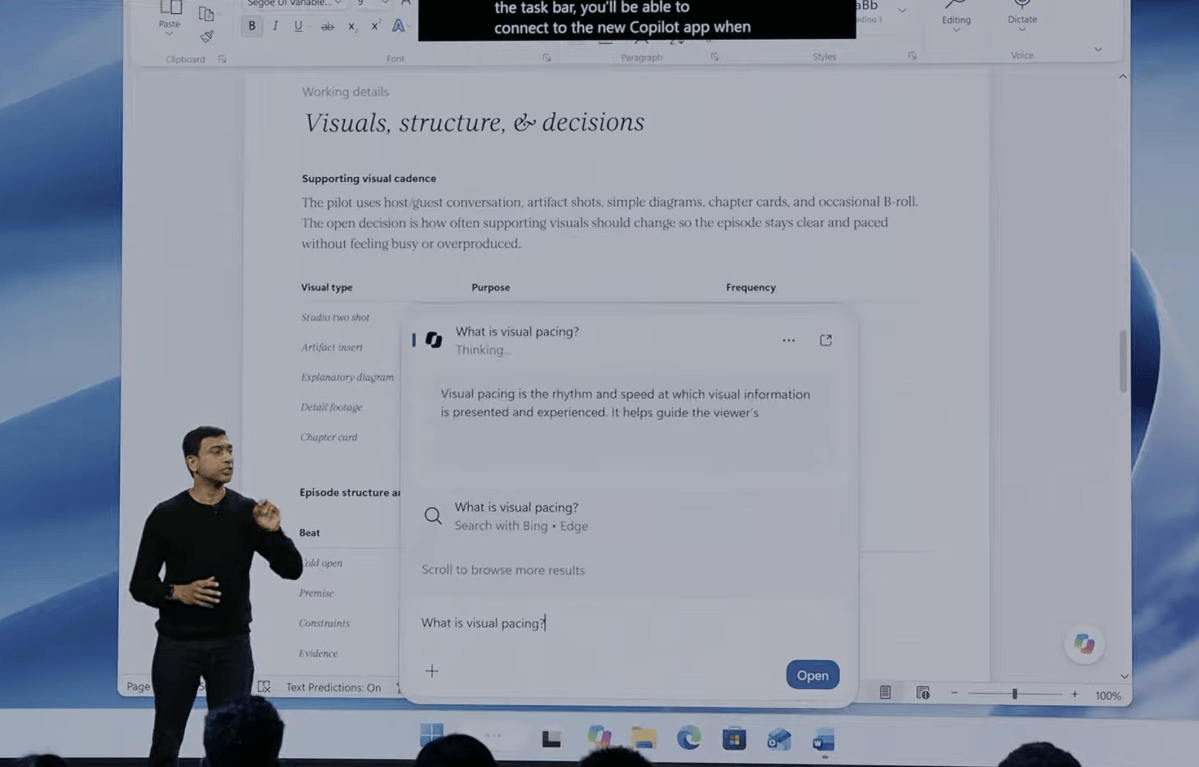
Microsoft has promised features like putting your PC into dark mode for years. And yet, time and again, it hasn’t quite delivered. It feels like Microsoft wants PC computing to be less about moving windows around with a mouse and more about telling your PC what to do. I mean, you’ll even be able to install LLMs when you set up a new PC.
I’m sure that there will be more than one way to perform all these tasks, such as launching the Copilot app directly. But Microsoft wants to take its new AI-powered Windows and build a front door. And, well, who would have thought? That door is apparently Windows Search.
This articles is written by : Nermeen Nabil Khear Abdelmalak
All rights reserved to : USAGOLDMIES . www.usagoldmines.com
You can Enjoy surfing our website categories and read more content in many fields you may like .
Why USAGoldMines ?
USAGoldMines is a comprehensive website offering the latest in financial, crypto, and technical news. With specialized sections for each category, it provides readers with up-to-date market insights, investment trends, and technological advancements, making it a valuable resource for investors and enthusiasts in the fast-paced financial world.