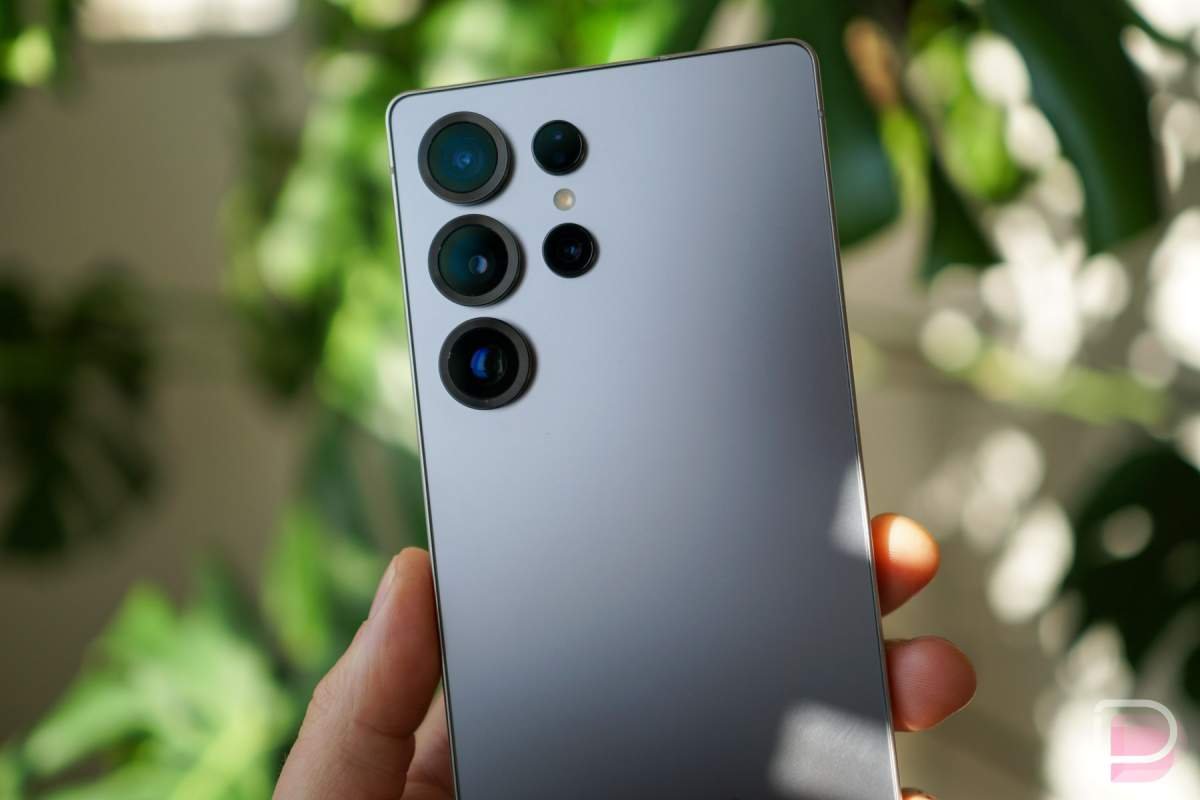
In a surprising turn, the Galaxy S26 series is not the only big series of devices from Samsung starting to receive One UI 9 updates today. The Galaxy S25 series in Korea is also seeing stable updates, which is still very limited in scope, but certainly the beginning of things to come for US units.
The Galaxy S25 One UI 9 update has an official changelog and build number in Korea as S938NKSUCDZIF (Galaxy S25 Ultra).
The update, at least so far, might only be hitting One UI 9 Beta Program testers with Galaxy S25 units in Korea, as the first few updates we’ve seen are only 534MB. For those not in the beta, we have seen the update on Galaxy S26 units reach close to 4GB in size.
The wildest part of this timing is the fact that Samsung only allowed the Galaxy S25 series into the One UI 9 Beta Program at the beginning of this month and yet here we are seeing stable builds already. I guess that would suggest that most of the testing was done through the Galaxy S26 series, which first had beta access back in May.
Below, we have Samsung’s official One UI 9 and Android 17 changelog for the Galaxy S25 series (translated):
One UI 9
Galaxy AI
Versatile “Now Nudge” features
“Now Nudge” enriches your Galaxy experience by providing useful recommendations across various contexts. Recommendations appear via conversation notifications and a floating button at the bottom right of the screen, even when the keyboard isn’t open. New types of recommendations include actions like entering reservation details or addresses, or saving locations to Google Maps.
Make your subject stand out
With the “My Fan Cam” feature, you can select a specific person in a video and edit the footage to focus on them. It naturally tracks the subject’s movements while cleanly cropping out the surrounding area.
Review past interpretation content during conversations
When using Conversation Mode in the Interpreter app, you can scroll through the screen to review the full conversation history while the conversation is still in progress.
View useful information during calls
Relevant schedule details or information related to your current call are displayed on the screen to assist you while talking.
Productivity and Multitasking
More customizable Quick Panel
The editable area within the Quick Panel has been expanded and offers more options. You can adjust the size of the brightness and volume sliders, as well as the media player. You can also separate the Sound Mode button from the volume slider.
Privacy, Security, and Device Protection
Warranty and Care
A new “Warranty and Care” menu has been added to Settings. Here, you can check warranty service details and subscription status, quickly access device diagnostics, and view tips for keeping your Galaxy device in top condition.
Quick and secure phone locking
You can instantly lock your phone using a convenient method when you’re in a hurry. Press and hold the Volume Down and Side buttons simultaneously, or tap the Power button in the Quick Settings panel. Note that biometric unlocking is disabled while the device is in a secure lock state.
Transparent location permission usage
When an app accesses your location, a blue indicator appears at the top of the screen. Tapping this indicator in the Quick Settings panel allows you to immediately see which app accessed your location.
Enhanced security and privacy
If risks to your security or privacy are detected—such as malicious apps, apps from unknown sources, or unnecessary permission usage—”Now Brief” provides a notification card so you can review the details immediately. Apps classified as malicious or containing security vulnerabilities are blocked from running until you decide whether to delete them.
AI privacy alerts
Privacy protection has been improved. AI monitors app permission usage and notifies you if an app accesses your personal data unnecessarily.
Safer calling
If a caller mentions content matching known voice phishing tactics, the system analyzes the audio to detect AI-synthesized voices and alerts you, helping ensure safer calls.
Samsung Health
Revamped Samsung Health
The Samsung Health design has been overhauled to make health data easier to understand. Achieve your health goals more effectively with a cleaner design, easy-to-read charts, and a more engaging user experience.
A home screen tailored to your needs
Freely adjust card sizes and neatly organize them by category—such as activity, sleep, mindfulness, and nutrition. Quickly and easily view the health information that matters most to you right on your home screen. Quick and
Easy Health Logging
It is now easier to log health information directly from the Samsung Health home screen. Record details such as your daily mood and meals. You can even use your camera to log information faster.
Smarter Health Analysis
Closely monitor changes in your health status with the upgraded Samsung Health trend charts. View data by hour, day, or week; use two fingers to zoom in for details; or overlay multiple charts on a single screen to easily compare changes over time.
Monitor Changes in Sleep Vital Signs
Discover meaningful changes in health data measured during sleep. Gain a better understanding of your daily health patterns using data from your Galaxy Watch and Galaxy Ring.
Heart Health Management
Consistently track and manage key health indicators and lifestyle habits that affect heart health. Gain deeper insight into your heart health through a daily score calculated based on sleep, exercise, BMI, and vascular stress.
Cardio Load Tracking
See how your workouts and physical activities impact your heart, and determine when to push yourself and when to rest. Your daily cardio load target range is automatically adjusted based on your recent activity levels and exercise goals.
Check Your Physical Fitness Score
The Physical Fitness Score is a composite metric calculated from five key fitness indicators: body composition, cardiorespiratory endurance, muscle strength, flexibility, and muscular endurance. Set exercise goals and view personalized health insights based on the analysis results.
Hearing Health Management
The new hearing tracker monitors ambient noise levels detected by your Galaxy Watch and the audio volume from your earphones, helping you manage your exposure to loud sounds safely.
Track Menstrual Cycles and Body Rhythms
Get personalized insights into your menstrual cycle and body rhythms with the new cycle tracking feature. Easily view cycle information on the calendar and better understand the physical changes associated with your cycle.
Bixby
Manage Conversation History
Manage your conversation history the way you want. Quickly find past conversations, rename them, and pin frequently viewed conversations to your favorites. You can also delete your entire conversation history at once.
Use Bixby on the Home Screen
Experience a more convenient Bixby with the Bixby widget. Add the widget to your home screen to ask Bixby questions or check your conversation history instantly.
Accessibility
Discover New Accessibility Features
Check out the latest accessibility features for Galaxy users in the “New accessibility features” menu within Accessibility settings.
Select and View Text Clearly
Did you have to lean in close to read text? Now, you can select text directly on the screen to display it larger and more clearly. You can also customize settings like font size and color for comfortable viewing.
Physical Keyboard Shortcuts
Set up shortcuts using a physical keyboard to quickly launch accessibility features without touching the screen.
Enhanced Mouse Keys
New options allow you to control speed and acceleration when using the keyboard to operate the mouse. You can also use the numeric keypad to control the mouse.
Replace “Swipe” with a Single Tap
The location of this feature has been changed to make it more intuitive to find. Previously found under the “Assistant menu,” it is now directly accessible within the “Motions and gestures” menu.
Read Only What You Need
Even without turning on TalkBack, you can use the new “Read text aloud” feature to instantly hear descriptions of specific items on the screen, such as images or text.
Improved TalkBack Update Method
Through ongoing collaboration, Samsung and Google have unified their TalkBack features. You can now access new TalkBack features immediately via a simple app update from the Play Store.
Other Enhancements
New Lock Screen Clock
The default lock screen clock has been redesigned with a clean, modern look that automatically adjusts its style to match your wallpaper.
Efficient Multi-Desktop Workflow
You can easily move app windows to different desktops using the menu at the top of the app window. Additionally, a desktop preview is now available at the top of the “Recent apps” screen, allowing you to switch screens with a single tap.
To check for Samsung updates on your Galaxy smartphone, head into Settings>Software update>Download and install.
We’ll let you know once US rollout begins.
// Samsung
Read the original post: Galaxy S25 Ultra One UI 9 Updates: The Beginning
This articles is written by : Nermeen Nabil Khear Abdelmalak
All rights reserved to : USAGOLDMIES . www.usagoldmines.com
You can Enjoy surfing our website categories and read more content in many fields you may like .
Why USAGoldMines ?
USAGoldMines is a comprehensive website offering the latest in financial, crypto, and technical news. With specialized sections for each category, it provides readers with up-to-date market insights, investment trends, and technological advancements, making it a valuable resource for investors and enthusiasts in the fast-paced financial world.