
Oppo Pad 5: two-minute review
The Oppo Pad 5 delivers in almost every area that matters. It has a delightfully vibrant display with a smooth 120Hz refresh rate, a user-friendly interface with years’ worth of OS and security updates, and boasts a huge battery life to boot.
I’ve been testing the tablet for three weeks now and, overall, I think that it’s worth the £349 asking price, which gives you 8GB of RAM and 128GB worth of storage. It serves up a bloat-free software experience, looks sleek and surprisingly premium, and even performs pretty decently when all’s said and done.
Sure, the MediaTek Dimensity 7300-Ultra processor isn’t the mightiest around, so you shouldn’t expect the sort of performance that the best tablets around can deliver (the Pad 5’s bigger brother, the Oppo Pad 5 Pro, has a more powerful Snapdragon 8 Elite Gen 5 chipset), but for simple tasks like drawing and note-taking, scrolling on social media, and light gaming, I found it to be perfectly capable.
You’ll notice some occasional hiccups when running more intensive gaming software or using the split view mode with more demanding programs but, for most users, it will almost certainly do the job.
Some aspects of performance could be better, though. For instance, the built-in speakers don’t sound great, and the onboard cameras are hardly the most impressive (though good enough for video calls). My biggest criticism, though, is that the tablet only supports 33W wired charging, which is too slow for a device with a gigantic mAh battery capacity. As a result, you’ll be waiting for a good couple of hours to get to 100% again.
Still, I didn’t need to charge the Oppo Pad 5 very much during testing at all — only a handful of times across a three-week period. And, all in all, I think it offers plenty for £349. It may not have an OLED screen, but the 2.8K LCD display looks great, with punchy colors, solid contrast, and even Dolby Vision support.
The tablet’s standard of build is also pretty admirable — the aluminium frame and understated colour options make it seem more luxurious than it truly is.
Yes, it’s not the lightest tablet around, and there’s no stylus or keyboard bundled in here, but I’d still recommend the Oppo Pad 5 overall. It’s a relatively stylish option with largely stable performance and a stand-out display, helping it to compete against pricier rivals, such as the iPad 11-inch (2025).
Oppo Pad 5 review: price & availability
- Priced at £349
- Available now in the UK
- Not sold directly in the US
The Oppo Pad 5 was revealed in 2025, but widespread availability in the UK only came about in 2026. It can’t be purchased directly in the US, but could potentially be imported. The tablet is priced at £349, placing it somewhere between the entry level and mid-range categories. It’s worth noting, though, that there’s no stylus or keyboard bundled in at this price, so for the full experience you could end up spending upwards of £400 here.
Oppo Pad 5 review: specs
|
OS |
ColorOS 16.0 |
|
Chipset |
MediaTek Dimensity 7300-Ultra |
|
RAM |
8GB |
|
Storage |
128GB |
|
Display |
12.1-inch LCD (2800 x 1980) |
|
Weight |
597g |
|
Battery |
10,050mAh |
|
Charging |
33W wired |
|
Cameras |
8MP rear, 8MP front |
Oppo Pad 5 review: display
- 12.1-inch LCD screen
- 2800 x 1980 resolution with 120Hz refresh rate
- Solid 900 nits peak brightness
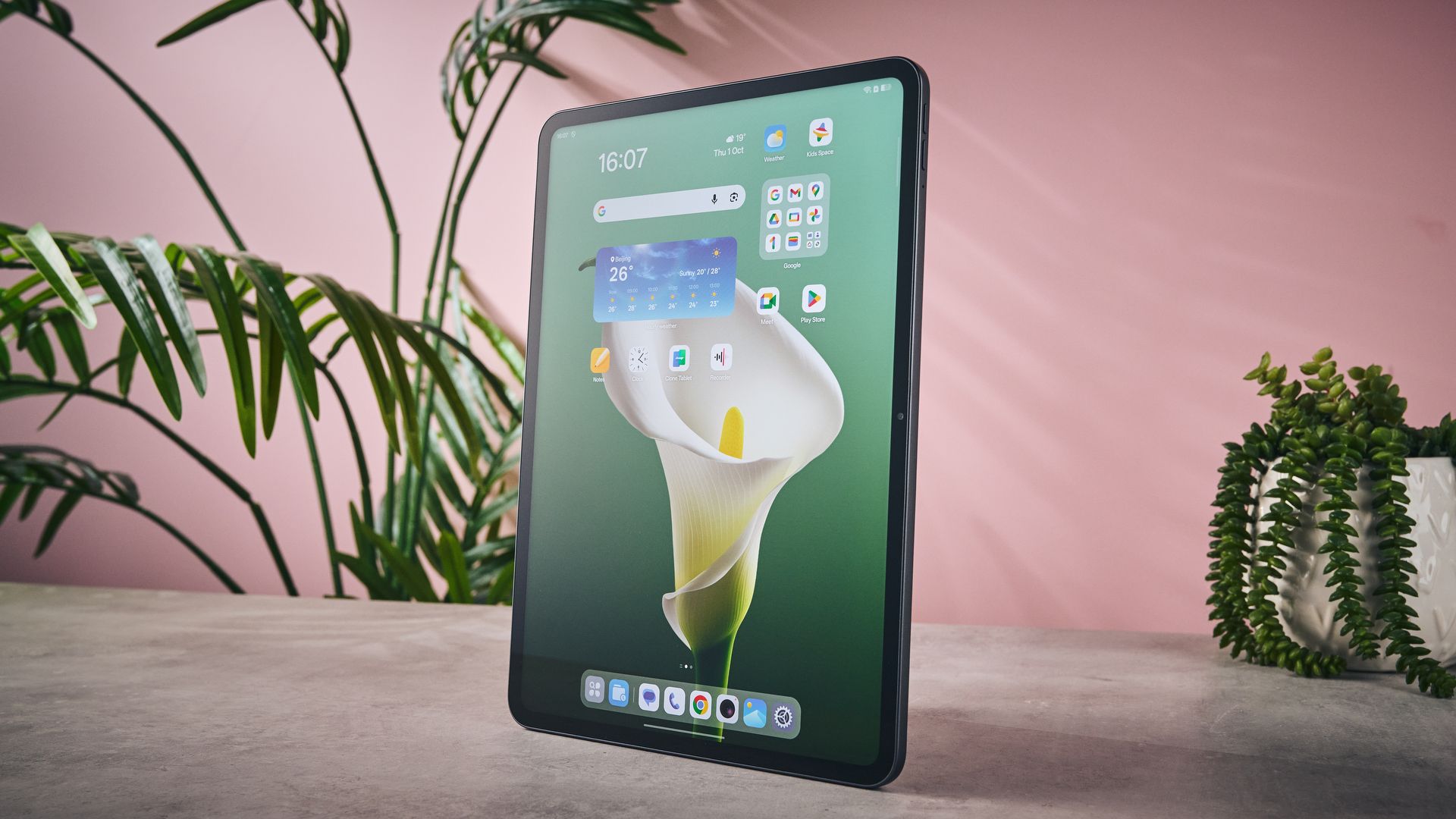
The Oppo Pad 5 has a nice and broad 12.1-inch screen, which is plenty large enough for drawing and playing more intensive games. It has an LCD display rather than OLED, which would’ve been nice to see for deeper black levels and enhanced contrast, but it’s common for a more budget-friendly model to opt for LCD.
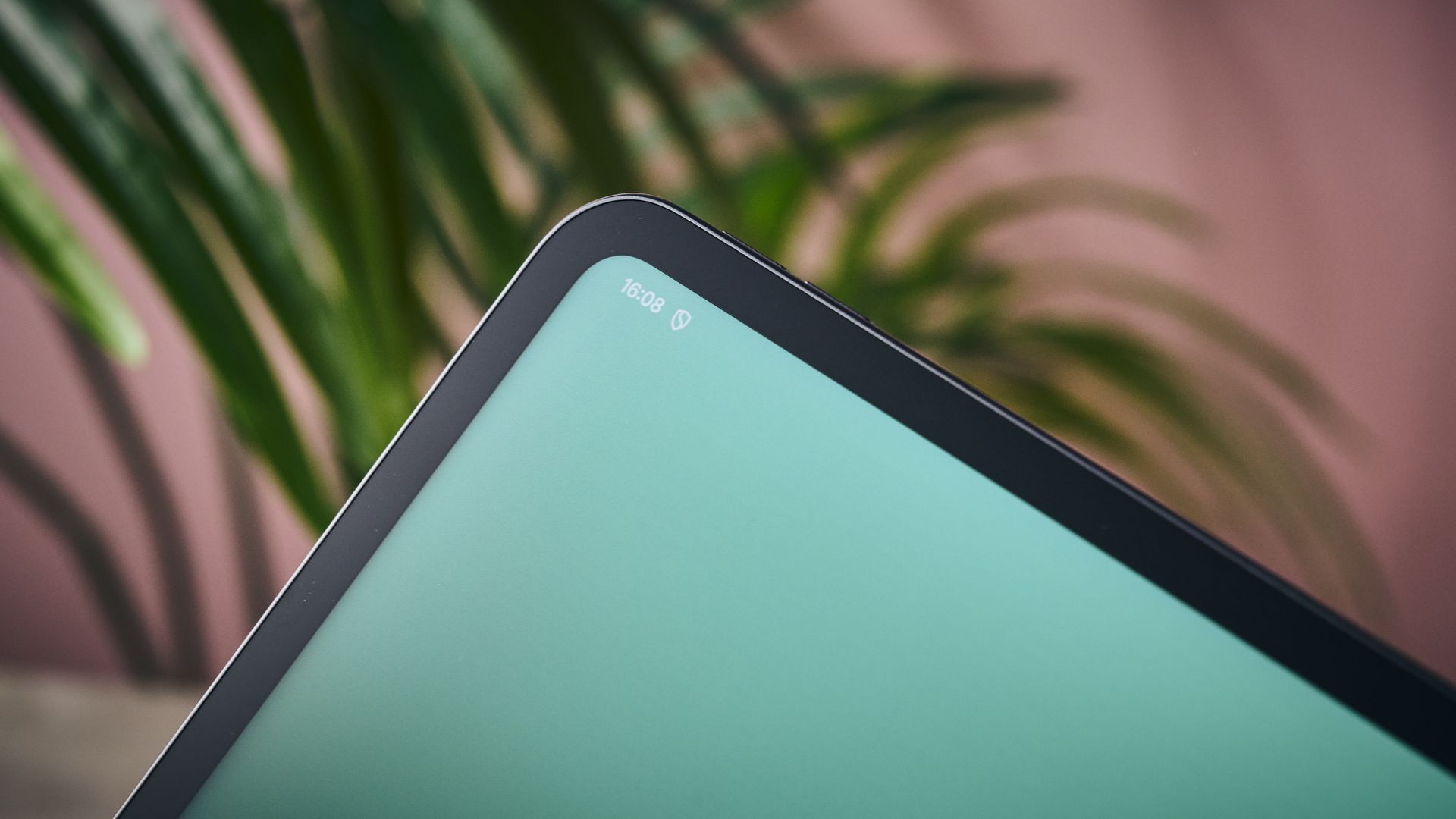
In terms of resolution, you’re looking at 2.8K on the Oppo Pad 5. There’s also HDR10 and Dolby Vision support, and when I tried watching a movie in the latter format, I was impressed with the detail, vibrancy of colours and quality of contrast on show.
You also get a fairly bright, vivid picture from the Oppo Pad 5, which boasts a peak brightness of 900 nits. I found this to be perfect for brighter indoor spaces, and even moderate outdoor use.
As you may expect, the Oppo Pad 5 has an adaptive refresh rate of 120Hz. This makes basic navigation feel silky smooth, and when gaming, will enable you to play select titles at up to 120fps, so long as the software supports this.
Overall, I was impressed with the display of the Oppo Pad 5. It looks surprisingly sharp given its use of an LCD panel, and its replication of rich, punchy colours exceeded my expectations. It was also nice and responsive, well-sized, and relatively bright making it convenient for everyday use.
- Display score: 4/5
Oppo Pad 5 review: design
- Solid aluminium frame
- Sleek, enticing look…
- …but heftier than you may expect
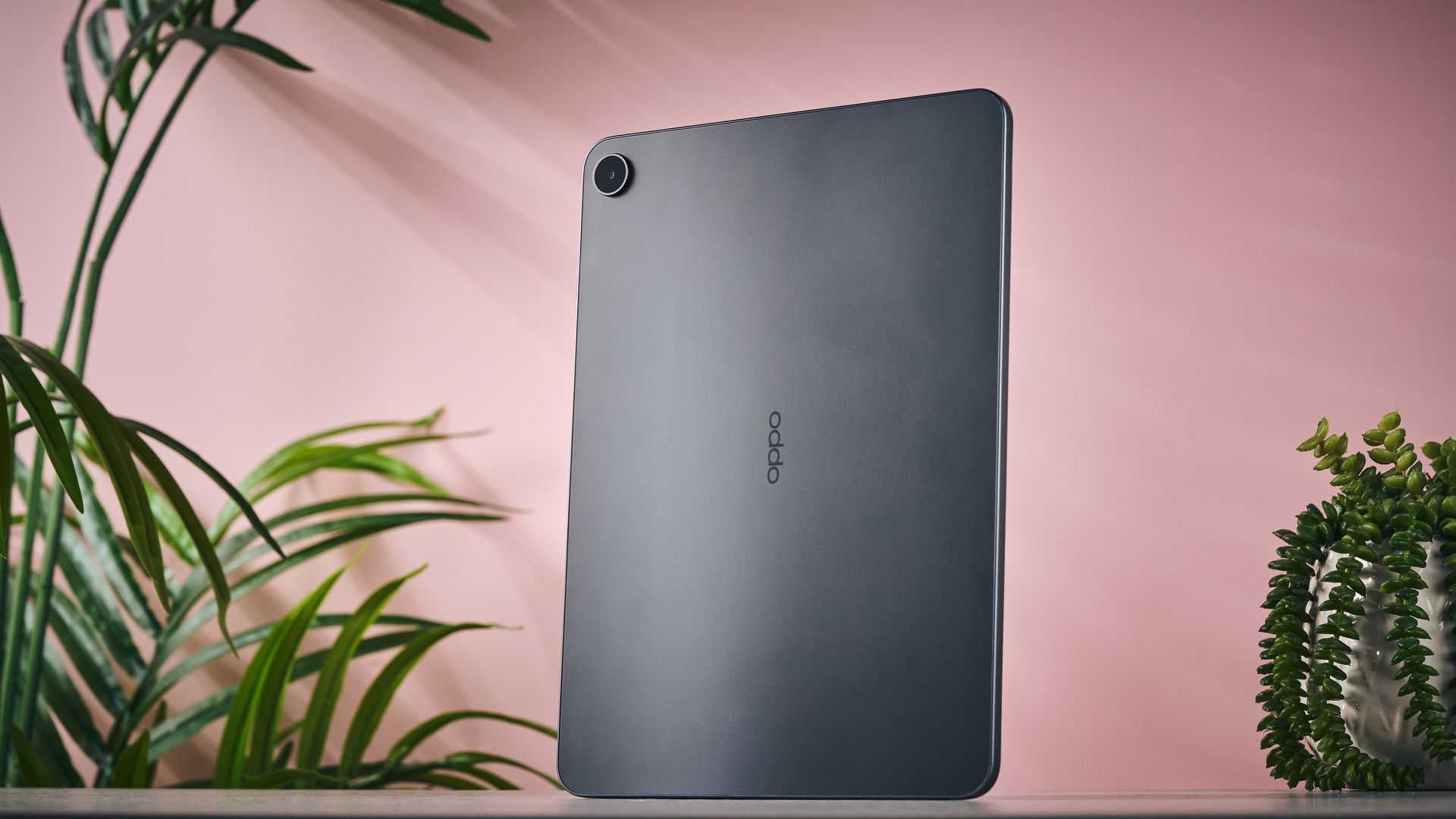
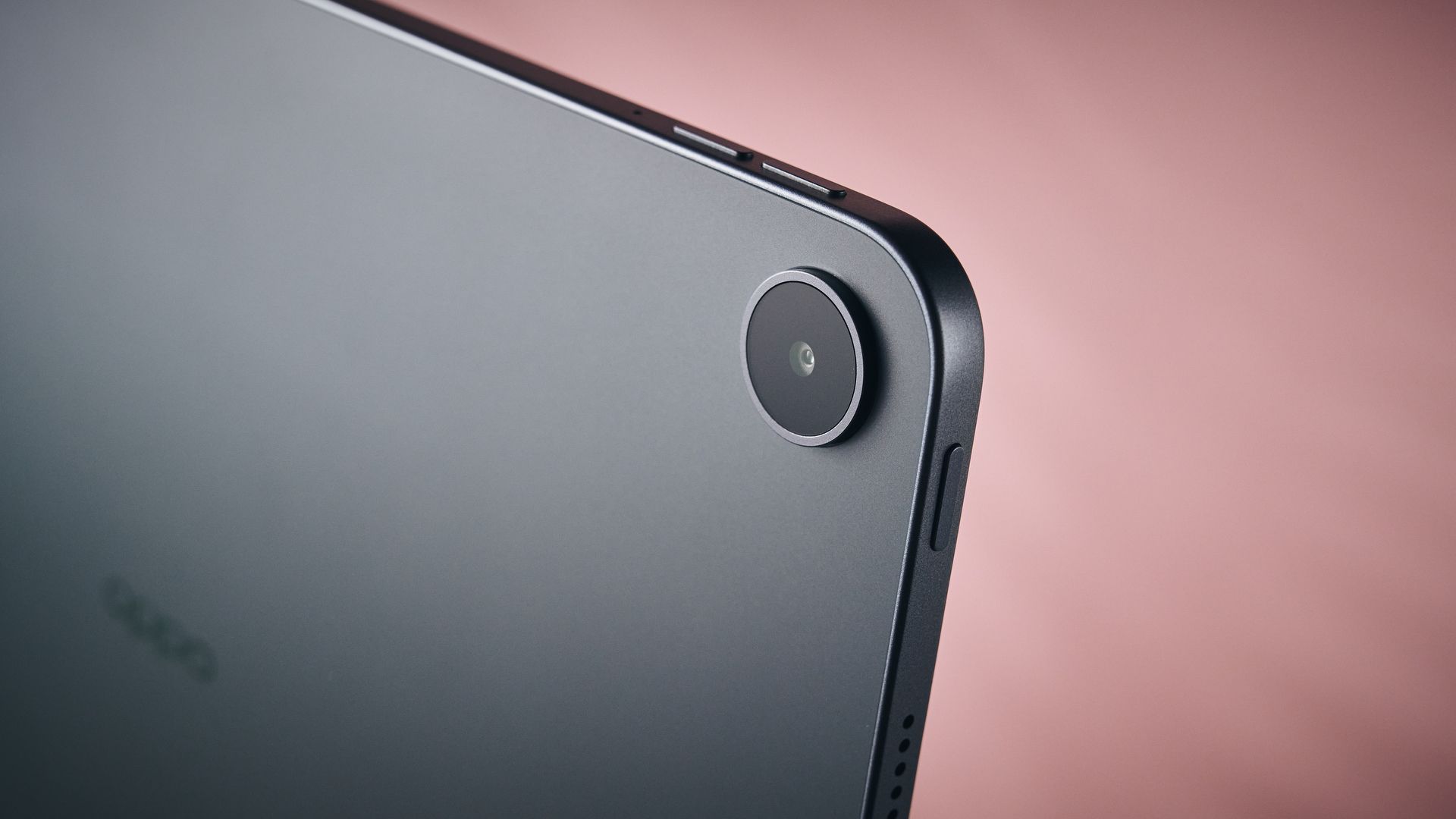
The Oppo Pad 5 is a nice looking tablet, in my view. Its slim, sleek, and its quality aluminium frame makes it seem like a more premium product than it truly is.
I tried the Starlight Black version, which appears to be reliably available in the UK, with a seemingly elusive Aurora Pink alternative also exists. I like the look of the Starlight Black colorway — it’s understated and classy, only adding to that sense that this tablet is punching above its weight, at least in the looks department.
One thing I didn’t love about the Oppo Pad 5, though, was its weight. It comes in at 597g, meaning it’s quite hefty in-use. For reference, that makes the Oppo Pad 5 more than 100g heavier than the Apple iPad 11-inch (2025), so if you want ultimate comfort for long usage sessions, you may be better served elsewhere.
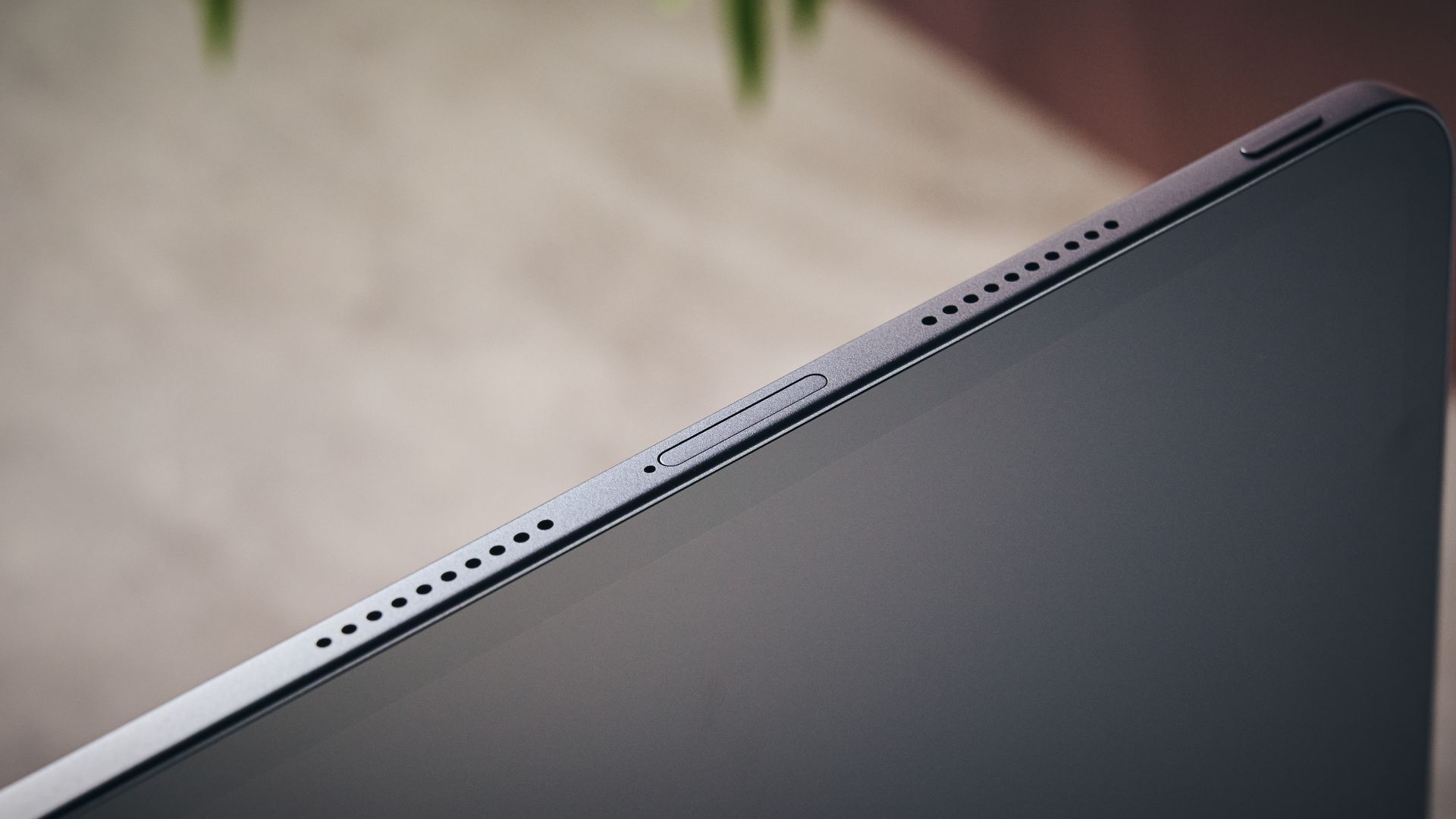
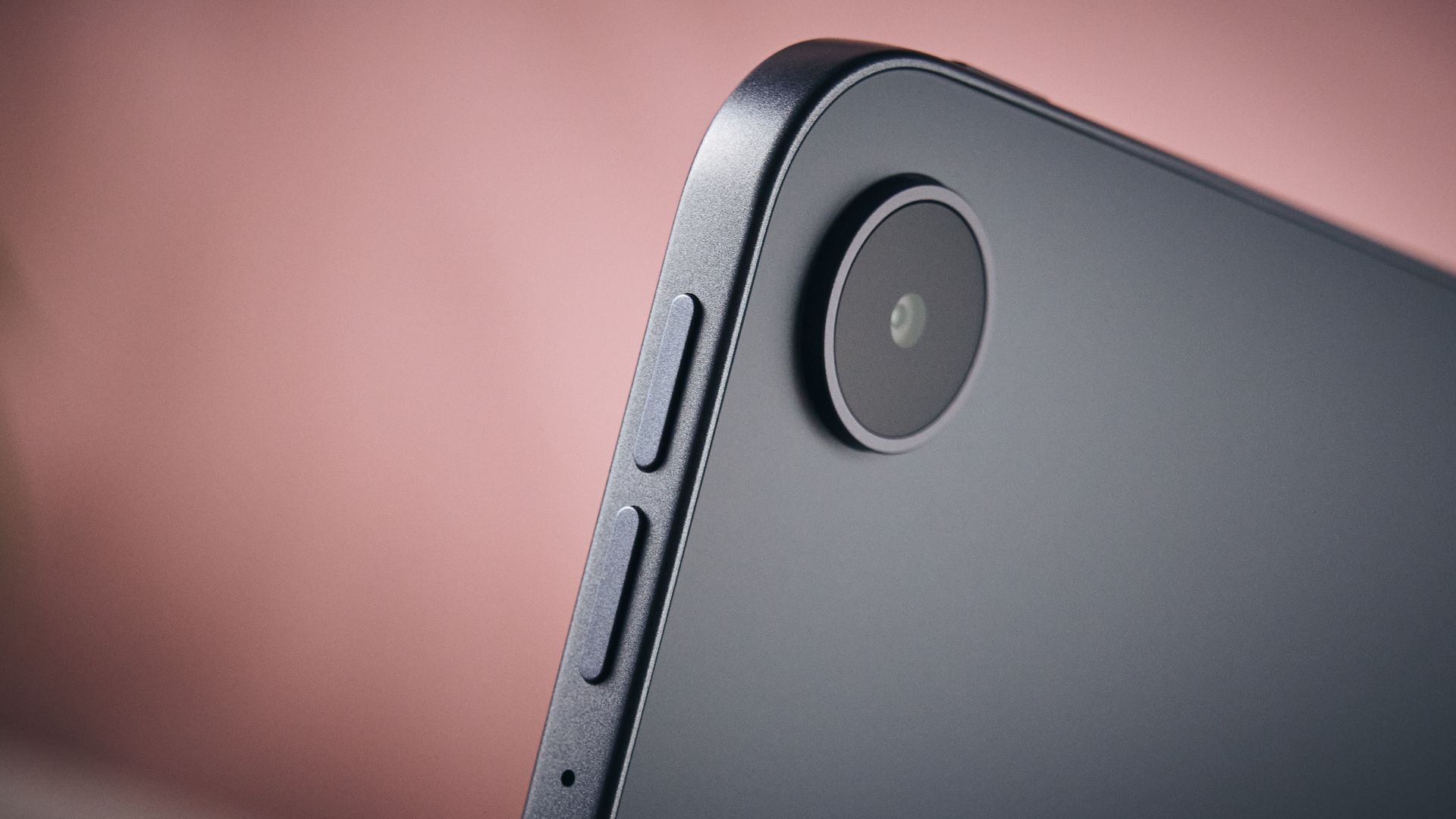
As someone who only typically dips in and out of using my tablet, the Oppo Pad 5’s weight was no problem at all, though. And I did like other aspects of its design. For instance, the buttons are fairly small and low-key, which paired with some smart placement, ensured that I never triggered any accidental presses.
Some may find its IP40 dust and waterproof rating a bit underwhelming, though. This means that the tablet resists larger particle ingress, but is not waterproof whatsoever — so you’ll want to keep it well protected and dry at all times.
The underwhelming IP40 rating and weight of this tablet means that it’s not quite a design marvel, but its attractive look and solid build quality ensures that it still feels more premium than its price may suggest.
- Design score: 4/5
Oppo Pad 5 review: software
- ColorOS delivers an excellent user experience
- Next to no bloat whatsoever
- Five years of OS and six years of security updates pledged
Here’s where we get to arguably the best part of the Oppo Pad 5 — the fantastic software experience it provides.
Out of the box, this tablet is running Oppo’s ColorOS 16.0 (running on Android 16), which Android users will find familiar and practical. The user interface is well laid out, and even looks relatively stylish. It’s seamless to access apps and settings too, and you can easily customize the home screen and switch between button or motion controls during setup.
What’s great to see is that the Oppo Pad 5 has excellent, long-term software support too. It will receive five years of OS updates, as well as six years of security patches. That’s a commendable pledge from Oppo, and means that users can confidently use this tablet for years to come.
Something else I loved about the Oppo Pad 5 was its almost total lack of bloatware. I’ve reviewed many devices where I’ve been met with a slew of unwanted mobile games, shopping apps, and AI slop, but the Oppo Pad 5 shows more respect to its users. There are a few pre-downloaded third-party apps, like Netflix and LinkedIn, but I’d wager that a large chunk of users would actually want these, so the streamlined app selection gets a big tick from me.
Another positive is that the Oppo Pad 5 is far less concerned with the generative AI nonsense that you see elsewhere, including on some of Oppo’s own products. The AI studio is still here, which enables you to generate some imagery, and there are a few other features, like AI Writer (for proof-reading and formatting) and AI-enabled translation, but again, this functionality isn’t being relentlessly pushed onto you.
- Software score: 5/5
Oppo Pad 5 review: performance
- Solid yet slightly unremarkable chipset
- 8GB of RAM enough for multi-tasking
- Quad speakers don’t sound great
The Oppo Pad 5 runs well overall, but it’s not going to provide you with totally flawless performance.
It uses the MediaTek Dimensity 7300-Ultra processor, which we’ve seen in a bunch of similarly priced rival models, like the OnePlus Pad Go 2. In addition, you get 8GB of RAM, which is easily enough for some basic multi-tasking. And I found the Oppo Pad 5 to run smoothly for the most part, with next to no hiccups when performing basic productivity tasks like note-taking, playing lighter games such as Tetris, or simply scrolling on social media.
I did pick-up on the occasional frame drop with more demanding software, such as 3D mobile games, and some occasional delays when using the split-view mode with Google Chrome, but unless you’re a more intensive user, I think you’ll get by just fine with this model.
One thing that I found to be a little disappointing, though, were the built-in quad speakers. These just don’t sound as refined as I’d hoped, with speech sometimes sounding boxed-in and generally a bit unclear. They’re not plating up super-tinny or shrill sound, sure, and the tablet has excellent codec support for music listening with headphones or speakers, but the built-in sound is lacking.
The built-in cameras are fine enough, though. They’re 8MP on both the front and rear, which is totally adequate for taking video calls, though I didn’t find the results to be overly detailed or natural-looking when snapping some photos.
- Performance score: 3.5/5
Oppo Pad 5 review: battery
- Huge 10,050mAh battery
- Got me through multiple days of use when testing
- Wired charging is disappointingly slow
The Oppo Pad 5 has a huge, 10,050mAh battery capacity, which really impressed me during testing.
Unless you’re an especially intensive user, you’ll easily be able to use the Oppo Pad 5 for multiple days without needing to juice it up whatsoever — I could count on one hand the amount of times I had to charge it across my three weeks of testing. On top of this, you get a number of battery settings, including a power saving, super-power saving, and high-performance mode, and some battery health options.
However, I do have one critique of the Oppo Pad 5 in the battery life department: its underwhelming charging speeds. It supports 33W wired charging, which definitely feels on the low side for a device with a battery this large. After one hour of charging, I discovered that the Oppo Pad 5 hadn’t even hit 50% yet, which is just too slow in my view.
- Battery score: 4/5
Should I buy the Oppo Pad 5?
|
Attributes |
Notes |
Rating |
|---|---|---|
|
Display |
It may not be OLED, but the display is bright, detailed, and colorful. |
4/5 |
|
Design |
Sleek, attractive, well-made tablet, but lacks waterproofing and is a tad hefty. |
4/5 |
|
Software |
Clean and easy to use UI, excellent OS and security support, next to no bloat. |
5/5 |
|
Performance |
Good enough for light everyday use, but not the most powerful, and built-in speakers could be better. |
3.5/5 |
|
Battery |
Giant battery capacity let down slightly by underwhelming 33W charging. |
4/5 |
Buy it if…
You want a top-tier Android user-experience
The Oppo Pad 5 plates up an excellent software experience, with the neat ColorOS, almost no bloatware whatsoever, and years worth of OS and security updates on the way. If you’re looking for an Android tablet that gives you a seamless user-experience, this is one to go for.
You want seriously long battery life
The Oppo Pad 5 comes equipped with a 10,050mAh capacity battery, meaning it will last for multiple days without needing to be charged, unless you’re an especially intensive user.
Don’t buy it if…
You want peak performance
You can get better performance from some of the Oppo Pad 5’s rivals, largely due to its slightly middling chipset — even if it’s still steady enough for general everyday use.
You’re looking for something ultra-lightweight
The Oppo Pad 5 is slightly on the heavy side, so if you’re looking for an almost feather-weight model that you can take on the go, it may be worth looking elsewhere.
Oppo Pad 5 review: also consider
|
Oppo Pad 5 |
Apple iPad 11-inch (2025) |
OnePlus Pad Go 2 |
|
|---|---|---|---|
|
Price |
£349 |
Starts at £429 |
Starts at £319 |
|
OS |
ColorOS 16.0 |
iPadOS 18 |
OxygenOS 15.0.1 |
|
Chipset |
MediaTek Dimensity 7300-Ultra |
A16 |
MediaTek Dimensity 7300-Ultra |
|
RAM |
8GB |
6GB |
8GB |
|
Storage |
128GB |
128GB / 256GB / 512GB |
128GB / 256GB |
|
Display |
12.1-inch LCD (2800 x 1980) |
11-inch LED Backlit (2360 x 1640) IPS LCD |
12.1-inch LCD (2800 x 1980) |
|
Weight |
597g |
475g |
597g |
|
Battery |
10,050mAh |
28.93Wh |
10,050mAh |
|
Charging |
33W wired |
45W wired |
33W wired |
|
Cameras |
8MP rear, 8MP front |
12MP rear, 12MP front |
8MP rear, 8MP front |
Apple iPad 11-inch (2025)
With ongoing global RAM shortages raging, Apple decided to increase the prices of a lot of its gadgets, and unfortunately, the iPad 11-inch (2025) was among those affected. Now, it starts at £429, but this is still a solid price for the quality on offer. This tablet is stunning, delivers impressive performance, and is lighter than the Oppo Pad 5. Read our full Apple iPad 11-inch (2025) review.
OnePlus Pad Go 2
Just look at that specs table. There are almost no differences whatsoever between the Oppo Pad 5 and the OnePlus Pad Go 2. But if you can grab this one for cheaper, or if you prefer its overall look, it may well be worth picking up instead. It can also be purchased with 256GB of storage in the UK, unlike the Oppo Pad 5. Read our full OnePlus Pad Go 2 review.
How I tested the Oppo Pad 5
- Tested across the course of three weeks
- Tried all major features
- Used for streaming video, playing games, and doing everyday tasks
I used the Oppo Pad 5 as my main tablet across the course of three weeks. During this time, I gradually tested all of its core features and made sure to assess everything from display quality to battery life.
During testing, I tried out video streaming, playing games, and performing everyday tasks to measure the tablet’s performance across the most crucial areas.
More generally, I’ve spent years testing gadgets here at TechRadar, where I serve as a Senior Reviews Writer. I’ve tested everything from Dolby Atmos soundbars like the Sonos Beam Ultra to phones like the Nothing Phone 4(a). I’ve also reviewed tablets during my time here, such as the Huawei MatePad 11.5.
- Read more about how we test
- First reviewed: October 2026
This articles is written by : Nermeen Nabil Khear Abdelmalak
All rights reserved to : USAGOLDMIES . www.usagoldmines.com
You can Enjoy surfing our website categories and read more content in many fields you may like .
Why USAGoldMines ?
USAGoldMines is a comprehensive website offering the latest in financial, crypto, and technical news. With specialized sections for each category, it provides readers with up-to-date market insights, investment trends, and technological advancements, making it a valuable resource for investors and enthusiasts in the fast-paced financial world.