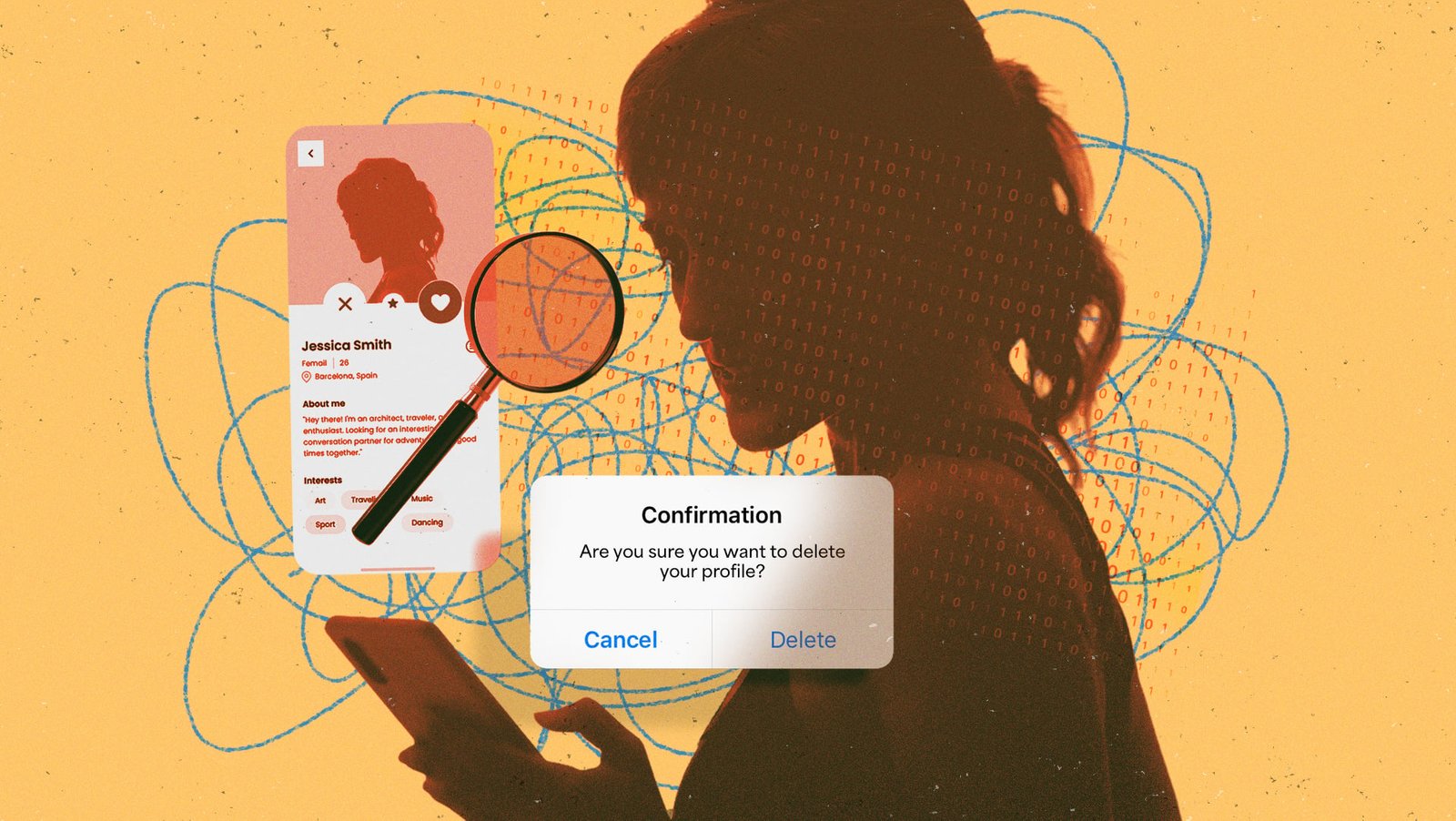
Your dating profile contains a huge amount of sensitive information about you. It has details about your gender identity, sexual preferences, geolocation, photos, political and religious views, as well as biometric data from your profile verifications. In any other context, you would think it insane to hand over this amount of sensitive information to a digital platform without a clear understanding of their data handling policies.
But we’ve been used to dating apps for a while now. They’re easy to download and set up, and accessible to anyone with a smartphone. And we’ve become complacent to any risks—so much so that most people have already forgotten how a data breach at the parent company Match Group compromised an undisclosed number of Tinder, Hinge, and OKCupid profiles just this January.
Simply deleting the app from your smartphone doesn’t do anything; even deleting your profile through the in-app account settings only goes so far. If you want to fully erase your dating profile and usage activity, you need to submit a formal data erasure request with the app’s customer support team right after you delete your profile.
It helps if you live somewhere with strong privacy laws like the GDPR or CCPA, but even if you don’t, most dating apps will honor an erasure request and having that email on the record also protects you legally in case of future data breaches.
I’ll walk you through the exact steps on how to delete your profile and data on five popular dating apps. We’ll cover account deletion, data removal, and the few things that still remain out there once disclosed.
Why closing your account isn’t enough
Most dating apps draw a clear line between uninstalling the app, deleting your profile, and permanently erasing your data from their systems.
When you delete your account on a dating site, the platform stops displaying it to other people. But they might hold on to a backup of it in their servers in case you decide to come back. This can be anywhere from 28 days to six months, or in some cases even longer.
Even when a dating profile has deleted your account and erased its backup from their servers, they still hold on to certain types of data for safety and compliance reasons. Things like payment information, fraud and safety logs, or other legally important data are kept in their records permanently, in case they need it to honor legal requests or recover due payments.
When a breach happens, though, attackers typically grab whatever information they can get their hands on, including anything pertaining to deleted profiles like your payment methods from past subscriptions. That’s why security experts always recommend submitting a data erasure request after deleting any online account that contains sensitive or private information.
Regional privacy legislation like the EU GDPR, California’s CCPA, and the Delaware Personal Data Privacy Act make it compulsory for online platforms to honor data erasure requests. Even if you don’t reside in a place with strong consumer privacy legislation, companies will usually honor data erasure requests just to be out of the way of legal action.
Removing your data from dating apps step-by-step
For this guide, I’ll be walking you through the step-by-step process of deleting your account, along with all your stored and backed-up data, from Tinder, Bumble, Hinge, OKCupid, and Facebook Dating.
You can also refer to the online documentation or usage guide of your specific dating app for up-to-date instructions on account deletion. Also, their privacy policy or terms of service pages usually contain the email you need to submit a data erasure request.
How to delete your Tinder account

Credit: Match Group
-
Open the app on your phone or visit Tinder.com.
-
Tap the profile icon, then tap the settings icon that looks like a gear.
-
Scroll down to the bottom and tap Delete Account.
-
Confirm your choice when asked. At this point, Tinder may ask why you are leaving. You can skip this if you’d rather not answer.
-
Deleting your Tinder profile disables and hides your profile, matches, and conversations. But a lot of your data is still retained by Tinder’s parent company, Match Group. To request a full data wipe, contact them using Tinder’s Privacy Request Form.
How to delete your Bumble account

Credit: Bumble
-
On the Bumble app, tap your profile picture.
-
Navigate to Settings.
-
Scroll all the way down. Tap Delete Account.
-
Confirm your request if prompted to do so.
-
Bumble keeps a backup of your dating profile for up to 28 days. Some data, like payment methods and safety information, are retained even after that. You can reach Bumble using the built-in chat option or email DPO@bumble.com to submit a data erasure request.
How to delete your Hinge account

Credit: Match Group
-
Open the app and tap the profile icon.
-
Tap the settings gear icon.
-
Scroll down till you see Delete or Pause Account. Tap that.
-
Select Delete Account. If Hinge offers to set you up with a Fresh Start by erasing all your dating history, you can just ignore that option and delete the account.
-
You can submit a data erasure request by visiting Hinge’s help center contact form.
How to delete your OKCupid account

Credit: Match Group
-
Launch the OKCupid app on your phone.
-
Tap the gear icon, then tap Account.
-
Tap Delete Account and follow the on-screen confirmation prompts from OKCupid.
-
You can submit a data removal request with OKCupid by raising a ticket through their help desk.
How to delete your Facebook Dating account

Credit: Meta
-
Open the Facebook app or website.
-
Tap the hamburger icon (☰), then select Dating.
-
Tap the gear icon on the Dating screen. Then switch to the General tab.
-
Scroll down to the bottom and tap Delete Profile.
-
Confirm your choice when asked.
-
If you’d like to request Facebook to delete specific information pertaining to your Dating account, you can raise a request using the Create a case option from Meta Help Center.
How to write a data erasure request for dating sites
When submitting a request for removing your data, you need to be explicit about exercising your legal rights without giving away any unnecessary information that the dating platform doesn’t need to have. Here are a few tips for drafting a good data removal request:
-
Send the request from your registered email address for that dating profile. Switching to a different email address may create verification hurdles that slow down the process.
-
Do not include any sensitive information like your account passwords in the message body.
-
If the platform is required to honor your request based on a specific privacy law in your region, be explicit about that. For example, you can cite GDPR Article 17 for EU/UK residents and CCPA, CPA, CTDPA, etc. for different US States.
-
Ask for a written confirmation once your data has been fully deleted from the platform.
-
Don’t include any unnecessary details about why you’re leaving the platform or give away any information that isn’t directly needed to honor your request.
Here’s a simple data erasure request template that you can follow:
Subject: Data Erasure Request for [Account Username or Registered Email]
To Whom It May Concern,
I am writing to formally request the deletion of all personal data associated with my account on [Platform Name] under the registered email address of [Your Account Email].
I am exercising my right to erasure under [Insert Applicable Privacy Legislation].
I ask that you delete all my personal information, including but not limited to profile information, photos, messages, location data, and any inferred or derived data used for matching or advertising purposes.
Please confirm in writing once the request has been fully processed.
Thank you,
[Your Name]
You can trim the legal section if the platform isn’t required to honor your request under a specific regional or state privacy law. Most dating platforms will honor a plain-language data removal request even if they are not legally required to at the time of the request. That said, citing an applicable privacy law may help expedite the timelines in your favor.
This articles is written by : Nermeen Nabil Khear Abdelmalak
All rights reserved to : USAGOLDMIES . www.usagoldmines.com
You can Enjoy surfing our website categories and read more content in many fields you may like .
Why USAGoldMines ?
USAGoldMines is a comprehensive website offering the latest in financial, crypto, and technical news. With specialized sections for each category, it provides readers with up-to-date market insights, investment trends, and technological advancements, making it a valuable resource for investors and enthusiasts in the fast-paced financial world.