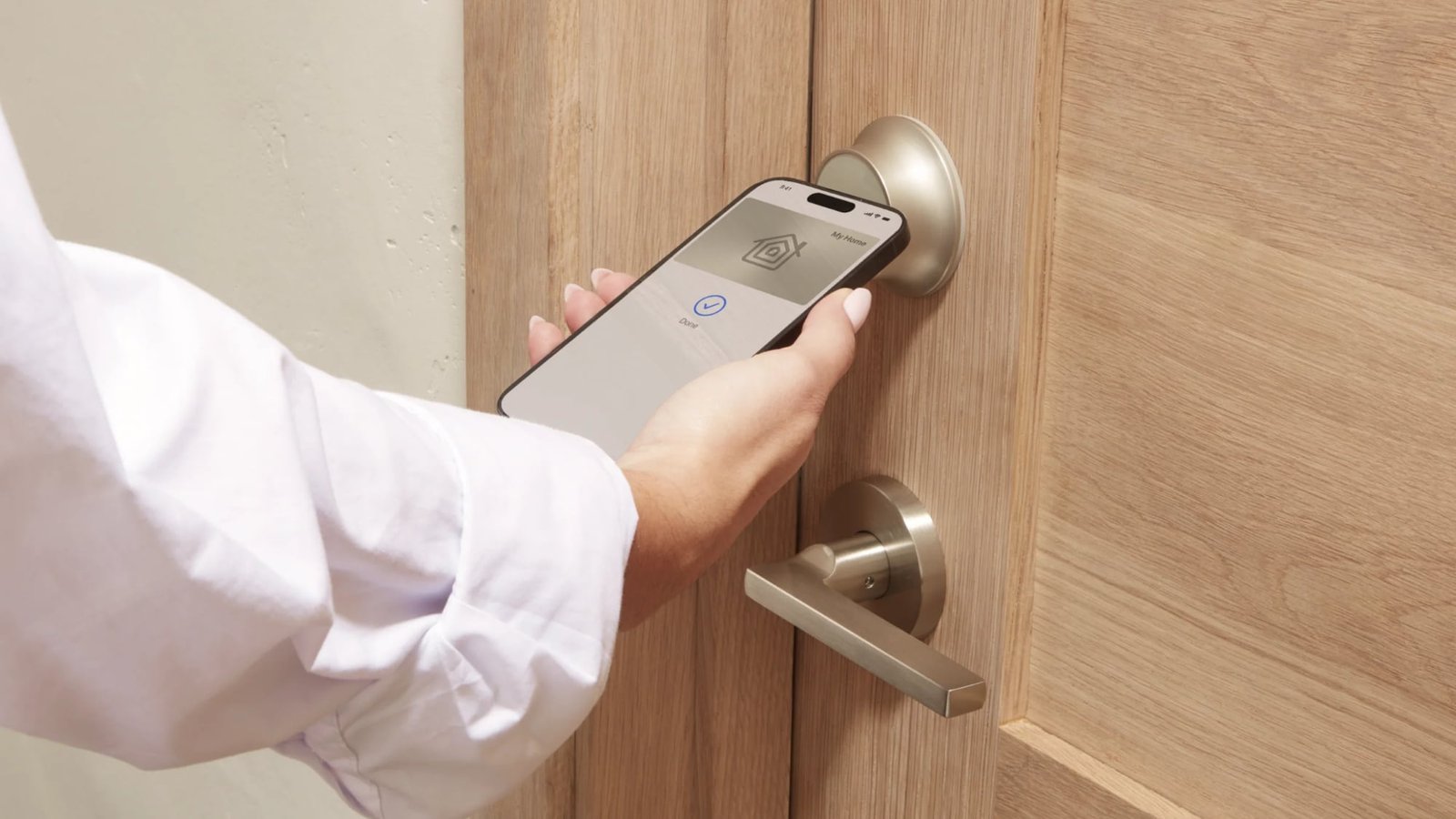
The Level Lock Pro is Level’s latest smart lock, featuring Matter connectivity for Apple Home, multiple unlocking methods, door status, and the unassuming design that Level products are known for.
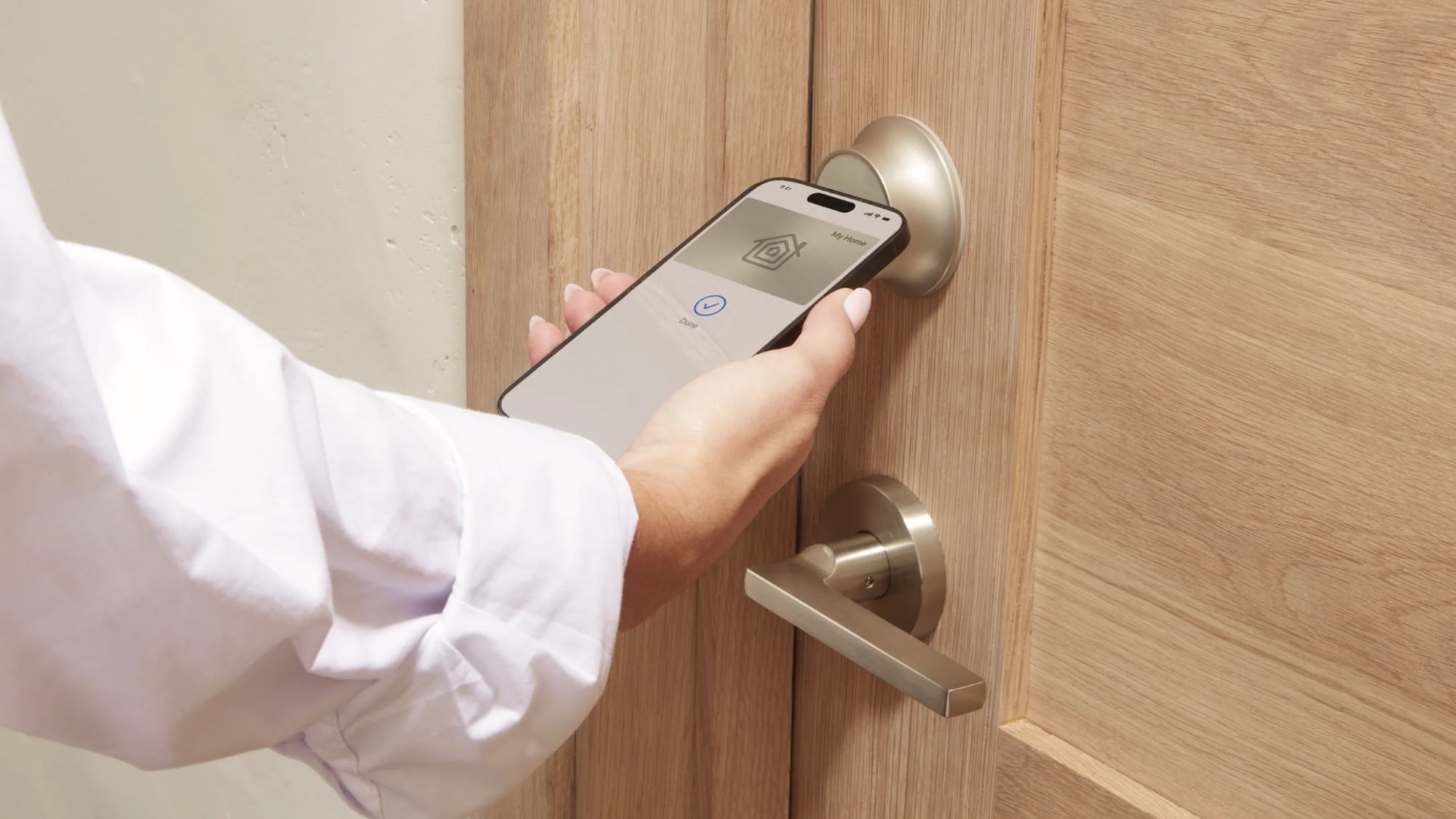
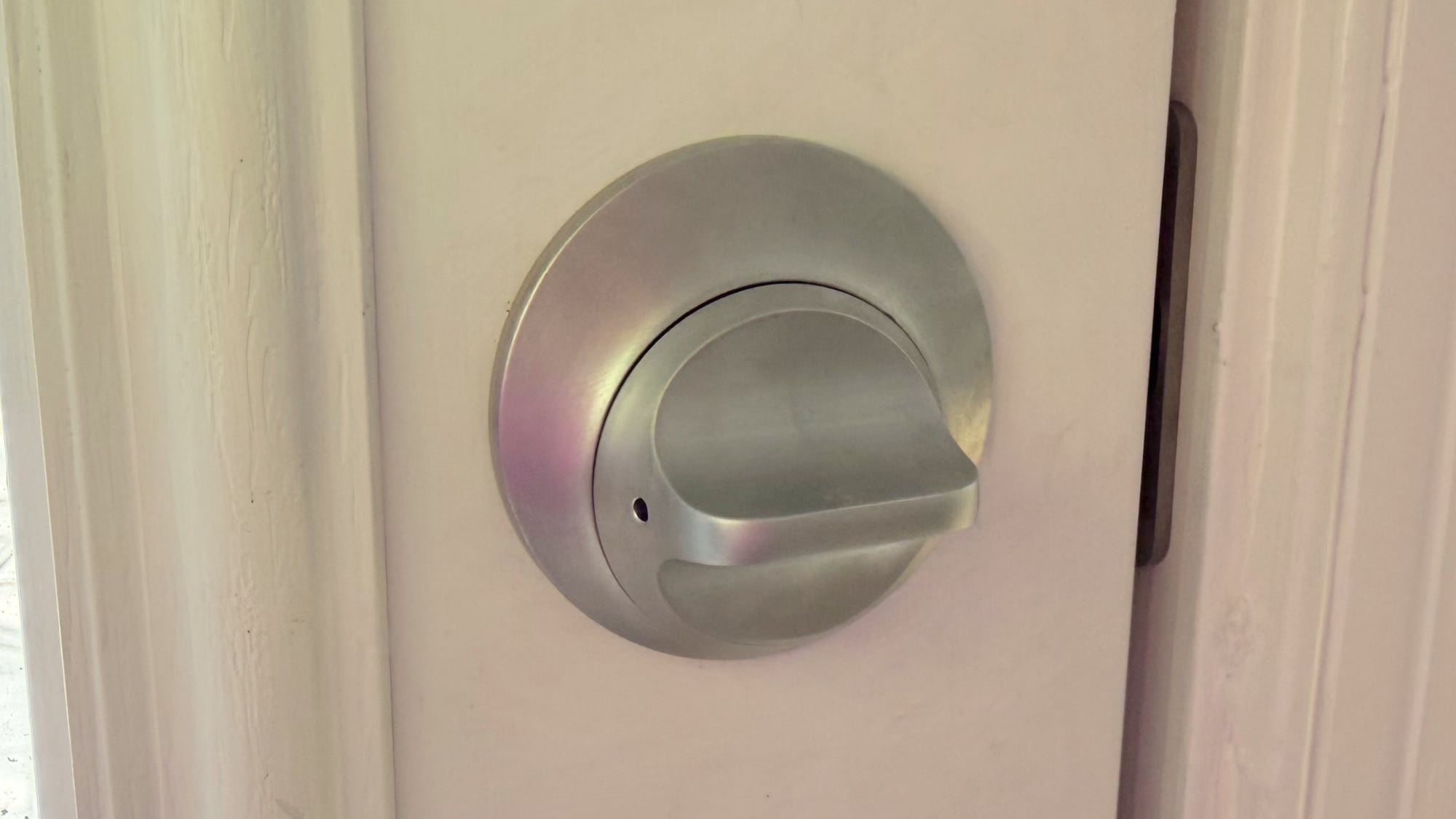
I’ve tested and reviewed several great HomeKit-compatible smart locks, but Level Locks are my personal favorite because of the look. From both the inside and the outside, Level Locks look like a standard deadbolt and not like a smart lock. I had feature-rich smart locks from Aqara that I was using for about a year after a review, but I got tired of looking at the bulky boxes on my doors. A couple of months ago, I bought two standard Level Locks, and then later, Level sent me the Level Lock Pro.
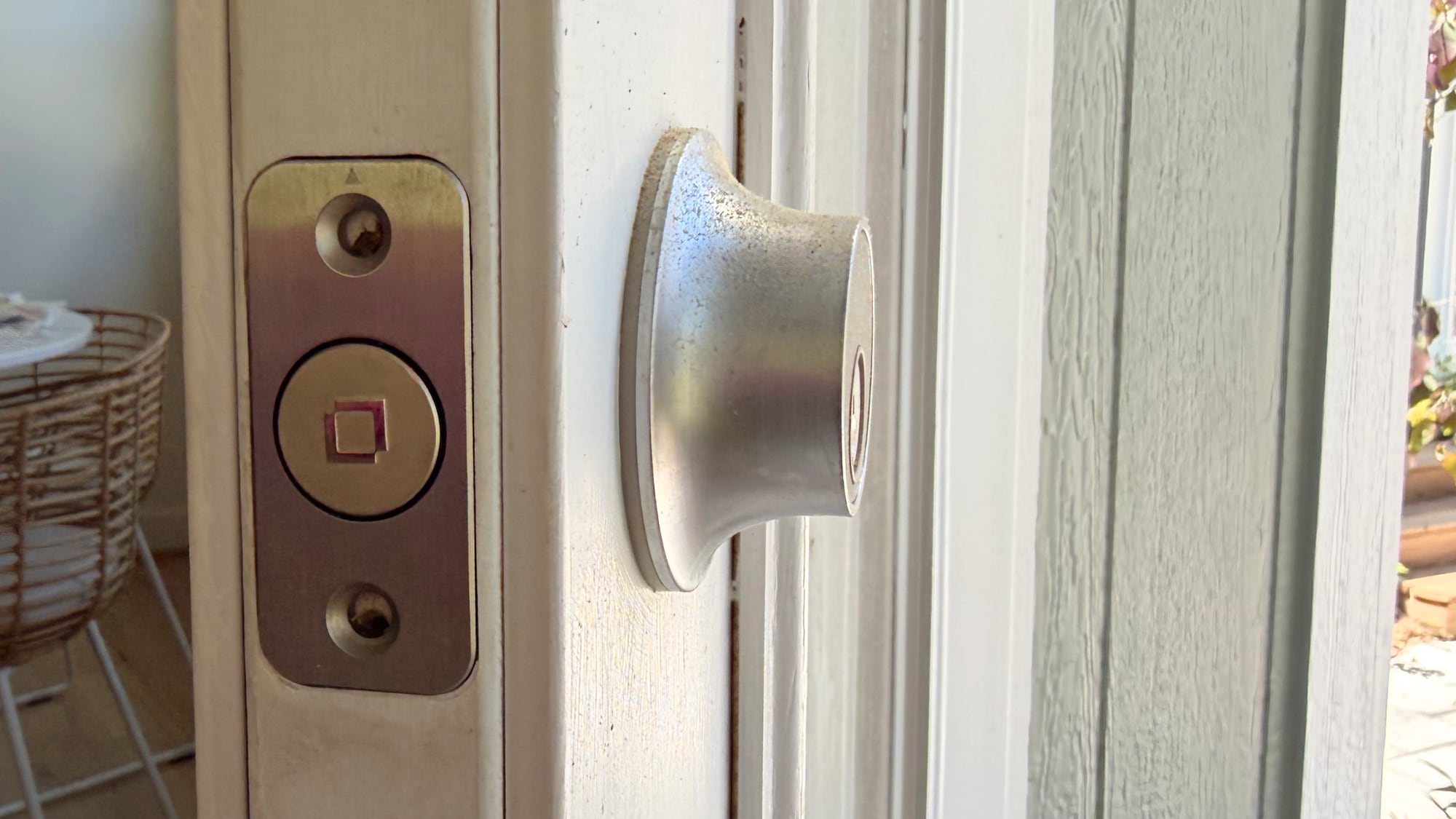
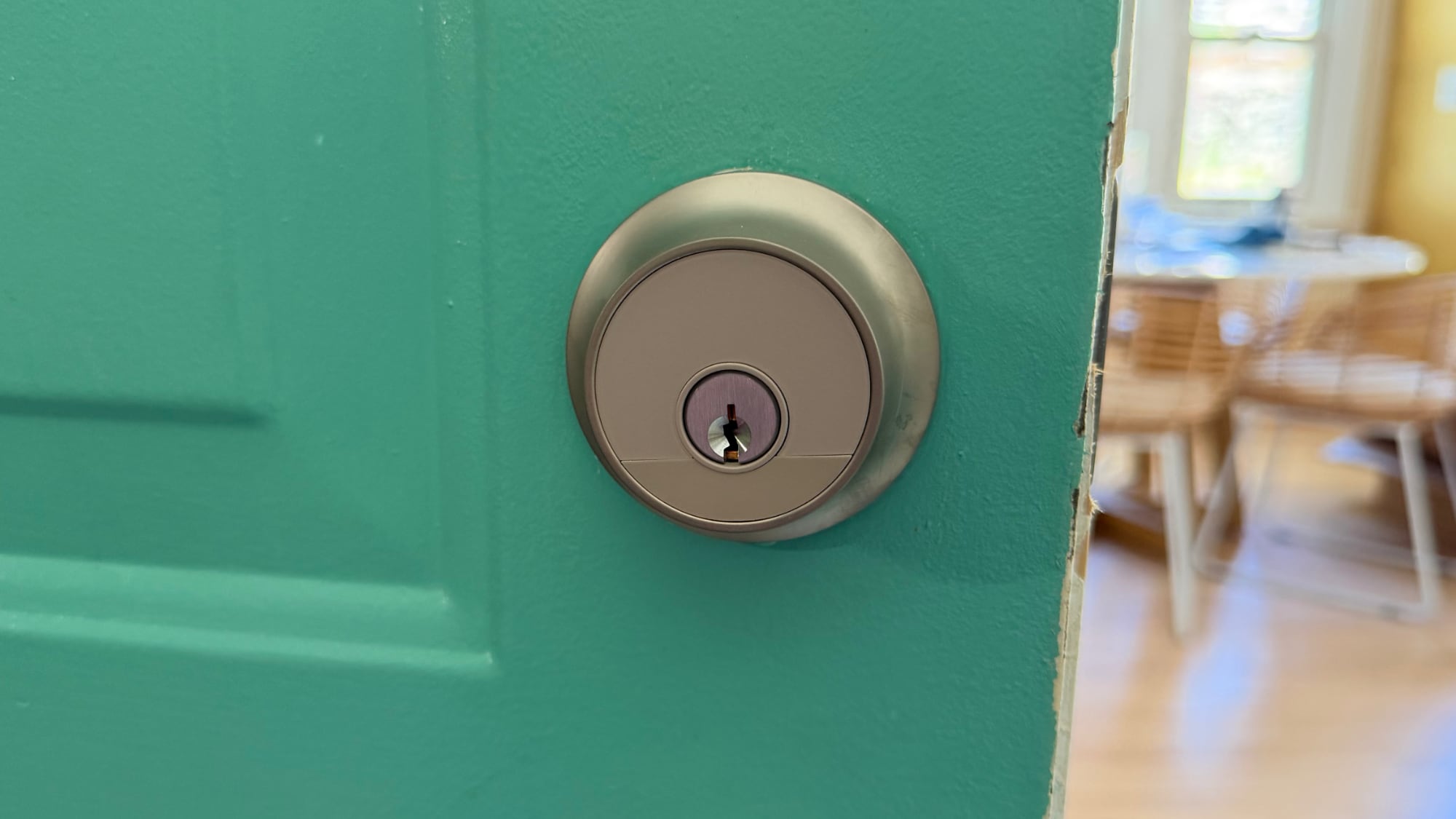
I don’t think there’s any smart lock solution that has a better aesthetic than the Level Lock, so if that’s important to you, these are the locks to get. It comes in satin nickel and matte black, so it should match many standard doorknobs. The Level Lock Pro has an IP54 water and dust resistance rating, so it will hold up fine in the rain.
Level Locks are not the cheapest locks on the market, and depending on what you’re comparing against, there’s a premium for design. The Level Lock Pro is $349, and the Level Lock is $249. Aqara locks range from $150 to $270, and Matter locks from Eufy, Yale, and Kwikset are in that same range.
The Level Lock Pro replaces a standard deadbolt and strike plate on your door, so installation is a matter of pulling out the existing deadbolt and walking through the Level Lock Pro instructions to install the new lock. I am going to blame this on my crummy doors, but I have more trouble installing Level Locks than other smart locks. Level Locks have a wide, circular bolt that’s not the shape of most deadbolts, and I haven’t had a Level Lock setup where I didn’t have to fuss with the fit of the lock in the door or the fit of the plate on the doorframe. I generally get things to work, but there’s frustration involved.
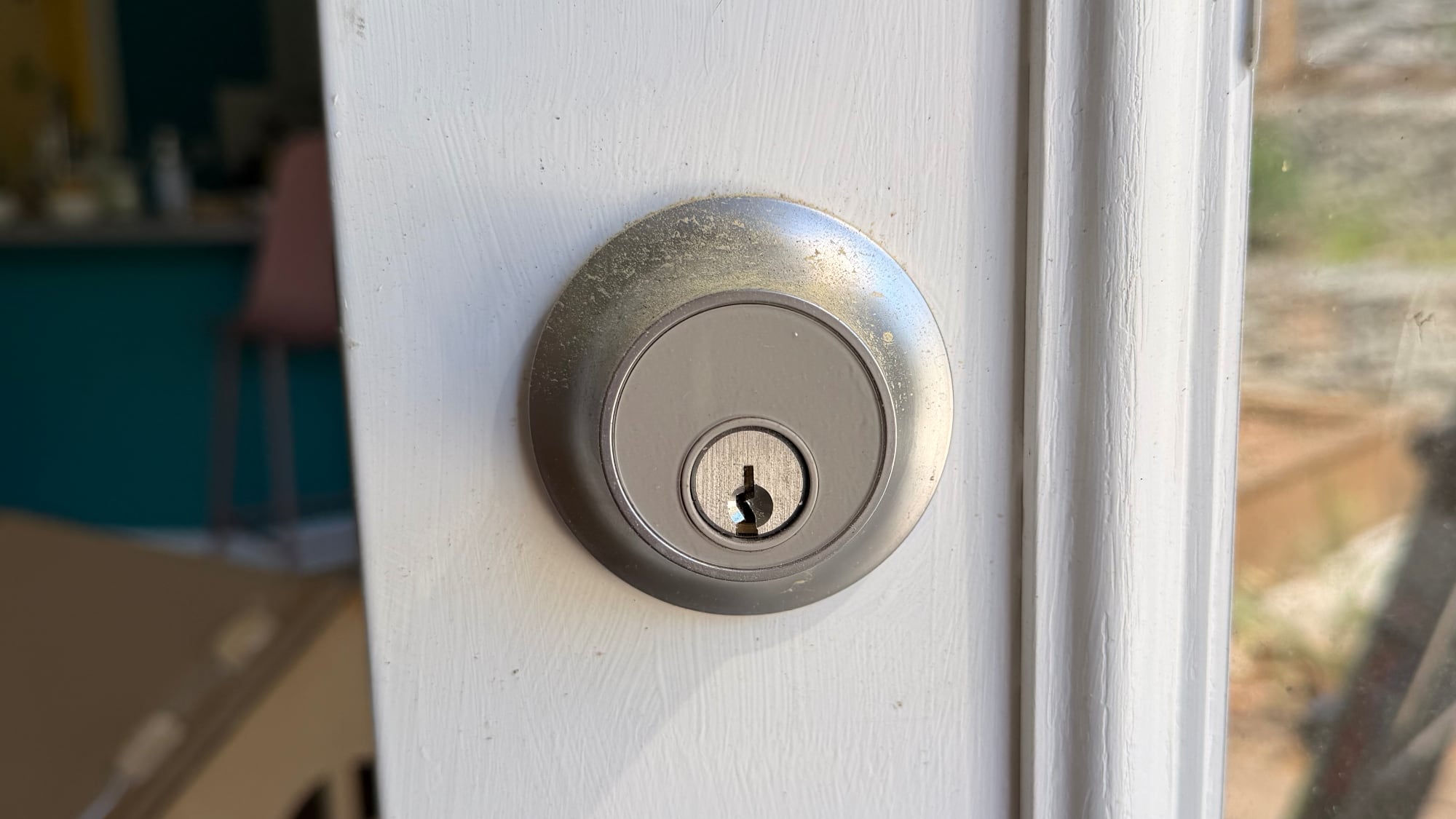
There are smart locks that can unlock your door with fingerprint sensors, palm recognition, facial scans, and codes, but the Level Lock Pro is simpler. You can use a key, one of the two included NFC key fobs, tap to unlock with your phone or watch, use the Home app or Level app, or ask Siri to unlock the door.
The Level Lock Pro integrates with HomeKit using Matter, and it also supports Apple Home Key so you can store a key in the Wallet app on iPhone or Apple Watch. With Home Key, I can unlock my door without having to unlock my iPhone and with no need for Face ID. I just tap my phone or my watch on the lock, and it unlocks.
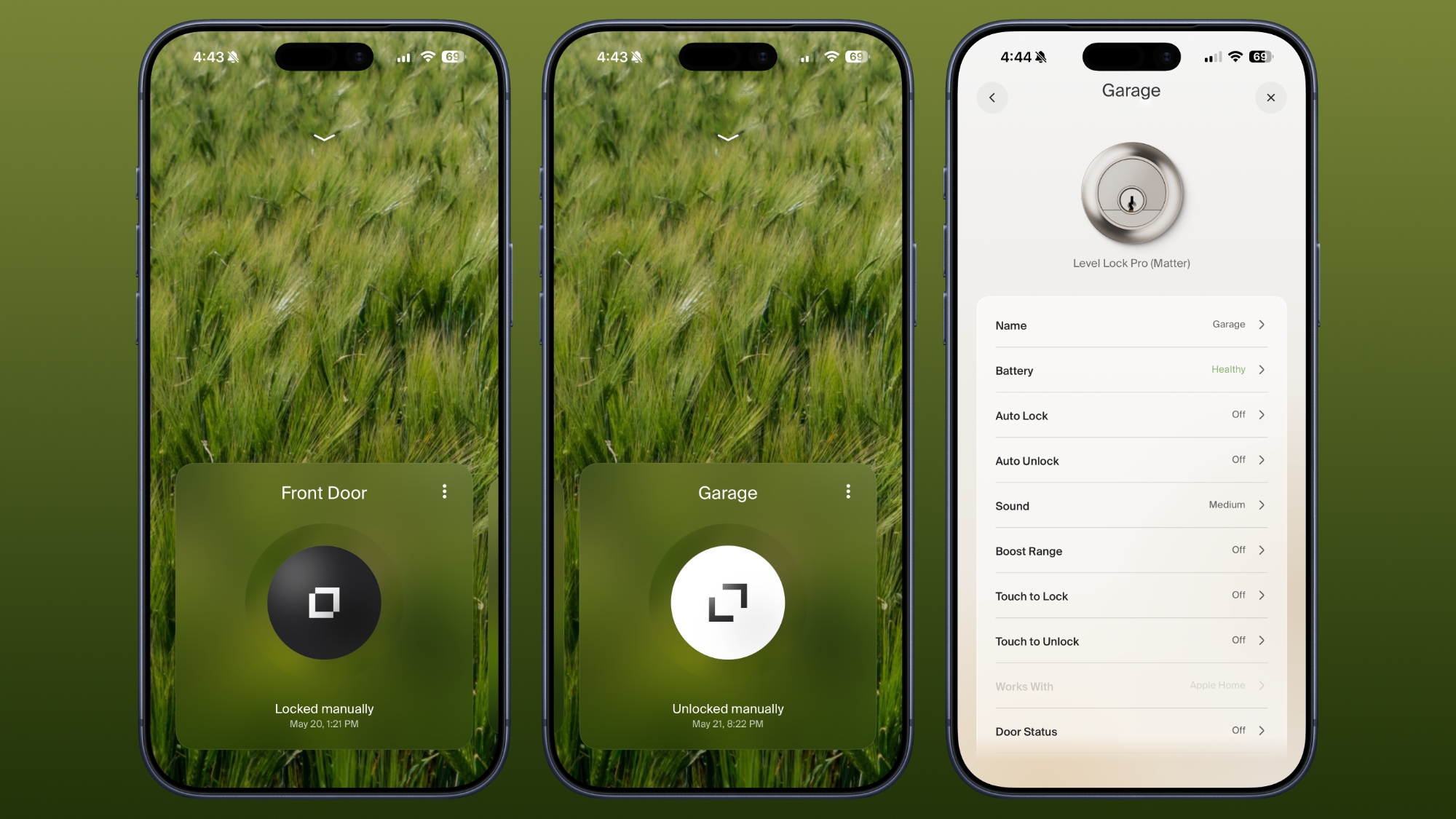
Siri and the Home app work for unlocking too, and there’s a Level app. I don’t use the Level app, but it is available for locking and unlocking, assigning codes, setting up auto lock and auto unlock (which uses Bluetooth and unlocks when you’re in range), adjusting sound, giving someone a door code, and enabling door status. Like the Level Lock, the Level app has an uncomplicated design, so it’s easy to get to all of the features.
Door status is a Level Lock Pro feature that lets you know if your door is open or closed, and it works when the door is unlocked. I have the Level Lock Pro on my garage door, and it’s a door that’s often not locked, so it’s useful to get an alert when it’s opened.
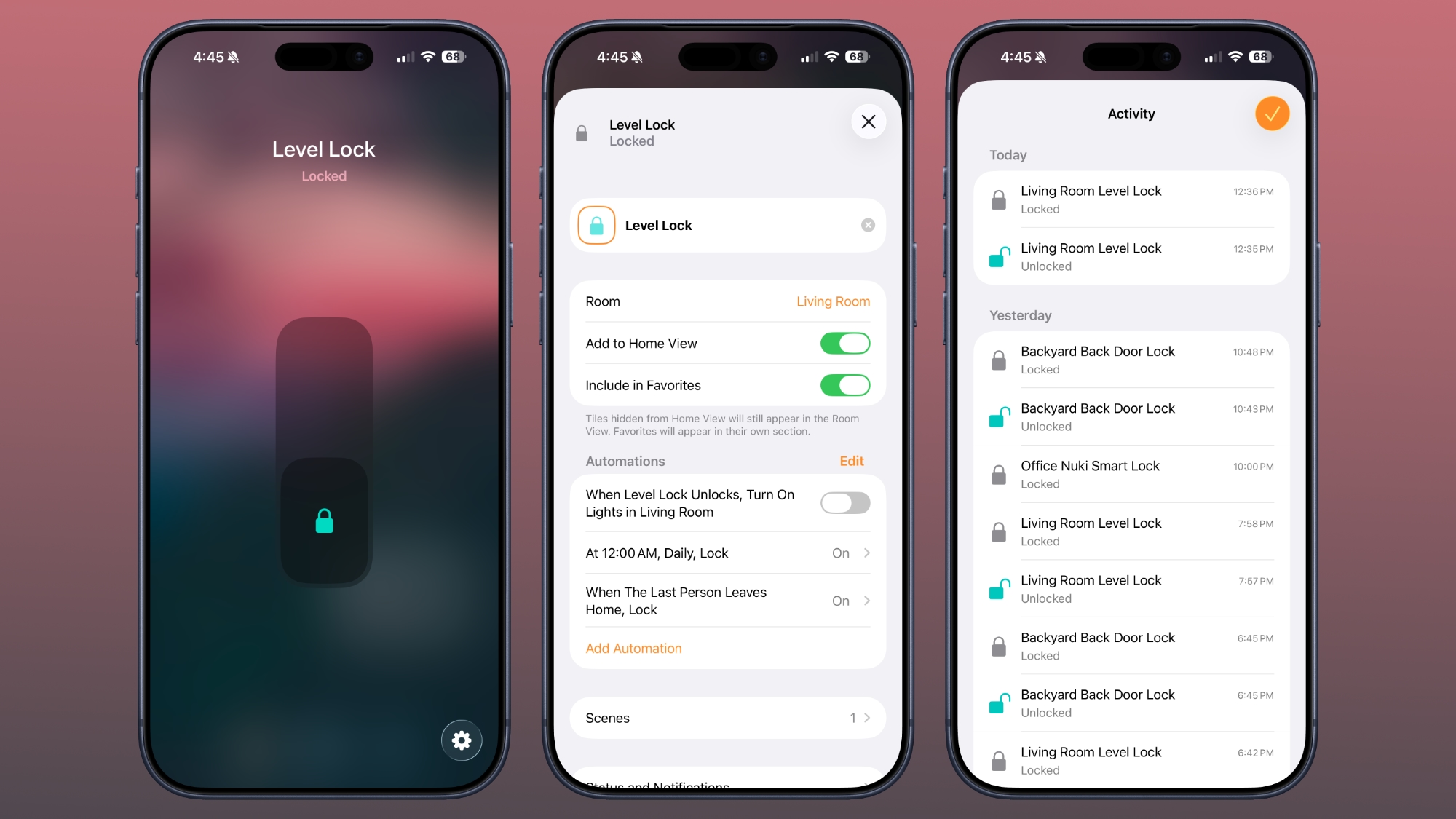
I use the Home app and Siri to unlock my Level Locks, especially if I’m not home and need to let someone in. I also ask Siri to open the door as I approach, so a lot of the time, I’m not even using tap to unlock. The Home app sends a notification to my iPhone and Apple TV when a connected lock is locked or unlocked, and the Home app Activity log keeps track of when each door was locked or unlocked. Everyone that’s invited to an Apple Home can access the lock, but you can also share access with the Level app. The Level app supports temporary entry, which is useful for a one-time event or a weekly cleaning.
The Home app is also useful for automations, like locking up automatically when everyone leaves the home or unlocking the door at a certain time. I have an automation that locks all my locks at 10:00 p.m., just in case I forget to lock one of the doors.
For remote access features, you need a Matter-over-Thread controller and a border router, which are requirements fulfilled by a HomePod or Apple TV. You need one of those to add any Matter-enabled device to HomeKit. The Level Lock Pro connects to Apple Home using Thread instead of Wi-Fi, but if you want Wi-Fi connectivity, there is an optional Level Connect Wi-Fi Bridge. I haven’t needed it because HomeKit provides all of the same functionality. You can also add on a keypad if you want that option.
Most smart locks have a battery in the box that goes on the door, but the Level Lock Pro’s battery is in the deadbolt. It uses a CR2 Lithium battery, which fits inside the deadbolt once the cap is taken off. Changing the battery is a matter of opening the door, locking it, popping out the old battery, and adding in the new one. The Level app lets you know battery status, so you can keep tabs on when it’s time to update the battery. Each battery lasts for about a year, and I haven’t had to change mine yet.
According to Level, the Level Lock Pro has an ANSI Grade 1 bump- and pick resistant cylinder, which isn’t common for smart locks. That means it’s resistant to lockpicking, it’s harder to drill out, and lock bumping is harder.
How to Buy
The Level Lock Pro is available from the Level website or from Amazon.com for $349.
Note: Level provided MacRumors with Level Lock Pro for the purpose of this review. No other compensation was received.
This article, “Level Lock Pro Review: An Apple Home Key Smart Lock That Doesn’t Look Like One” first appeared on MacRumors.com
Discuss this article in our forums
This articles is written by : Nermeen Nabil Khear Abdelmalak
All rights reserved to : USAGOLDMIES . www.usagoldmines.com
You can Enjoy surfing our website categories and read more content in many fields you may like .
Why USAGoldMines ?
USAGoldMines is a comprehensive website offering the latest in financial, crypto, and technical news. With specialized sections for each category, it provides readers with up-to-date market insights, investment trends, and technological advancements, making it a valuable resource for investors and enthusiasts in the fast-paced financial world.