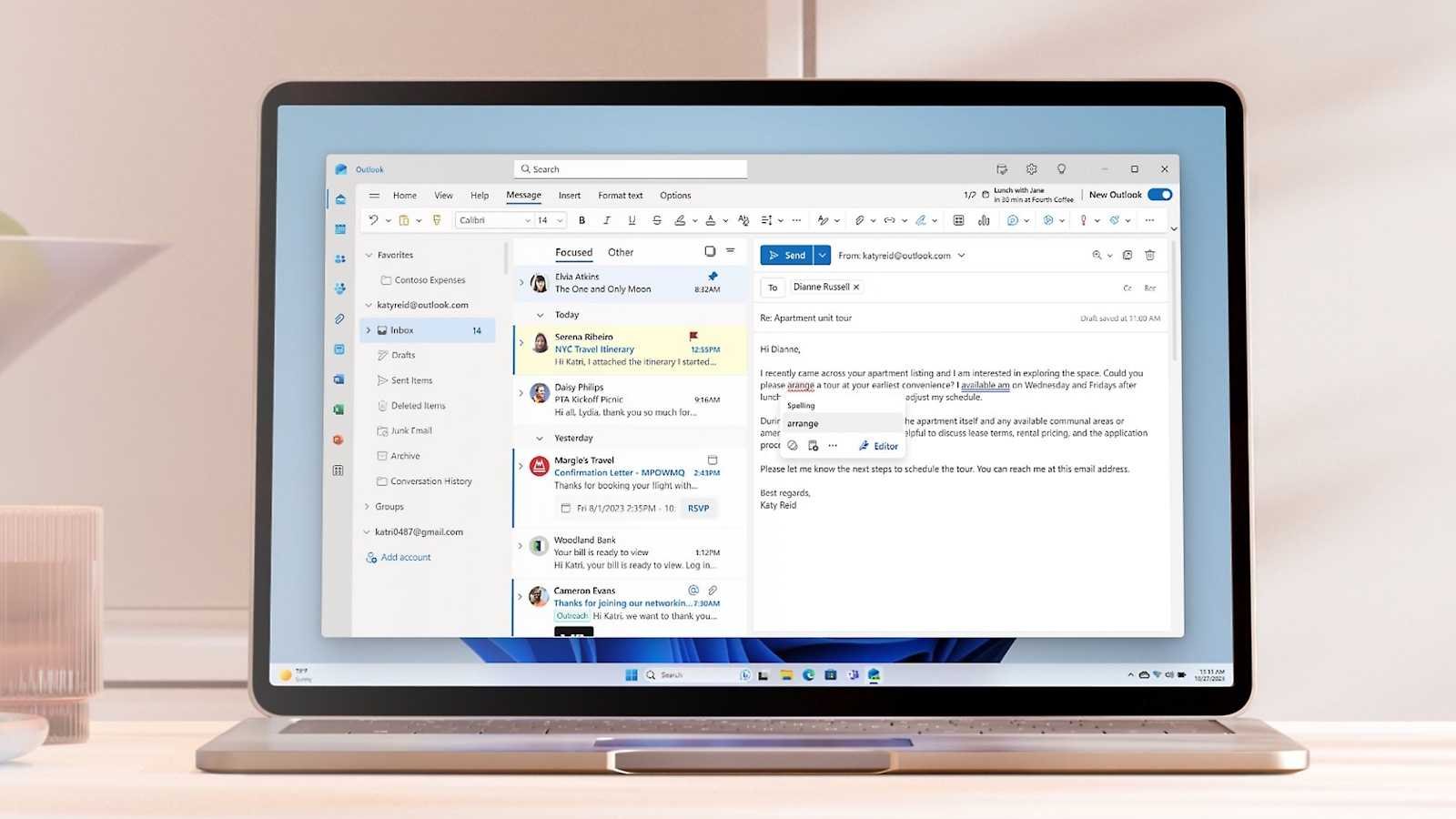
For the past couple of years, Microsoft has made a concerted effort to move users from the classic Outlook app for Windows 11 to “new” Outlook, a web-based app.
If you’re using new Outlook, you should take advantage of the ability to back up your account settings. These settings are stored in the ‘UserSettings.json’ file, which you can find in the ‘C:Users[username]AppDataLocalMicrosoftOlk’ folder. If you have set up multiple accounts in Outlook, you will find separate configuration files in each of the individual user folders.
To create a backup, copy this file or these files to another secure location, or include them in the backups created by your backup software. To restore the configuration, simply copy the JSON file back to its original location.
If the Olk folder is missing — for example, after reinstalling Outlook — create it manually. The configuration will be applied automatically when you start Outlook.
Related content
This articles is written by : Nermeen Nabil Khear Abdelmalak
All rights reserved to : USAGOLDMIES . www.usagoldmines.com
You can Enjoy surfing our website categories and read more content in many fields you may like .
Why USAGoldMines ?
USAGoldMines is a comprehensive website offering the latest in financial, crypto, and technical news. With specialized sections for each category, it provides readers with up-to-date market insights, investment trends, and technological advancements, making it a valuable resource for investors and enthusiasts in the fast-paced financial world.