Antivirus software is so much more than it used to be. In addition to blocking viruses, malware, and nasty tricks like phishing, today’s security suites also include tools that don’t just protect your local files, but can tune up your PC, too. But there’s one of these extra utilities I never use… and you probably shouldn’t, either.
It’s the file shredder.
Sometimes called a Data Shredder or Shredder tool, this feature is supposed to delete files in a secure manner, making them unrecoverable later. The idea is to prevent others from snooping through sensitive files you thought long gone.
Sounds good, right? The problem is the method this feature uses. It won’t work effectively on certain storage drives—the kind that’s now most common in desktop PCs and laptops. And it may also shorten their lives.
Here’s why: File storage on a computer works similarly to how we handle physical documents. In the real world, you stick the files somewhere (like on a bookshelf), then go back there when you need to look at the files. Likewise, a computer writes data to a location on the disk, and then retrieves the information from that location.
But unlike with paper documents, if you tell a computer to delete a file, it does not actually obliterate the data. It just tells itself to forget where the data is, so that spot can be used by other data. But until that original data gets overwritten, it can be recovered. So anything you delete normally could be found again with the right recovery tools.
A file shredder utility operates on the principle of “if the data is overwritten, it can’t be recovered.” One common approach comes from a method standardized by the US Department of Defense in the 1990s (DoD 5220.22-M), which requires three passes of overwriting. But this methodology was developed during an era of hard disk drives.
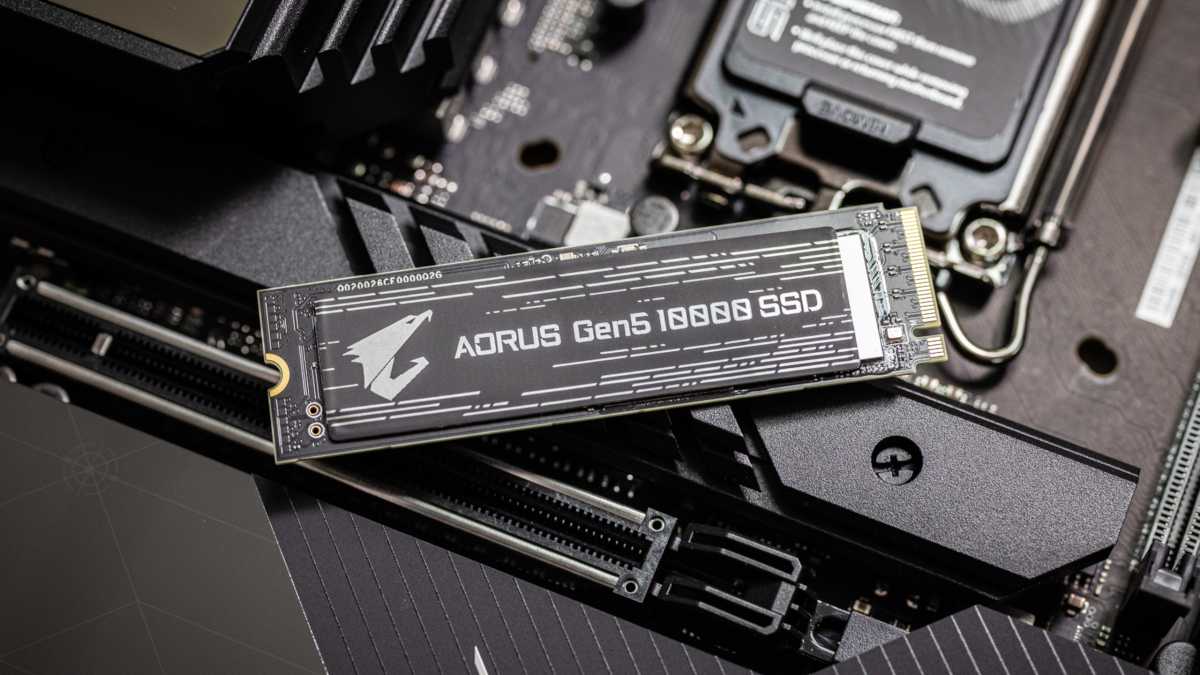
Solid-state drives (SSDs) distribute data differently. These storage drives will fail completely if any memory cells wear out fully, unlike hard disk drives, which can limp on even if there’s a bad sector. (That said, if an HDD ends up with bad sectors, you should replace it before it completely fails, but you at least get a window of time to do so.)
Adam Patrick Murray / Foundry
So instead of placing all the files in one location, an SSD spreads them across the drive to help preserve the drive’s longevity. (One internet comment describes this process as “spraying” written data across the drive, which I think is a great visual.) The SSD will put data on lesser-used areas of the disk to spread out the wear and tear on the disk—meaning that overwrite operation may not actually end up replacing the data you’re trying to securely wipe.
That means a file shredder tool won’t actually do the job properly. And you’ve now also shortened the life of your SSD, as its memory cells have a finite amount of write cycles. (HDDs don’t have a limitation on write cycles; their wear and tear failures usually stem from their mechanical parts.)
I never use this tool nowadays, except for the rare occasion I’m deleting something on a secondary HDD (like an external backup drive). I’ve upgraded almost exclusively to SSDs—and chances are, you have too.
So how do you protect your deleted data on an SSD? I recommend drive encryption.
Since you can’t control how data is distributed on an SSD, your best defense against prying eyes is to make it unreadable to them. Encrypt your drive (which should be an automatic feature in Windows 11 if you login with a Microsoft account), and your data won’t be readable if you’re not logged into your account.
For added safeguarding, creating an encrypted folder (using VeraCrypt or Cryptomator) lets you further control who can see sensitive documents—even when you’re logged into your PC and your drive is decrypted.
This approach solves the issue through a different system for data management—proactively, before the data’s creation, rather than trying to address it after the data exists. It’s a different way to think about securing data, but modern problems require modern solutions. Speaking of: Don’t lock yourself out of a drive because you lost your decryption password or recovery key. Back up that info as soon as you set up encryption!
This articles is written by : Nermeen Nabil Khear Abdelmalak
All rights reserved to : USAGOLDMIES . www.usagoldmines.com
You can Enjoy surfing our website categories and read more content in many fields you may like .
Why USAGoldMines ?
USAGoldMines is a comprehensive website offering the latest in financial, crypto, and technical news. With specialized sections for each category, it provides readers with up-to-date market insights, investment trends, and technological advancements, making it a valuable resource for investors and enthusiasts in the fast-paced financial world.